

DockDoor Pro — Mac download
Ticked
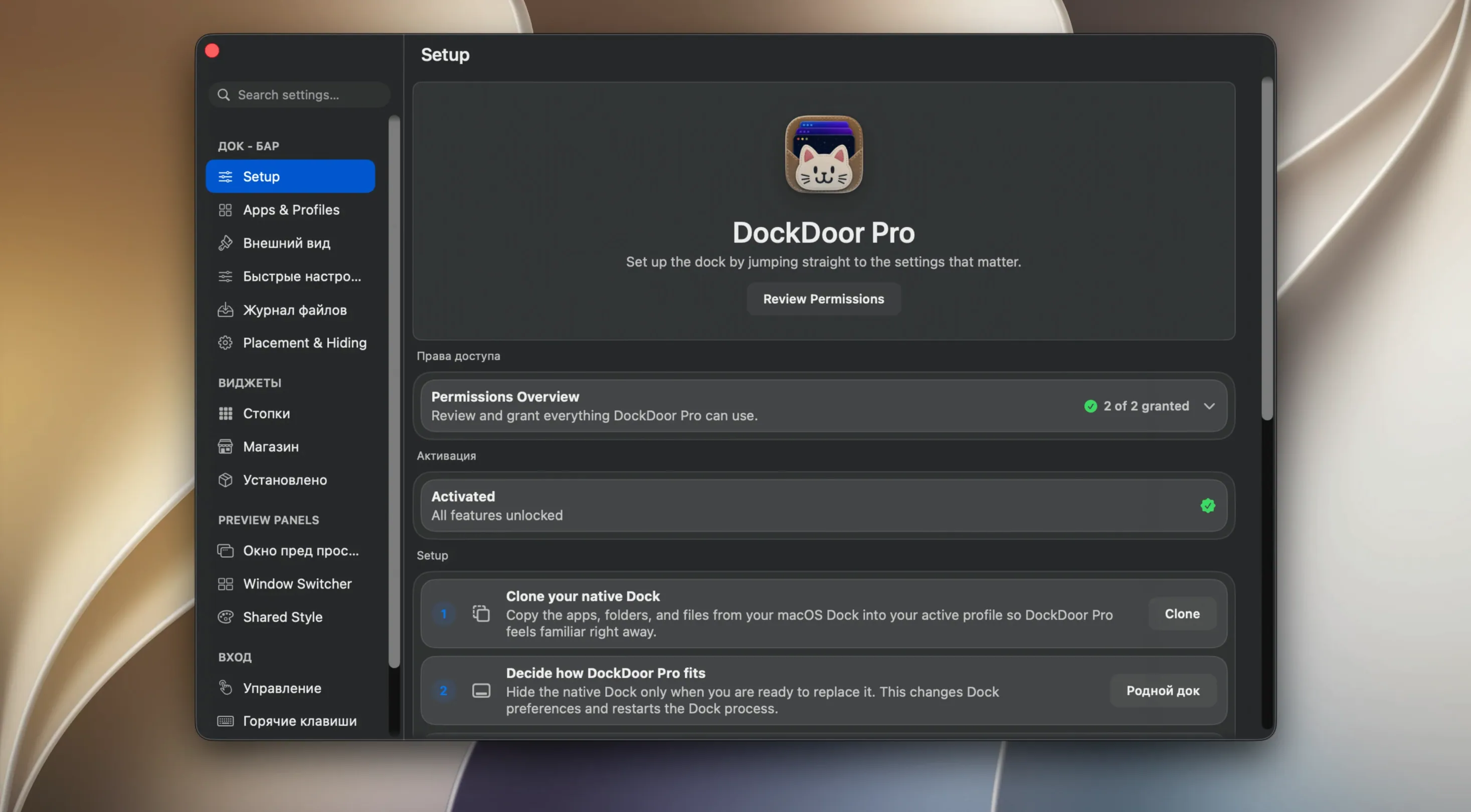
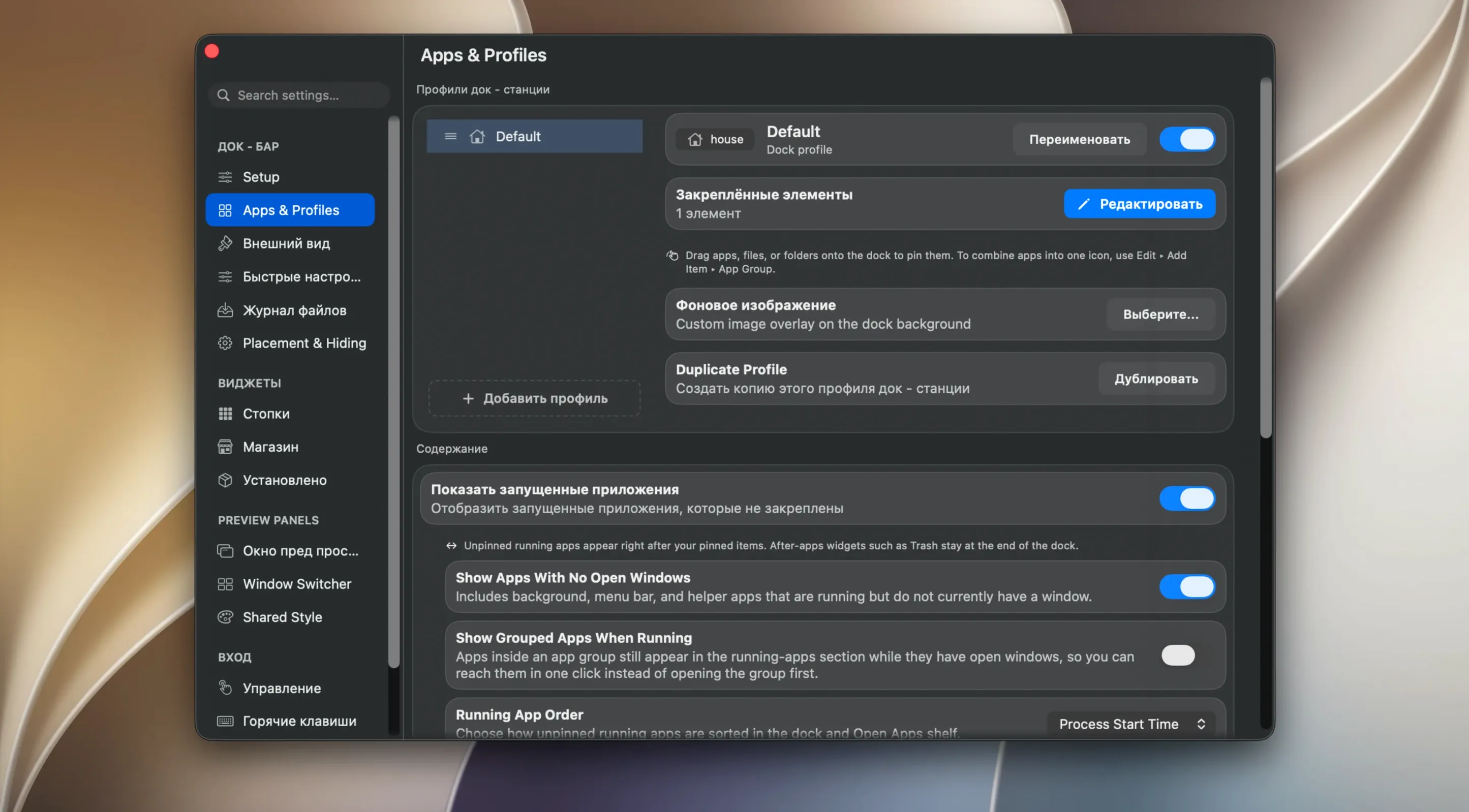
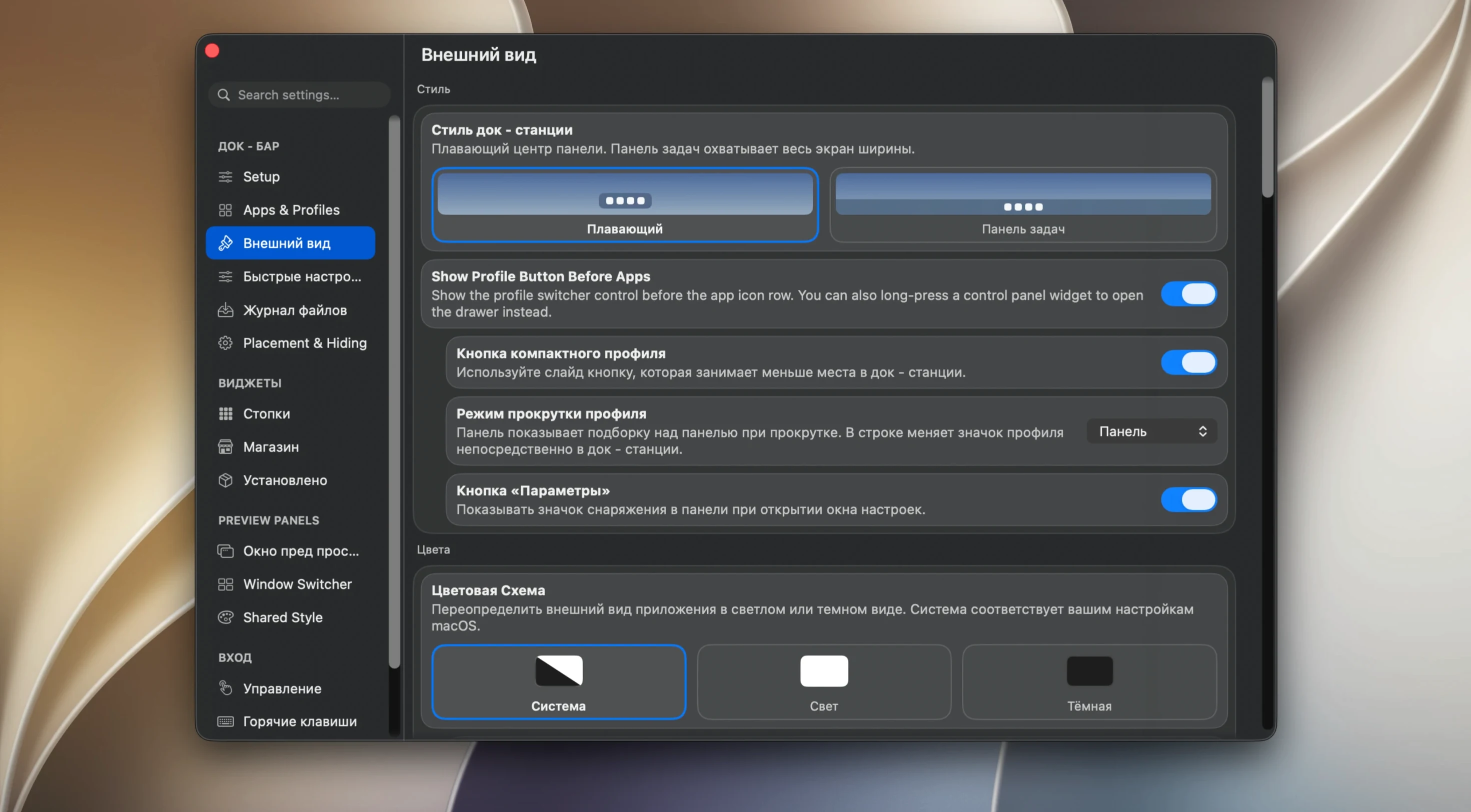
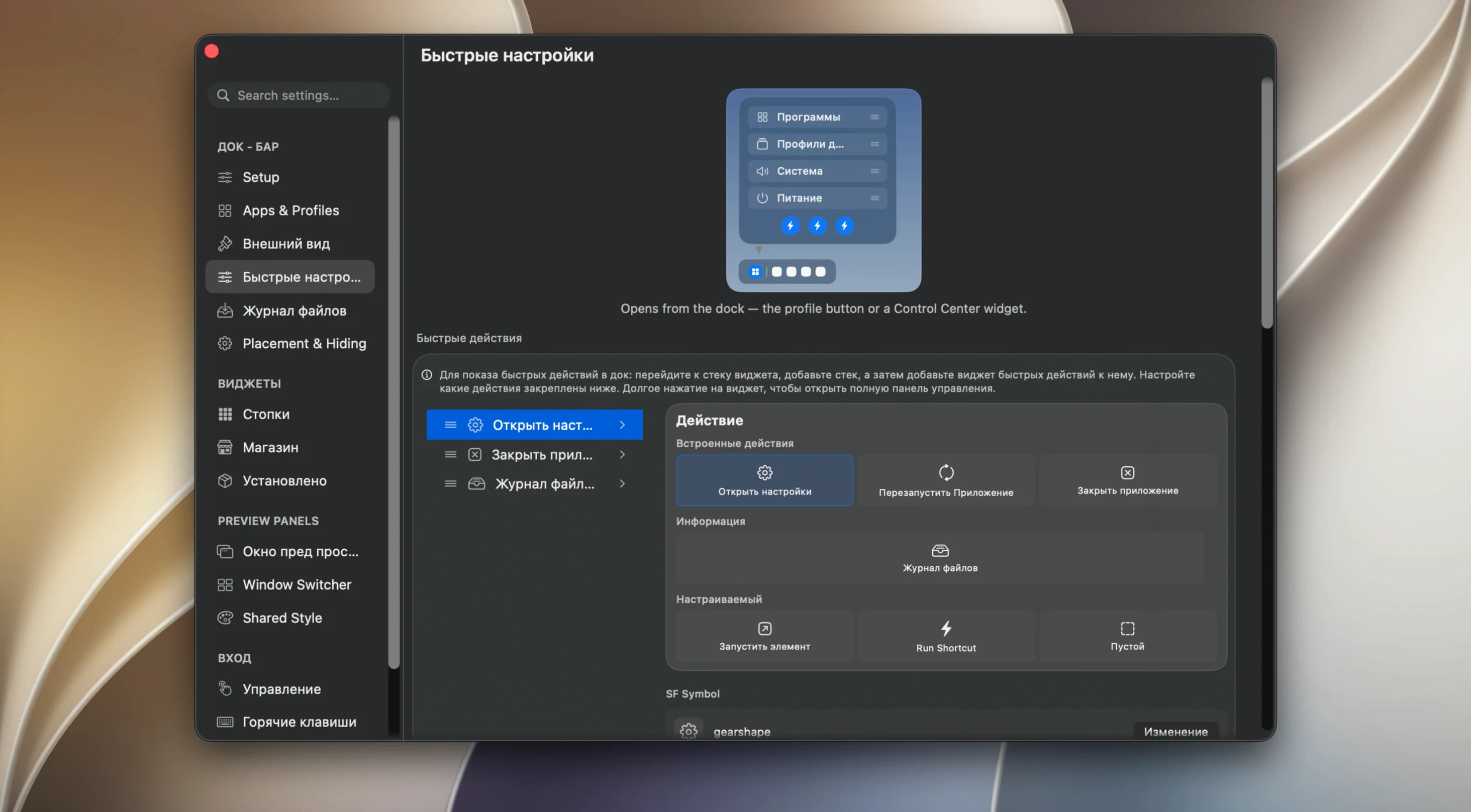
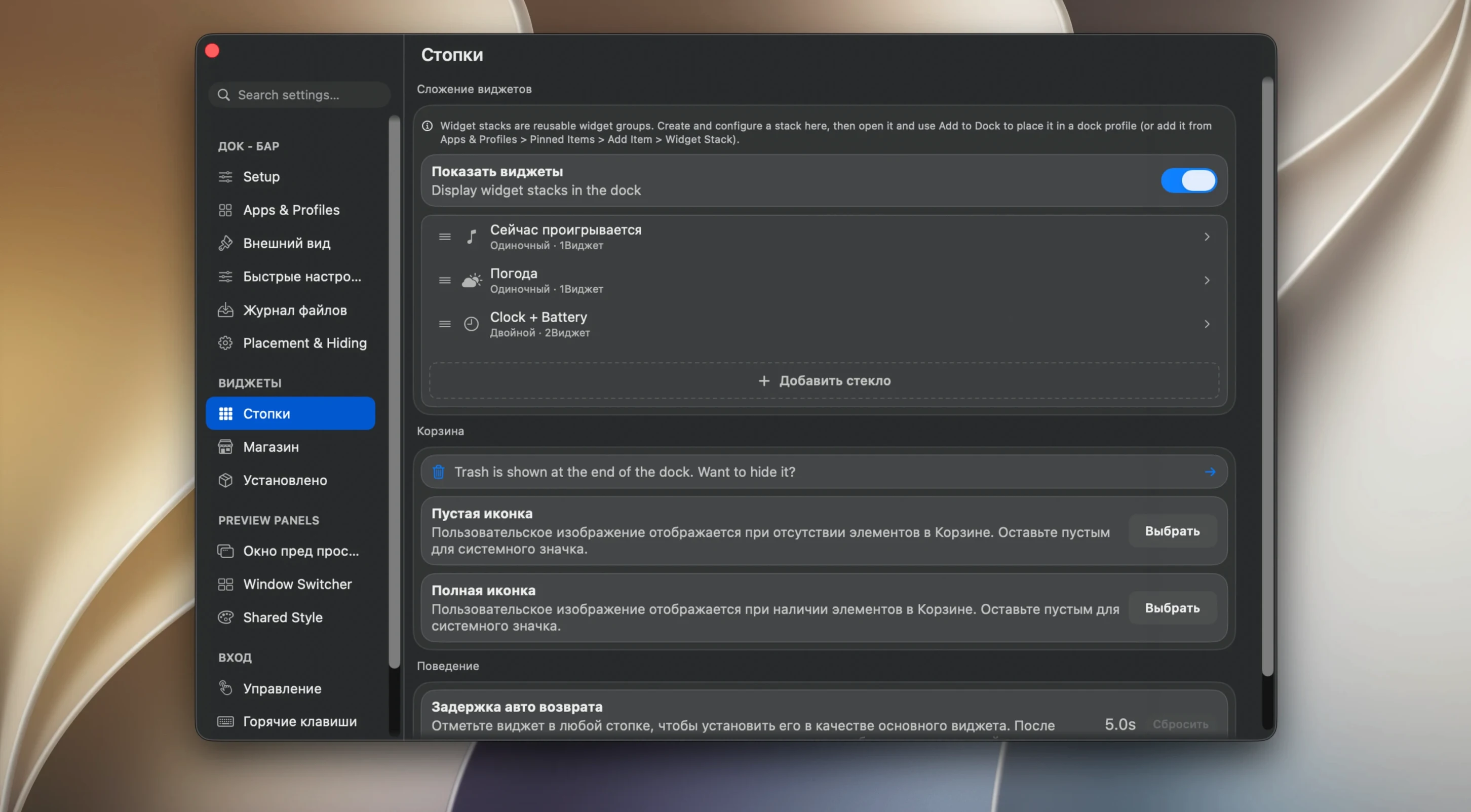
DockDoor Pro is a native macOS Dock replacement that adds window previews and a shelf for temporary files. Version 1.3.5 brings an AppleScript command to hide only the active window and a new Bounce magnification style.
People usually ask three things before installing. Does it replace the standard Dock? Yes — it takes over the Dock's job entirely. Will my old habits break? The context menu keeps familiar actions: minimise, show all windows, close all, restart, force quit, and run a saved command.
What about screen space? The app can move windows so they never overlap the Dock. Multiple apps can sit under one icon, and the folder panel works as a list or a grid. The magnification animation follows the display refresh rate, so it stays smooth on ProMotion screens.
For temporary storage, drag files into the built-in shelf. There is also an AirDrop area inside the shelf for quick transfers. It runs on macOS 13 Ventura and later, on both Apple Silicon and Intel Macs.
Forgetting to switch the folder panel to grid view
- Forgetting to customise the folder panel. The default list view works, but switching it to grid saves time when you pin folders with many files.
- Not using the shelf. People treat it as decoration. Drag a file there once and you will wonder why you ever opened Finder for temporary bits.
- Grouping too many apps under one icon. Two or three is fine. Stack five and the window previews become guesswork. You lose the speed you installed dockdoor pro mac for.
- Ignoring the window-preview actions. You can close, minimise, or quit an app right from the thumbnail. No need to switch to the window first.
- Leaving the default magnification style untouched. The new Bounce style in 1.3.5 behaves differently from the standard wave. Try both before deciding.
A designer’s afternoon
A UI designer runs Figma, Slack, Safari with three browser windows, and a local prototyping tool. The standard Dock is a row of tiny dots and identical app icons. With DockDoor Pro, hovering over the Figma icon shows live thumbnails of each open file. She spots the right artboard in half a second, clicks the thumbnail, and the window slides into place. Mid-afternoon, a colleague AirDrops five reference images. They land in the shelf without cluttering the Desktop. She drags two into Figma straight from the shelf, ignores the rest, and clears the shelf at the end of the day. No Finder windows, no hunting.
- AppleScript command added to hide only the active window.
- New Bounce magnification style added.
- macOS 13 Ventura or later
- Apple Silicon or Intel









Comments 0
Sign in or create an account to add a comment.
No comments yet. They go up after moderation.