

Dropover — Mac download
Download (33 MB) Earlier builds
Ticked
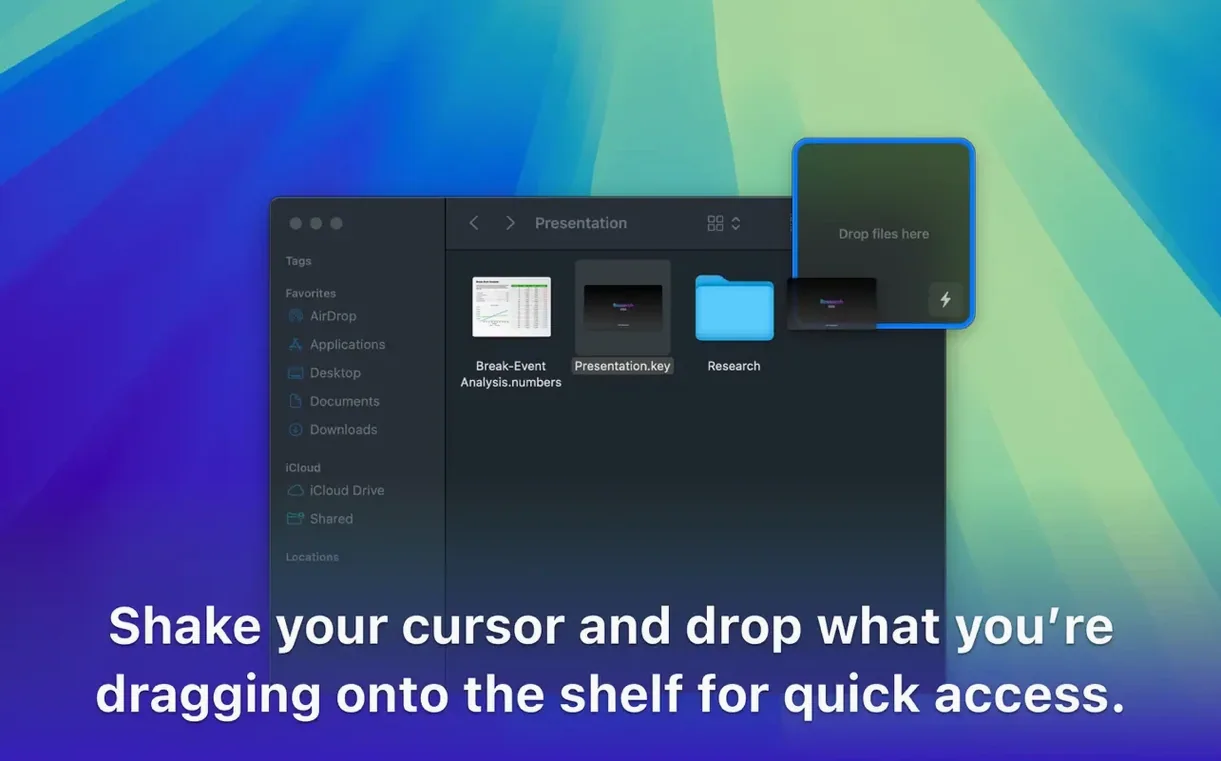
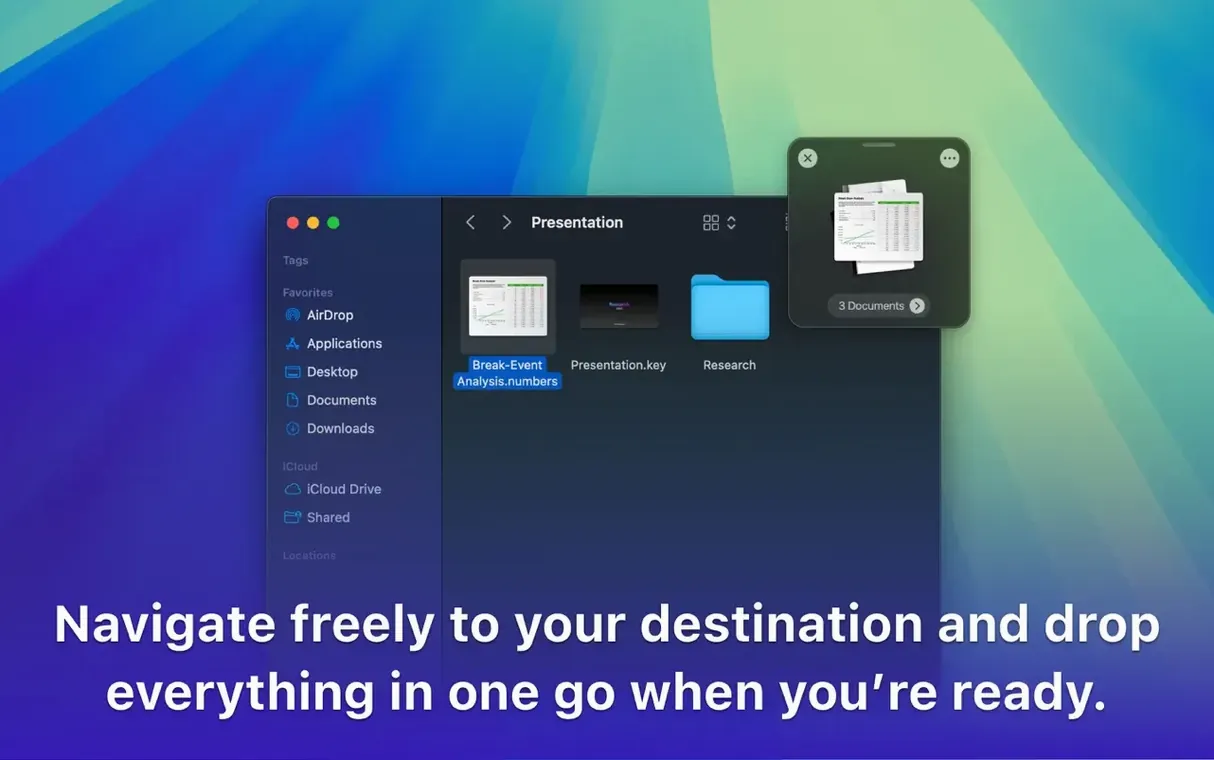
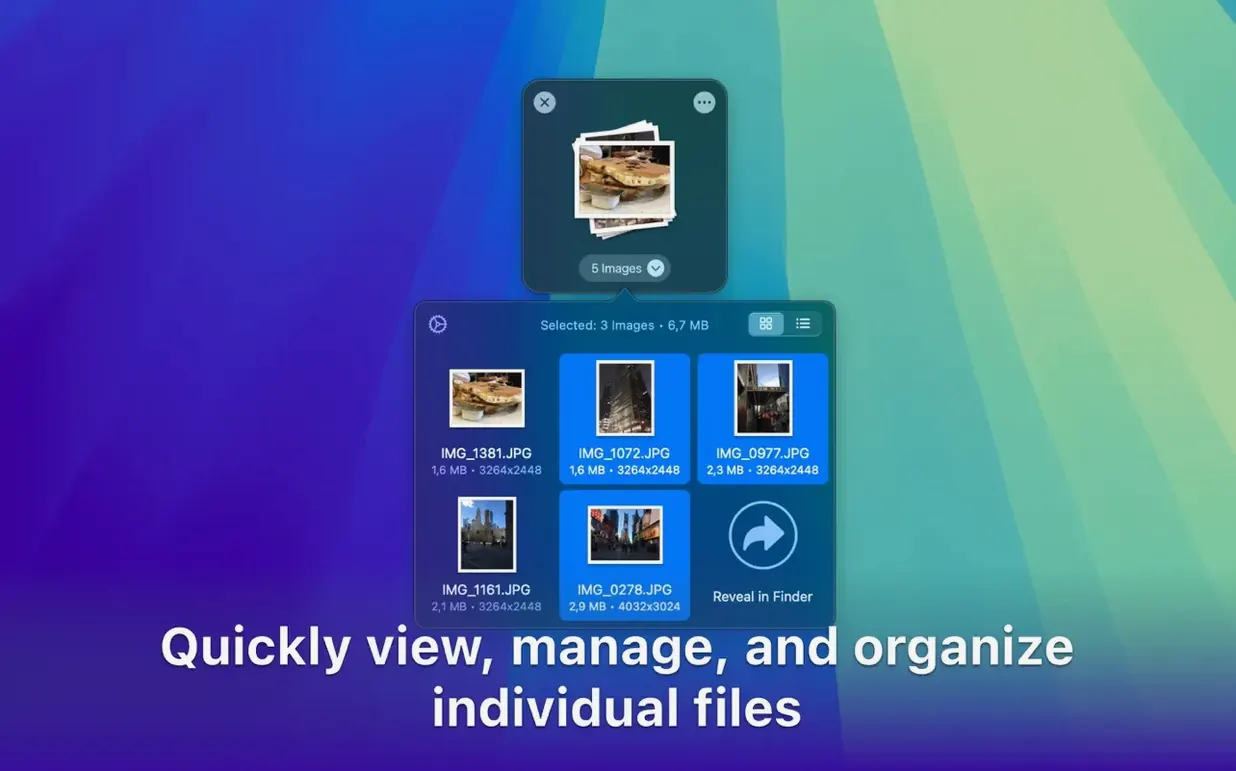
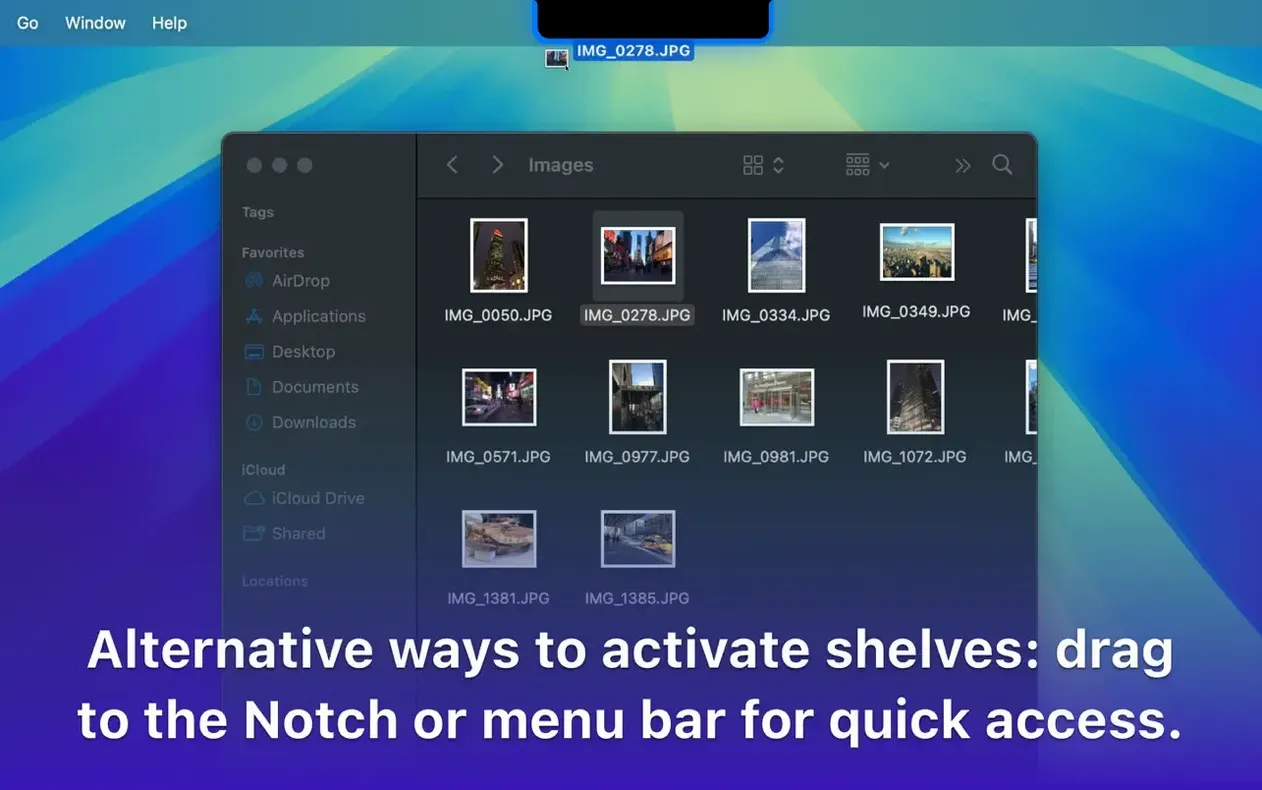
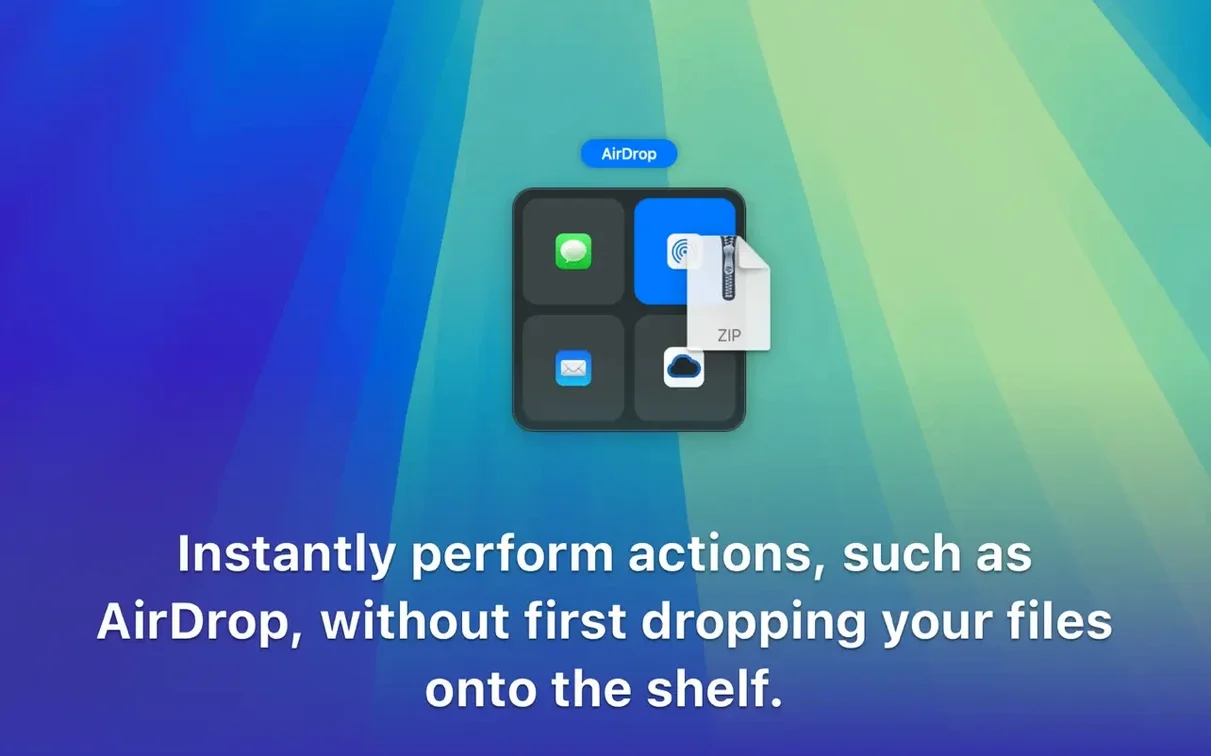
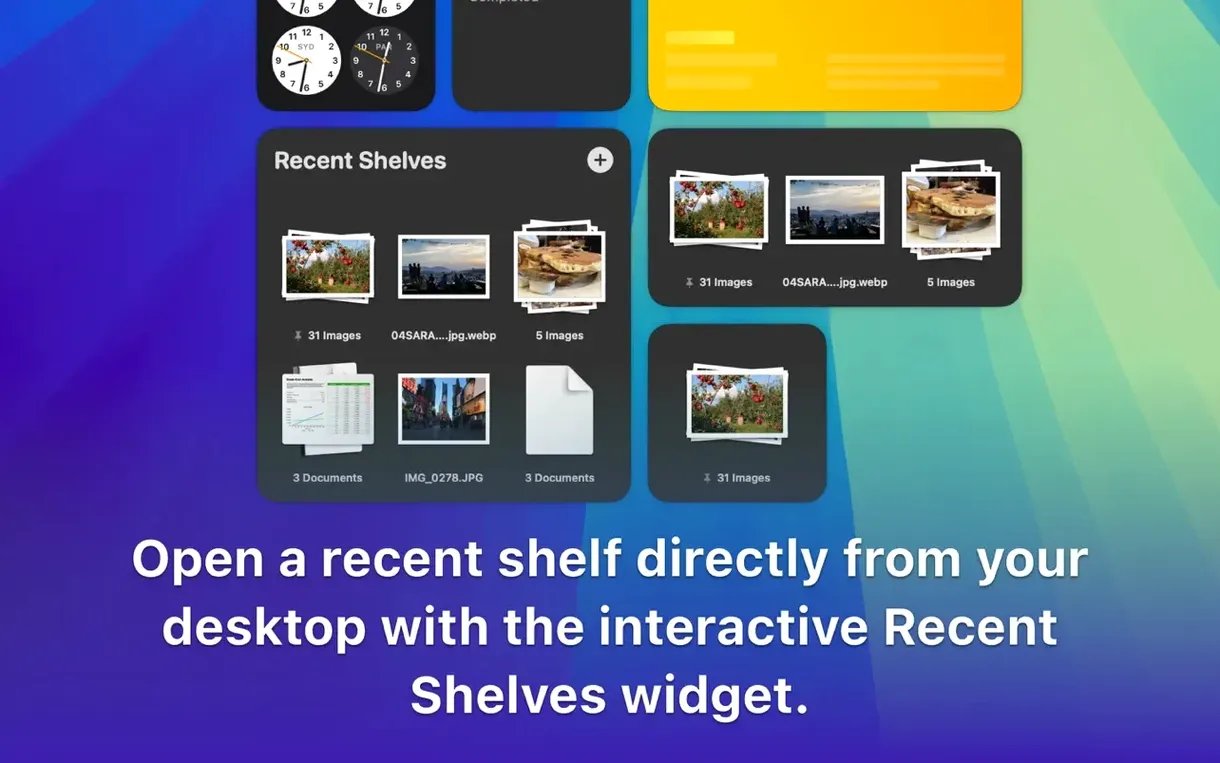
You’re grabbing product images from five Finder windows, a link from Safari, and a snippet of text from Notes. Each drag pauses while you hunt for the destination. Dropover fixes that. Drag anything onto the shelf — files, folders, text, URLs — and it waits while you switch apps or tabs. When you’ve gathered everything, drag the whole batch to its final folder, an email, or AirDrop.
Right-click and hotkey tools
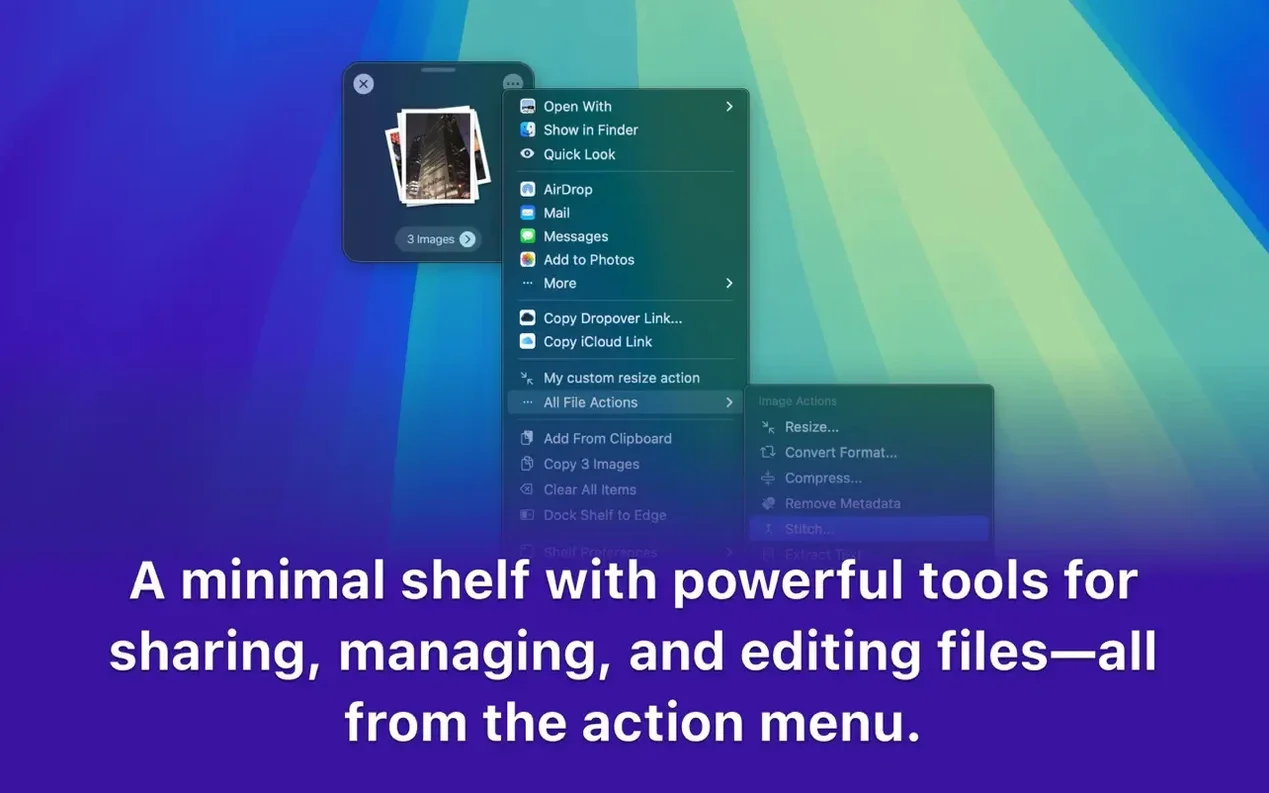
The shelf is only the surface. Right-click any file and send it to Dropover via the context menu. Highlight text or a link, hit a configurable hotkey, and it joins the pile. You can rename items on the shelf, compress a group into a zip, or share straight from the floating panel without touching Finder. For power users, the shelf behaviour is adjustable — change its size, transparency, and screen edge positioning to keep it out of your way during deep work.
Actions that save the extra trip
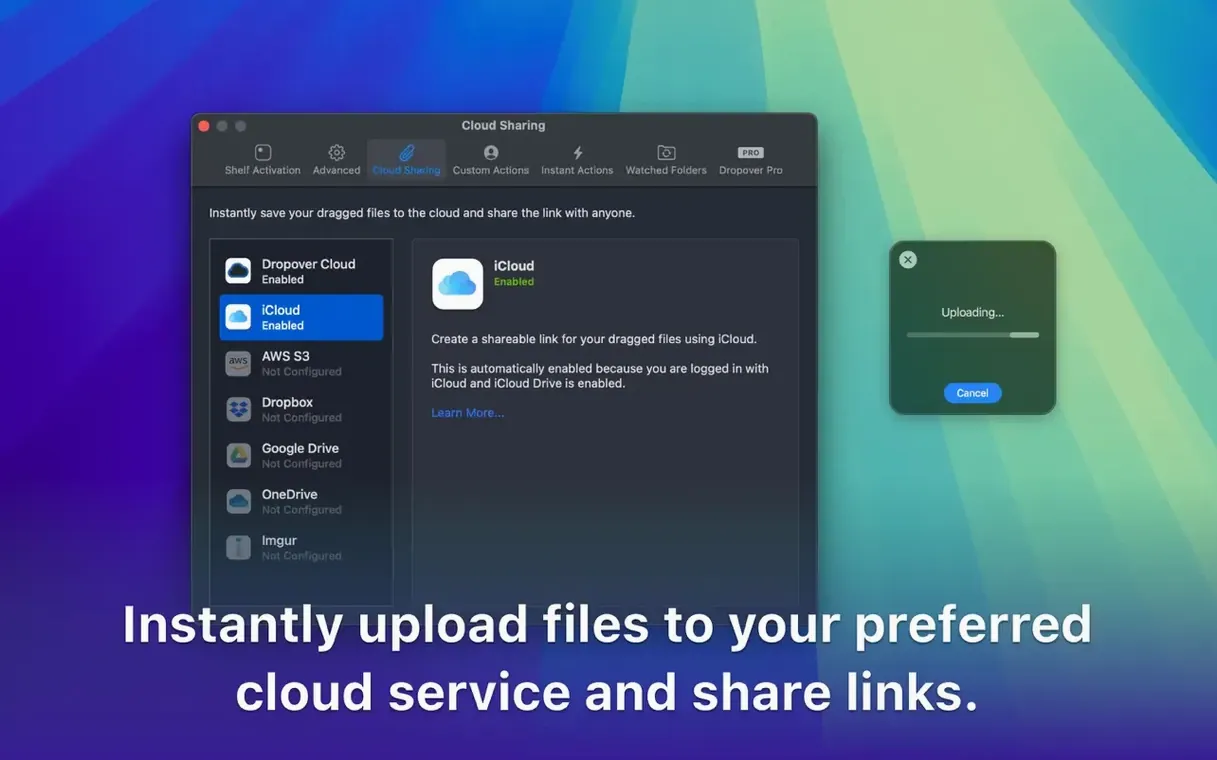
The real speed boost comes from the shelf actions. Group a folder of screenshots, two PDFs, and a URL. Rename them with a shared prefix, then move or copy the set to a project directory in one motion. Upload a batch directly via a share sheet without creating a temporary folder first. Dropover holds items across Spaces and full-screen apps, so you can collect from one desktop and deposit on another without ever opening a Finder window twice.
Shelf idles at 70–90 MB RAM on Apple Silicon
A floating shelf sounds light on paper, and in practice it stays that way. Dropover sits at around 70–90 MB of RAM on an Apple Silicon Mac, barely a blip in Activity Monitor. The shelf animates at 60 fps when popping open or snapping to a screen edge — no stutter during Spaces transitions or when dragging ten 4K images at once.
CPU use stays flat during idle. Batch-zipping a shelf of 200 MB spikes it briefly, same as Finder would, then it settles. I have not seen a single beachball across three macOS point releases.
Monterey and Ventura quietly fixed context menu misses
Version 5.3.0 landed without public release notes, but the app's behaviour on Monterey and Ventura tells the story. Context menu integration is more reliable — fewer cases where Send to Dropover fails to appear in Finder. The shelf's transparency slider now previews changes in real time rather than snapping after you release the control.
Cloud upload share-sheet actions complete faster than in late 5.2.x builds, especially with Google Drive. And the minimised shelf no longer steals focus when summoned by hotkey over a full-screen app — a small fix that removes a daily friction point.
- macOS 12 or later
- Apple Silicon or Intel
Questions the team asks
Yes. Drag selected text or a URL from your browser onto the shelf, or use a hotkey to send it there directly.
No, items stay on the shelf until you remove them. You can keep files available while switching between different apps and folders.









Comments 0
Sign in or create an account to add a comment.
No comments yet. They go up after moderation.