

Duplicate File Finder Pro — Mac download
Download (37 MB) Earlier builds
Ticked
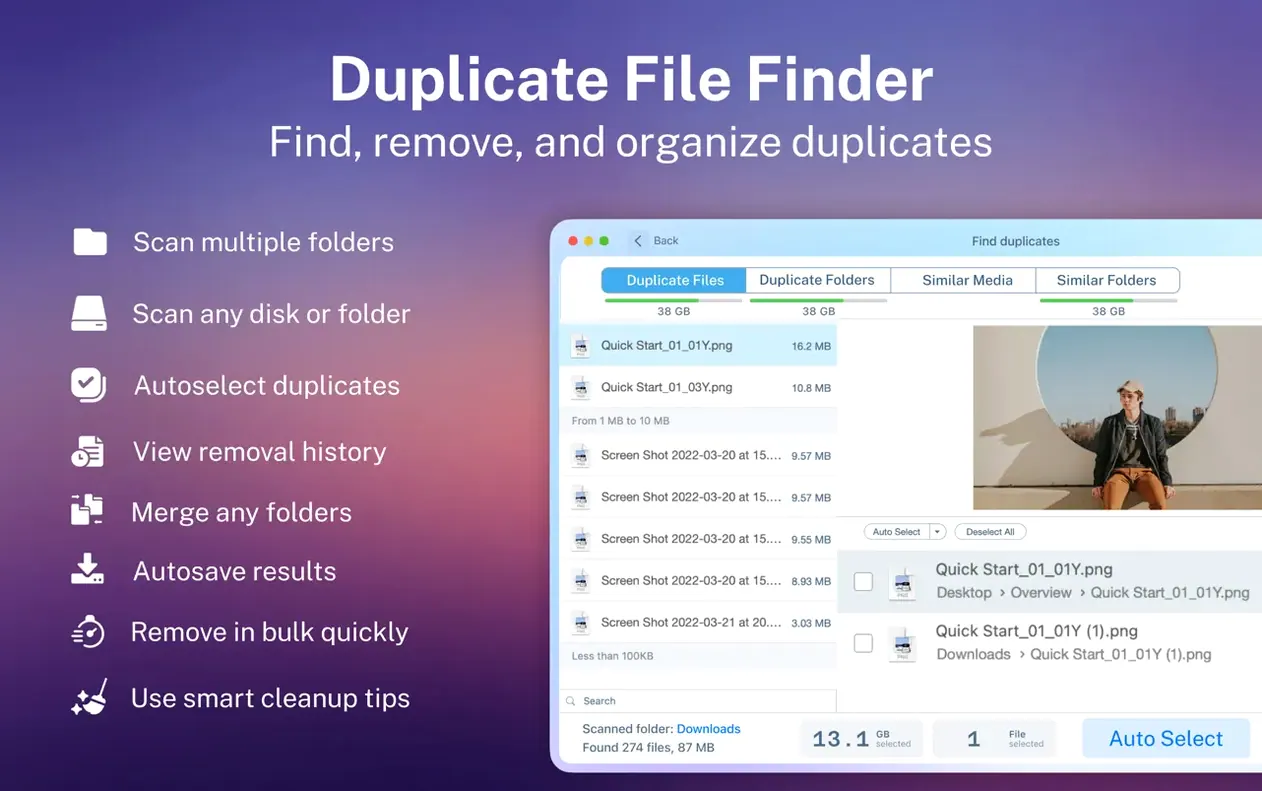
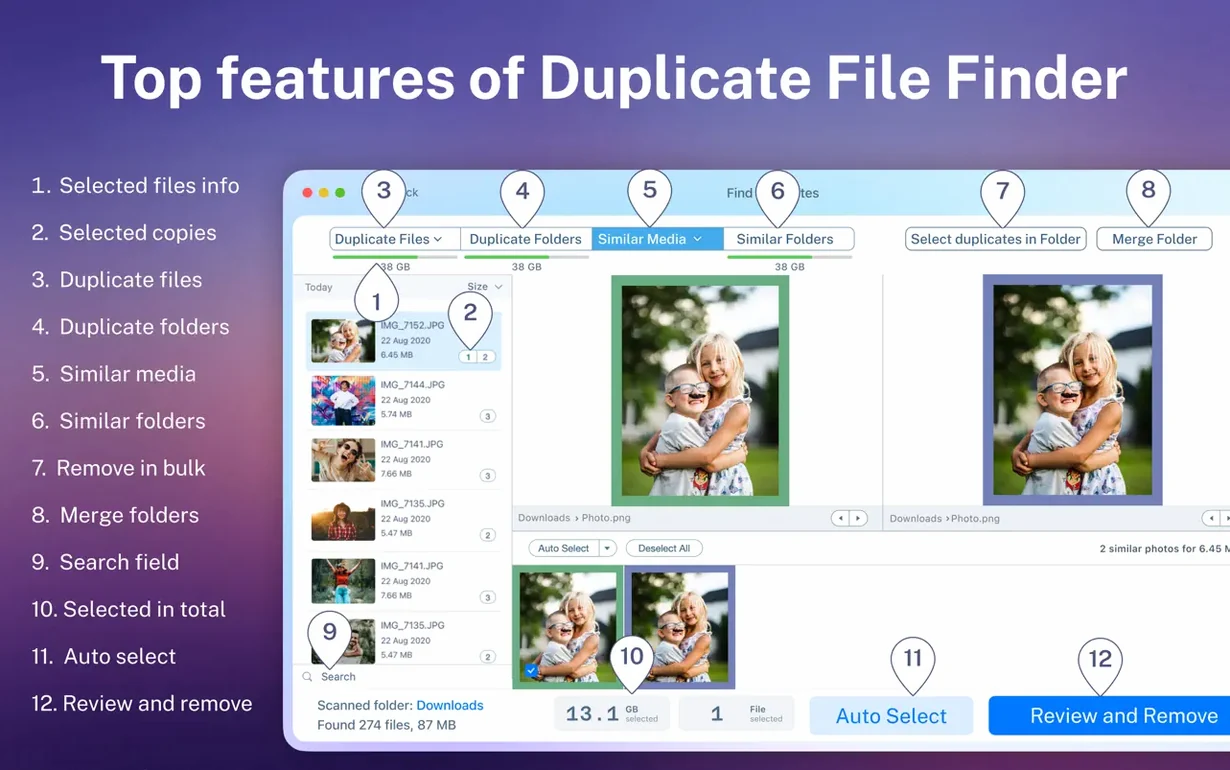
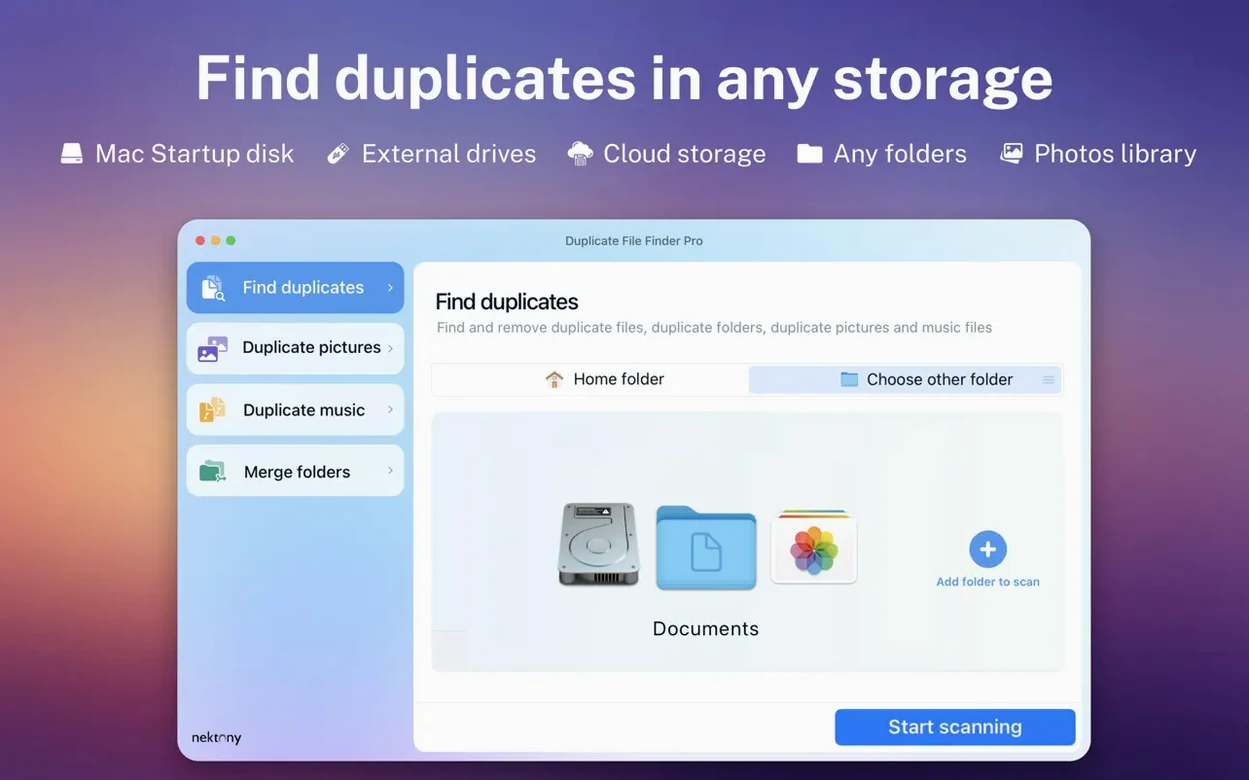
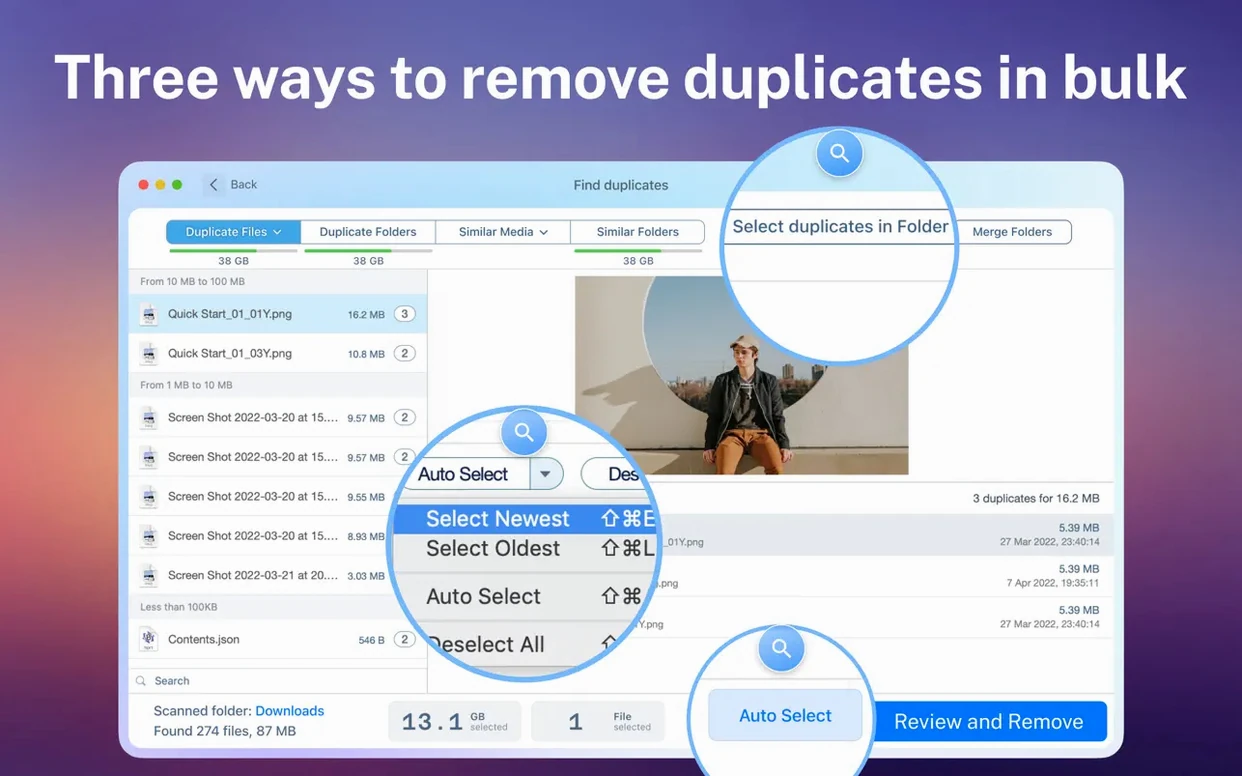
Finder windows give you a sidebar, but not a cleanup tool. Duplicate File Finder Pro extends what you can do from that familiar space. After scanning, it lists duplicates and lets you merge folders, which is rare. If you have just installed it, start with these two moves.
Add folder to Finder favorites
Before scanning everything, pick a few folders you check often. Drag them into the app, then save the set. Next time, one click starts the scan. It keeps your Finder window workflow intact and avoids re-navigating deep folder trees.
Merge a folder pair
Scanning finds duplicate folders, not just files. Pick a pair from the list and merge them. The app moves unique contents into one folder and flags the rest. After merging, use smart selection to mark all duplicates and send them to Trash. It sorts by total size, so you see which cleanup saves the most space first.
Revealing duplicates in Finder from the results list
Duplicate File Finder Pro slots into a cleanup routine without pushing other tools aside.
Finder. Use the app to scan, then open the parent folder from the results list. A right‑click reveals the file in a Finder window, where you can rename or tag it before deleting.
Spotlight. After a scan, copy a filename and paste it into Spotlight. Quick check whether the duplicate is referenced in a project, a playlist, or a Time Machine snapshot before you act.
Storage Management. The macOS storage pane under About This Mac gives you a broad view. Duplicate File Finder Pro zeroes in on the exact folders eating space. Run it alongside, and the storage bar drops visibly after a session.
- Drag a scanned folder onto the Add folder to Finder favorites sidebar for reusable one‑click scans.
- Scan external drives directly — no indexing lag like Spotlight.
A photographer’s cleanup session
A wedding photographer brings home two external drives full of RAWs and edited JPEGs. Backups layered over backups, folder structures shifted between jobs. A single winter afternoon, they plug both drives into a Mac Mini.
They open Duplicate File Finder Pro, add both drives to the scan, and set the filter to Images. Within minutes the results list stacks duplicate CR2 and DNG files by total size. Smart selection marks all but one copy per group. A quick preview confirms the picks, and they move the rest to Trash.
Next they spot similar folders: “2023‑10‑SmithWedding” and “SmithWedding_Final”. The merge tool combines the folders, keeps unique files, and flags the overlap. Half an hour, 340 GB reclaimed.
First‑day power moves
Three habits that pay off right after install.
- Scan your home folder first. Skip the whole disk. Target
~/Documents,~/Downloads, and~/Desktop. These catch the daily drift of duplicate file finder mac torrent leftovers and re‑saved attachments. - Sort by total size, not count. One fat duplicate folder saves more space than fifty tiny text files. The total size column shows the real prize.
- Save a “cleanup set.” After the first scan, save the folder list. A desktop shortcut or a saved scan inside the app turns a weekly chore into a two‑click habit.
- macOS 10.13 or later
- Apple Silicon or Intel 64-bit Mac
Questions the team asks
Yes. Select any file in the duplicate list and use the preview to check its contents before you move it to Trash or delete it permanently.





Comments 0
Sign in or create an account to add a comment.
No comments yet. They go up after moderation.