
Element 3D — Mac download
Ticked
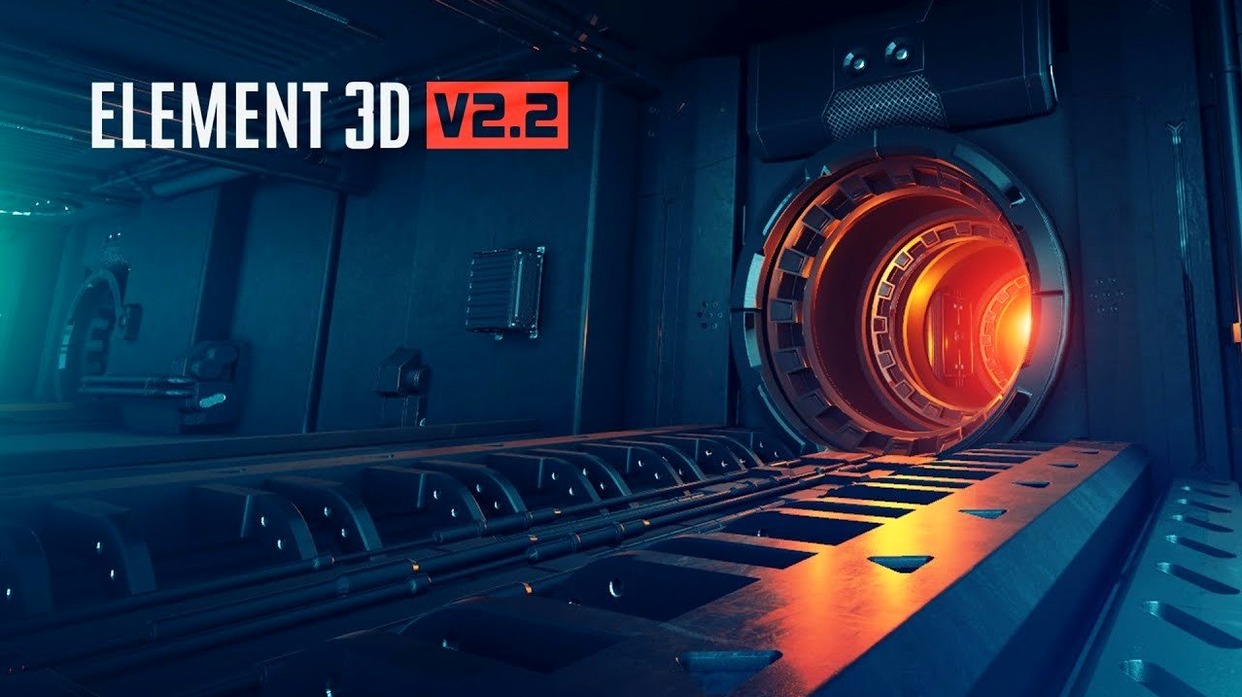
Element 3D 2.2.3 runs on Intel-based Macs inside Adobe After Effects. It is Video Copilot's high-performance plug-in for 3D motion design and visual effects, built around a fast OpenGL rendering engine.
- OpenGL 3D rendering engine. Objects and particle effects appear on screen with speed that keeps the timeline moving. The viewport feedback is immediate.
- Cinema 4D import. Bring in 3D models you have already built in C4D without leaving After Effects. Textures and animation data come across.
- 3D object-based particles. Use any 3D model as a particle source. Build arrays, grids and scattered formations that follow real physics.
- Five independent 3D groups. Stack separate object sets in one scene, each with its own materials, animations and render settings. Change one group without rebuilding the others.
- Integrated motion design workflow. Everything lives inside After Effects. No round-tripping to an external 3D application for look-dev or quick iterations.
The plug-in is built for motion designers who need to combine 3D objects, particle grids and After Effects compositing in a single timeline. Version 2.2.3 updates the core V2.2 release with an improved engine for object and particle rendering.
Building a title sequence — start to finish workflow
Drop a logo or a piece of text into a comp. You need it to shatter and reform as metallic fragments. Here is how that plays out inside Element 3D, step by step.
- Create a solid and apply Element 3D. Open the Scene Setup window.
- Import the logo as an OBJ from your project folder. The model lands in Group 1.
- Switch the group’s render mode from Mesh to Particle Array. The logo dissolves into a cloud of points — each point a potential instance of your model or a custom particle shape.
- In the Particle Look panel, assign a small metallic shard OBJ as the particle source. Now each point renders as a fragment of metal, keeping the silhouette of the original logo.
- Use the Particle Replicator controls to adjust count, size variation and rotation randomness. A count around 2,000 with 15% size variance gives a good debris feel.
- Add a second 3D group. In Group 2, place a polished metal ring or sphere that sweeps across frame. This gives the eye something solid to track while the logo particles reform.
- Animate the Group 1 Opacity and Particle Size sliders over 12 frames to pull the fragments back into the original logo shape. A quick ease-in on the keyframes lands it cleanly.
- Drop an After Effects camera into the scene. Use the Element 3D Scene Coordinates to orbit and find the angle that sells the reveal.
- Add a subtle Ambient Occlusion pass inside Element’s render settings. Darkens the crevices between fragments, no external compositing needed.
- Back in the AE timeline, apply a fast blur and a glow adjustment layer on top. Render the comp — you have a broadcast-ready logo sting.
Copy materials with one Ctrl-click
- Ctrl-click material slots in Scene Setup to copy a material to another object group. Saves re-creating complex multi-layer shaders from scratch.
- Animation Engine presets. The dropdown under each 3D group includes pre-built behaviours — continuous rotation, bounce, noise displacement. One click sets a base motion, then you tweak it. Many users overlook the preset library entirely.
- AUX channels. The render settings let you output separate passes for depth, world position and normals. No need to set up multi-pass renders manually — tick the boxes, add the effect to the timeline, and comp them later with precision mattes.
- Procedural texture shortcuts. When you add a new material, type a keyword like “carbon” or “scratched” into the procedural texture search. The engine generates a tileable map in seconds. Works offline, no external assets required.
- Keyboard navigation in Scene Setup. Hold Alt and drag to orbit the preview viewport. Middle-mouse pans, scroll wheel zooms. Avoids constant menu switching when aligning objects.
Solo motion designers who skip round-trips
Motion designers working solo or in small studios. You need a 3D look but cannot budget a dedicated Cinema 4D or Blender round-trip for every revision. Element 3D keeps the entire job inside After Effects, so a client’s last-minute font change does not mean re-exporting and re-lighting from scratch. The particle array system turns text and vector layers into complex 3D structures faster than any external pipeline.
VFX generalists who build explainer videos, event graphics and broadcast packages. The five independent 3D groups let you run a hero model, a debris layer, a background grid and two light-wipe elements — all in one plug-in instance. No layer-stacking acrobatics. The OpenGL viewport previews everything close to final look, so you can present progress without waiting for a full render.
Editors who occasionally dip into motion graphics. The OBJ import and Cinema 4D support mean you can grab free 3d video torrent assets or stock model packs, drop them into a comp, and have something on screen in minutes. The material presets cover most needs — brushed metal, glass, emissive glow — without learning a node-based shading system. It is not a full 3D suite, and it does not try to be. It fills the gap between flat 2D layers and a heavyweight 3D pipeline.
- Update for Element 3D V2.2, listed as a 3D object-based particle plug-in.
- Refined fast OpenGL 3D rendering engine.
- Intel-based Mac
- Adobe After Effects






Comments 0
Sign in or create an account to add a comment.
No comments yet. They go up after moderation.