

DVDFab — Mac download
Download (413 MB) Earlier builds
Ticked
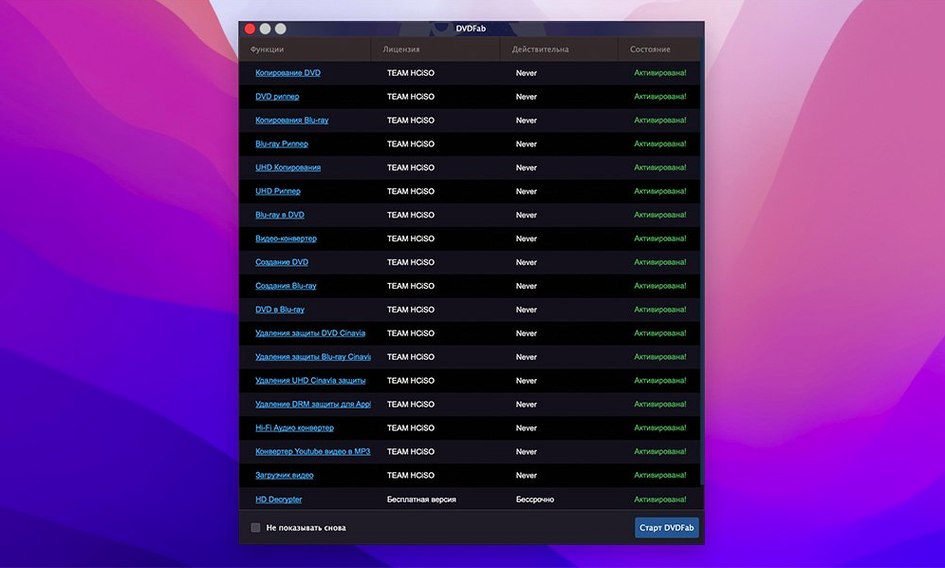
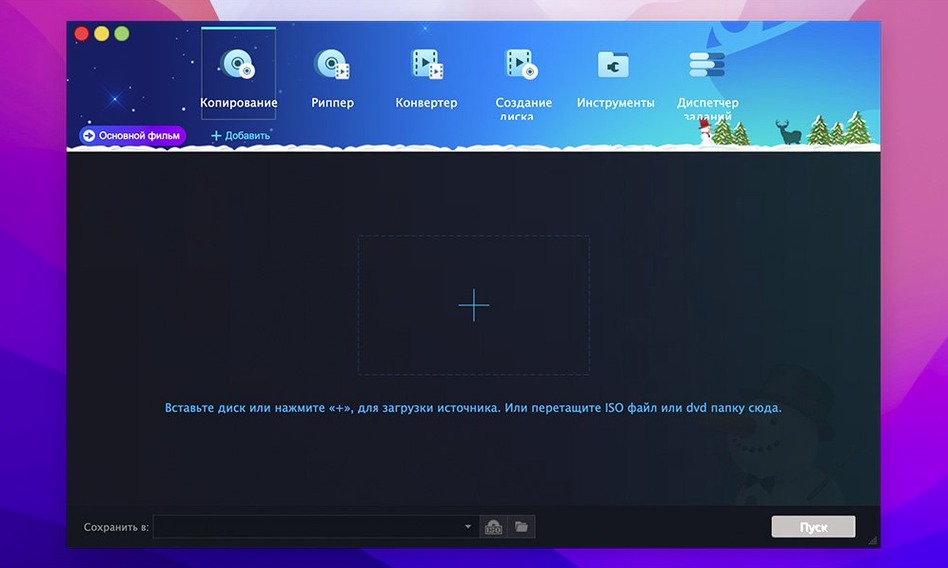
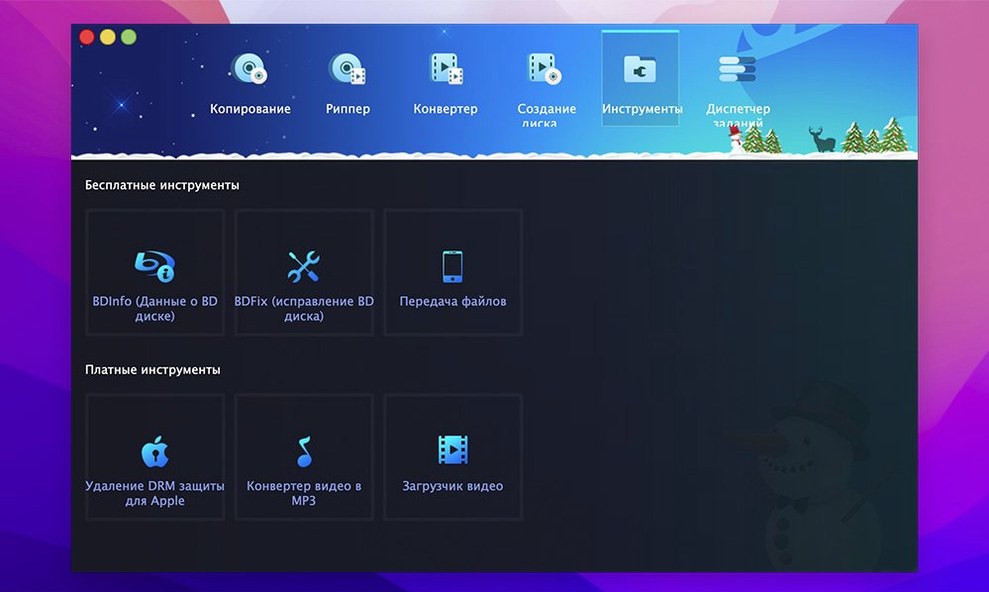
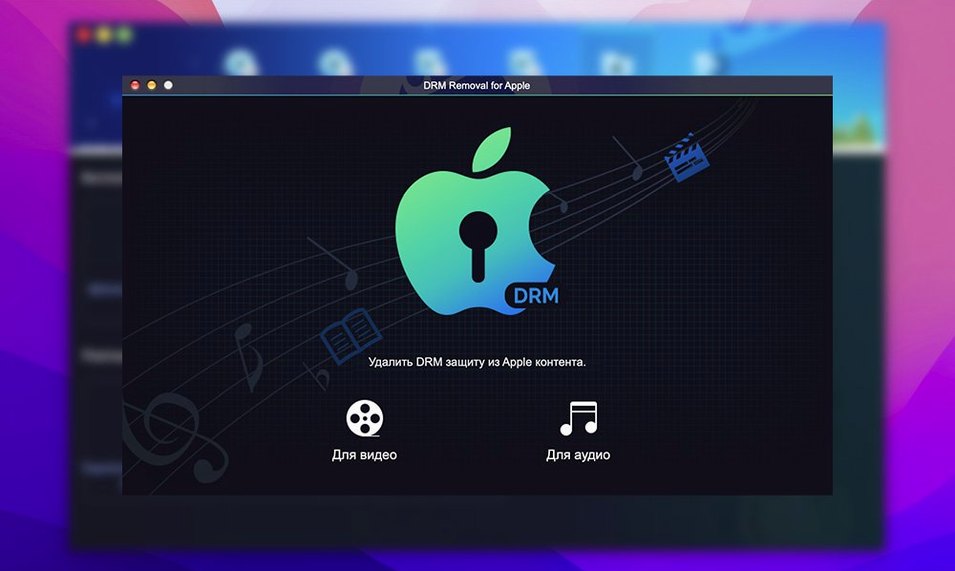
DVDFab sits on the Mac of someone who still handles physical discs — the archivist backing up a collection, the parent preserving worn kids' DVDs, or the media server builder who wants clean digital copies without fuss. It bundles ripping, burning, authoring and conversion in one place, so you don't chain five lightweight tools together.
From disc insertion to copy mode in under a minute
- Insert and inspect. Load the DVD. DVDFab reads the disc and identifies the main movie, extras and any protection in place.
- Choose a copy mode. Pick from eight methods — Full Disc for a complete backup, Main Movie to skip menus, Clone for a 1:1 sector copy, or Customize to grab selected titles while keeping the original menu.
- Set the output. Burn straight to a blank disc, write a DVD folder or ISO image, or convert the video for an old iPod, PSP or Xbox 360.
- Run and file. The processed file lands in your Mac's folder structure, ready to feed into Plex, Infuse or your media library of choice.
Because it handles CSS, Region Code, RCE and Macrovision removal on its own, you skip the step of hunting for a separate decrypter. A Split mode also divides a DVD-9 across two DVD-5 discs when you need physical backups at full quality. The suite runs on Intel and Apple Silicon Macs from macOS 10.10 upwards.
When a disc won’t read, start with a microfibre cloth
Some discs read slowly or not at all. First thing: clean the disc surface with a microfibre cloth — dust and fingerprints fool the laser before DVDFab gets a chance. If the drive still spins up and down repeatedly, try a different USB port or an external powered hub. Bus-powered slim drives occasionally pull more current than a Mac's port delivers steadily.
Protection removal fails on a handful of newer or damaged discs. Switch the copy mode to Clone for a raw sector grab — it ignores the file structure and copies what's physically there. When the IFO file is unreadable, DVDFab's restore logic rebuilds enough to let playback work, but expect chapter markers to go missing.
Output stuttering on older devices usually means the preset doesn't match the screen. The PSP and Zune presets encode to different resolutions — double-check you've picked the right one. For dvdfab macos users running macOS 15.x, updating to the latest 12.x build from the developer's download centre resolves occasional disc recognition timeouts.
Drop an MKV into Finder tags and Plex picks it up
After ripping, drop the resulting MKV or MP4 into Finder tags and Spotlight finds it later. The DVD folder output lands neatly in Plex or Infuse, which reads the VIDEO_TS structure without transcoding. For burning, Toast users occasionally offload ISO verification there, though DVDFab's own burn engine handles dual-layer DVD+R DL and DVD-R DL disc writing directly.
People who search for dvdfab torrent or dvdfab mac torrent often want to skip optical drives entirely and build a media library from downloaded ISO images. DVDFab opens those images as a source, so you can run Main Movie or Customize extraction without mounting them in Finder first. The Merge mode becomes useful here: pull titles from three different ISO images and author one custom DVD folder. A DVDFab torrent workflow usually ends with the merged output feeding HandBrake for further compression, though DVDFab's own conversion presets cover most devices already.
The app writes temporary files to ~/Documents/DVDFab/Temp. If you're low on disk space during a Split operation, point that folder to an external drive in Preferences. macOS's built-in Time Machine will back it all up unless you exclude the Temp path — worth doing if you process discs in batches.
Three discs, one evening: scratched, region-locked, and a DVD-RW from 2007
It's Thursday evening. You've got three discs on the desk: a scratched documentary, a region-locked import and a home-recorded DVD-RW from 2007. You open DVDFab and load the import first. The region warning pops up; the app bypasses it before the disc finishes spinning up. You pick Main Movie, select the sole English audio track, and set output to an MKV folder on the desktop. Six minutes later, the file sits in your Plex library, ready to watch.
Next disc: the documentary. It stumbles on read — the drive clicks three times and stops. You eject, wipe the surface, reload. Still nothing on the IFO parse. You switch to Clone mode and point it to an ISO destination. The sector-by-sector copy crawls through the bad areas, skipping what it can't read and logging the errors. The resulting image plays with a few glitchy frames, but the audio track is intact.
Last one: the home-recorded DVD-RW. No copy protection, but the disc was finalised on an old Panasonic recorder. DVDFab reads it as a single title. You pick Customize, untick a blank five-second chapter at the start, and burn a fresh DVD+R from the cleaned-up folder. The disc lands in a case, labelled with a Sharpie, and goes on the shelf. That's the session: three discs, three different outputs, one app.
- macOS 10.10 or later
- Intel 64-bit or Apple Silicon Mac
Questions the team asks
Yes. You can feed it an existing DVD folder or ISO image and burn it to a blank disc directly from the suite.
It removes common DVD protections including CSS, Region Code, RCE, Macrovision and UOPs during the copy process.



Comments 0
Sign in or create an account to add a comment.
No comments yet. They go up after moderation.