

Elmedia Player Pro — Mac download
Ticked
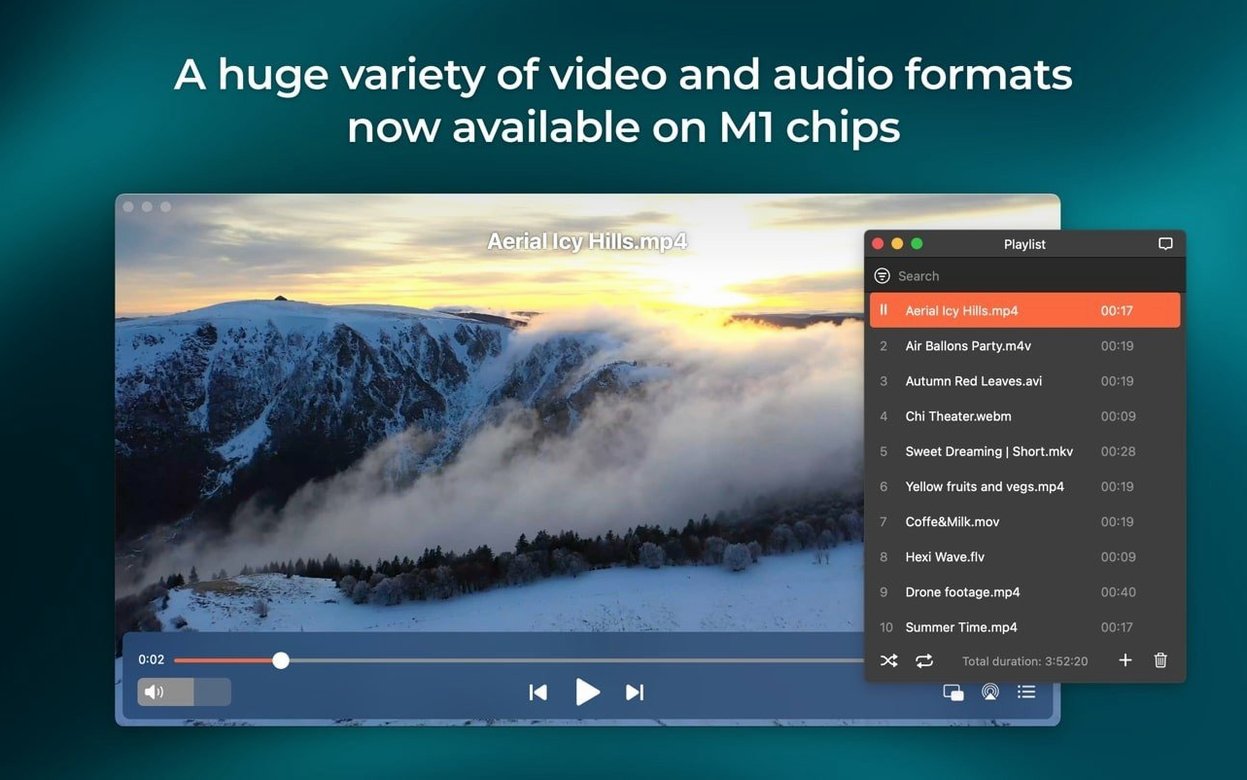
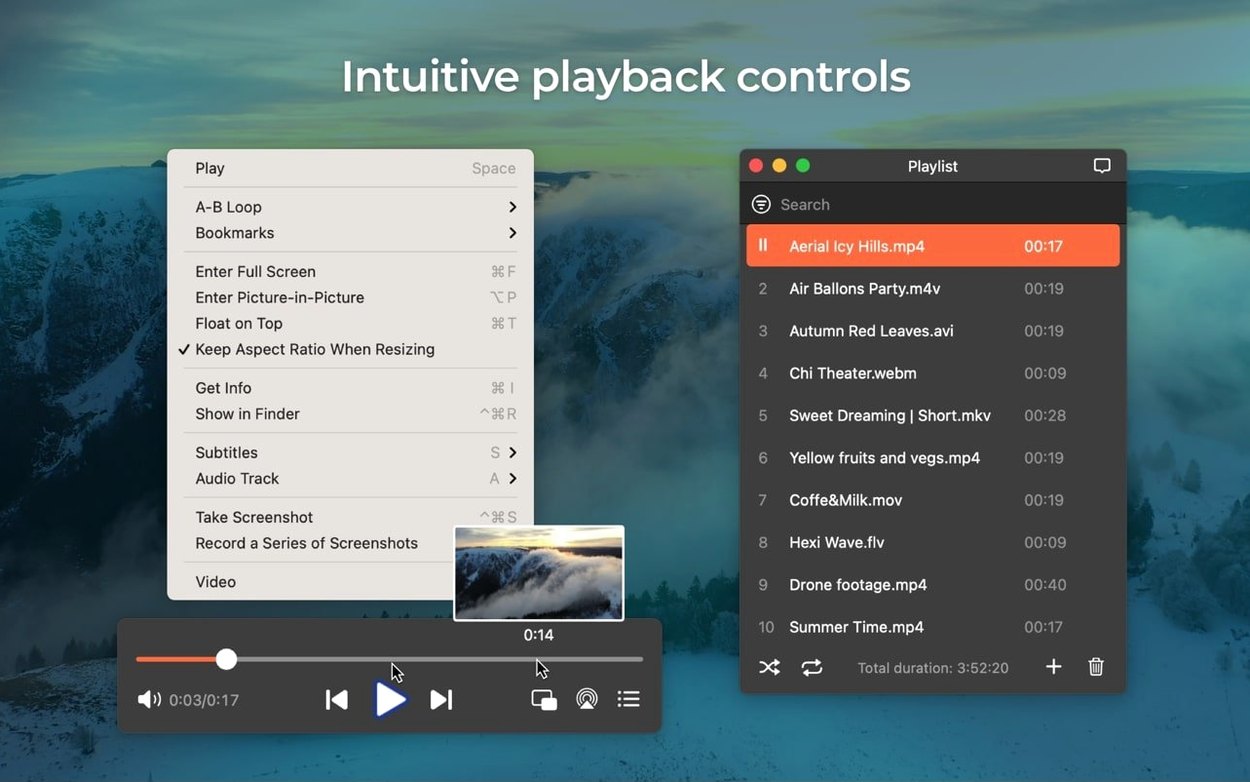
Elmedia Video Player Pro suits someone who keeps a folder of mixed formats and wants them all to just open. Web downloads, audiobooks, a stray SWF from 2009 — it handles them in one window.
First session checklist
- Open an online video. Paste a URL into the built-in browser. The video plays inside Elmedia. Right-click the playback area to download the file or just rip the audio track.
- Try an M4B audiobook. Drag in an audiobook file. Chapter markers appear. Use the audio menu to switch between two, four or eight channel output if your setup needs it.
- Prevent sleep during a stream. Start anything playing over the network. The app now blocks Mac sleep while streaming — no system preference fiddling needed.
- Grab a screenshot. Pause at any frame. Save it as TIFF, PNG or GIF from the File menu. Useful for reference stills without a separate tool.
- Check hardware decoding. Play a 4K file. Elmedia leans on hardware acceleration for smooth HD playback without pinning the CPU.
Drag in an MKV, MP3, or old SWF and hit play
Monday morning. You sit down with a coffee and a folder of video assets from a client. Formats are all over the place — an MKV screencast, an MP3 voice note, a Flash SWF banner from 2012.
- Drag the folder in. Drop the whole lot onto Elmedia's dock icon. It queues everything in a playlist down the left side, no import dialogue, no conversion.
- Play the MKV first. Double-click the screencast. It starts instantly. You tap the right arrow key to skip forward ten seconds, checking a timestamp. Smooth scrubbing — hardware decoding keeps the fan quiet.
- Open the SWF in a separate window. Elmedia handles SWF natively. The old banner plays back with its interactive elements intact. You grab a PNG screenshot of one frame for a reference doc.
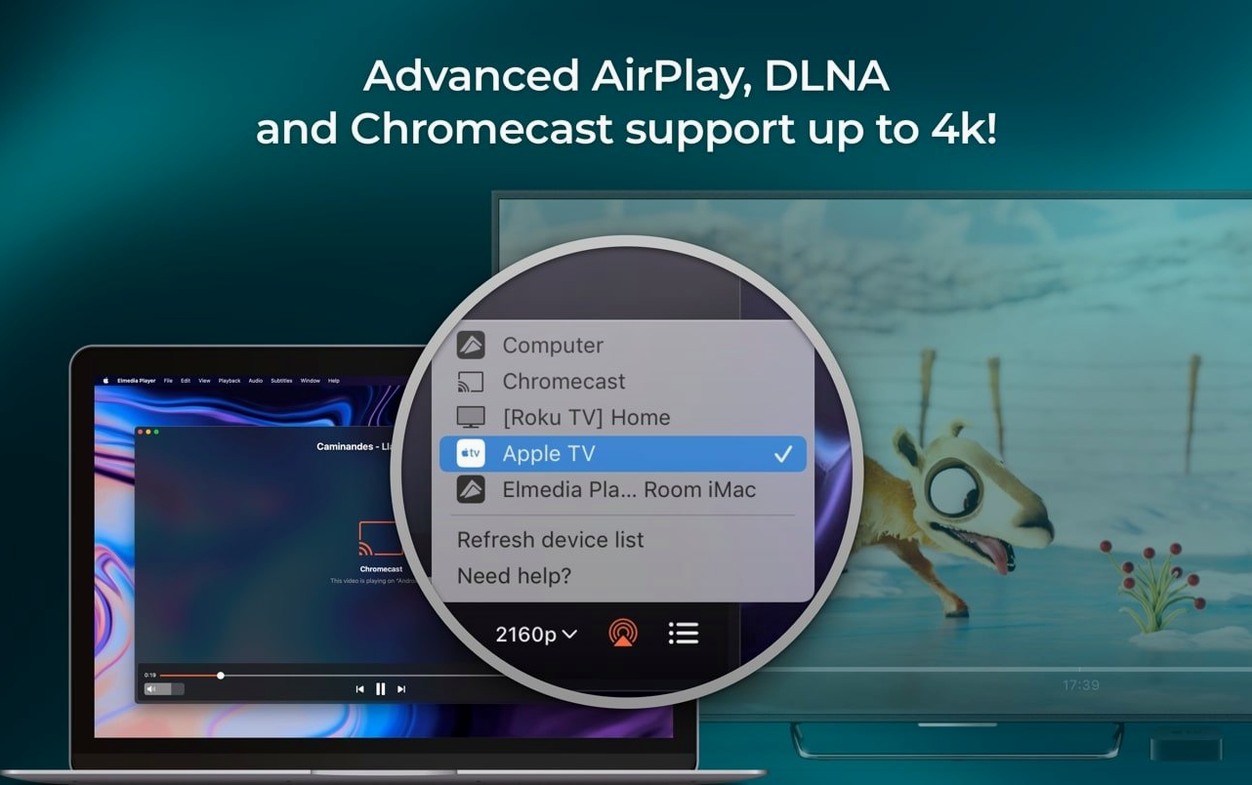
- Stream a section to the meeting room Apple TV. Click the AirPlay icon. The device list pops up — fixed in 8.24, no more errors. You send just the audio to a Bluetooth speaker while checking sync.
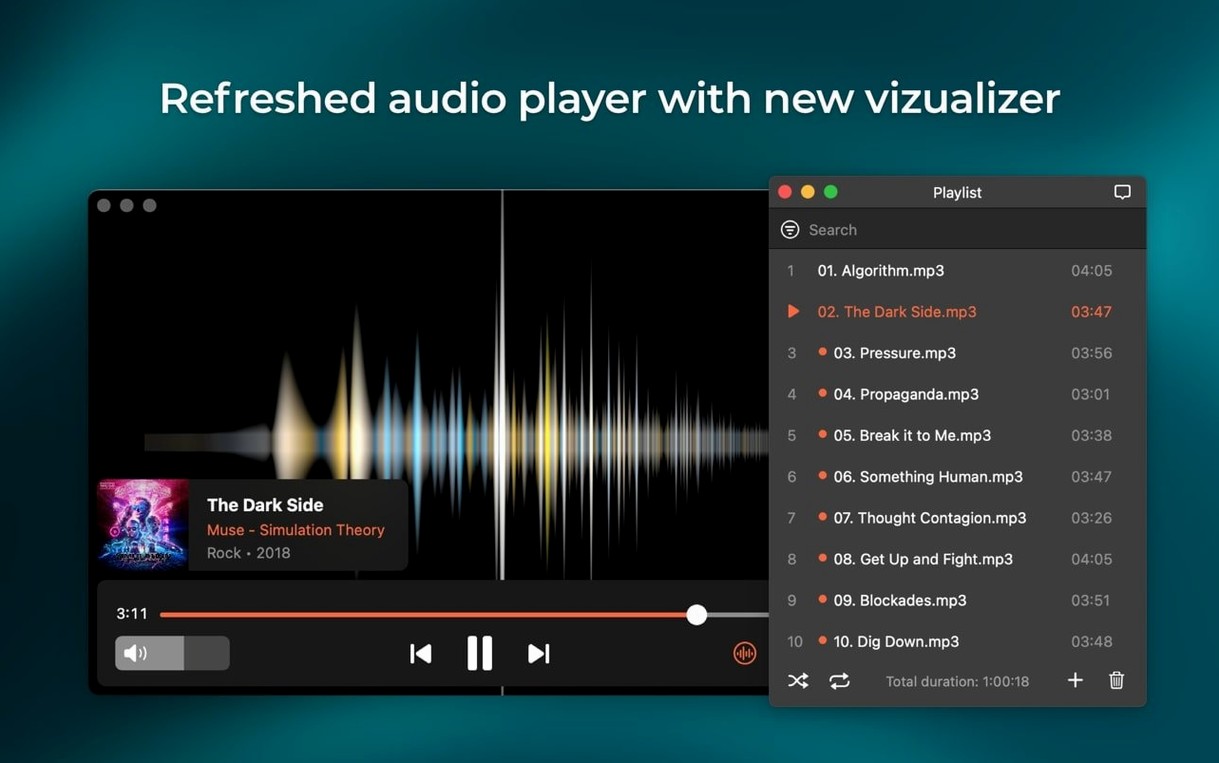
- Switch to the audiobook for a focus break. Open an M4B file from the playlist. Chapter markers let you jump to where you stopped yesterday. Eight-channel output is overkill, but it's there if your audio interface supports it.
Half an hour, five formats, three output devices. Nothing transcode, nothing stuttered.
Empty device list on AirPlay or Apple TV
Streaming device not showing up. This was a known bug fixed in 8.24. If you're still seeing an empty device list, quit Elmedia, restart your router if the Apple TV or AirPlay speaker is on Wi-Fi, then reopen the app. The list should populate within a few seconds.
Audio passthrough not working. AC-3 and DTS passthrough rely on S/PDIF or HDMI in your audio chain. Check that your output device actually supports passthrough — many USB DACs don't. In Elmedia's audio menu, confirm passthrough is enabled and the correct output device is selected.
Mac still sleeps during streaming. Version 8.24 improved this, but macOS energy saver settings can override it if you've set aggressive sleep timers. Check System Settings > Battery/Energy and extend the display sleep timer as a backup.
Downloaded online video has no audio. Some streaming sites split video and audio tracks. Right-click the playing video in Elmedia and choose to download the audio track separately, then remux them if needed.
The built-in browser is only for grabbing video
Using the built-in browser as a daily driver. The browser inside Elmedia is for snagging online video, not for general surfing. It lacks ad blockers, password managers and tab sync. Use Safari or Firefox for browsing, paste URLs into Elmedia only when you need to play or download.
Dragging unsupported DRM-protected files. Elmedia plays many formats but won't crack FairPlay or Widevine DRM. If an iTunes rental or Netflix download won't open, that's not a bug — it's expected. Stick to DRM-free files.
Ignoring the audio channel settings. Beginners often leave audio output on the default two-channel stereo and wonder why their surround setup sounds flat. Check the audio menu — Elmedia supports two, four and eight channels. Match it to your output hardware.
Forgetting about Flash EXE conversion. People searching for elmedia video player pro features often overlook this. If you've got old EXE Flash files from Windows projects, Elmedia can convert them to SWF for playback on Mac. That tool is tucked in the File menu and saves digging out a Windows VM.
Those five steps cover what most newcomers actually need. The rest — Flash EXE conversion, device streaming lists — can wait until you settle in.
- Added support for M4B audiobook files.
- Improved compatibility with macOS 26.
- Improved preventing the Mac from sleeping while streaming.
- Fixed streaming to certain devices.
- Fixed errors when opening the list of devices for streaming.
- macOS 10.12 or later
- Apple Silicon and Intel Macs
Questions the team asks
Yes. It plays online video inside the app and can download the video file or extract the audio track directly from the playback window.
Version 8.24 added support for M4B audiobook files, so you can play audiobooks with chapter navigation directly in the player.








Comments 0
Sign in or create an account to add a comment.
No comments yet. They go up after moderation.