

Deep Glow — Mac download
Download (3 MB) Earlier builds
Ticked
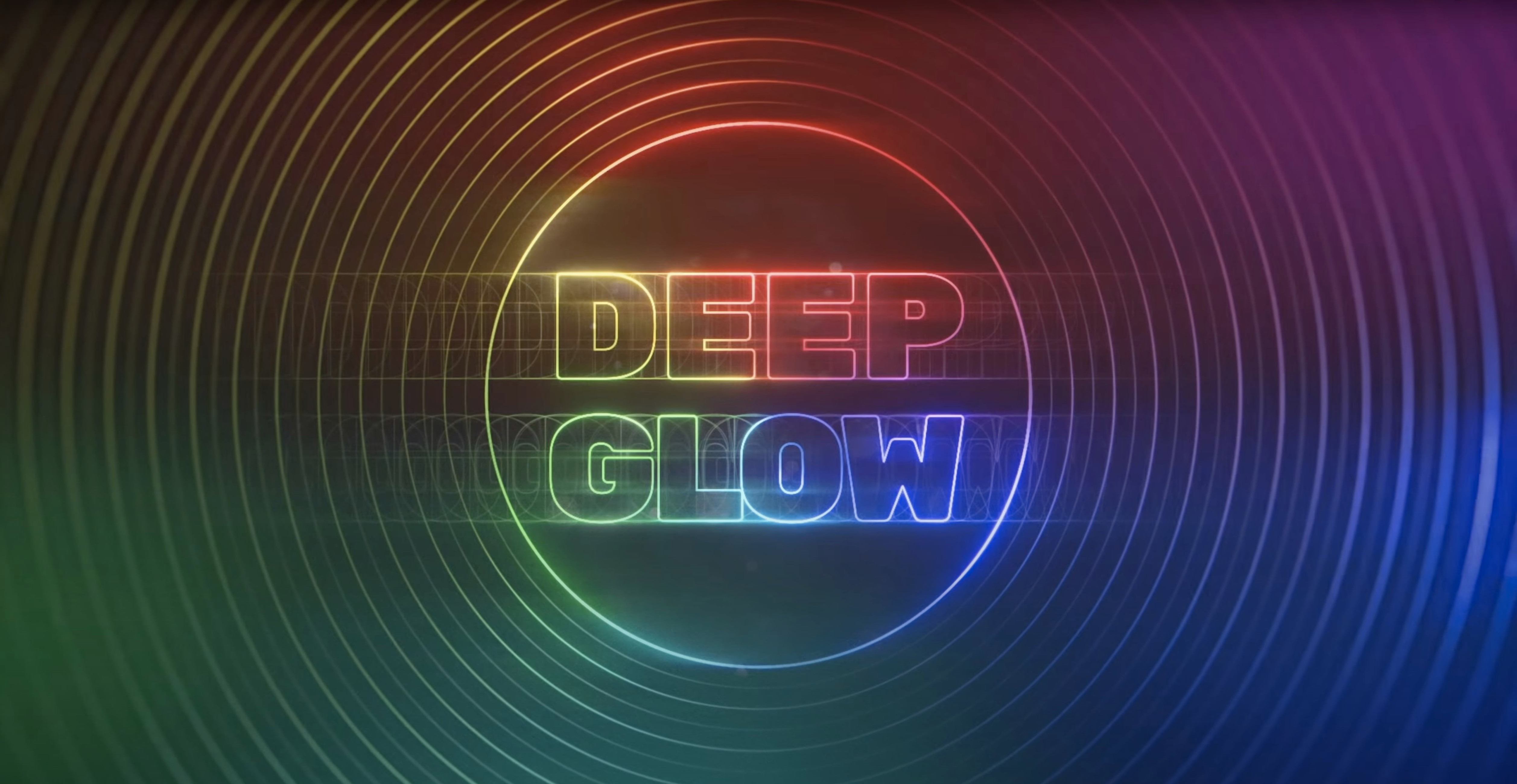
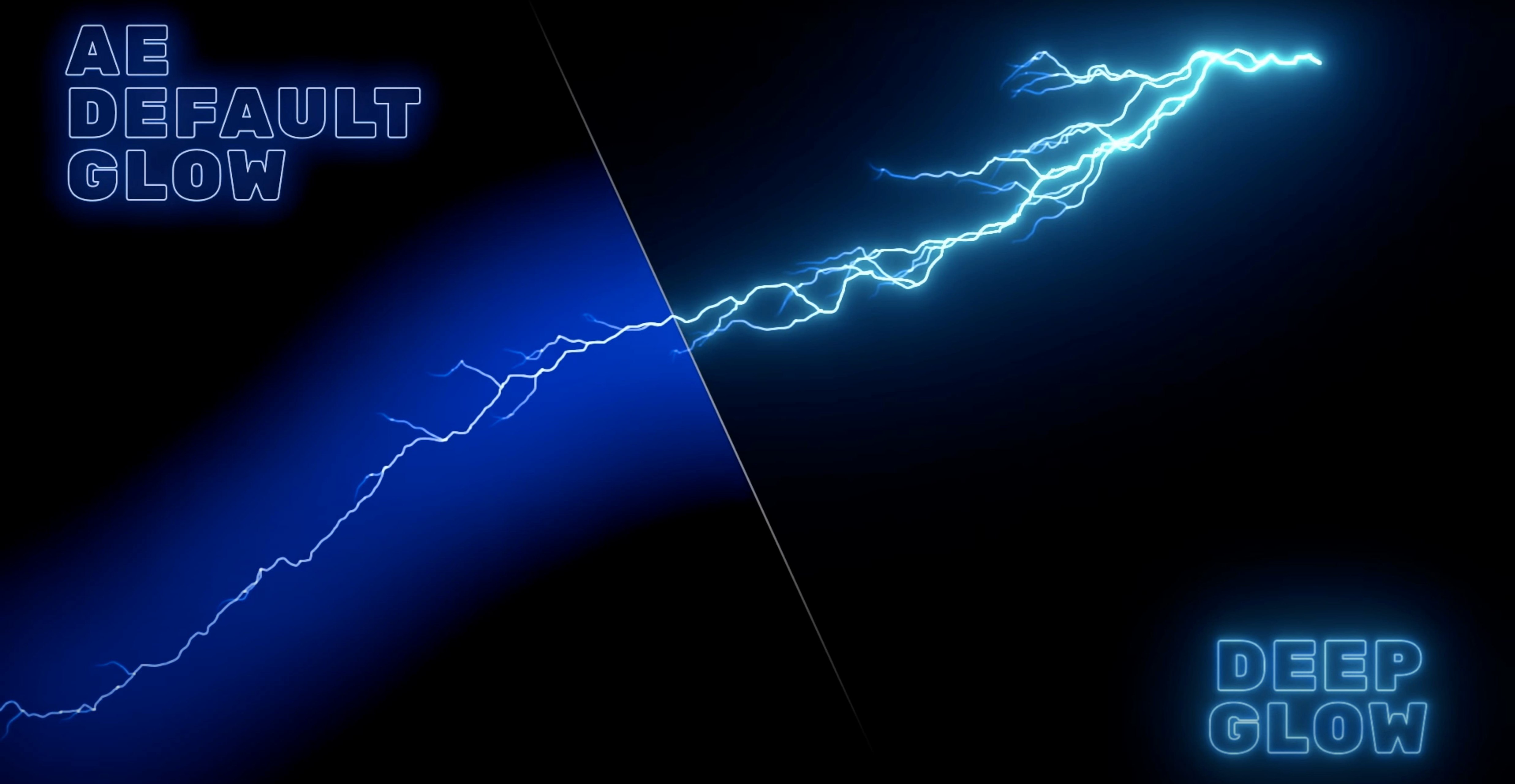
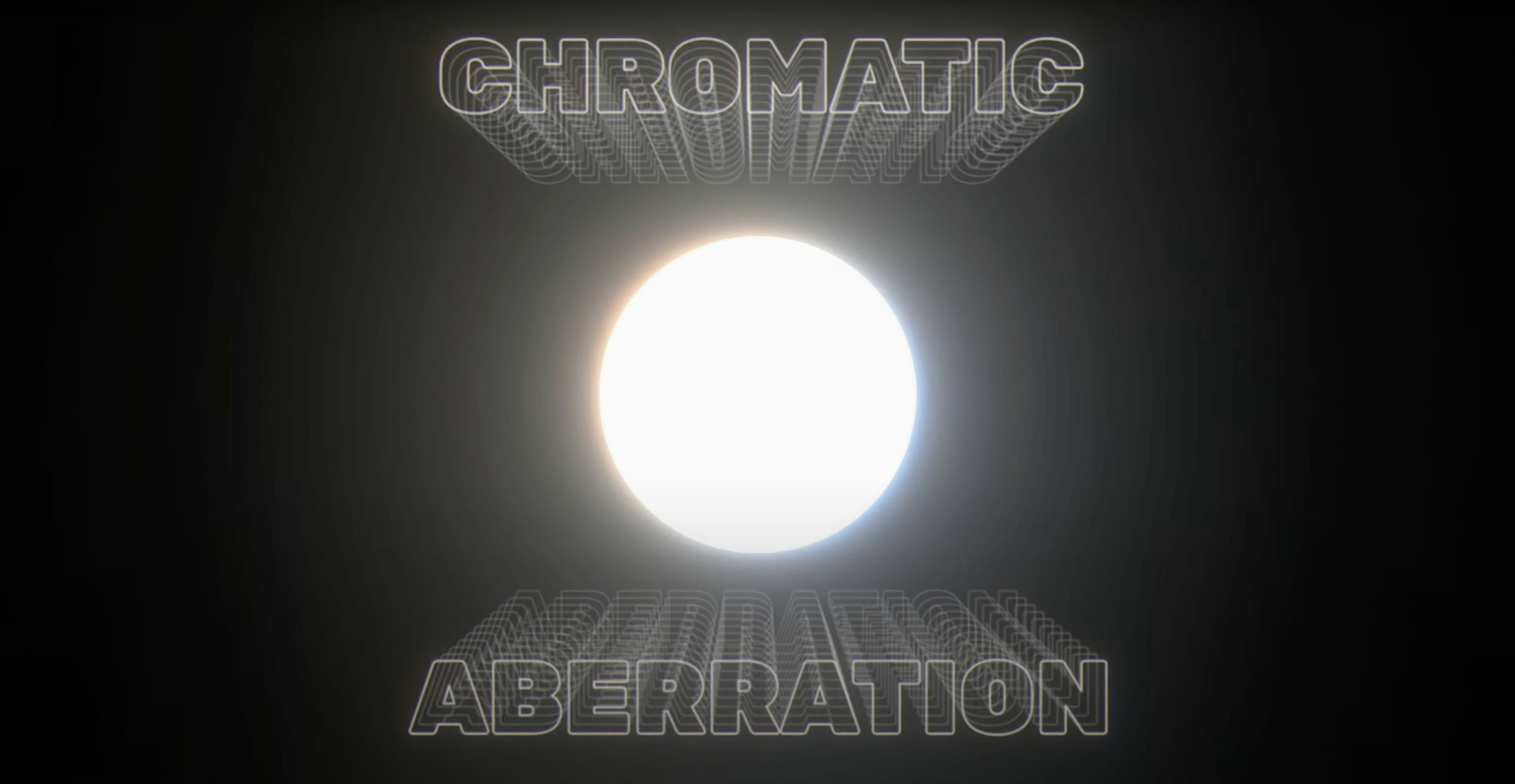
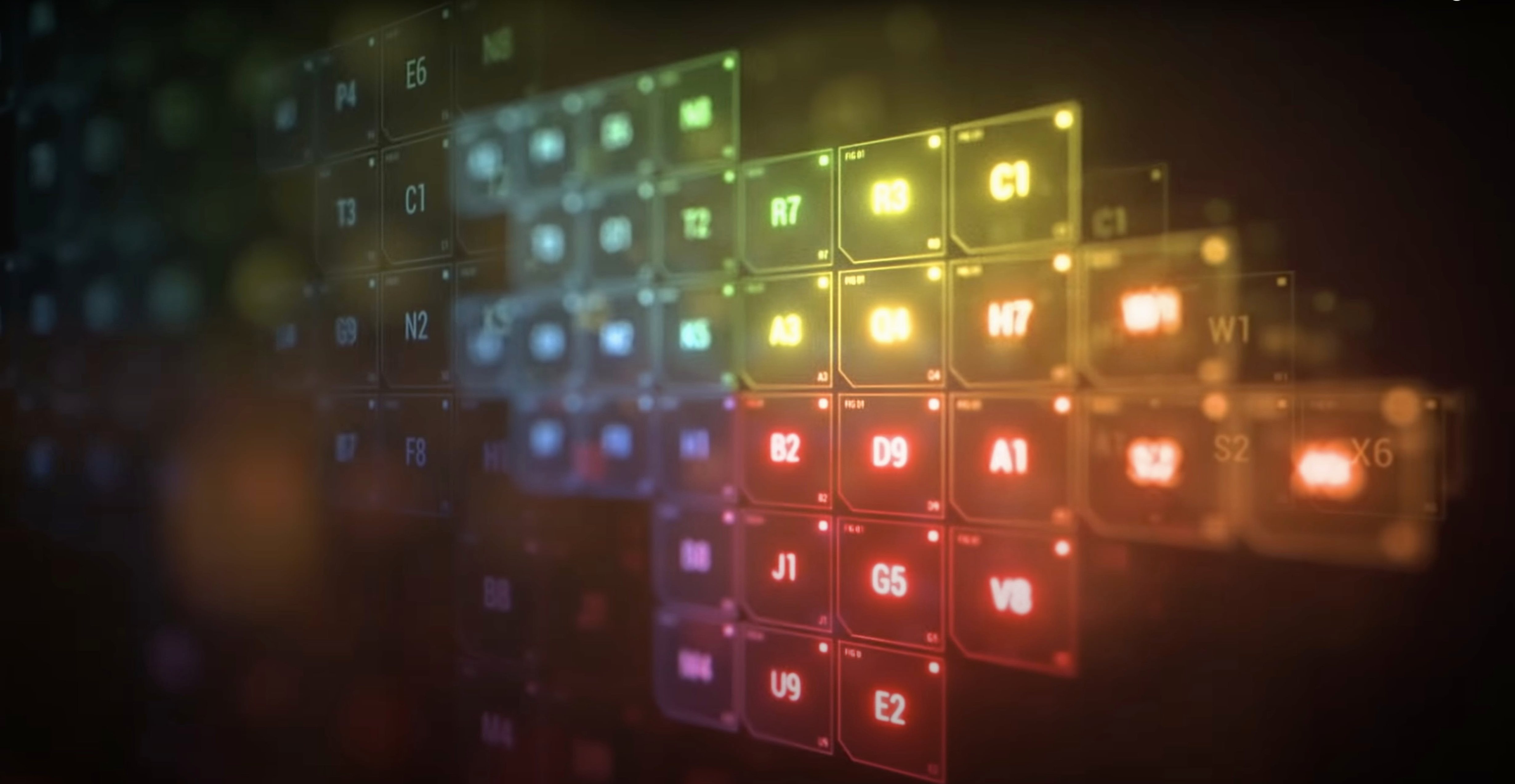
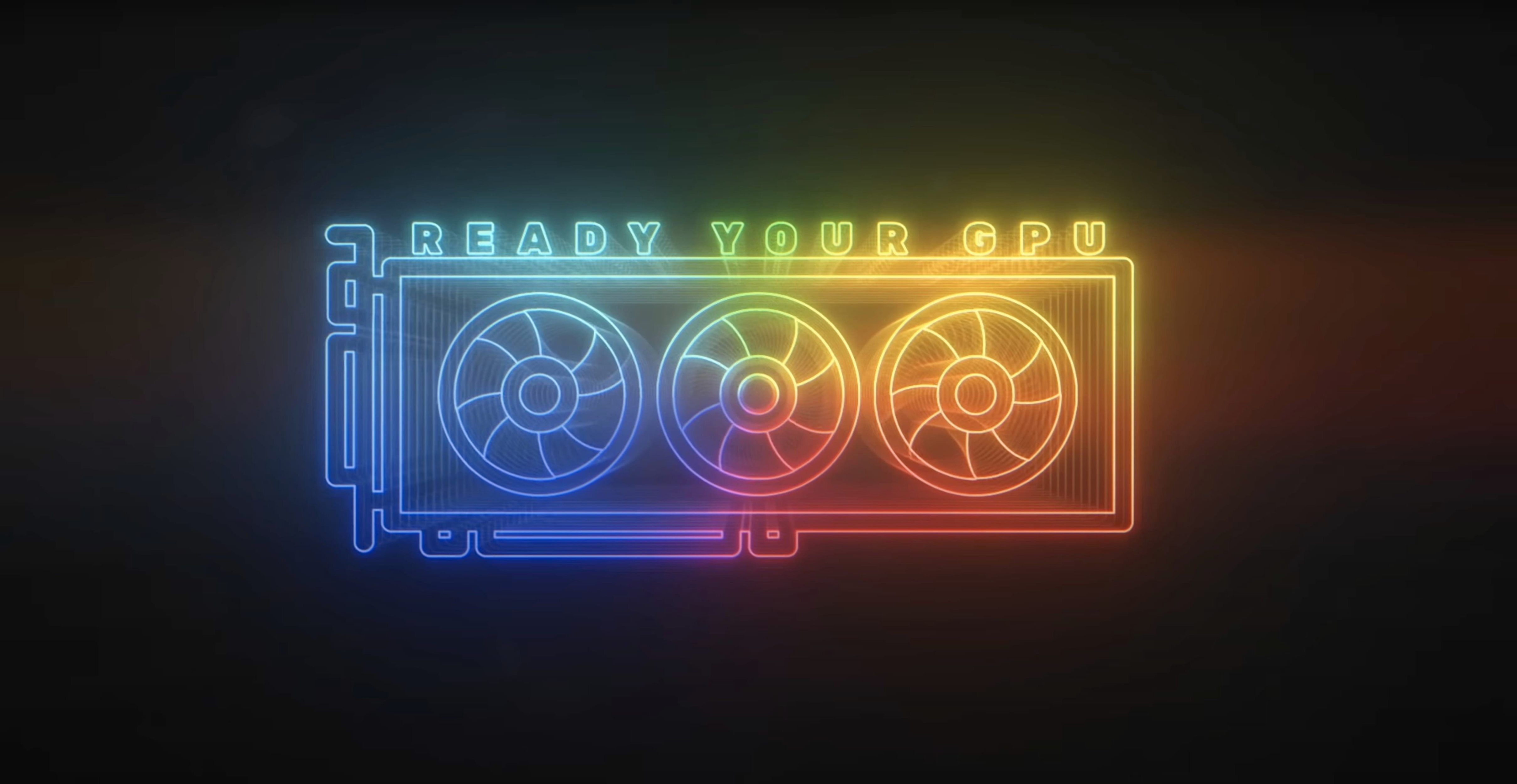
If you use After Effects' built-in Glow effect, you know it falls apart with intense settings. Deep Glow replaces that flat look with a physically based inverse-square falloff, so light behaves more like light.
Check Mac compatibility
Deep Glow runs on macOS and works natively on both Intel and Apple Silicon machines. No separate download needed for one architecture or the other.
Dial in the glow style
Push the effect into grainy, stylised territory or keep it clean. GPU acceleration keeps previews responsive while you tweak.
Work in the right colour space
When glow edges flicker during a zoom
Black frames on render
After Effects sometimes caches old frames after you adjust glow settings. Purge the disk cache under Edit > Purge > All Memory & Disk Cache, then preview again. Happens most on long comps with lots of adjustment layers.
Glow clipping at layer edges
Deep Glow respects layer boundaries by default. When a glow spills past the edge and gets cut off, pre-compose the layer or tick Unmult in the compositing controls. That tells the plugin to work with the full alpha, not just the visible pixels.
Slow previews with high quality settings
Quality and downsampling are the two levers that matter. Drop Downsample to half or quarter res while you dial in colour and radius. Bump it back to full only for final render checks. GPU acceleration helps, but AE's own timeline caching can still bottleneck — keep the comp resolution sensible while you iterate.
Colour shift when switching colour spaces
If your project moves between Rec.709 and a wider gamut, the glow colour can drift. Deep Glow reads the working space AE gives it. Lock your project colour settings first, then tweak the glow tint. Adjusting glow colour after the space change, rather than before, prevents double-correction.
Grain not showing up
The grain controls sit inside the stylisation section and depend on the glow being visible in the first place. If your radius is tiny or the glow intensity is near zero, grain won't register. Crank intensity above 20% before dialing in grain amount and size.
Why your MacBook Air hits a wall on 4K comps
A heavy glow stack on a 4K comp will push any machine. Deep Glow leans on the GPU for core calculations, so a discrete GPU makes a measurable difference — integrated graphics on a MacBook Air will struggle sooner than an M1 Max or M2 Pro.
On an Apple Silicon Mac with 16GB of RAM, a single Deep Glow instance on a 1080p comp runs near real-time at half-quality downsampling. Stack three or four instances and you'll want to pre-render the heaviest layers. The plugin rarely causes After Effects to beachball, even during long sessions, but heavy RAM usage from AE's own caching can still slow things down.
Stability is solid. Crashes tied to Deep Glow are uncommon in version 1.6. Most issues trace back to AE's own GPU render pipeline or conflicts with other GPU-accelerated effects layered above or below Deep Glow. If a comp crashes on export, moving Deep Glow to the top of the effects stack often isolates the problem.
For resource-conscious work, the downsampling control is your best friend. Working at quarter-res during layout and blocking can make a timeline feel snappy even on older Intel Macs. The quality slider gives you a second trim point — drop it to draft levels for broad adjustments, then restore it for final colour work.
Title reveals that need cinematic falloff
Motion designers who build title sequences and broadcast graphics are the core audience. The inverse-square falloff gives text and logo reveals a cinematic weight that AE's stock glow can't match. Combine it with text animators for a look that reads as light, not as a filter slapped on top.
Compositors matching live-action plates to CG elements use Deep Glow to sell integration. The non-linear colour space handling means a glow on a CG light source sits correctly against log or raw footage without extra colour transforms.
Music video and live-event editors lean on the stylisation controls. The grainy glow preset territory — push grain amount high enough and you get a lo-fi, 16mm-light-leak texture that cuts well against clean digital footage. Faster than building it from stacked instances of AE-native effects.
Template builders benefit from the compositing controls. The unmult, threshold and tint options mean a single comp can adapt to different background colours without breaking. Set it once, let the controls handle the rest.
Less suited to users who need a quick, one-click glow and move on. Deep Glow rewards tweaking. If you never touch the radius falloff or the compositing section, you're leaving most of what it does on the table.
Smoother M1 previews with high downsampling
Version 1.6 brought incremental but practical improvements across several point releases. The 1.6.0 update refined GPU performance on Apple Silicon, with smoother previews on M1 and M2 machines when using high downsampling values. Earlier 1.x versions had occasional frame drops on complex comps; 1.6.0 reduced those noticeably.
Point releases 1.6.3 through 1.6.5 addressed edge-case rendering bugs. Specific fixes targeted glow artefacts on layers with non-square pixel aspect ratios and improved how the grain engine samples at quarter-res downsampling. Version 1.6.6 tightened up memory handling when multiple Deep Glow instances shared a comp — useful for template-heavy projects.
Versions 1.6.8 and 1.6.9 were stability and compatibility releases, keeping pace with After Effects updates and the wider Plugin Everything ecosystem. No feature additions, but the kind of maintenance that prevents a plugin from becoming the reason a deadline-night export fails.
Through all 1.6 point releases, the core workflow stayed consistent. The same controls, the same look. The updates were about making the plugin disappear into the background so you can work without thinking about it.
The plugin is built for non-linear colour spaces, so your glows composite correctly in a modern colour workflow.
- Version 1.6 now available in the previous versions archive.
- Apple Silicon and Intel native support
- Adobe After Effects
Questions the team asks
No current version is called Deep Glow 2. The latest release is version 1.6, with earlier builds including 1.6.9 and 1.4.








Comments 0
Sign in or create an account to add a comment.
No comments yet. They go up after moderation.