
m’s HalfTone — Mac download
Ticked
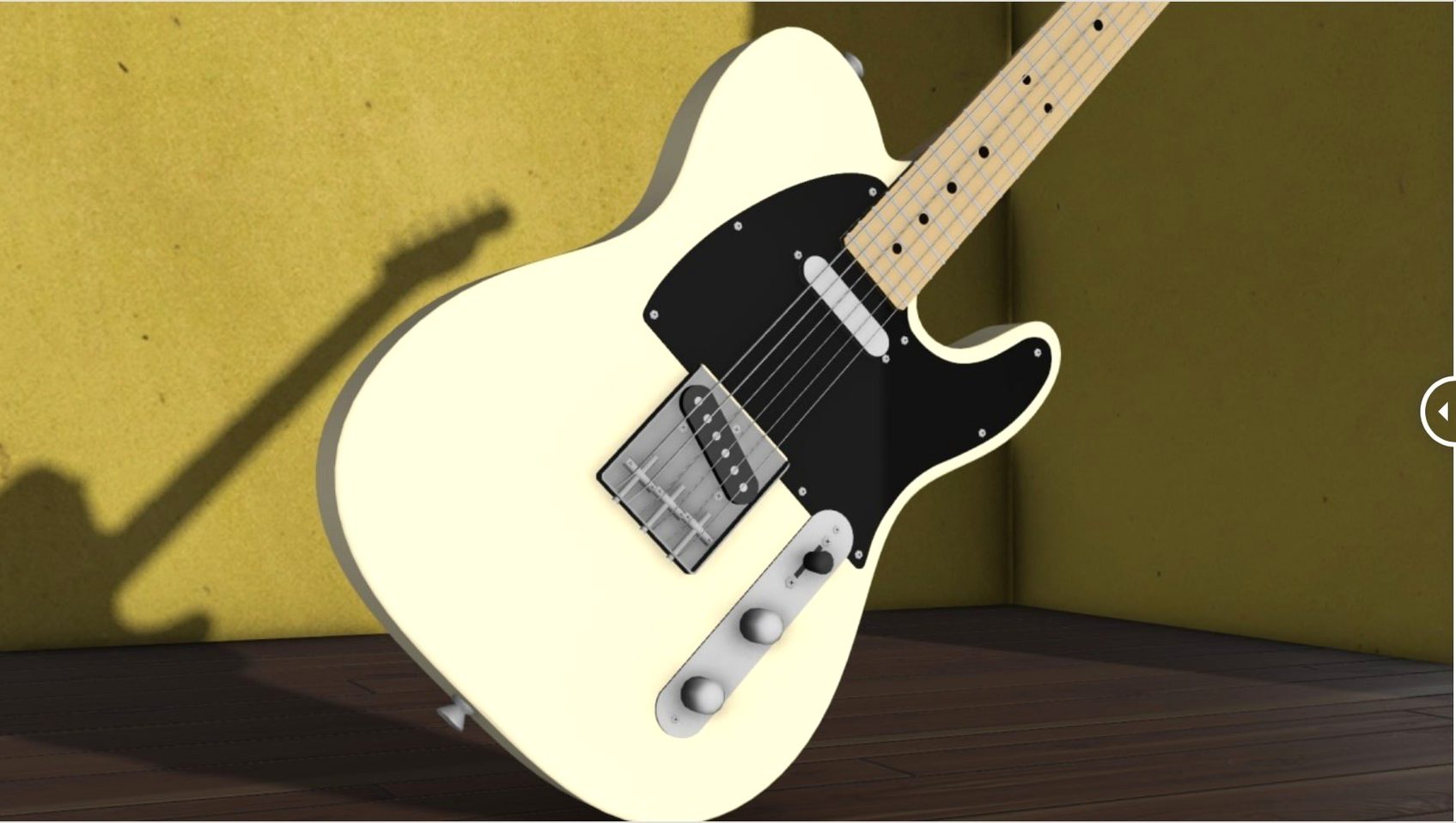
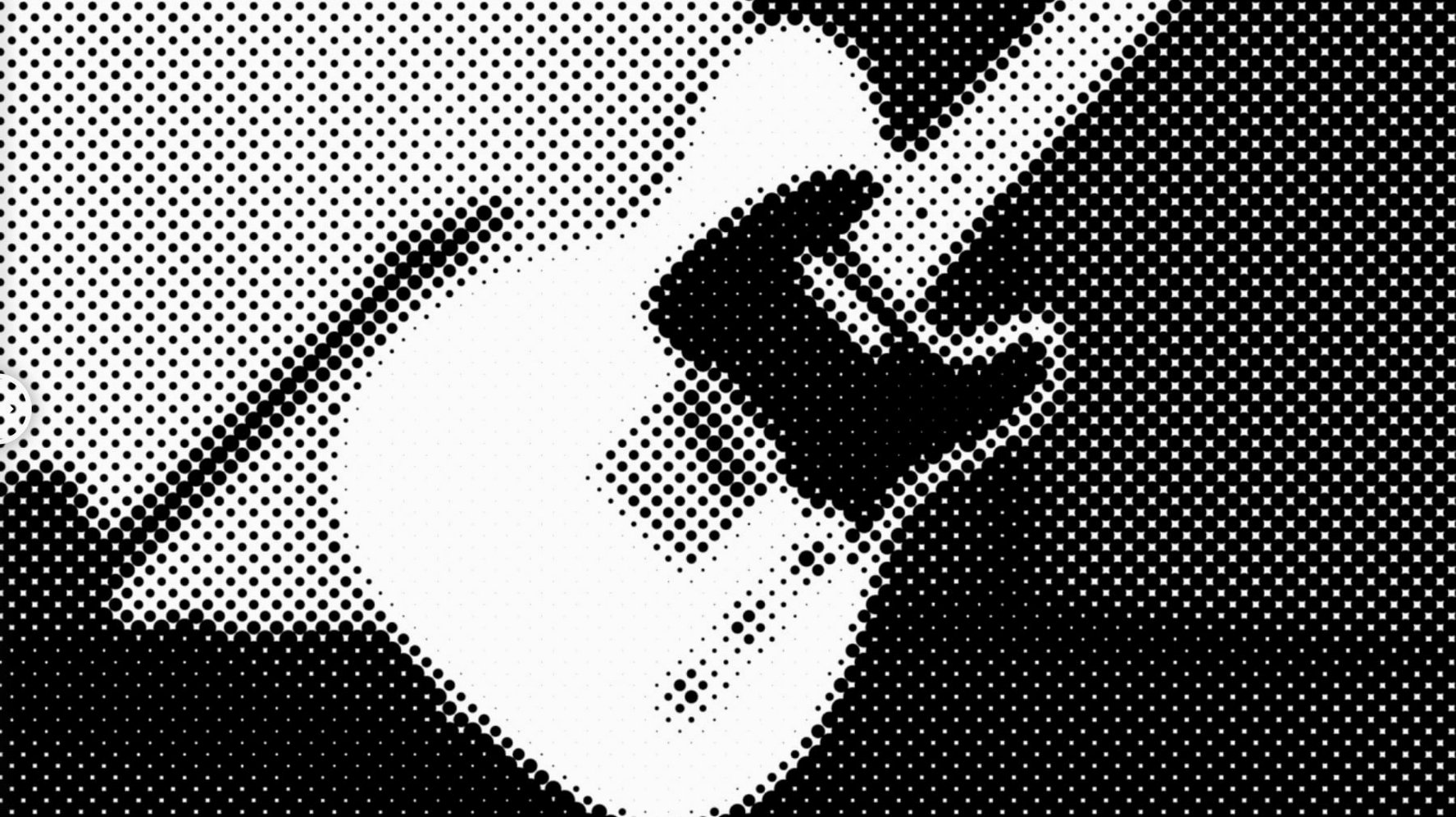
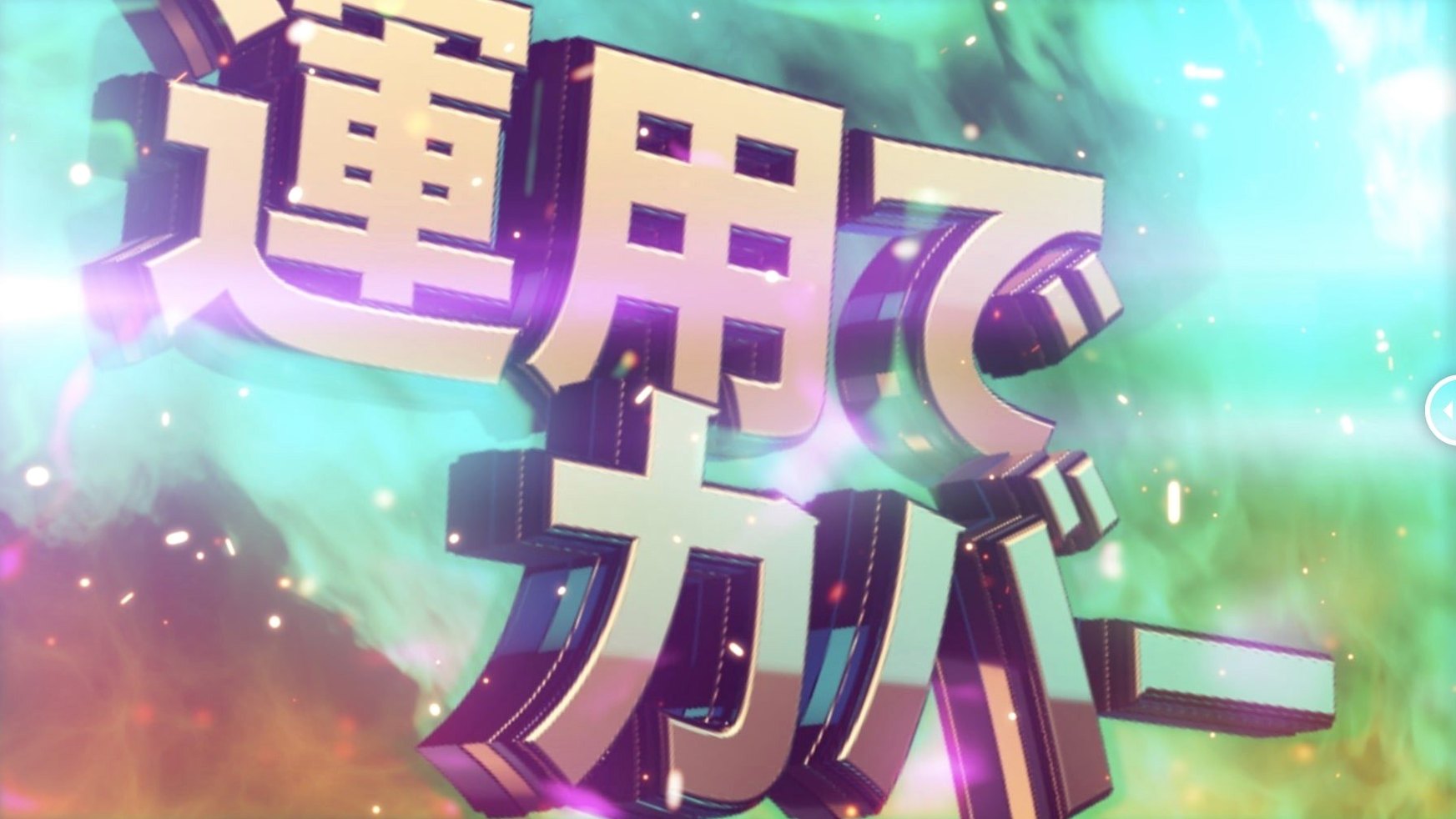
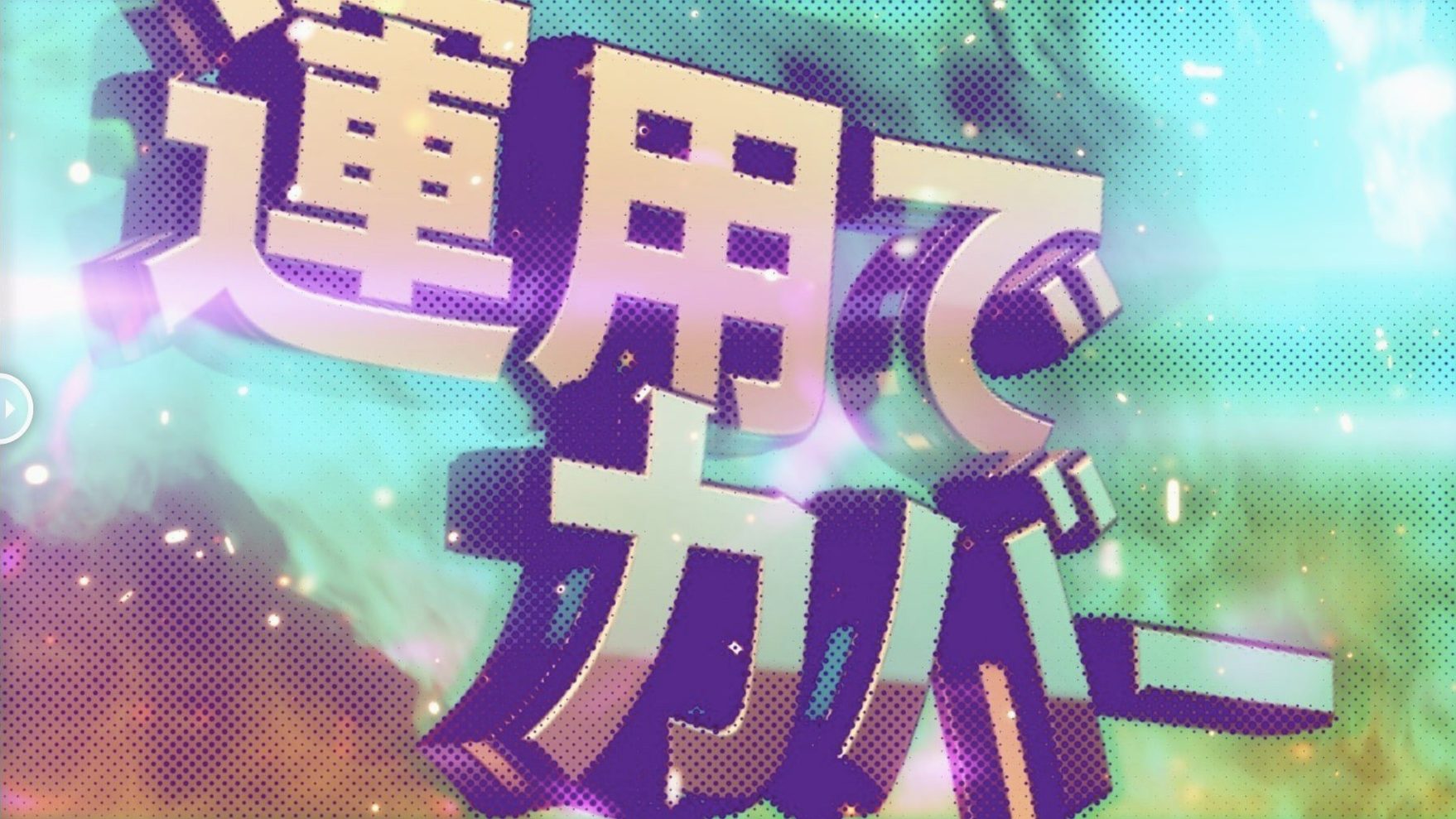
Clean vector art or smooth gradients often need grit before they sit right in a composite. m's HalfTone solves that by stamping a halftone pattern directly onto a layer — no pre-comps or layer maps required.
Comic-book texture for clean vectors
- Adding comic-book texture to clean vector work
- Quick dot-screen looks without building complex setups
- Matching asset styles across a project
Per-layer effect scales with layer size
- Effect is per-layer; a global adjustment layer approach needs manual setup
- Dot scaling reacts to layer dimensions — check extremes
Square dot mode for instant manga texture
- Shape — switch from the default circle to square or line before anything else. The square grid reads as manga texture on stills; line mode at 45° simulates engraving cross-hatch when stacked twice.
- Dot Size — start around 8–12 px for 1080p comps. Below 6 px, the pattern can shimmer on export; above 20 px, it overtakes fine detail.
- Rotation — 15–22° breaks the mechanical look. For newsprint homage, lock it at 45° and match across every layer in the project.
- Alpha control — dial it back to 70–80 % to let the original colour bleed through. Full opacity reads as posterised; partial keeps skin tones readable under the dot grid.
- Sampling — set to luminance for black-and-white plates you tint with a fill layer above. Use layer RGB when the halftone should inherit the image colours directly.
Real-time scrubbing on Apple Silicon
On Apple Silicon, the plugin resolves without a frame delay at half or quarter resolution preview — handy when scrubbing a 4K timeline. Intel machines with older After Effects builds (CS6 through CC 2019) show a short stutter on the first frame while the effect caches, then playback evens out. RAM overhead is modest; stacking five halftone layers on a 1080p comp added roughly 200 MB to the cache in testing.
One stability note: changing shape while RAM preview is running occasionally blanks the viewer for a single refresh. Pausing playback before switching avoids it. The effect holds up through render queues and Media Encoder exports with no dropped frames observed.
For anyone searching m's halftone free download to trial the workflow, the plugin runs as a single .aex file — drop it in the Plug-ins folder, restart After Effects, and it appears under AE_OFF in the effect menu. No background daemons, no licensing pop-ups mid-session once activated.
A working session to line up a title card
Open a 1920×1080 comp with a bold sans-serif title on a flat background. Apply m's HalfTone to the title layer.
- Set shape to circle, dot size to 10 px, rotation to 18°.
- Pull alpha to 85 % so the original type colour shows through the dot pattern.
- Sampling stays on layer RGB — the dots pick up the orange fill of the text and sit against the transparent background cleanly.
- Duplicate the layer, change shape to line, dot size to 14 px, rotation to -22°. Set blend mode to Overlay at 40 %.
- Pre-comp both and add a slight roughen edge for paper texture.
The result reads as risograph-style type in under two minutes — no external textures, no round-tripping to Photoshop. For a bolder poster look, swap the duplicate line layer to square shape at 20 px and push contrast with a Levels adjustment above the pre-comp.
When the brief shifts mid-project, changing all halftone layers to a matching dot size and rotation takes seconds per layer. The consistency holds from lower-thirds to end cards without rebuilding setups.
- Licensing framework updated to v4.1.4
- Intel and Apple Silicon Macs
- After Effects CS5 through 2026






Comments 0
Sign in or create an account to add a comment.
No comments yet. They go up after moderation.