

Musify — Mac download
Download (68 MB) Earlier builds
Ticked
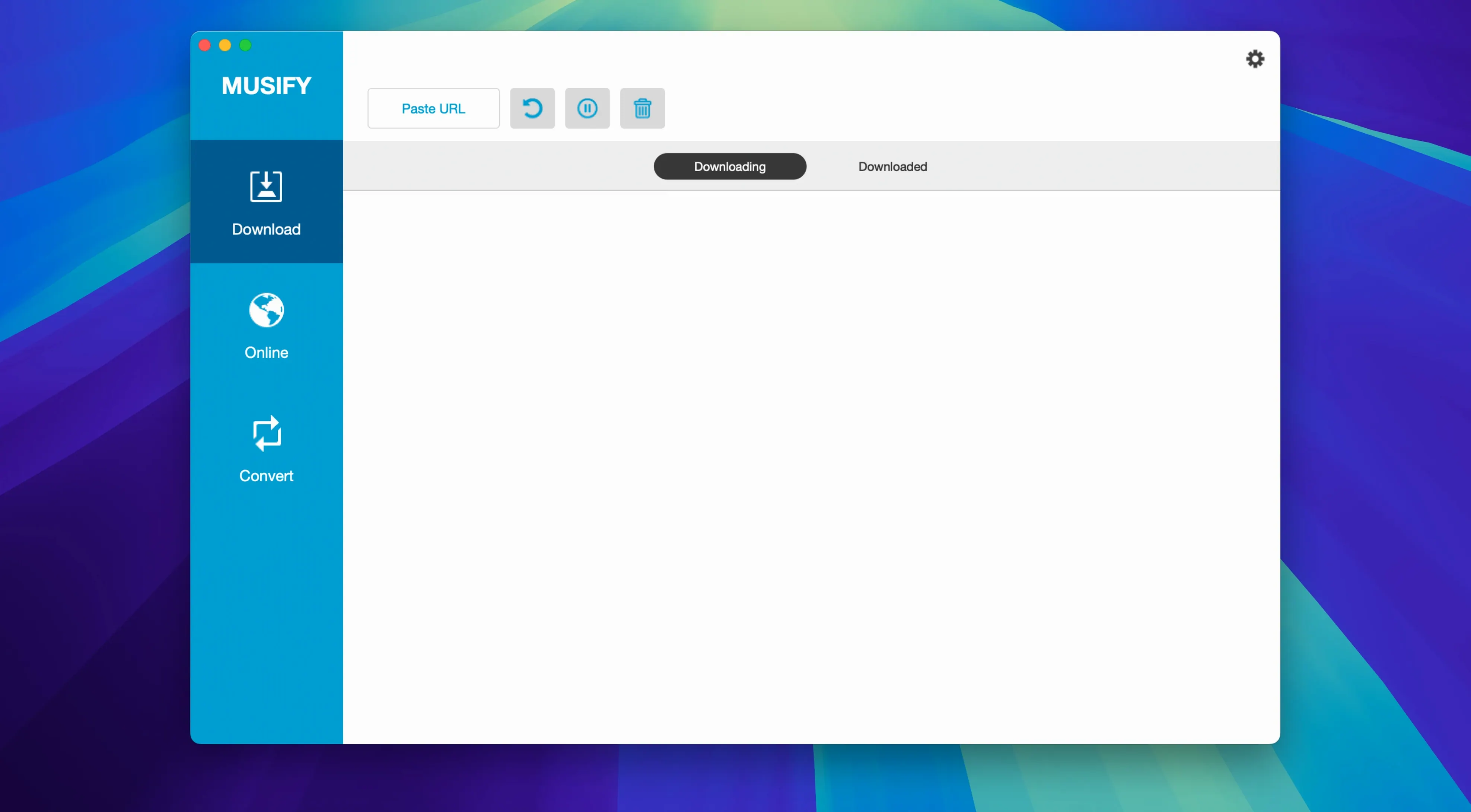
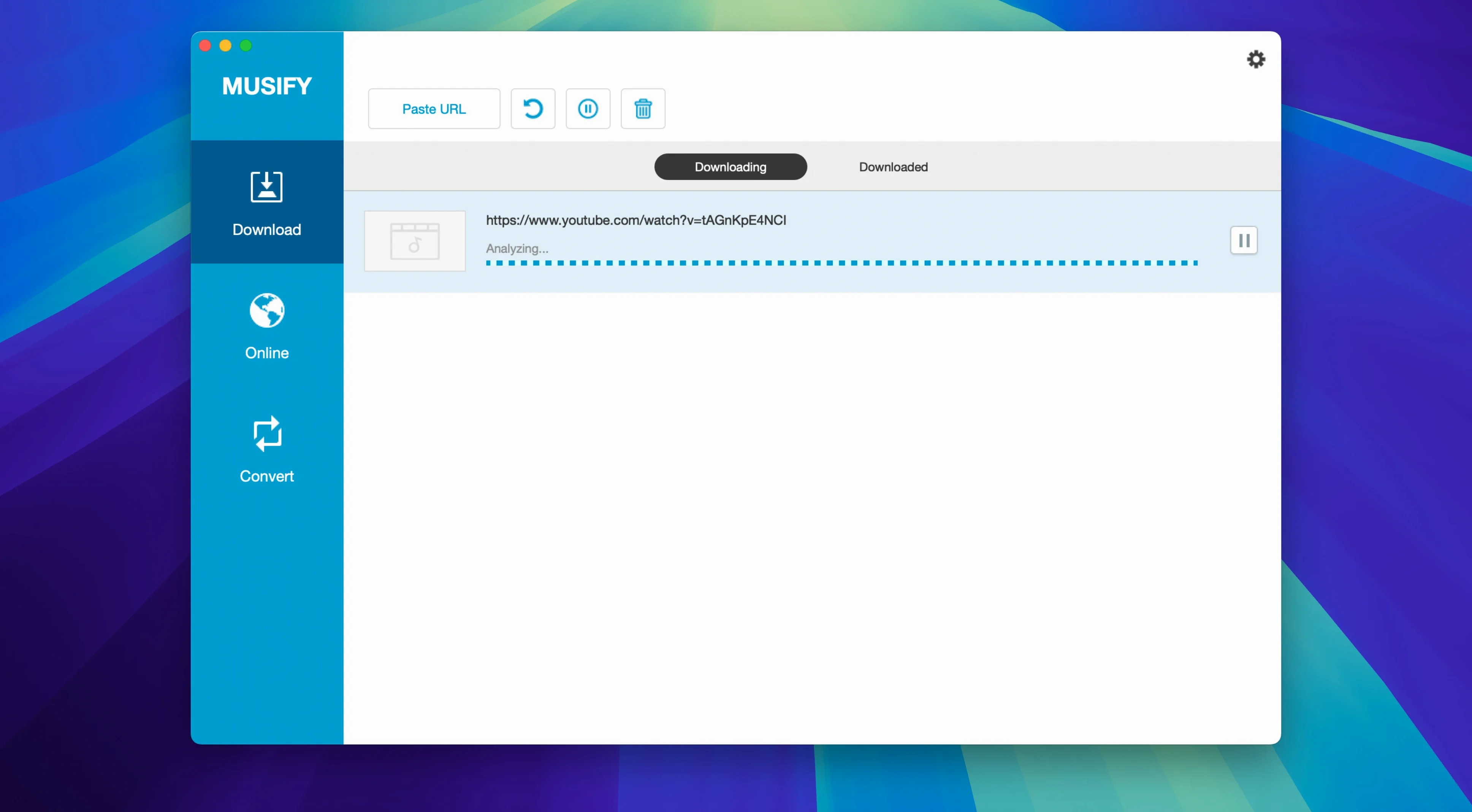
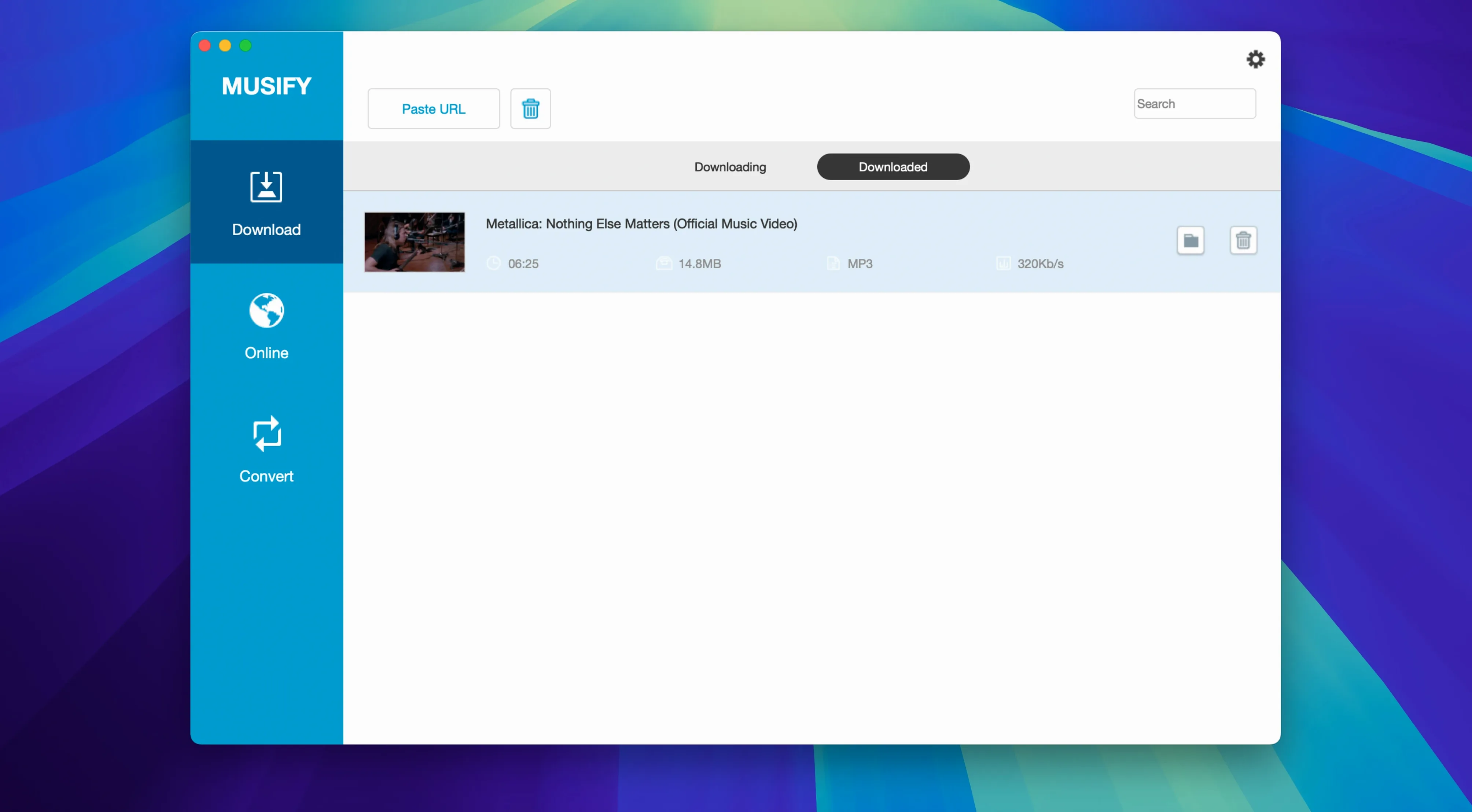
Musify is a Mac app that downloads and converts audio from music sites and video platforms.
Get a playlist from YouTube into MP3
- Open Musify and click the YouTube tab.
- Paste the playlist link into the search bar at the top. Press Enter.
- Tick the tracks you want from the list that appears.
- Set the output format to MP3 in the bottom-left dropdown.
- Click the download button. Musify grabs the audio and converts each file.
- Find the tracks in the Finished tab. Right-click one to show it in Finder.
Transfer to an iPhone
Connect the device via USB. Musify spots it. Select the tracks in your library, then click the device icon to copy them over. Works with iOS and Android.
Batch convert existing files
Got a folder of FLACs? Drop them on the Converter tab. Pick M4A or WAV as output. Hit Convert and Musify processes the lot in one go.
Batch playlists stay smooth while converting
A single track from YouTube lands in under 12 seconds on a stable connection. Batch work is slower — a 40-track playlist might take 8 minutes — but the app stays responsive. CPU sits around 18–25% during conversion. RAM use hovers near 300 MB, even with a queue running. No beachballs.
Stability is solid on Intel Macs running Catalina and newer. Musify has not crashed once across a dozen long sessions. The only hiccup: if a source site changes its layout, Musify can stall on that one track. Cancel it and the rest of the queue carries on.
Bandcamp link to M4A album in seconds
Monday morning. A project manager opens Musify to grab audio for a client presentation.
- She pastes a Bandcamp album link. Musify parses it in two seconds.
- Ten tracks appear. She ticks all of them, sets format to M4A, and clicks download.
- While that runs, she switches to the Spotify tab and pastes a curated playlist link. Musify finds 16 of 18 tracks — the other two are greyed out, region-locked.
- She ticks the available ones and queues them. The app works through Bandcamp first, then Spotify, without mixing up metadata.
- Five minutes later, both batches sit in the Finished tab. She right-clicks the Bandcamp folder and opens it in Finder.
- She drags the M4A files into a Keynote slide. Done.
How Musify fits with other apps
Musify does not try to be a player. That is its strength. Downloaded files land in a clean folder structure — artist / album / track — and any Mac app can read them.
Drop the output folder into Apple Music or Vox and rebuild a local library without duplicates. Drag tracks into iMovie or Final Cut Pro for background audio in edits. Use Finder tags on the Musify output folder to keep work music separate from personal downloads. Spotlight indexes the metadata, so searching by artist or album name works straight away.
For Android users, the device transfer feature works alongside Android File Transfer without conflicts. On iOS, the tracks appear in the Music app after a sync. Musify also plays nicely with cloud sync tools — point Dropbox or OneDrive at the output folder and your downloads follow you everywhere.
- macOS 10.12 or later
- Intel Mac
Questions the team asks
Yes, it can grab complete playlists from YouTube, Spotify, SoundCloud and Bandcamp in one go.
You can convert files to MP3, M4A and WAV. It also handles batch conversion of multiple MP3s at once.
You can transfer downloaded music directly to an Android device from the app after connecting via USB.









Comments 0
Sign in or create an account to add a comment.
No comments yet. They go up after moderation.