
Shadowrocket — Mac download
Ticked
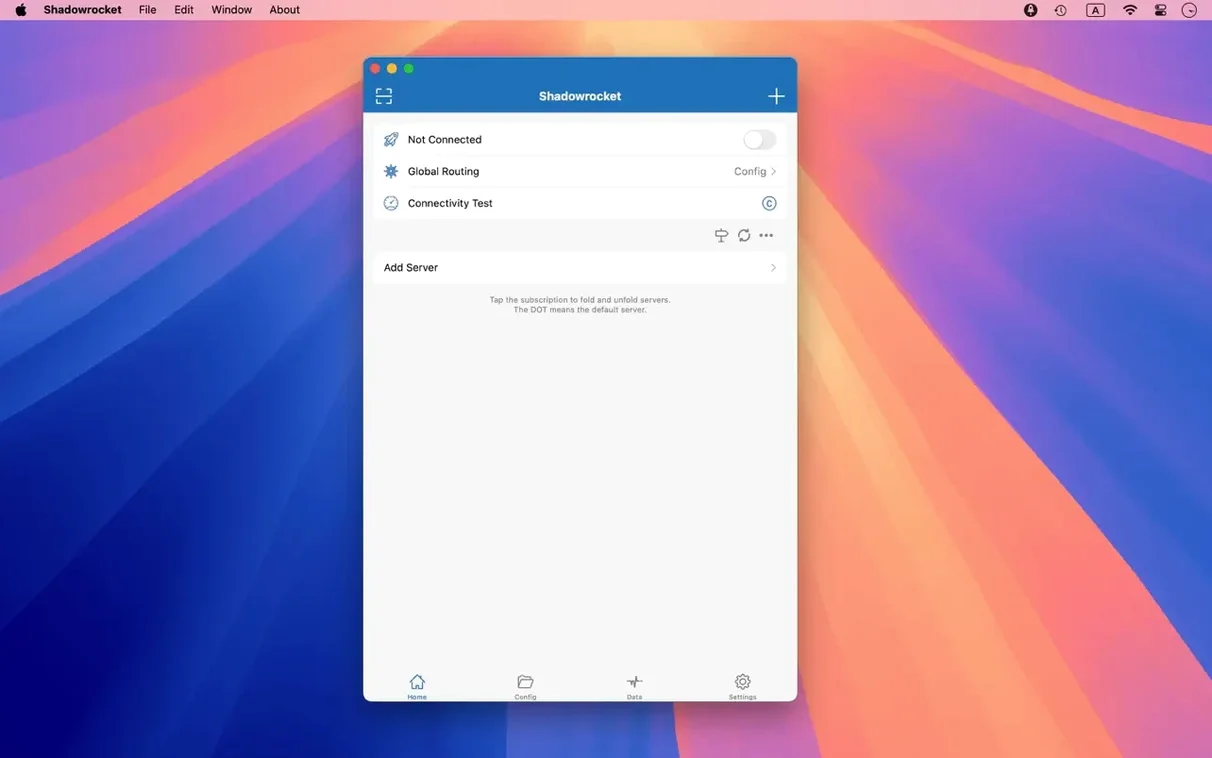
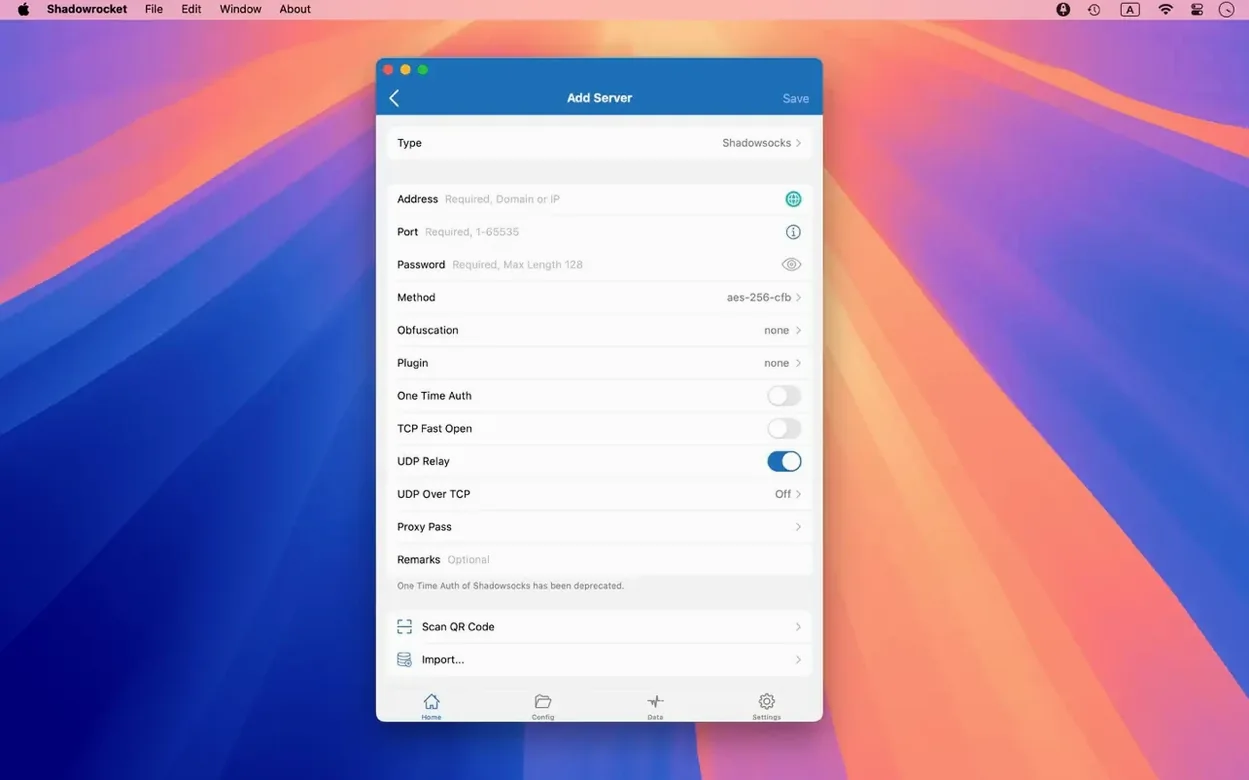
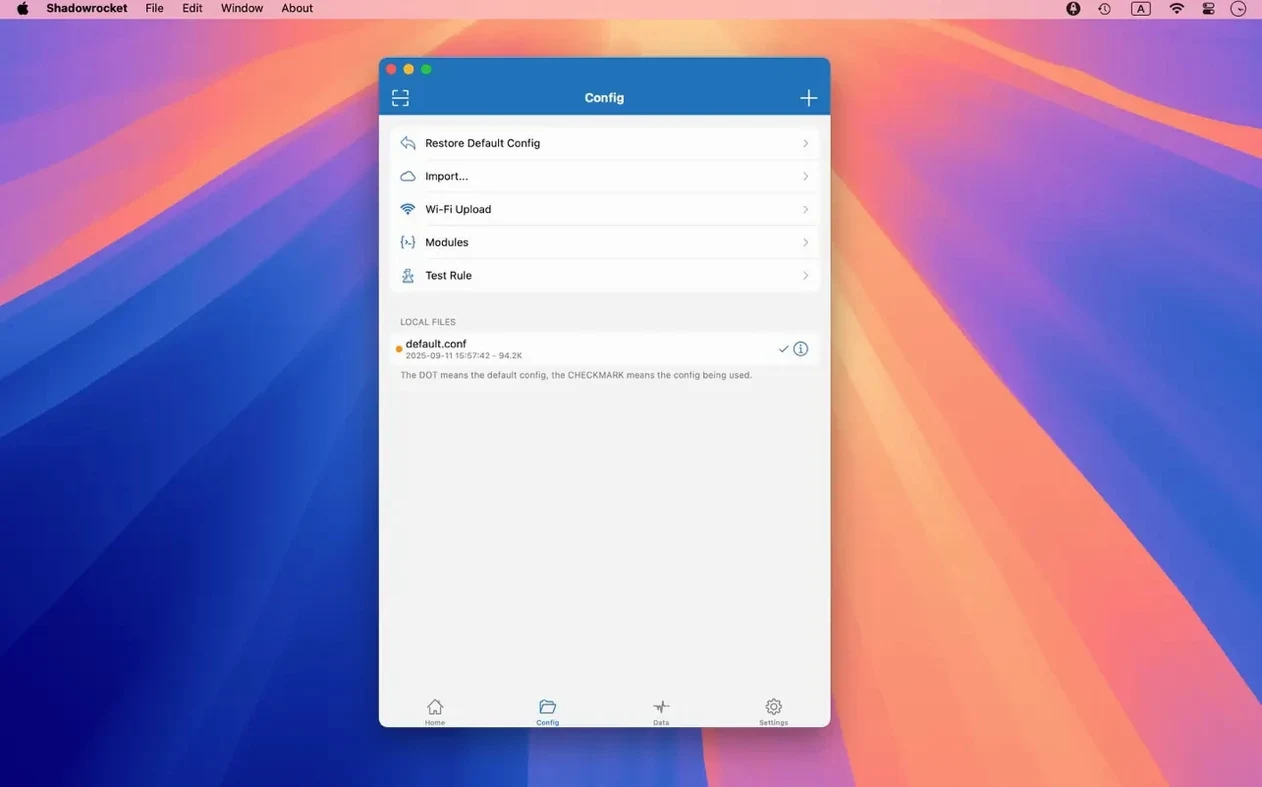
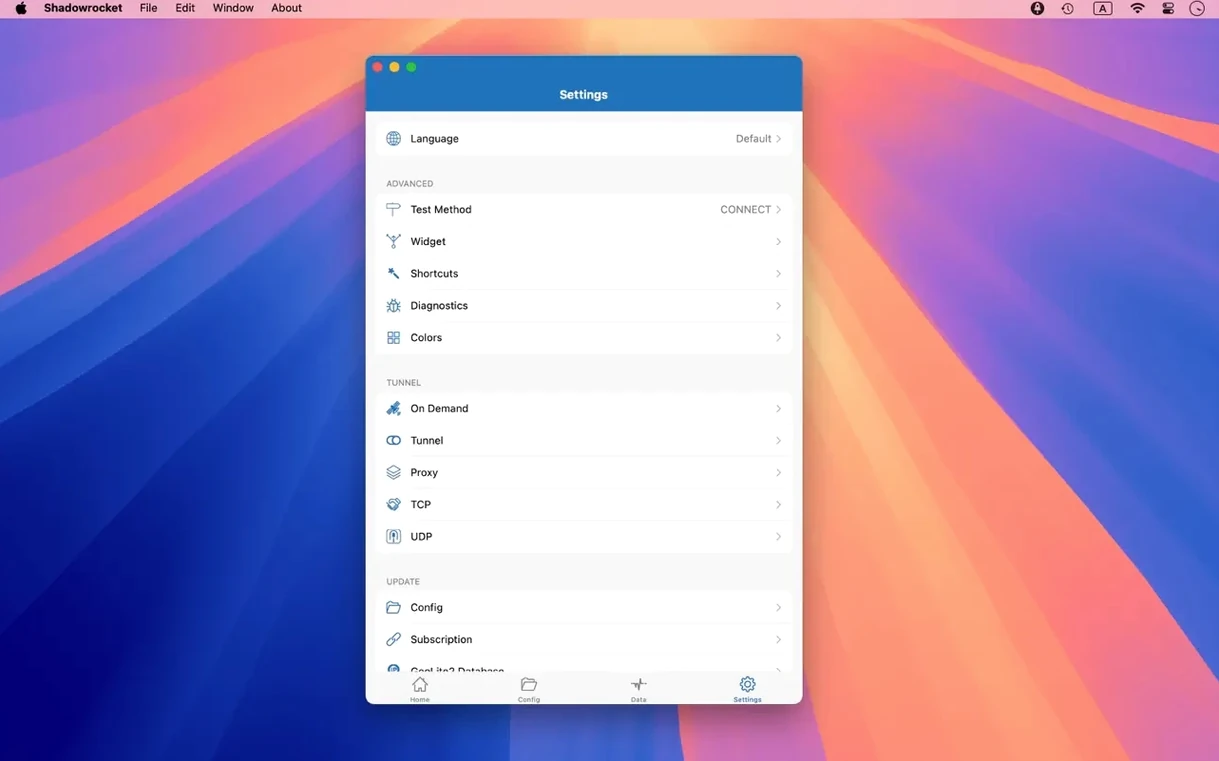
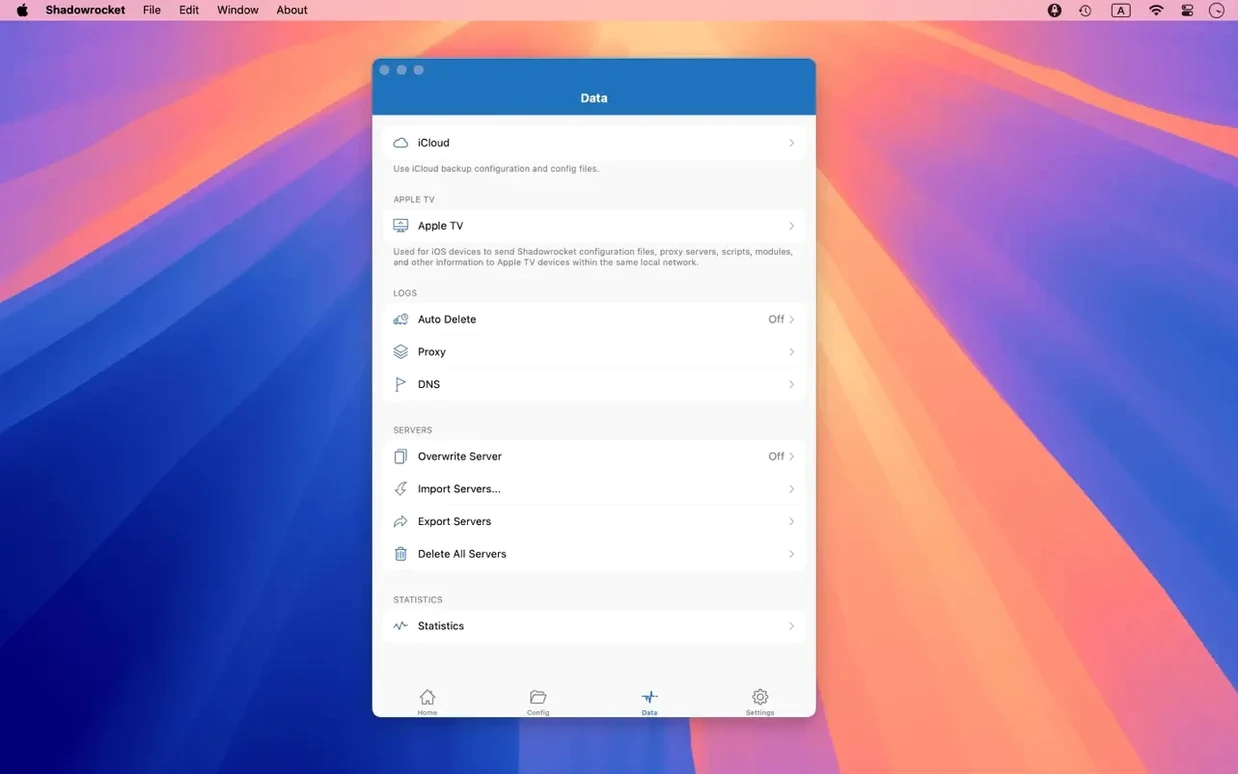
Version 2.2.92 ships with a handful of UI fixes for the server table, menu bar, and Dock icon. The core toolkit that makes Shadowrocket a rule-based proxy client on macOS stays unchanged.
| Quick facts | |
|---|---|
| Version | 2.2.92 |
| Developer | Shadow Launch Technology Limited |
| macOS | 10.15 or later |
| Architecture | Intel and Apple Silicon |
The app handles Shadowsocks, V2Ray, and SOCKS5 protocols with full IPv6 support. Plugin support covers kcptun, cloak, gost, and v2ray. HTTPS traffic can be decrypted, and HTTP, HTTPS, and DNS requests from macOS devices are recorded and displayed. Rule files import from a URL or iCloud Drive. Local DNS mapping, URL rewriting, and ad blocking by domain and user-agent rules are all present. DNS resolution works over HTTPS, TLS, and QUIC.
Import a rule set before touching anything else
A fresh install of a proxy utility does very little until you give it rules. Spend the first hour on three things and you avoid most early frustrations.
- Import a rule set first. Open the configuration tab, pull a rule file from a URL or iCloud Drive. Without rules, the app routes nothing.
- Check the server table sorting. Multi-select behaviour was fixed in 2.2.92. Tap through a few servers, reorder by latency, confirm the selection sticks.
- Review the DNS settings. Enable DNS over HTTPS or TLS straight away. The local DNS mapping panel sits one tab over — fill in two or three hosts you query often.
- Run a quick traffic log. Open the requests list, browse a few sites, watch HTTP and DNS entries appear. That confirms interception is working before you rely on it.
- Toggle the menu bar icon. The Dock icon fix in this build means you can hide the Dock icon and keep only the menu bar indicator. Do that early if you prefer a clean Dock.
Developers testing geo‑restricted endpoints
Shadowrocket suits a narrow slice of macOS users particularly well. If you fall into one of these groups, the app fits your workflow with almost no friction.
Developers who test against geo‑restricted endpoints. The domain keyword and GeoIP rules let you route only specific test traffic through a proxy while your main connection stays direct. Script filters add another layer for conditional routing.
Network engineers who need request-level visibility. The HTTP, HTTPS, and DNS request log replaces a separate debugging proxy for many tasks. HTTPS decryption is a checkbox, not a certificate dance.
Users who maintain multiple proxy servers. Multi-level proxy chaining and plugin support for kcptun, cloak, and gost keep the server list short. One entry can represent a layered setup instead of three separate profiles.
Anyone coming from the iOS version. The rule file format is the same. Export from your phone, import on the Mac via iCloud Drive, and you are running identical routing in under a minute. Language support across Russian, English, Vietnamese, Chinese, Korean, and Japanese means the interface carries over as well.
Speed, stability, resource footprint
On both Apple Silicon and Intel Macs running 10.15 or later, the app stays unobtrusive. Idle memory use sits under 80 MB with a moderate rule set loaded. CPU activity spikes only during rule reloads or when the request log scrolls through a heavy burst of traffic.
Throughput depends on your proxy server and plugin stack, not the client. With a direct SOCKS5 tunnel and kcptun, sustained speeds match what the terminal client delivers. The rule engine adds no measurable latency — domain matching fires before the TCP handshake completes.
Stability notes from this build: the server table no longer drops multi-select after a sort, the menu bar icon updates state without lag, and the Dock icon no longer reappears after being disabled. Crashes during rule import from iCloud Drive are not present in testing. The app has not beachballed on any Apple Silicon machine running 10.15 or newer.
A shadowrocket mac dmg is straightforward to handle — open the disk image, drag the app to Applications, launch from Launchpad. That is the entire install. If you grabbed a shadowrocket for mac build from a third-party source, the same steps apply. The shadowrocket macos download path is the same for Intel and ARM; one binary covers both architectures.
- UI fixes applied to server tables, the menu bar, and the Dock icon
- macOS 10.15 or later
- Intel and Apple Silicon supported
- Interface: Russian, English, Vietnamese, Traditional Chinese, Simplified Chinese, Korean, Japanese
Questions the team asks
It supports Shadowsocks, V2Ray, and SOCKS5, with plugins available for kcptun, cloak, gost, and v2ray.


Comments 0
Sign in or create an account to add a comment.
No comments yet. They go up after moderation.