

Scherlokk — Mac download
Download (6 MB) Earlier builds
Ticked
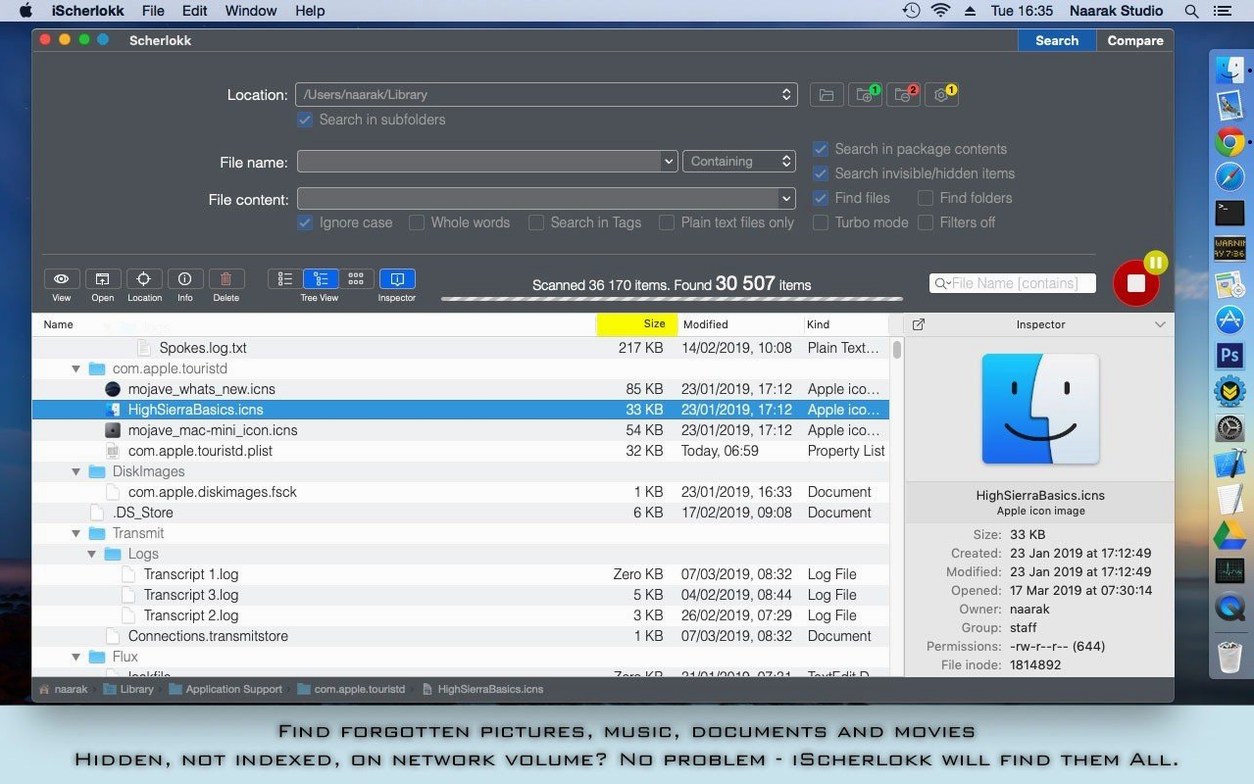
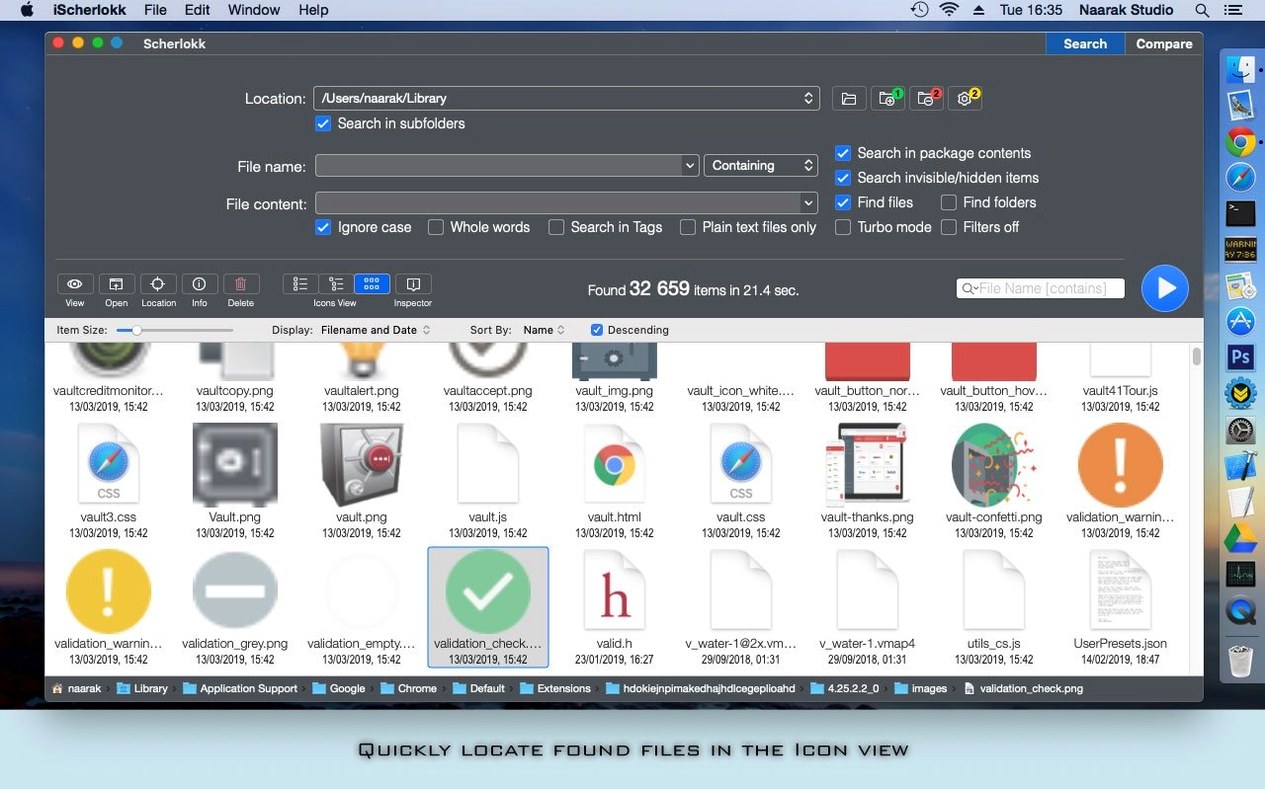
Spotlight works until it doesn’t. When you need to find a file on a memory card, search inside a binary, or locate something the system indexer missed, the built-in tools fall short.
Scherlokk uses its own search engine. It reads every accessible volume directly — internal drives, flash drives, USB sticks — without touching the Spotlight database. You set the location, the file type, and the criteria. The app does the rest. It never writes or modifies files during a search.
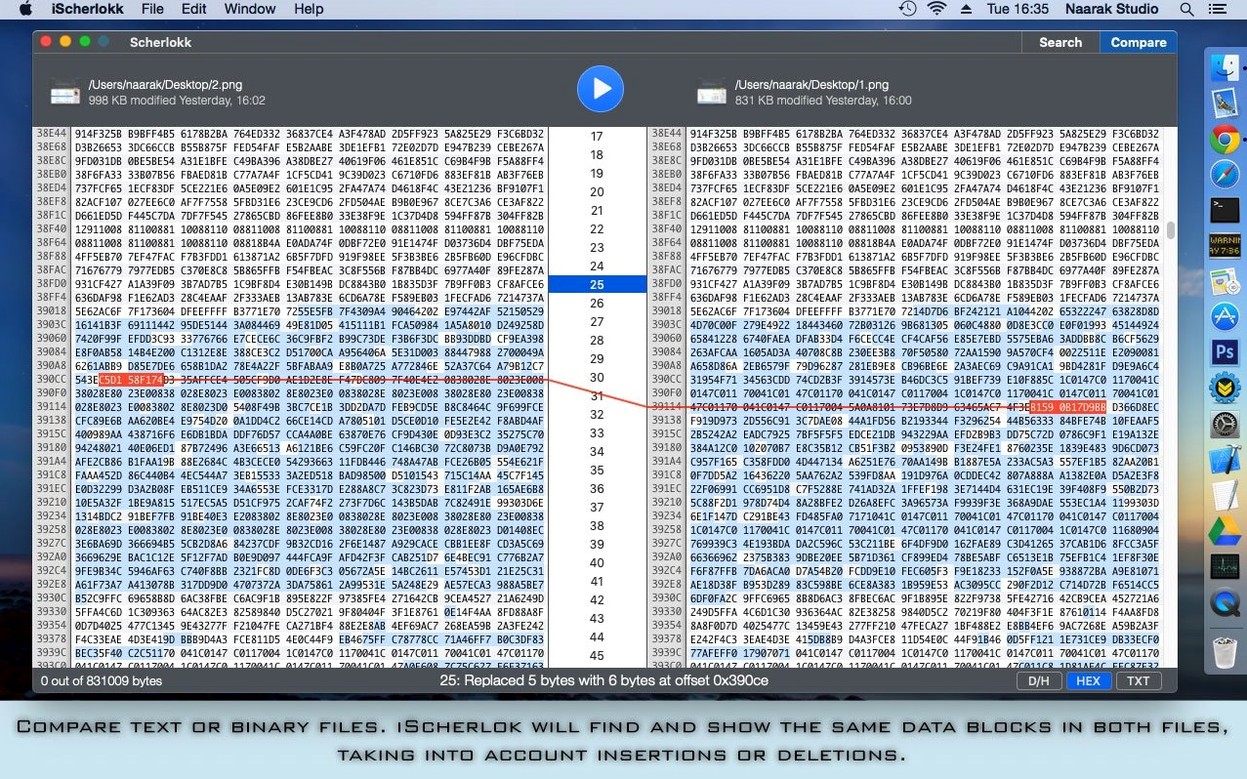
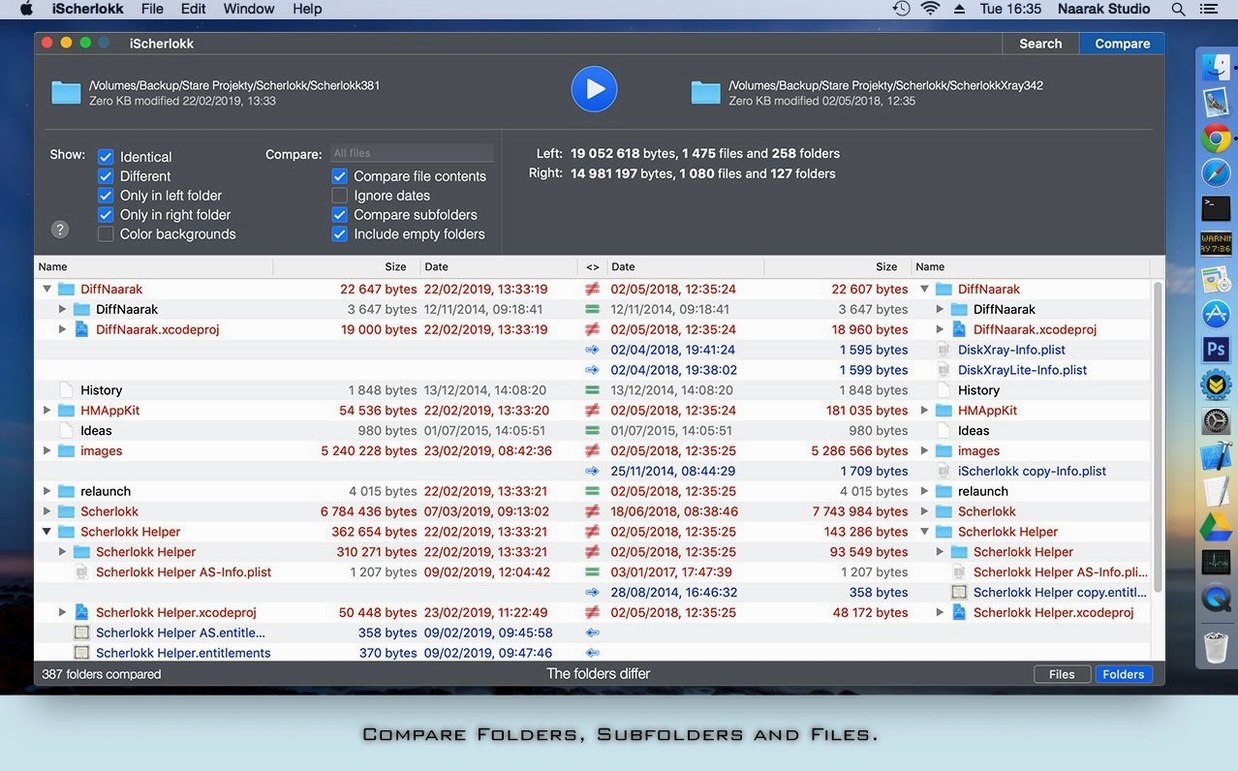
Music, pictures, movies, documents, or raw binary files: pick a category and narrow the hunt. The text and binary comparison tools let you inspect differences between files side by side, which is useful when you’re tracking changes in logs or data exports.
Grant Full Disk Access and Scherlokk reaches every folder on the machine. No indexing lag, no background processes. Just a direct line to what’s on the disk.
Pick a network drive and search instantly, no index wait
Say you need a log file from last Tuesday’s export. Spotlight gives you nothing. You open Scherlokk.
- Pick the location. Click the folder icon in the search bar, choose the network drive mounted via SMB. No index to wait for — the app connects straight to the volume.
- Set the criteria. You narrow by date range (last Tuesday only), file extension (
.log), and add a text filter with a keyword from the export script. Three fields, ten seconds. - Run the search. Results appear in a flat list. You spot the file, double-click to preview its contents right in the results pane — no extra app needed.
- Compare versions. You need to check what changed since Monday’s run. Select both log files, open the comparison tool. Insertions in green, deletions in red, the diff view scrolls in sync.
- Grab the file. Drag it from the results to a Finder folder or an email. Done.
The whole thing takes under a minute. No rebuilding a broken index, no restarting mds. Scherlokk just reads the disk.
How Scherlokk compares
Scherlokk vs. EasyFind
EasyFind is free and also skips the Spotlight index. It handles hidden files and package contents well. But it stops at file search — no comparison tools, no binary diff. Scherlokk gives you search plus the side-by-side view in one app. For someone setting up a Scherlokk Mac torrent, that’s less switching between tools.
Scherlokk vs. Find Any File
Find Any File leans hard into search precision — Boolean operators, raw Spotlight metadata queries. It’s fast and flexible. The trade-off: no file comparison at all, and the interface assumes you know what you’re doing. Scherlokk splits the difference with a cleaner results view and built-in diff, though it lacks the deep Boolean syntax you get in Find Any File.
Scherlokk vs. ForkLift
ForkLift is a file manager with search bolted on. It connects to FTP, SFTP, Amazon S3 — broader remote protocol support than Scherlokk’s AFP, SMB and FTP. But its search relies partly on Spotlight, and its comparison feature is basic. Scherlokk wins when you need a dedicated search engine that never touches the index, especially across multiple local and portable volumes.
- macOS 10.13 or later
- Apple Silicon or Intel 64-bit Mac






Comments 0
Sign in or create an account to add a comment.
No comments yet. They go up after moderation.