

RubyMine — Mac download
Ticked
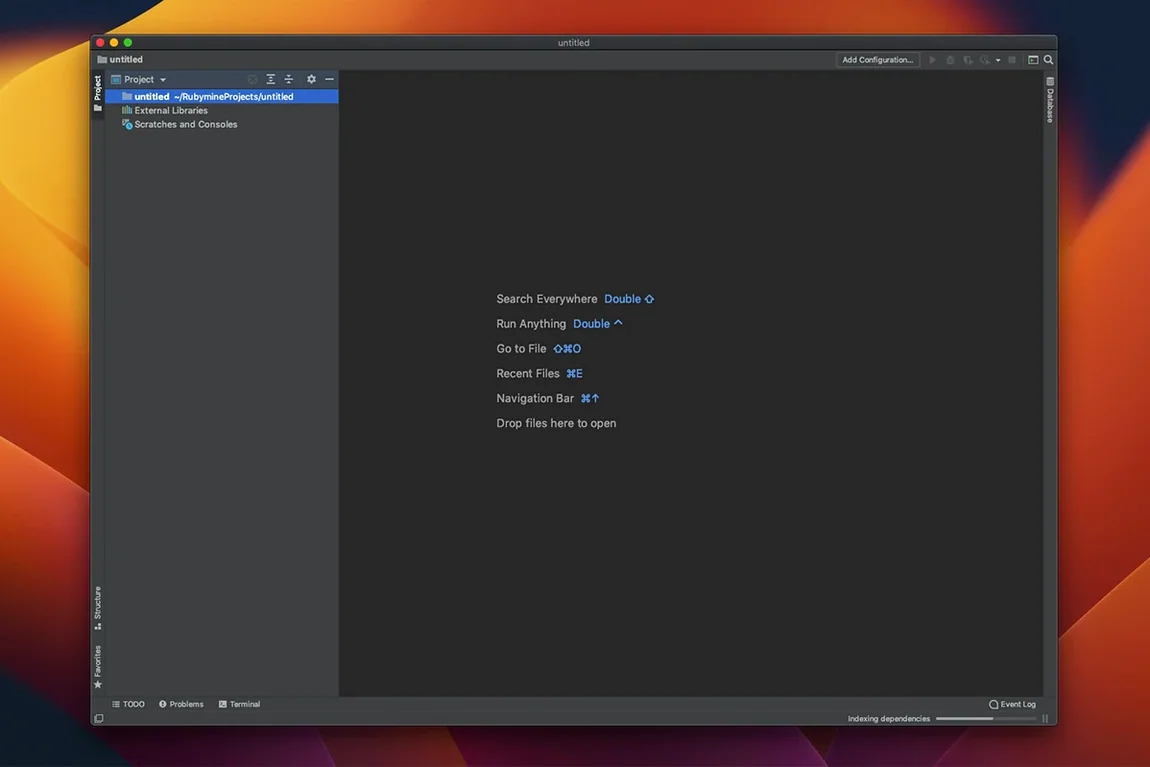
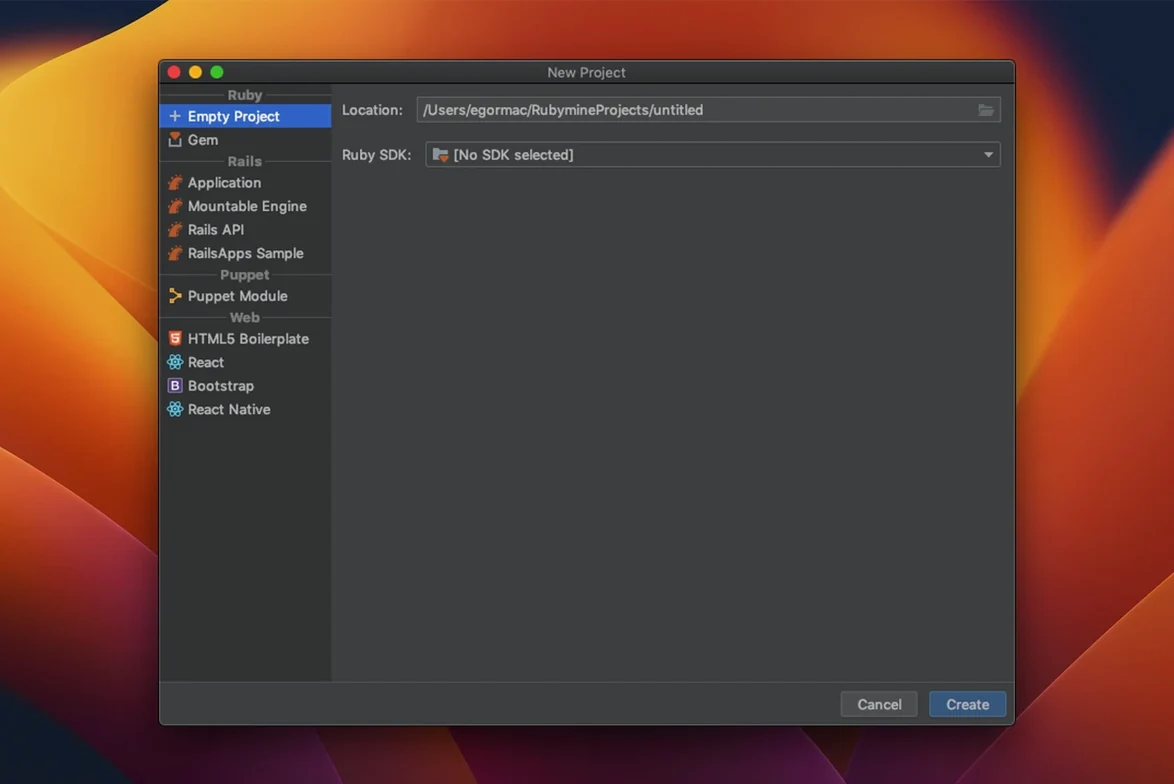
Build 2026.2.3 delivers agentic debugging, AI completion for third-party model providers, native GitHub Copilot integration, and switches the symbol-based code insight engine on by default. If you have just installed RubyMine, these are the first things to try.
- Run a generator without leaving the IDE. Hit the Rails Generator tool window to scaffold controllers, models and migrations. No terminal switching needed.
- Drop into agentic debugging. Set a breakpoint and let RubyMine suggest fixes by analysing runtime context. Fast way to trace logic bugs in Rails request cycles.
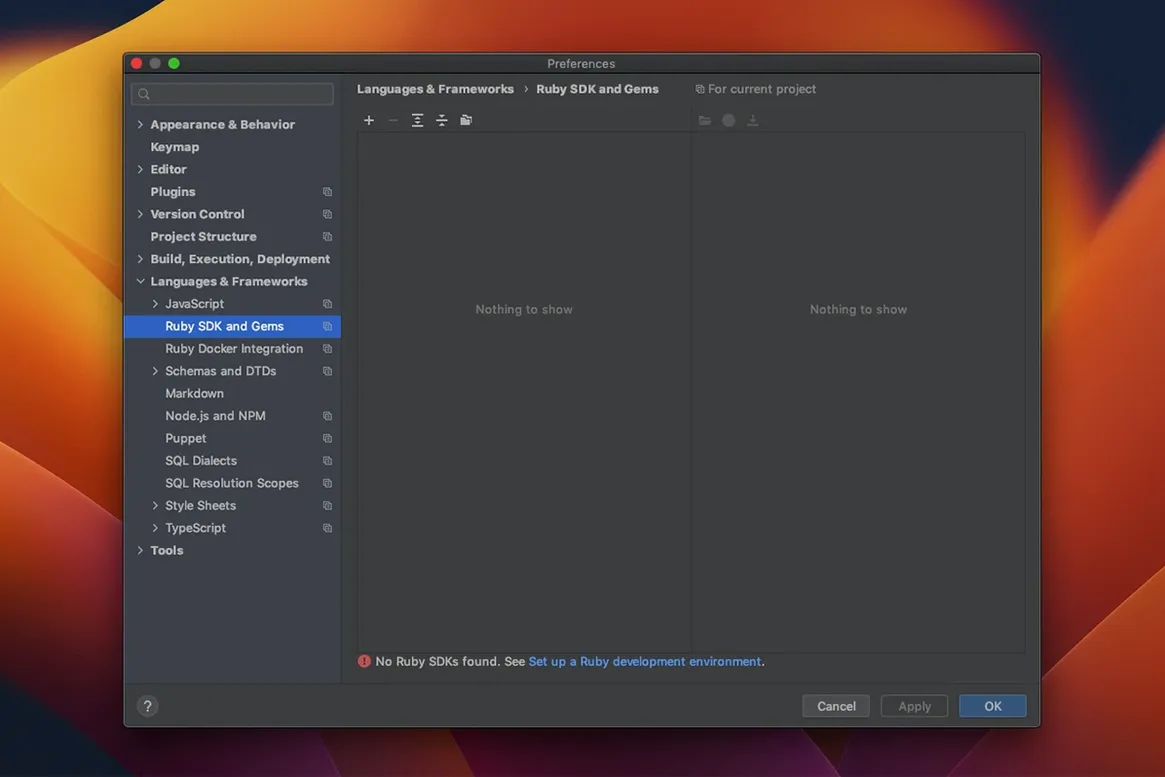
- Wire up Rbenv or RVM. Head to Preferences | Ruby SDK and pick your version manager. RubyMine detects installed Rubies and gem sets automatically.
- Create a Run configuration for RSpec or Minitest. Select a spec directory, right-click and choose Create Run Configuration. Run a single test, a file, or an entire suite with one shortcut.
- See your code as a diagram. Right-click a model or controller and pick Diagrams to get a zoomable map of associations and call hierarchies.
- Open quick documentation. Press F1 on any method name for Ruby core, Rails API, or gem docs without opening a browser.
RubyMine ships with syntax highlighting, code error detection, and integrations for Bundler, Rake, Capistrano, Chef, Puppet, Docker and RuboCop ready. It runs on macOS 11 and later, on both Apple Silicon and Intel Macs.
Stay in sync with your terminal and Git
- Terminal stays in sync. Run Bundler, Rake tasks or Rails generators from the built-in terminal. The IDE picks up the same Ruby SDK and gem set as your session.
- Git without leaving the editor. Stage, commit, branch and resolve conflicts from the VCS menu. Diffs show inline, per line, for Ruby and ERB files.
- Deploy from the IDE. Configure FTP or SFTP once, then push changed files directly from the project tree. Upload on save is available for staging boxes.
- Docker and Vagrant play the same project. Point a Run configuration at a compose service or Vagrant box, and debugging, tests and Rake tasks run inside that environment.
- RuboCop warnings appear as you type. Style issues show in the editor gutter. Run autocorrect from the context menu to apply fixes in bulk.
- Text editing stays familiar. macOS system shortcuts for copy, paste, undo, and emoji input work as expected. The project tree supports drag and drop from Finder.
Install RuboCop and RBS before anything else
- Install the RuboCop and RBS integrations early. They shape inspection behaviour and code completion from the start.
- Map one keyboard shortcut for Recent Files. You will use it constantly when moving between models, specs and views.
- Let the index finish before judging speed. First project open takes longer. After indexing, navigation and find-usages respond fast.
- Create a Rails server Run configuration on day one. Enable auto-restart on code change, then keep the server pane open while editing controllers.
- Use the built-in split view for specs and implementation. Drag a spec tab next to its class file and keep both visible during red-green cycles.
- Agentic debugging — breakpoints that suggest fixes
- AI completion support for third-party model providers
- Native GitHub Copilot integration
- Symbol-based code insight engine enabled by default
- macOS 11 or later
- Apple Silicon or Intel processor
Questions the team asks
RSpec, Cucumber, Shoulda, MiniTest and Test::Unit are supported directly from the Run configuration.
Yes, Docker integration is included. You can configure a remote Ruby SDK inside a container for development and debugging.
It does. RuboCop inspections appear inline, and you can run autocorrect from the editor.








Comments 0
Sign in or create an account to add a comment.
No comments yet. They go up after moderation.