
Raycast Pro — Mac download
Download (100 MB) Earlier builds
Ticked
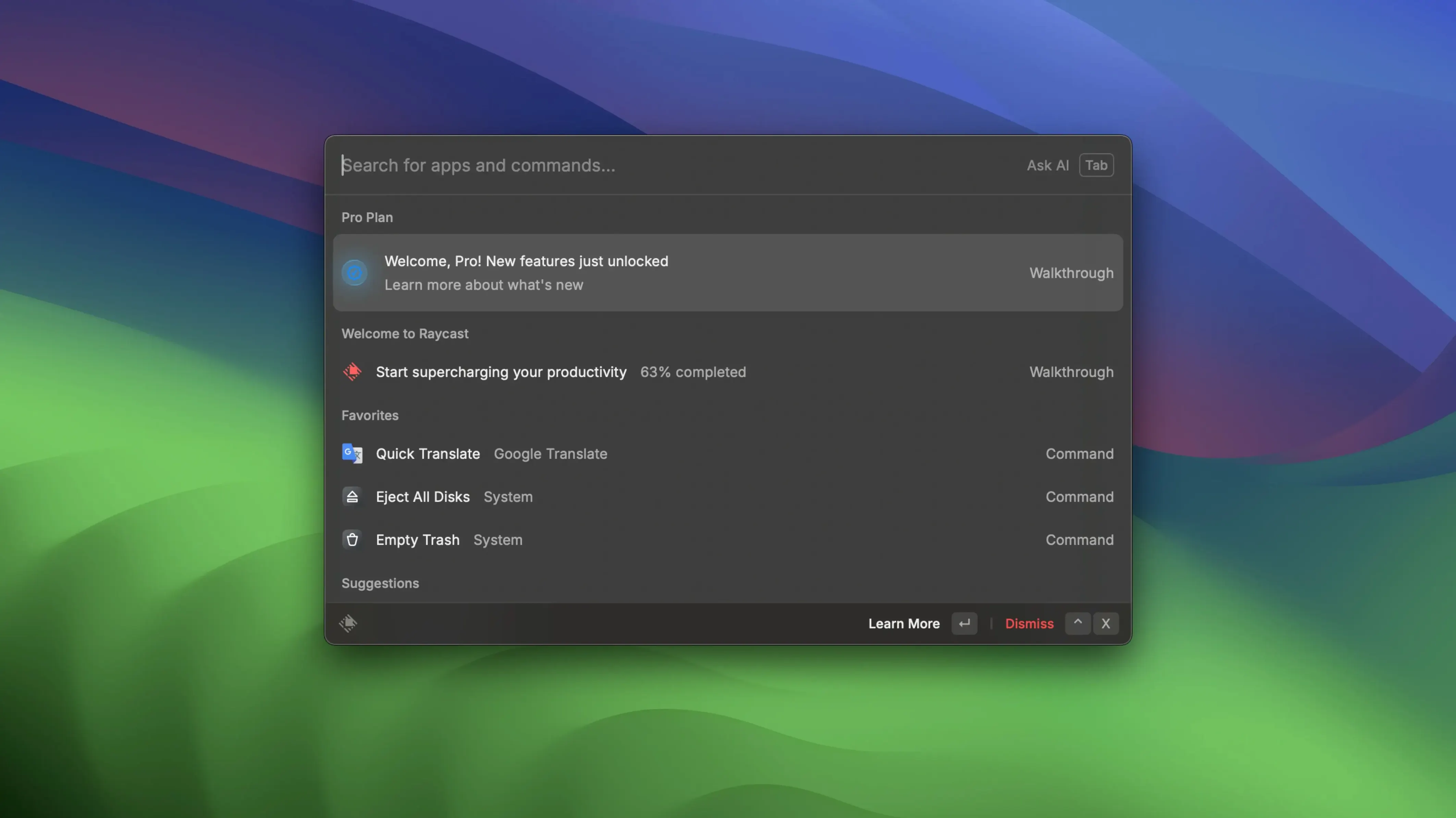
Raycast Pro runs on any Mac with macOS 12 or newer. Apple Silicon and Intel are both supported. The interface is English only. Online functions do not work in this version, and activation is not required.
Your command palette hub for apps, scripts, and Zoom
- Opening apps and files from one command palette with Option+Space
- Running custom script commands and community-created scripts
- Searching local files without opening Finder
- Connecting Zoom to schedule, start, and view meetings
- Using floating notes and built-in shortcuts for fast Mac tasks
macOS 12+ only and online functions are offline
- Requires macOS 12 or later
- English interface only
- Online functions do not work
- Third-party app connections depend on the apps you use
Swap the hotkey and pick a compact list view
- Hotkey. Default is Option+Space. Swap it to Command+Space if you are migrating from another launcher, or set a custom combo in
Raycast Settings > General. - Appearance. Pick a compact or detailed list view. Compact works better on smaller screens. Set it under
Settings > Appearance. - Search scope. Untick folders you never need. Spending time scrolling past irrelevant results slows everything down. Go to
Settings > Extensions > File Search. - Fallback commands. Assign a fallback for queries that return no match. Google Search or a quick-link to your wiki are sensible choices. Find it in
Settings > General > Fallback Commands. - Privacy. Exclude sensitive folders from file search before you start typing anything important.
Settings > Privacy & Security.
Workflow: schedule a Zoom meeting and share notes
A task that usually means opening a calendar, copying a link, and writing an email can run entirely from the palette.
- Hit Option+Space and type
Schedule Meeting. The Zoom extension proposes a new meeting with a generated link. - Press Return. The link copies to your clipboard automatically.
- Open a floating note with
Floating Note. Paste the link and add a one-line agenda. - Highlight the text and run
Copy to Clipboardor pickSend via Messagesto drop it into a team chat. - If the note belongs in a project folder later, use
Share to Apple Notesfrom the note’s action menu.
No calendar app opened, no browser tab hunting. The note stays pinned until you close it, so you can add action items during the call.
Target specific browsers with keyword quick links
- Quick links with app targeting. Set a quick link to open GitHub in Safari, but make another for Notion that opens in a dedicated browser. Add them in
Extensions > Quicklinksand assign each a short keyword likeghorno. - File search operators. Typing
f filenamenarrows the scope to local files only. Faster than opening Finder and hunting through folders. - Command history. Press the up arrow when the palette is empty to recall your last few commands. Useful when you re-run the same action repeatedly.
- Script commands from the community. Browse script directories people share on forums. Drop a script into your commands folder and it appears in the palette without restarting. Some users who grab a Raycast crack or a Raycast Pro crack to bypass feature limits can still run community scripts alongside their setup.
- Floating note as a scratchpad. Pin a note with Option+Shift+N. It stays above other windows. Use it for temporary snippets, then clear it with Escape.
- Zoom command variations. Beyond scheduling,
Join Next MeetingandUpcoming Meetingspull from your connected Zoom account. No need to dig through calendar entries. - Alias awareness. If you rename an extension command in settings, you can trigger it with your own shorthand. Rename “Search Files” to “sf” and save two keystrokes.
The 2.5.1.0 release applies fresh maintenance tweaks so the launcher stays quick and reliable.
- macOS 12 or later
- Apple Silicon or Intel 64‑bit








Comments 0
Sign in or create an account to add a comment.
No comments yet. They go up after moderation.