

ProPresenter — Mac download
Download (207 MB) Earlier builds
Ticked
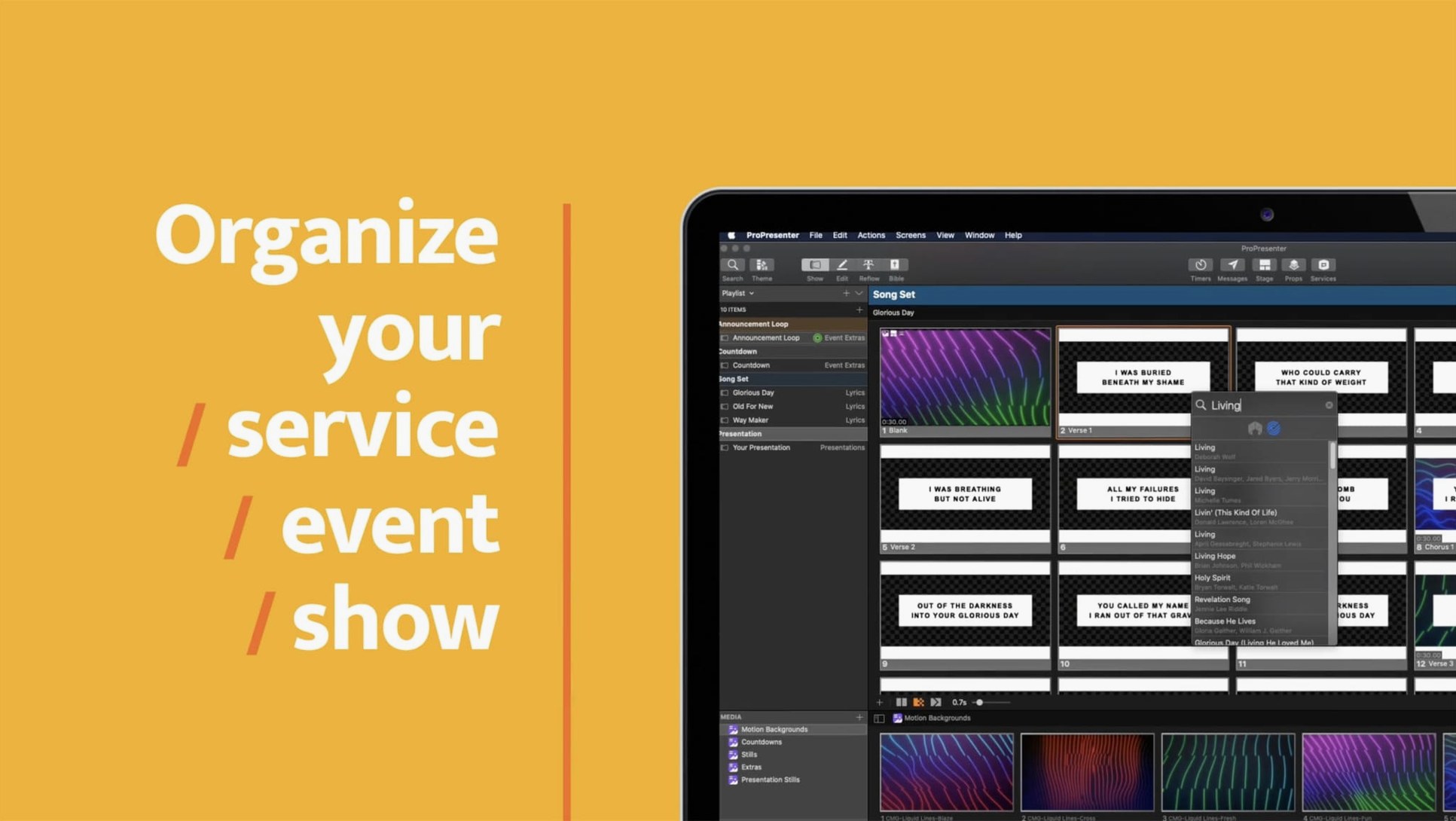
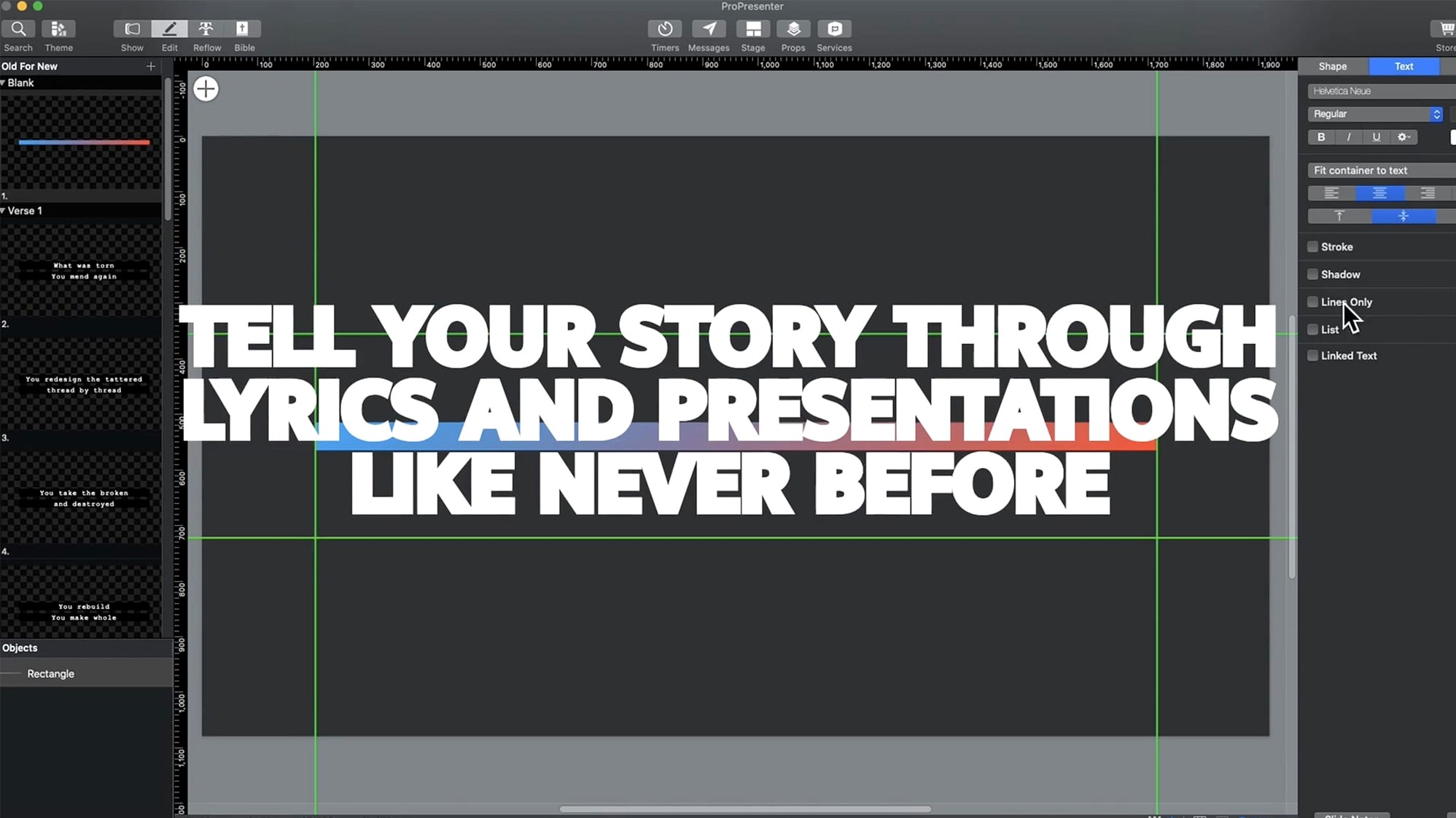
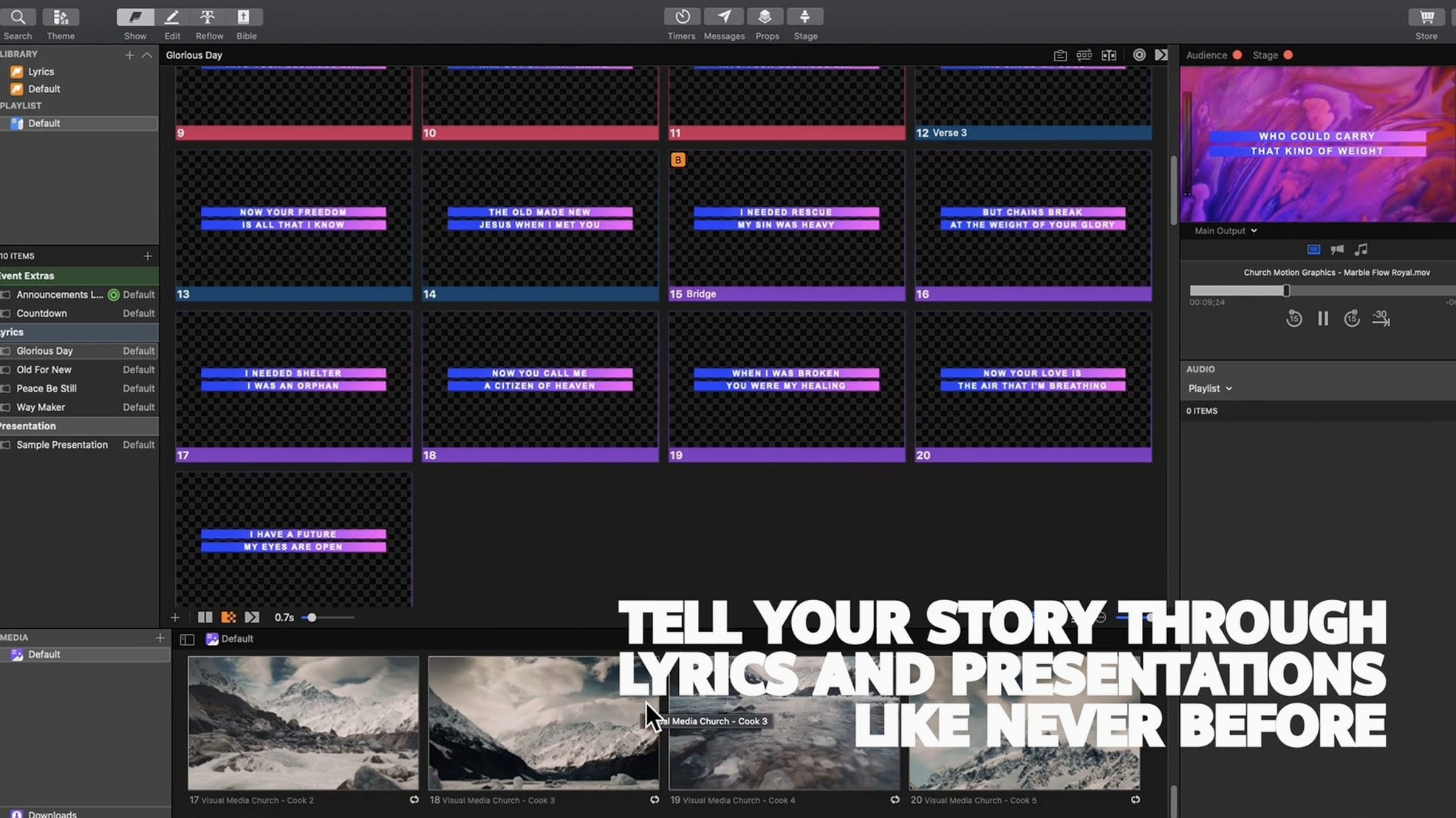
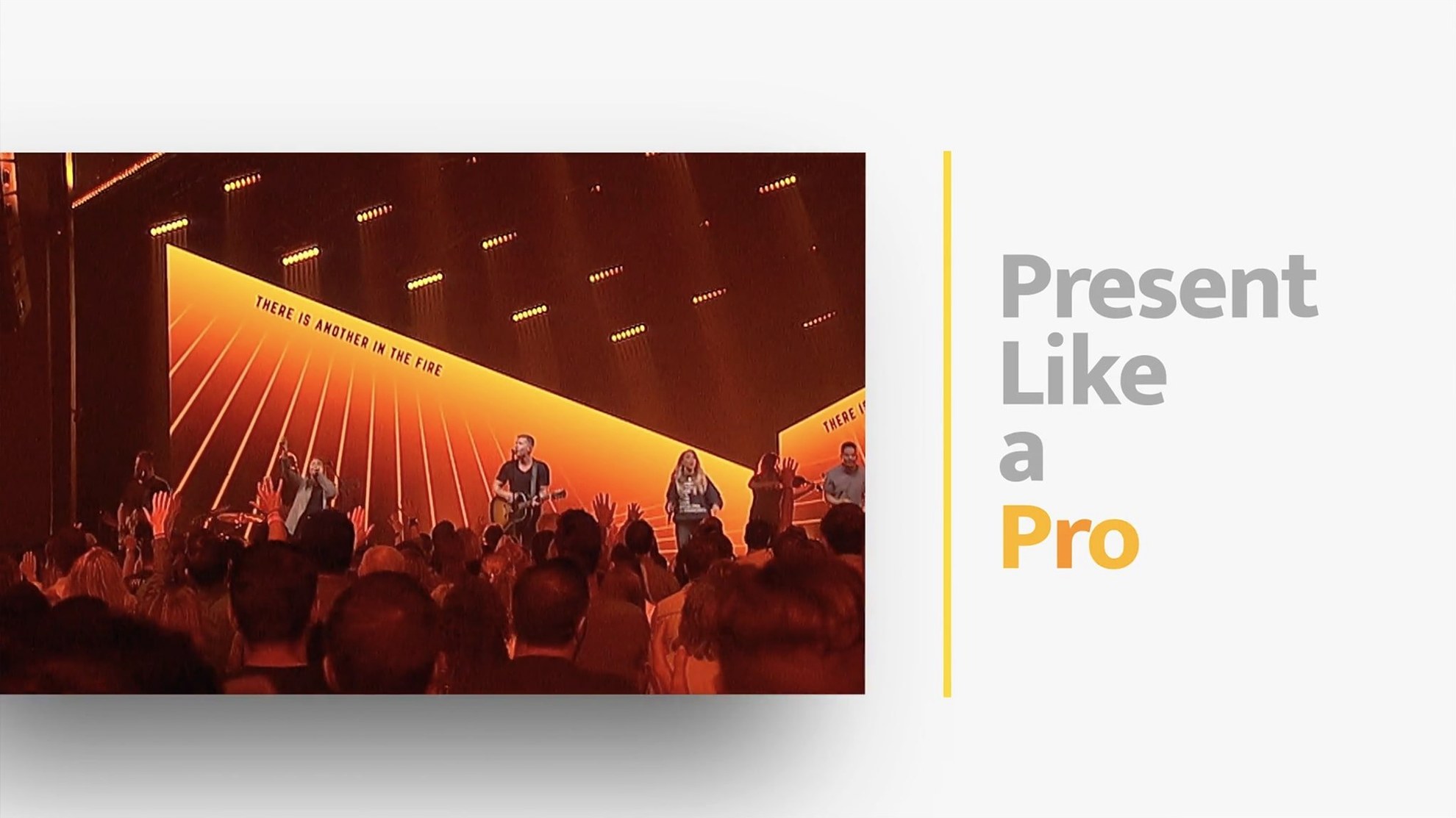
Live events fall apart when the lyrics lag, the stage screen freezes, and the livestream feed shows the wrong slide. ProPresenter puts those pieces back under one operator. Originally built for houses of worship, it now runs conference stages, broadcast control rooms and multi-room venues—all from a single Mac.
Independent stage displays and overflow outputs out of the box
- Multi-screen presentations with independent stage displays, lobby feeds and overflow room outputs
- Multi-camera streaming and recording, plus a separate online-event feed
- Video playback tools—HD and in-slide playback without switching apps
- Moderated Twitter feeds that pull live social content into the show
- Prearranged slide-and-soundtrack sequences that run on cue
Cue lists and labelled panels still drive the workflow
The workflow hasn't shifted. You still build cue lists, assign outputs per screen and trigger everything from a single timeline. The interface remains dense with labelled panels rather than hidden gestures. Renewed Vision keeps the feature set broad—stage display, streaming, social feeds and video playback all sit inside the same app rather than across plugins. If you ran a previous version, the muscle memory carries over.
A service morning with too many moving parts
A church volunteer arrives at 8:15. The auditorium screen is dark, three confidence monitors need lyrics, the lobby TV should show announcements, and the livestream starts at 9:00. None of that can wait. They open the cue list for the first set, check that each slide triggers the correct display output, then load the pastor's quotation slides into a separate playlist. The video clip for the sermon illustration sits in the media bin—they spot-check the in-point and confirm it plays across all outputs. When the band starts soundcheck, lyrics appear on the confidence monitors exactly as they will during the service. The operator watches the clock on the stage display timer, adjusts the lower-third for the livestream, and queues the closing announcement loop for the lobby. Nothing leaves the same Mac.
Quick facts
Discrete GPU handles multi-screen video without dropped frames
ProPresenter leans on the GPU for video playback and multiple outputs. A Mac with discrete graphics handles layered slides and HD video across several screens without dropping frames. Integrated graphics work for simpler setups—two screens, still images and short clips—but complex stage designs with live cameras benefit from dedicated hardware. The app runs on both Intel and Apple Silicon Macs.
Can the remote app control everything from an iPad?
The ProPresenter Remote app gives you slide advance, playlist selection and basic cue control. It does not replace the full interface for building slides or configuring outputs. Most operators set up the show on the Mac and use the remote during the event to stay mobile.
What happens to the livestream feed if a slide freezes?
ProPresenter separates the audience display from the online feed. If one output locks up, the others keep running. The operator can switch the livestream to a clean camera feed, restart the slide layer, and bring graphics back without taking the stream offline.
Does it import existing PowerPoint or Keynote files?
It imports PowerPoint files directly and converts slides into the native format. Keynote presentations need an export to images or PDF first. After import, you edit everything inside the ProPresenter slide editor—eight content layers, custom transitions and per-slide audio cues are all available.
Running a midweek rehearsal, step by step
- The operator opens the Wednesday-evening playlist. The band leader sends over a revised set list—three songs moved, one added.
- They drag the new song arrangement from the library, drop it into the cue list, and reorder the remaining items.
- The lyric slides for the first song need a background change. They open the slide editor, select the background layer, and pull a motion loop from the media bin.
- A quick check on the stage display shows the timer counting down correctly. The confidence monitor renders lyrics in white on black—high contrast, easy to read from the stage.
- They load the moderated Twitter feed for the event hashtag. A test post appears in the lower-third preview; the moderation panel flags it for approval.
- The video playback for the teaching segment gets an audio ducking cue. When the pastor speaks over the clip, the soundtrack dips automatically.
- They save the playlist, close the lid, and everything is ready for the 7:00 call time.
- macOS 10.15 or later
- Runs on Intel and Apple Silicon Macs
Questions the team asks
It was first built for houses of worship. Today it also runs in conference venues, broadcast studios and any space that needs multiple stage displays and a livestream feed.
Yes. It includes video playback tools that support HD playback inside slides, so you don’t need to switch to a separate video app mid-show.
You can set up independent feeds for stage displays, lobby screens, overflow rooms and an online event—all managed from the same Mac.





Comments 0
Sign in or create an account to add a comment.
No comments yet. They go up after moderation.