
Presentify — Mac download
Download (6 MB) Earlier builds
Ticked
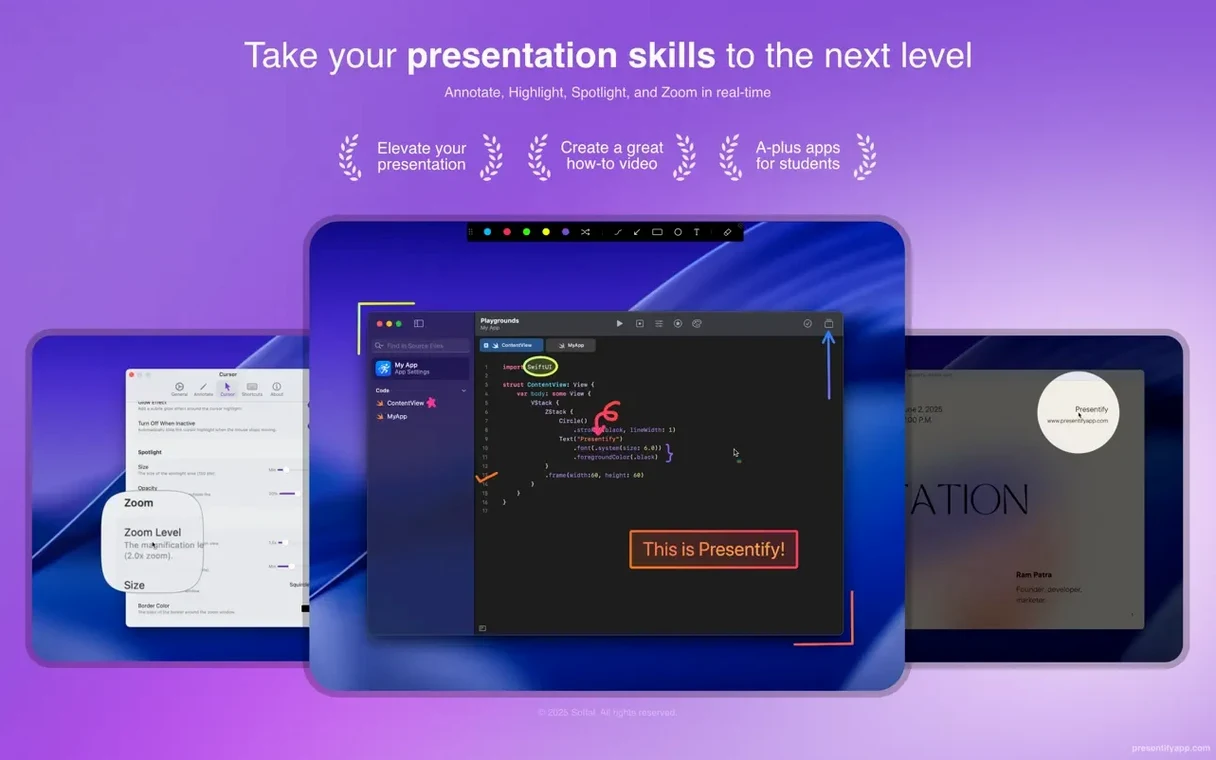
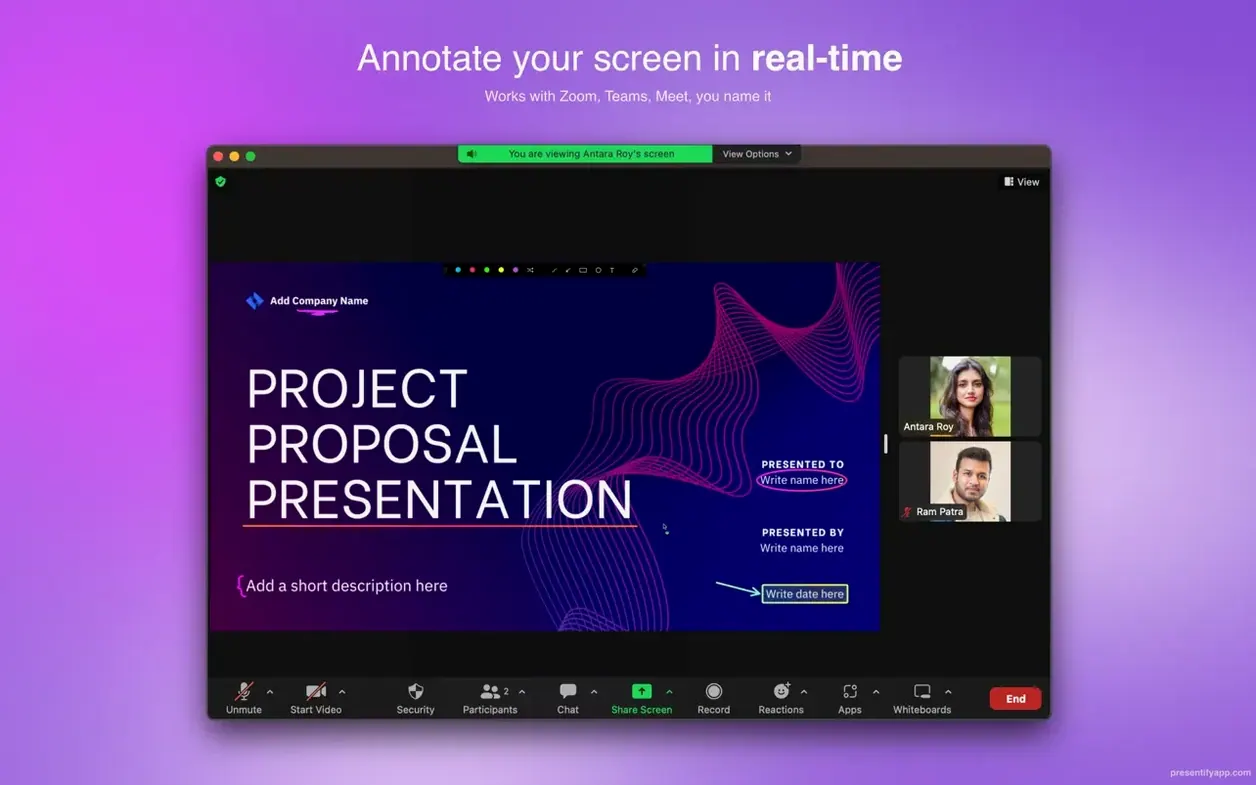
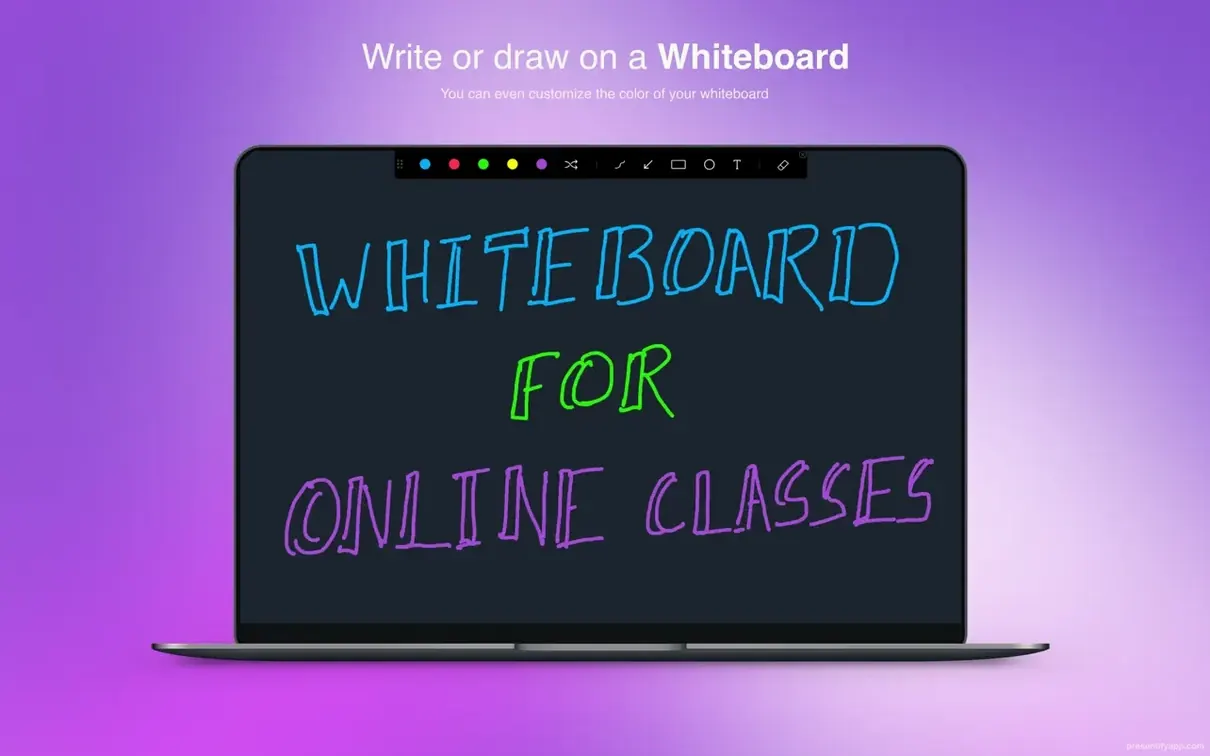
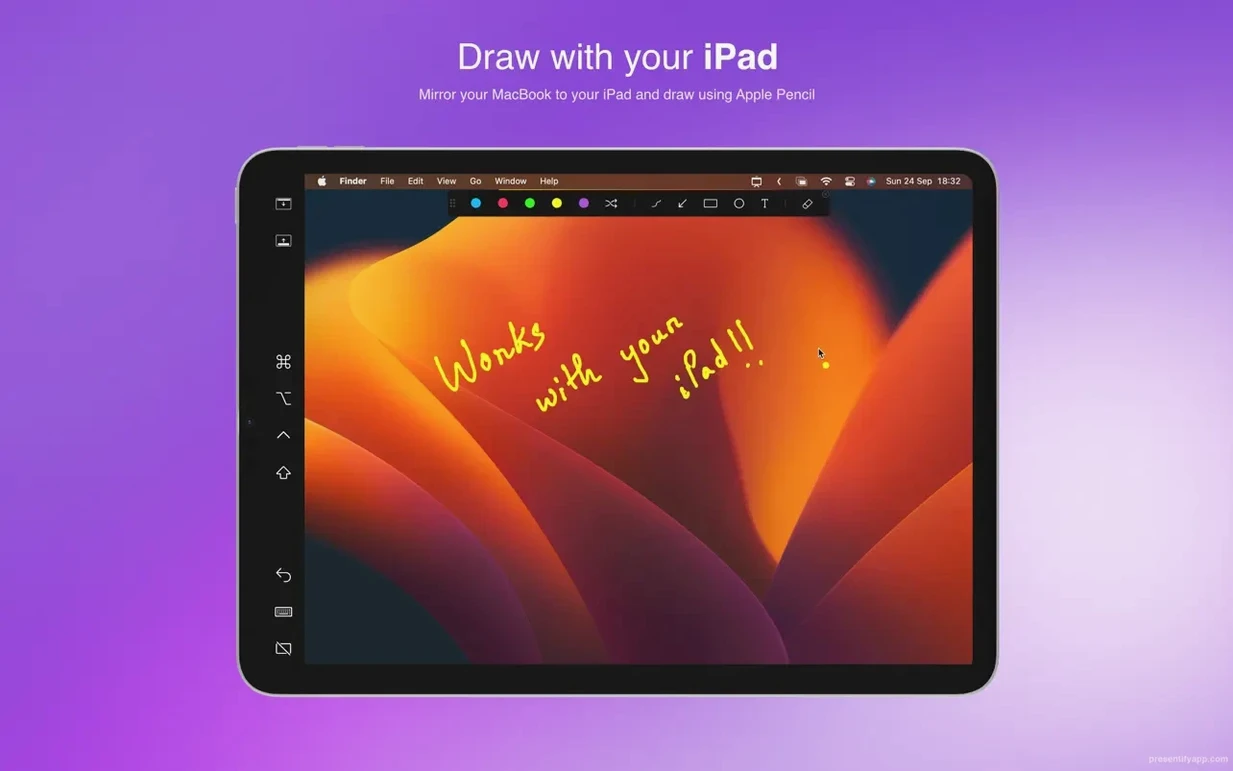
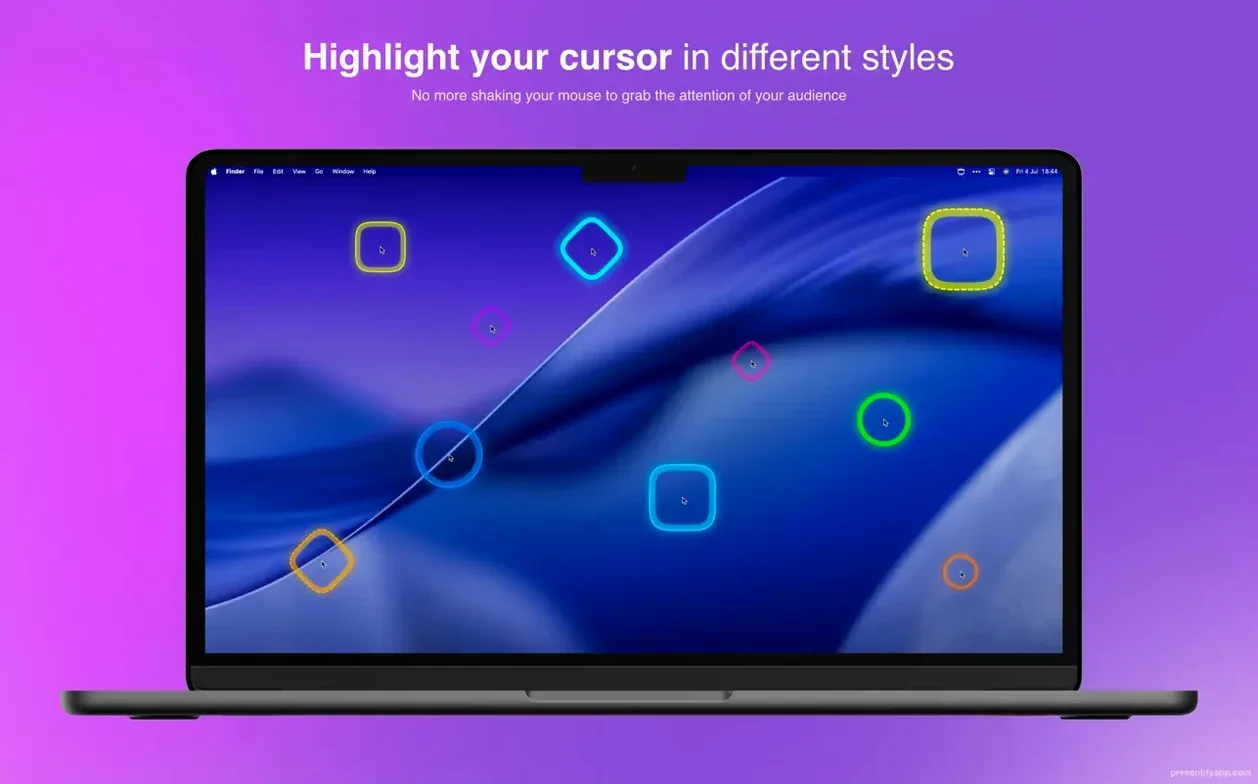
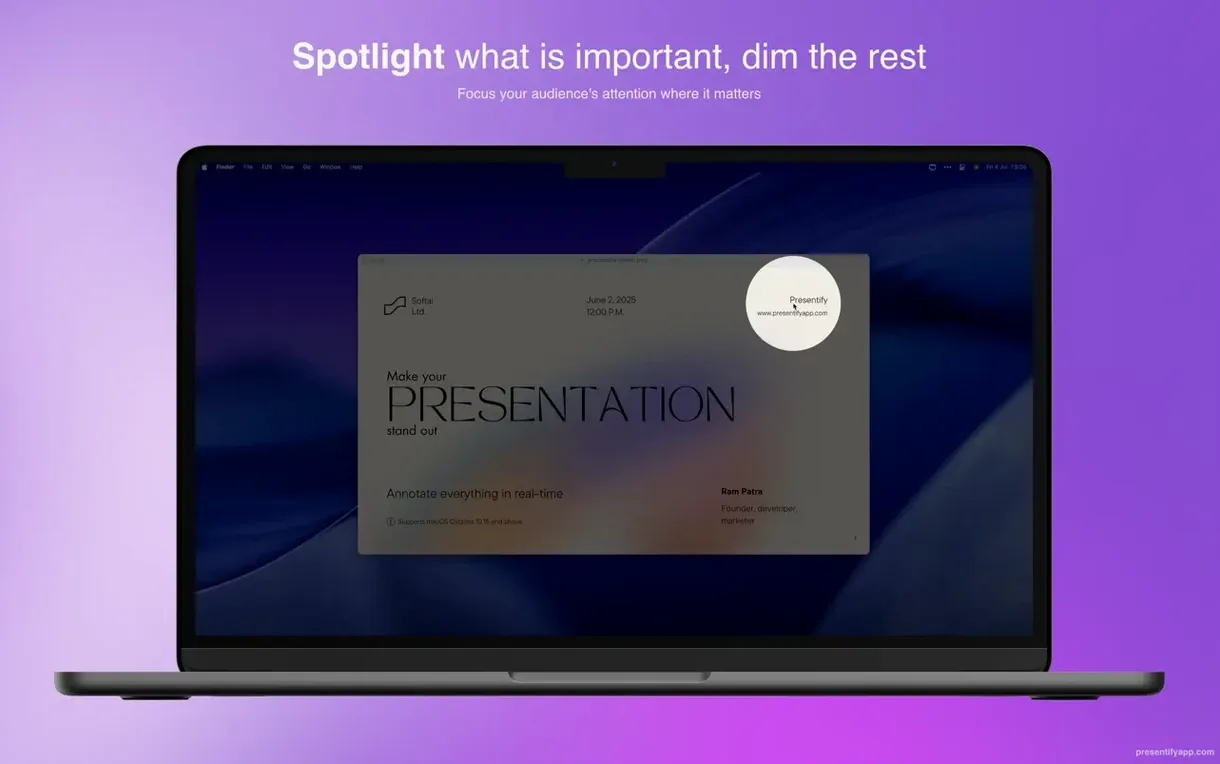
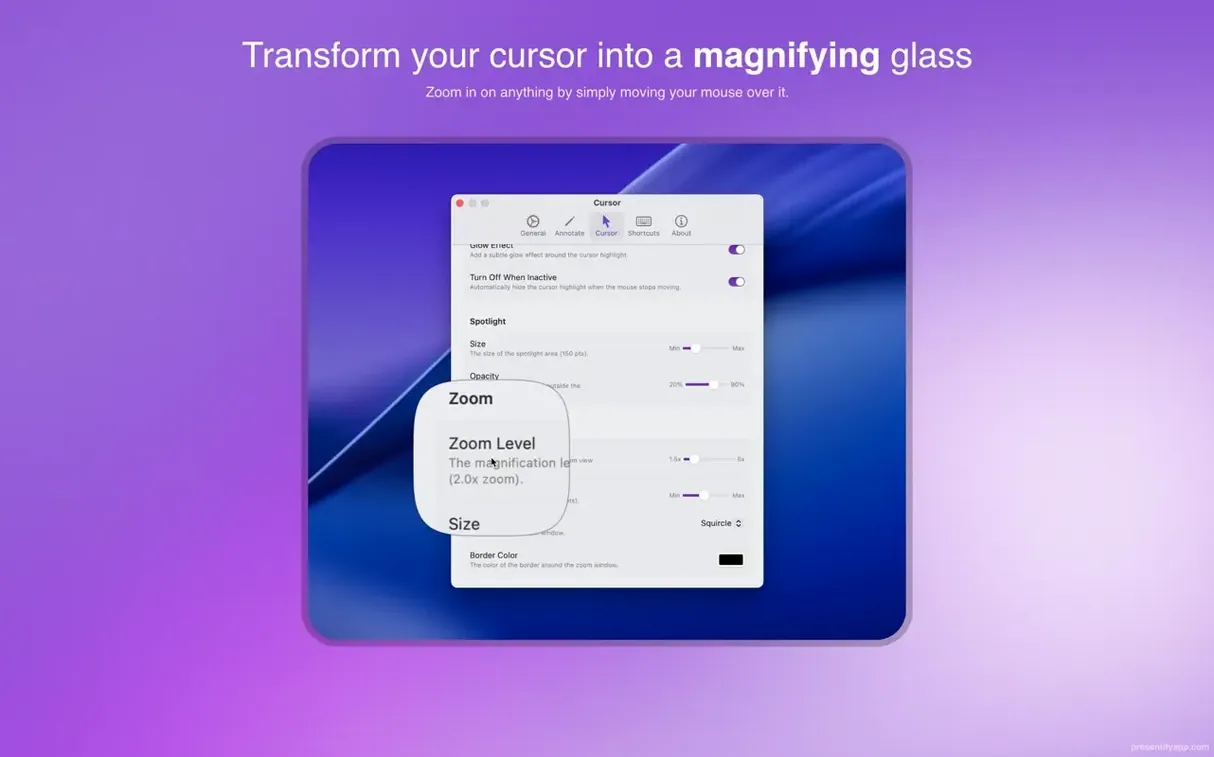
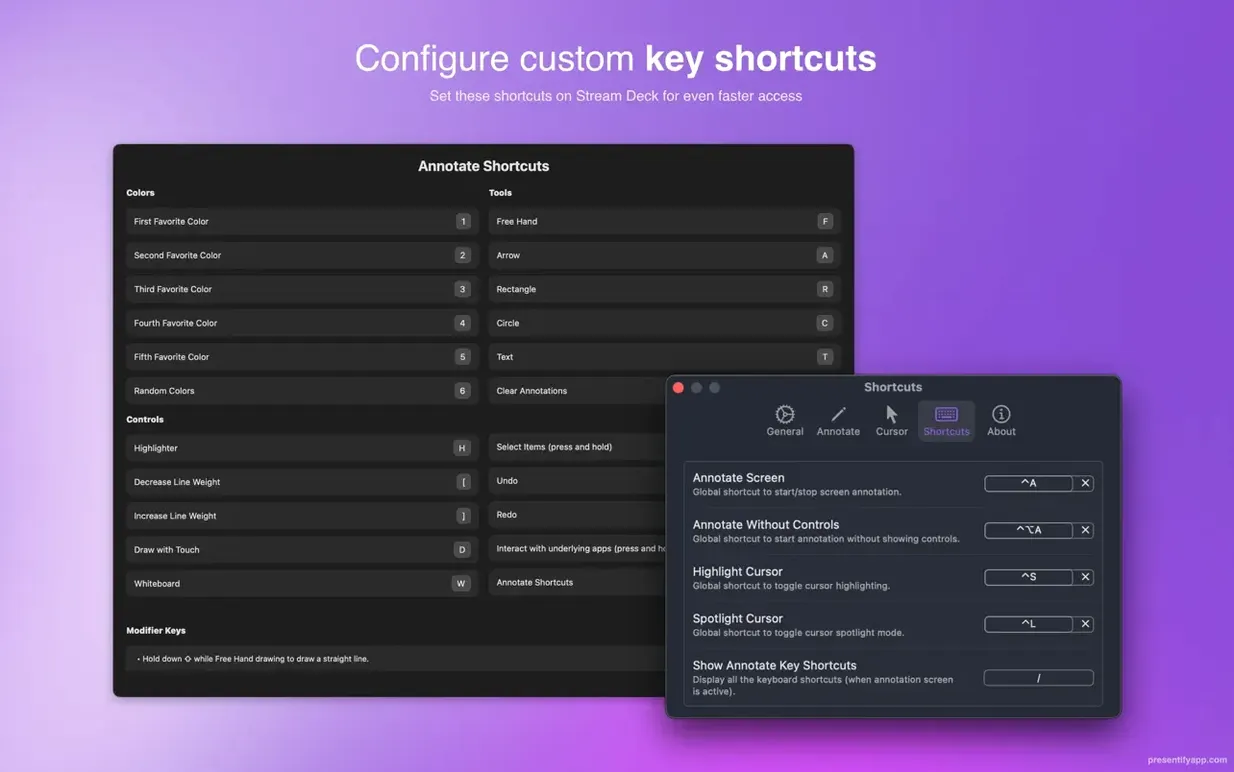
Running a demo or recording a tutorial and need to draw attention to a specific button? Presentify puts a visual annotation layer over your screen, letting you highlight, spotlight, and zoom without leaving your current app.
Which macOS versions are needed?
You need macOS 13 Ventura or later. It runs natively on both Apple Silicon and Intel Macs.
Wacom and XP-Pen tablets, plus Fn-key click‑through
It supports graphics tablets from Wacom and XP-Pen for precise drawing. The default mode also lets you interact with underlying apps by holding the Fn key.
What core tools do you get?
A menu bar app with text annotation, multiple drawing shapes, and random gradient colours. A key feature is text highlighting that doesn't cover the words underneath. It works as an overlay during calls in Zoom, Google Meet, and Skype.
Text annotation now lives one click away in the toolbar
Version 8 brought a noticeable shift in how the app handles daily annotation work.
- Text annotation moved from a hidden sub-menu to a direct toolbar item. One less click when you need to type mid-presentation.
- Automatic erasing got a time slider. Set annotations to fade after a few seconds, and the screen stays clean without manual clearing.
- Random gradient colours now cycle per stroke, not per session. Each line you draw picks a new colour pair, which helps separate overlapping notes in dense slides.
- Interaction mode with the Fn key became more predictable. Earlier versions occasionally missed key-up events; the current build releases the annotation layer faster when you lift Fn.
The 8.1.x line focused on stability under full-screen Keynote. Previous versions sometimes hid the toolbar after a slide transition; that no longer happens on macOS 14 and later.
Panic when the Fn key hides your annotations
- Forgetting the Fn key exists. People draw annotations, then panic because they can’t click through to their slides. Hold Fn and the layer becomes temporarily transparent to mouse input.
- Drawing before setting a shortcut for erase. The default auto-erase is off. Without a hotkey configured, clearing the screen means opening the menu bar dropdown mid-presentation. Set one in preferences before your first real session.
- Assuming spotlight follows the cursor. Spotlight is a static ellipse you position and resize. It doesn’t track mouse movement. Use cursor highlighting for motion, spotlight for fixed emphasis.
- Overloading the screen with text boxes. Text annotations persist until erased. In a fast-paced demo, three old text boxes accumulate quickly. Either turn on auto-erase or assign a shortcut to clear all.
- Running at the wrong zoom level. The zoom tool magnifies a region, but if your recording resolution is low, zoomed pixels look soft. Set your display to the recording resolution first, then zoom.
45–60 MB idle, climbs during spotlight and zoom
Presentify sits in the menu bar and draws nothing until you activate a tool. Idle memory use on an M1 MacBook Air sits around 45–60 MB. During active annotation with the spotlight, zoom, and two drawing layers running, memory climbs to roughly 110–140 MB. CPU stays under 3% for basic drawing and spotlighting.
Screen recording at 1440p with annotations active pushes CPU to 8–12% on Apple Silicon, slightly higher on Intel machines. The overlay rendering doesn’t rely on GPU acceleration, so integrated graphics handle it without fan noise on most MacBooks.
Stability across calls is solid. During three-hour Zoom sessions with annotation toggled on and off, the app hasn’t crashed in version 8.1.3. The only quirk: on first launch after installation, the menu bar icon sometimes fails to load. Quitting via Activity Monitor and reopening fixes it permanently.
For anyone searching for presentify mac free or presentify free download to try before committing, the app is lightweight enough to keep running all day without noticing it’s there — until you need it.
- macOS 13 Ventura or later
- Apple Silicon and Intel Macs







Comments 0
Sign in or create an account to add a comment.
No comments yet. They go up after moderation.