

PullTube — Mac download
Download (250 MB) Earlier builds
Ticked
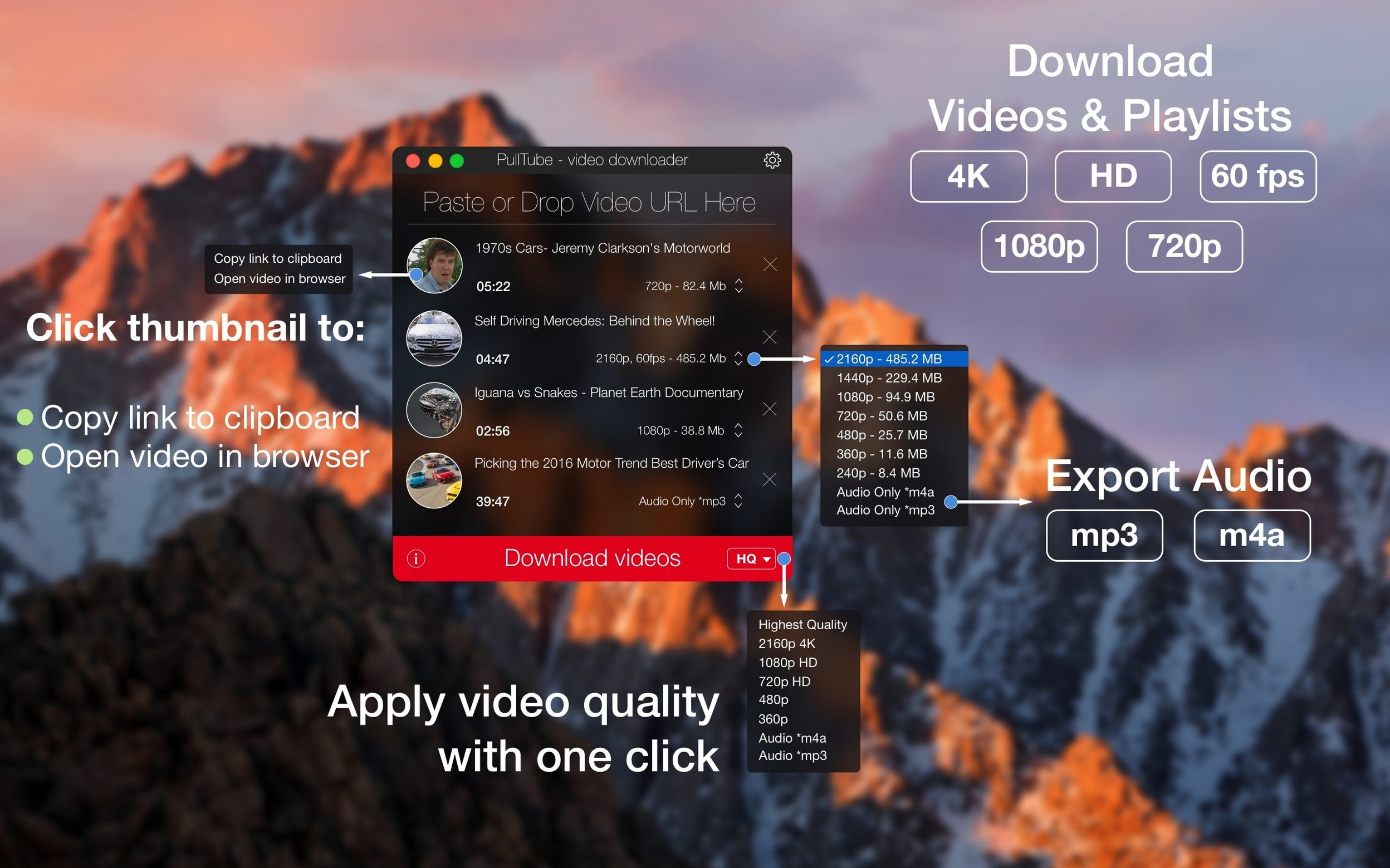
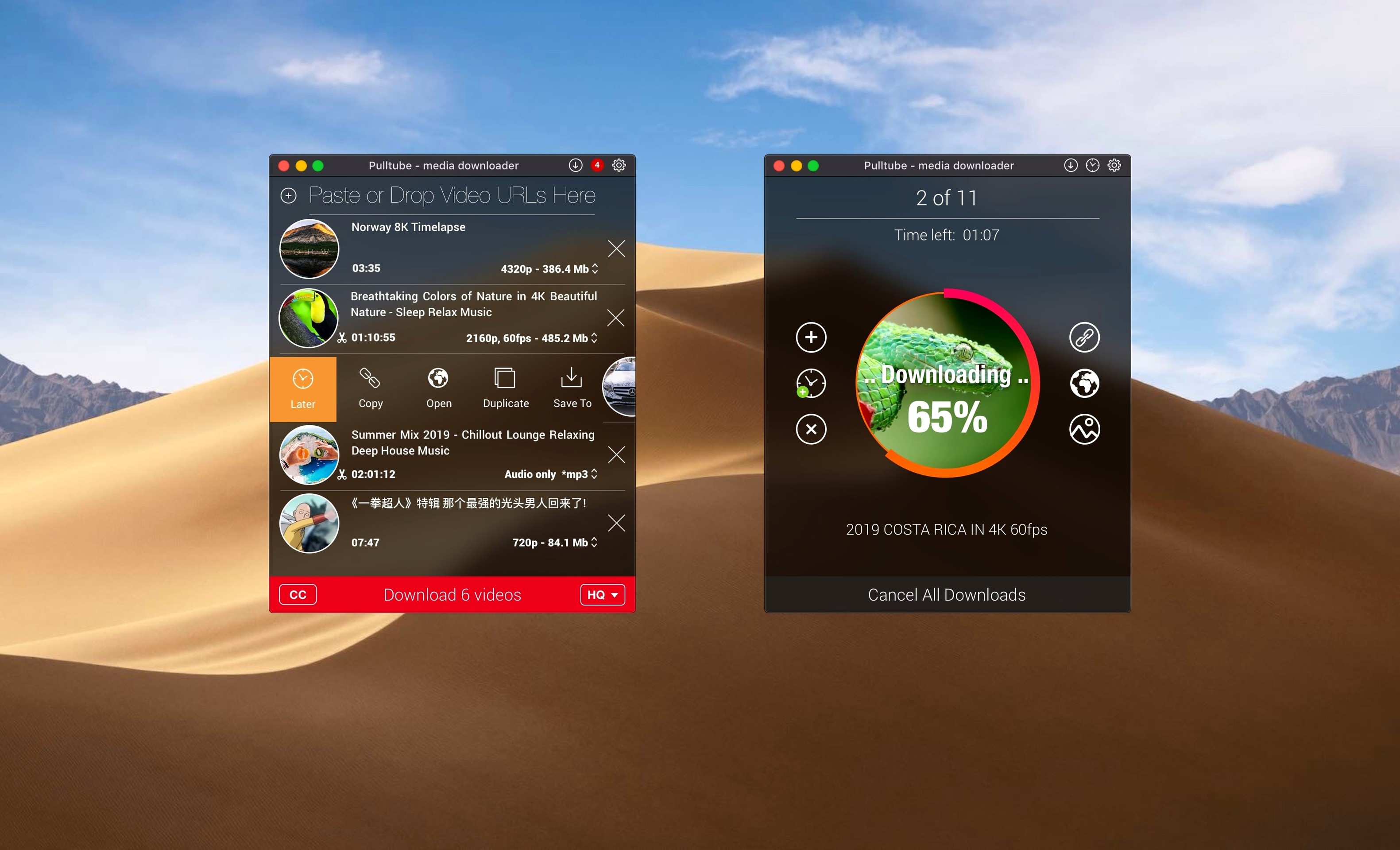
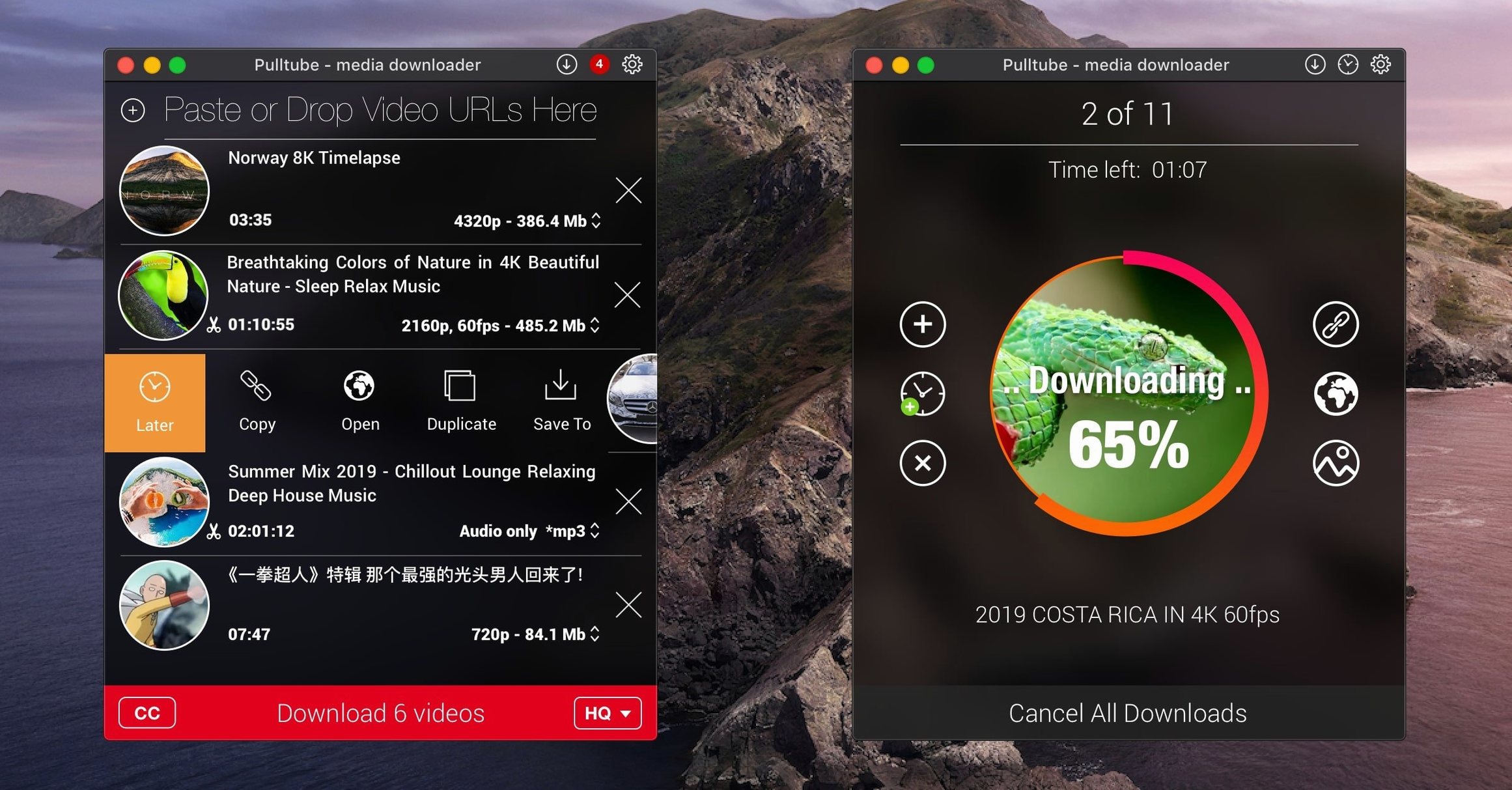
PullTube is a straightforward Mac app for grabbing online video and audio from supported sites. The companion pulltube chrome extension makes it effortless: click the toolbar button and the link lands straight in the app, with the video title, thumbnail, and duration displayed immediately.
Drag-and-drop link importing works too, but the extension is what keeps things moving. Once a video lands, you can pick output quality — highest available, 4K, HD, or normal — and optionally append that quality tag to the filename for sorting later.
Audio extraction runs in parallel with video jobs. MP3 or M4A, same queue, no extra steps. A “quit when done” toggle means you can set a batch running overnight and come back to a finished queue and a closed app.
A 1080p pull lands in under a minute on fast connections
Speed depends on the source server, not the app. On a fast connection, a 1080p video lands in under a minute. 4K pulls take longer but the progress bar stays honest — no stalling, no phantom time estimates.
Stability holds up across long queues. Running 15–20 playlist items back to back doesn't trigger crashes or hang the interface. The app stays responsive, and you can keep adding links while downloads run. RAM usage sits around 150–200 MB during active pulls, dropping to under 80 MB when idle. CPU hit is modest — a few percent on an M1, slightly more on older Intel machines when converting to MP3.
One quirk: the app occasionally takes a second to recognise a pasted link. Not a dealbreaker, just a beat slower than the extension route. If you're queueing multiple links manually, drag-and-drop feels snappier than paste.
Lock in M4A audio so you never grab video by mistake
- Output format default. PullTube remembers your last choice, but setting it explicitly in preferences avoids accidentally grabbing video when you wanted M4A audio only.
- Filename quality tag. Turn this on. When you download the same video at different resolutions, the tag tells them apart without opening the file.
- Quit when done. Useful for overnight batches. Check it before you leave the desk, uncheck it during the day when you're pulling one-offs.
- Download location. Defaults to the Movies folder. Point it at a project folder or an external drive if you're collecting assets for editing.
- Playlist detection prompt. The app asks whether you want the full playlist or a single video. Leave it on — it's saved me from downloading 40 videos when I only needed one.
Editors grab reference clips and VO pulls in one click
Editors and motion designers. Grabbing reference clips, stock-style footage, or client-provided links means a local file in the right format fast. The extension cuts the steps: spot a video, click, it's in your bin. Audio extraction handles voiceover pulls and temp music without opening another tool.
Researchers and presenters. Offline access to conference talks, lectures, and documentaries. Queue a playlist before a flight and you've got material ready. No buffering, no login walls mid-presentation.
Language learners and educators. Pull audio tracks from instructional videos. Drop them into a spaced-repetition app or listen on the move. The quality selector means you can grab lower-bitrate audio for podcasts and higher for transcript work.
DJs and music collectors. PullTube for mac handles SoundCloud sets and mixes. Extract as M4A or MP3, tag the file, done. The playlist feature turns a long mix series into a folder of local files in one pass.
If your work involves regularly saving online media to a Mac, pulltube fits the workflow without adding ceremony. The extension and the straightforward format options mean less clicking, fewer decisions, and a cleaner downloads folder.
It runs on Apple silicon and Intel Macs, macOS 11 onwards. Nothing flashy. Just a checklist-friendly tool that does the job.
PullTube 1.8.6.41 delivers the developer's latest round of stability adjustments so every download exits the queue cleanly.
- macOS 11 or later
- Apple Silicon or Intel 64-bit
Questions the team asks
Yes. You can download audio as MP3 or M4A directly, without keeping the video file.
The developer states compatibility with both Apple silicon and Intel Macs running macOS 11 or later.









Comments 0
Sign in or create an account to add a comment.
No comments yet. They go up after moderation.