
PlistEdit Pro — Mac download
Download (11 MB) Earlier builds
Ticked
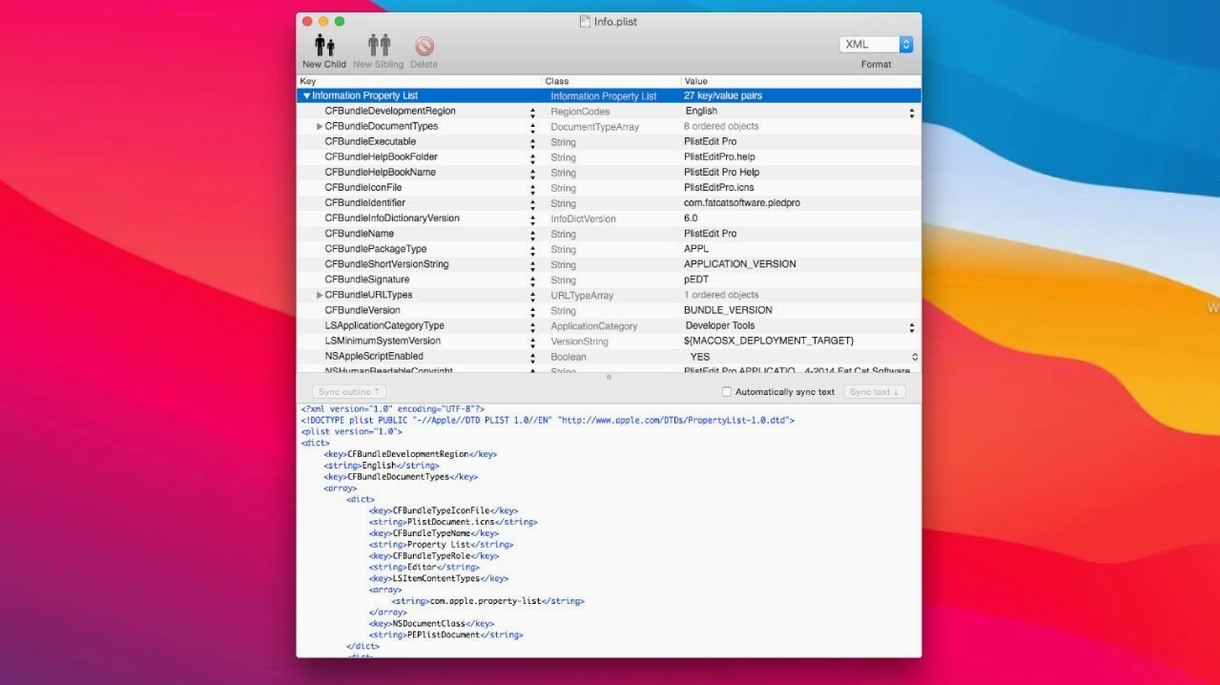
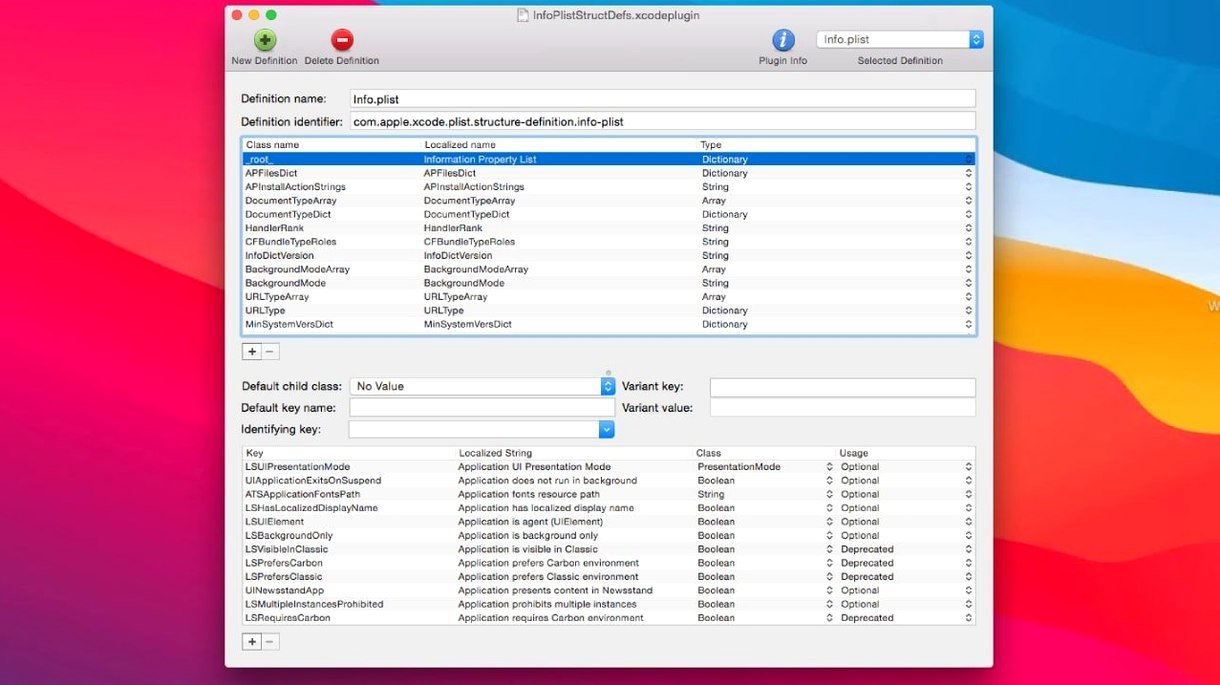
Editing raw plist or JSON files in a standard text editor means staring at a wall of brackets with no structure. One misplaced tag and a build fails. PlistEdit Pro gives developers a purpose-built view of that data.
- Requires macOS 14 or later with native support for Apple Silicon and Intel.
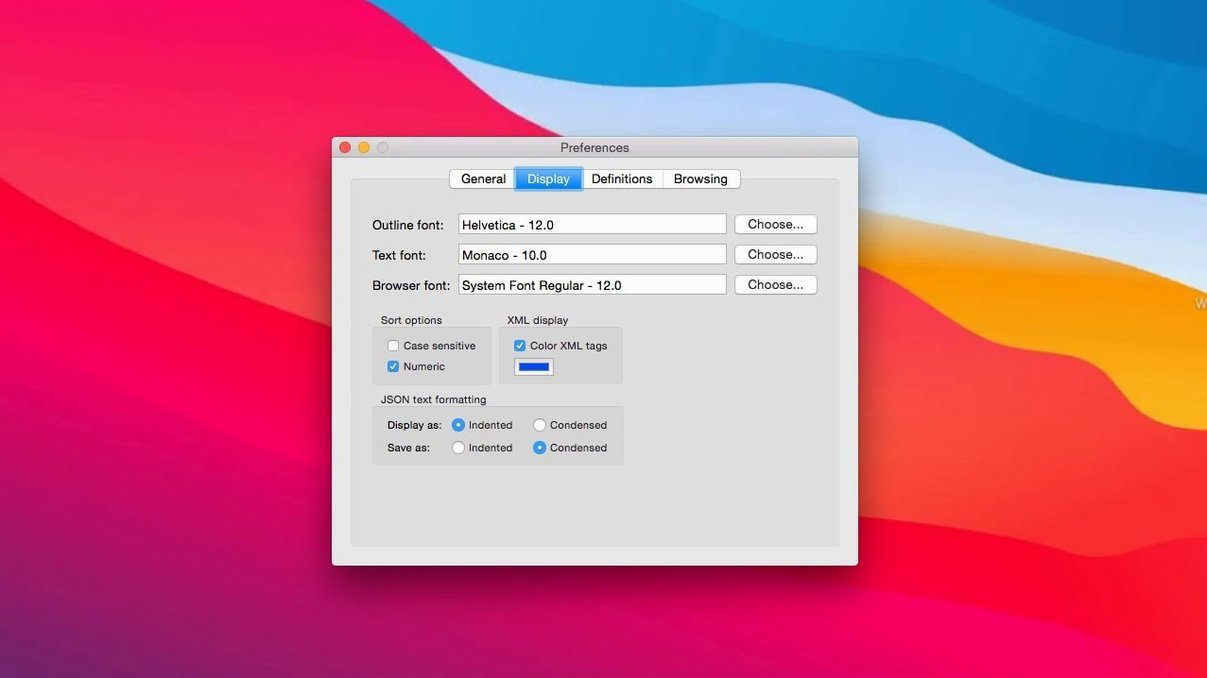
- Updated interface elements match the current macOS look, with prefs browser options moved into a toolbar menu.
- The file-revert option now appears as a small popover instead of a permanent checkbox.
- Outline view and plain text mode both remain, so you can switch as the task demands.
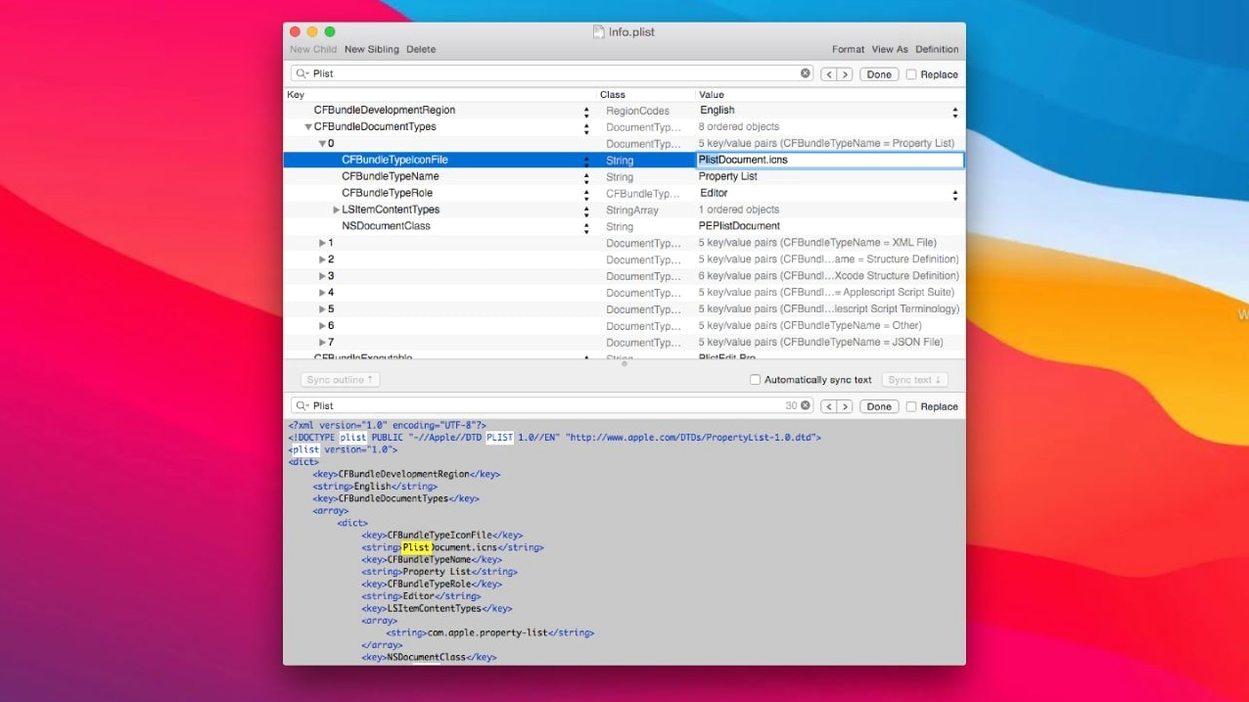
- Folder-wide search still finds any key or value across hundreds of plist files at once.
- AppleScript support and the
pleditcommand-line tool stay intact for automation workflows.
The drag-and-drop editor, keyboard navigation and JSON handling haven't changed. The update tidies the interface for current macOS without touching the feature set developers rely on.
Xcode editor vs. BBEdit vs. PlistEdit Pro
Three editors handle plist files on macOS, but they suit different workflows.
Xcode property list editor. Built in, costs nothing extra, and understands every Apple plist convention. The downside: it only works inside Xcode. No folder-wide search, no command-line tool, no JSON mode. If plist editing is a once-a-week task, it does the job. For daily use across projects, switching to Xcode just to tweak a preference file gets old fast.
BBEdit. Opens plist files as text and, with its plist syntax highlighter, makes XML readable. It handles massive files without flinching. What it lacks: an outline view that shows the data hierarchy at a glance, drag-and-drop reordering of keys, and structure definitions that flag errors before a file leaves your machine. BBEdit is a text editor that happens to open plist files. PlistEdit Pro is a plist editor that also shows raw text.
PlistEdit Pro. Sits between them. Outline view gives the structured feel of Xcode without the IDE overhead. The preferences browser, AppleScript dictionary and pledit tool mean it slots into build scripts and automation in ways the other two cannot. If you reach for defaults often, the preferences browser alone saves minutes per session.
Under 2-second launch, under 80 MB RAM
PlistEdit Pro opens in under two seconds on Apple Silicon Macs, even with a preferences browser session loading hundreds of domain entries. Memory use stays modest—typically under 80 MB with several files open—and the app idles near zero CPU when not actively editing.
The outline view renders large plist files smoothly. Scrolling through a few thousand keys shows no lag, and drag-and-drop moves respond without redraw flicker. Folder-wide search across a directory with 200-plus plist files completes in a few seconds, with results appearing incrementally as matches are found.
Stability on version 1.10.0 is uneventful, which is the point. The app has not crashed during a week of mixed use: editing launch daemon plists, tweaking iOS app preferences, and running batch searches via the command-line tool. Undo works across multiple levels without corrupting data structures, and the file-revert popover catches external changes reliably—no silent overwrites when another process touches the same file.
- Now requires macOS 14 or later.
- User interface elements updated for current macOS.
- Preferences browser options moved into a toolbar menu.
- File-revert setting changed to a small popover.
- macOS 14 or later
- Apple Silicon or Intel Mac
Questions the team asks
Yes. You can open and edit JSON files with the same outline view and plain text options used for plist files.
Yes. The find feature can search an entire folder of plist files for a specific key or value.









Comments 0
Sign in or create an account to add a comment.
No comments yet. They go up after moderation.