

Pieoneer — Mac download
Ticked
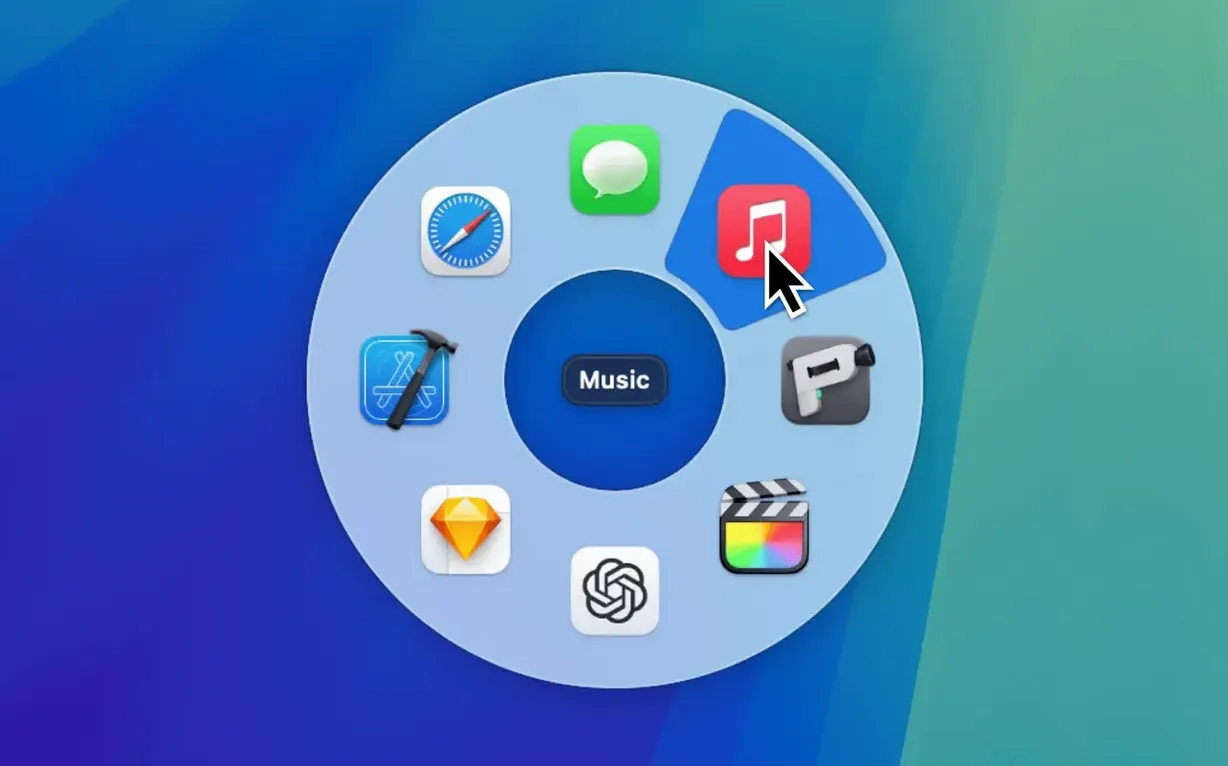
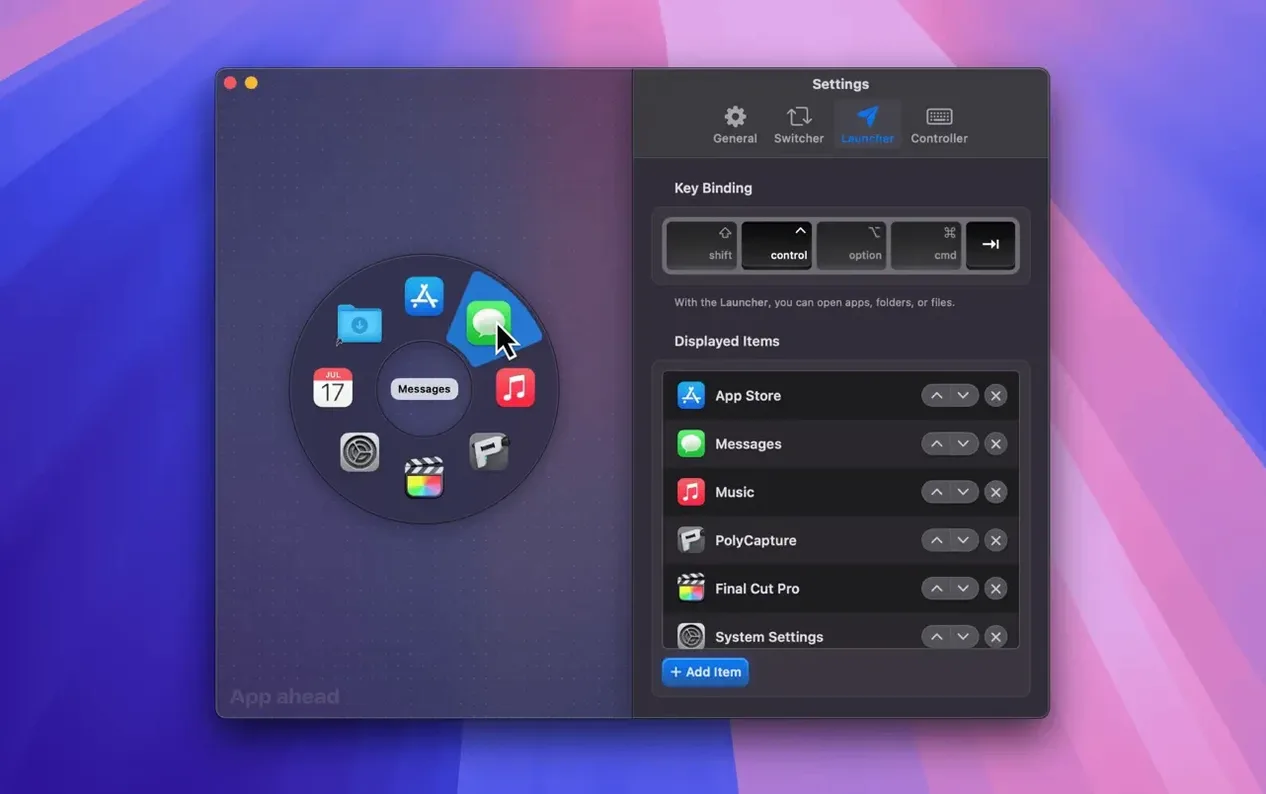
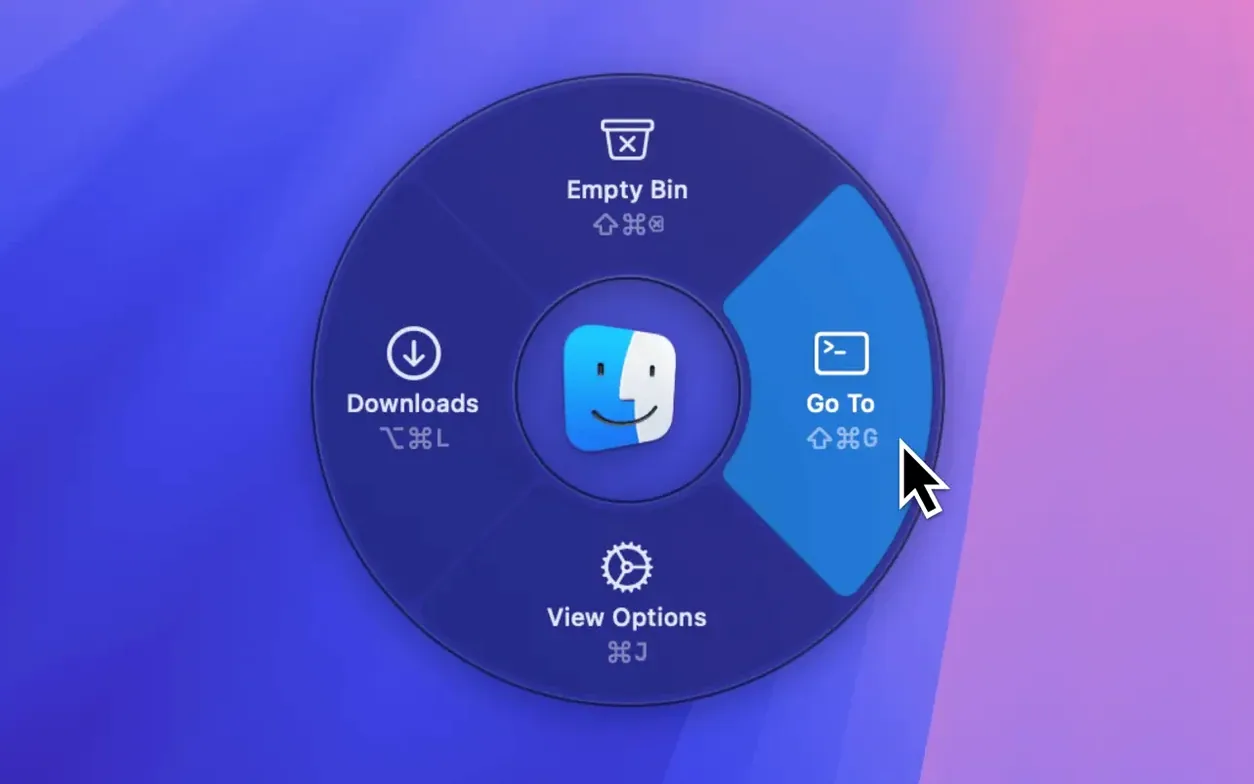
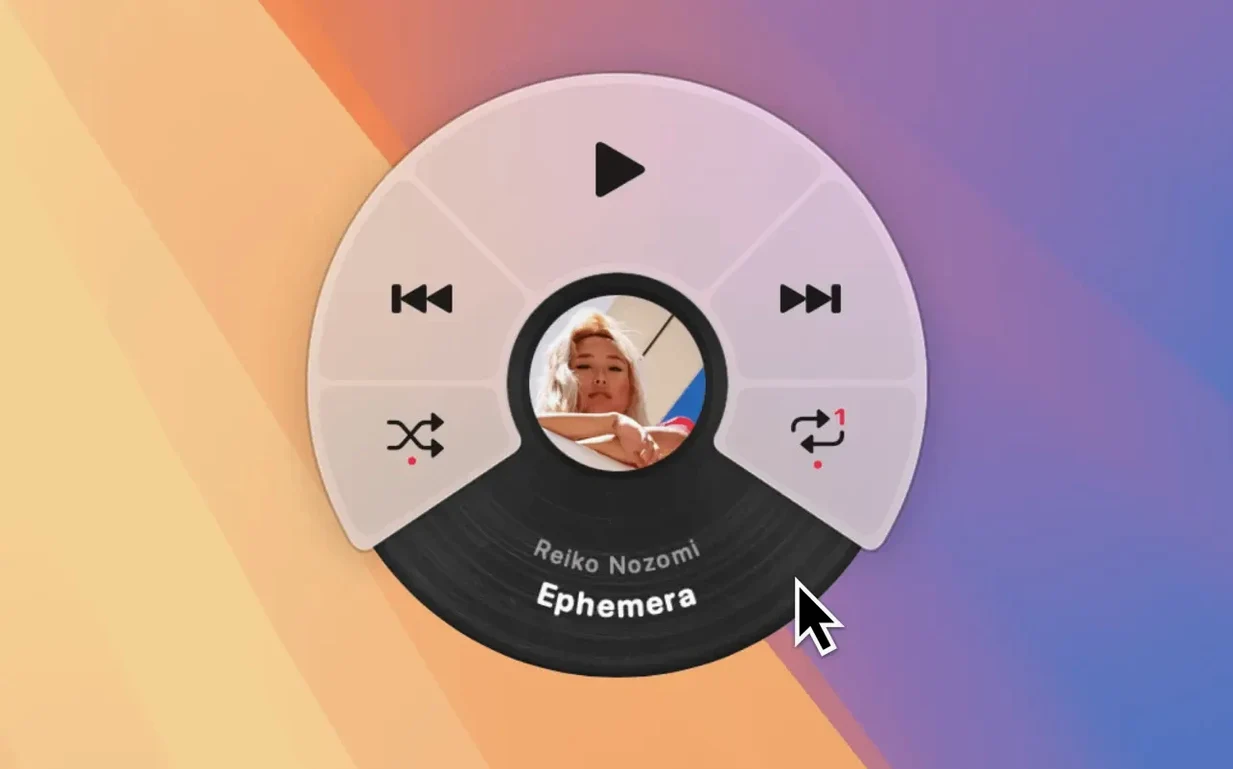
The Music Remote is the first thing to try. It talks to Apple Music, Spotify and Doppler without pulling focus from your current window. Skip a track or check what is playing while you stay in a code editor or spreadsheet.
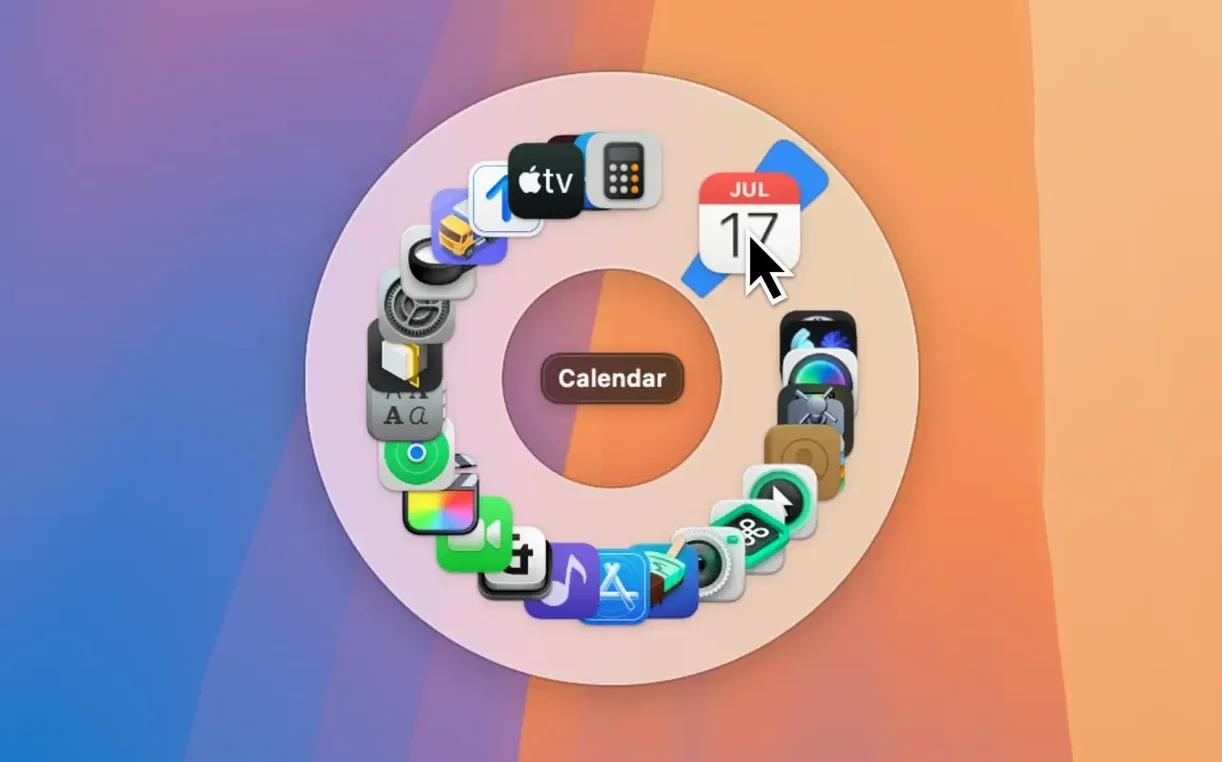
Set your hotkey next. A single shortcut brings up the pie menu right under your pointer, so your hand never leaves its working position. The animation is fast enough to feel immediate, not decorative.
Open the Switcher view to move between running apps. Drag items into an order that matches how you actually work, then exclude Finder and anything else that clutters the list. The menu shrinks to only what you need.
If you prefer the menu centred on screen, that option is there too. Between the launcher, the switcher and the music remote, three shortcuts replace a lot of dock clicking.
Scenario: a support agent juggling three apps
A customer support agent has a helpdesk tool, a knowledge base and a notes app open all day. Alt‑tabbing means scanning a row of tiny icons, often overshooting. With Pieoneer, they set ⌥Space to the Switcher. The pie menu shows only those three apps in a fixed order. Muscle memory kicks in after a few hours — flick the pointer north‑east for the knowledge base, south for notes. No looking, no mistakes. Between tickets they tap the Music Remote shortcut to pause a podcast, then right back to the queue.
Starting with twenty launcher items instead of six
- Adding too many launcher items at once. The pie menu works best with a handful of entries. New users often drag in twenty apps, then wonder why the menu feels slow to read. Start with six. Add more only when you stop thinking about where each slice lives.
- Ignoring the exclude list in the Switcher. Leaving Finder, Settings and background utilities visible turns a quick switcher into a copy of the Command‑Tab overlay. Exclude aggressively. Keep only the apps you move between dozens of times a day.
- Using the same hotkey for launcher and switcher. They serve different jobs. Bind them to distinct shortcuts from day one — muscle memory is harder to fix later than to set up correctly now.
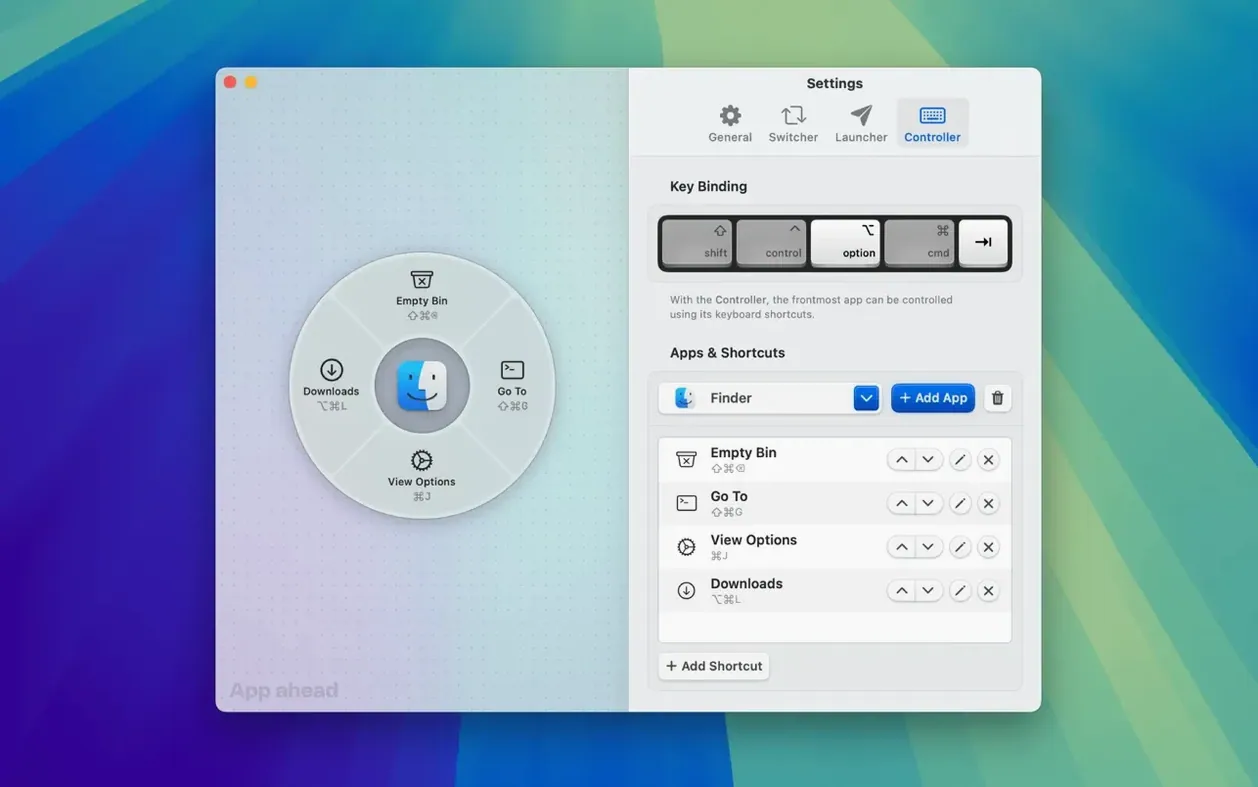
- Skipping the Shortcuts Controller. Beginners treat Pieoneer as a simple launcher. The Shortcuts Controller lets a pie‑menu slice fire a keyboard shortcut inside another app — think “Archive email” in Mail or “New tab” in a browser — without bringing that app to the front. Set up one or two, and the menu becomes a remote control, not just a launch pad.
- macOS 15.6 or later
- Apple Silicon and Intel
Questions the team asks
Yes. Finder and any other app can be excluded from the Switcher list so you only see the ones you switch between.
You can set it to open under the mouse pointer or in the centre of the screen, depending on what feels faster.








Comments 0
Sign in or create an account to add a comment.
No comments yet. They go up after moderation.