

Path Finder — Mac download
Download (26 MB) Earlier builds
Ticked
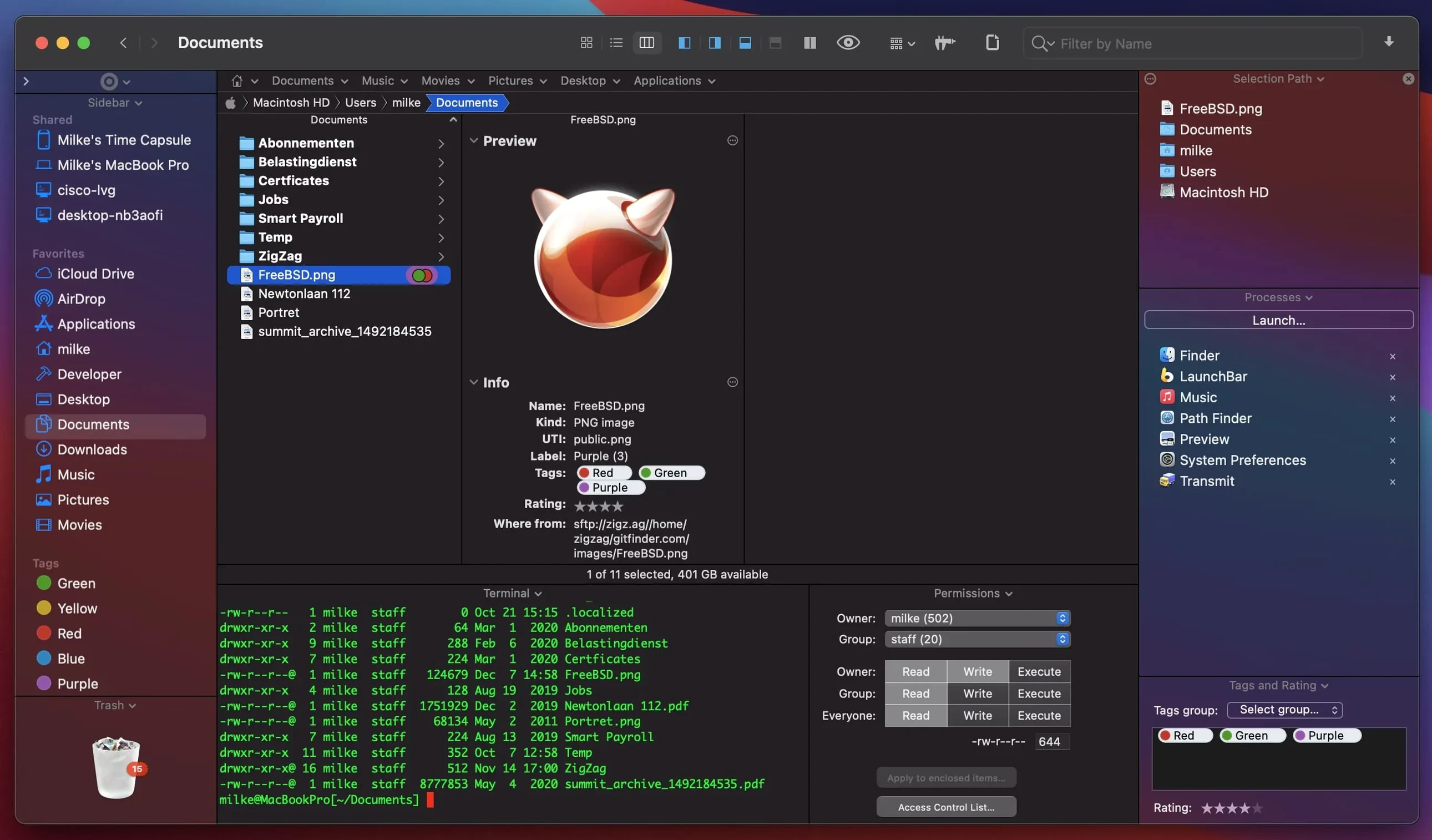
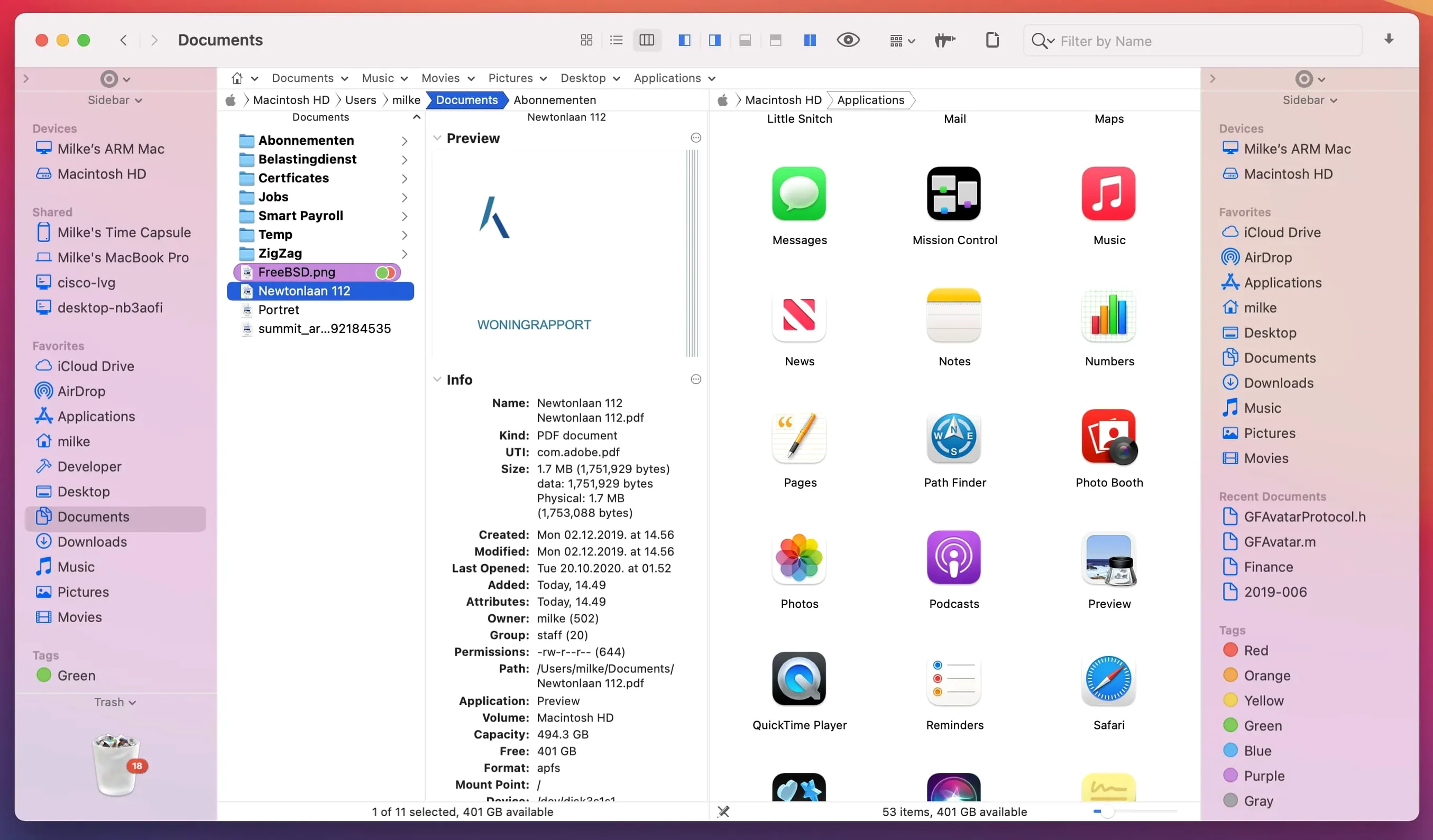
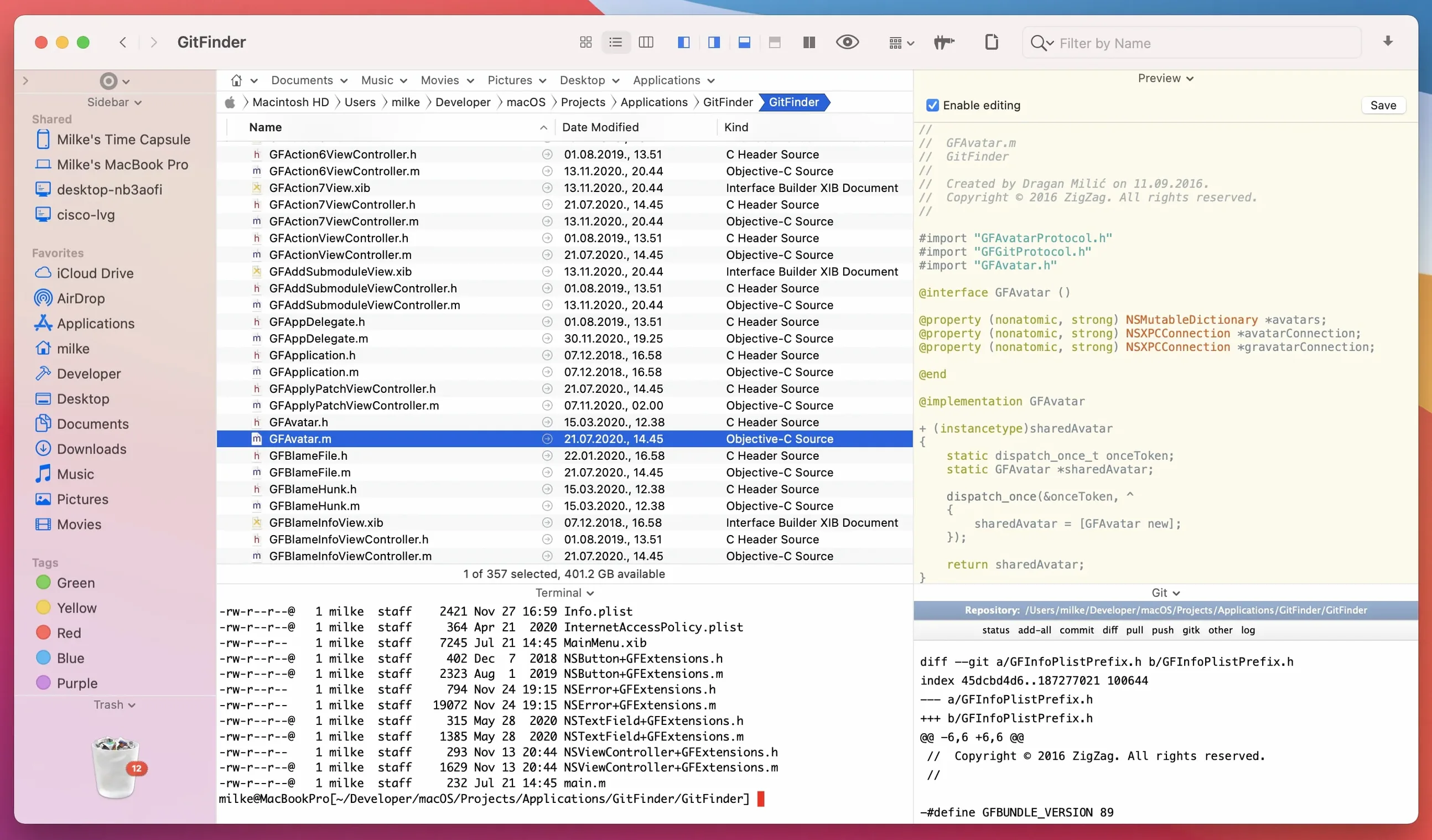
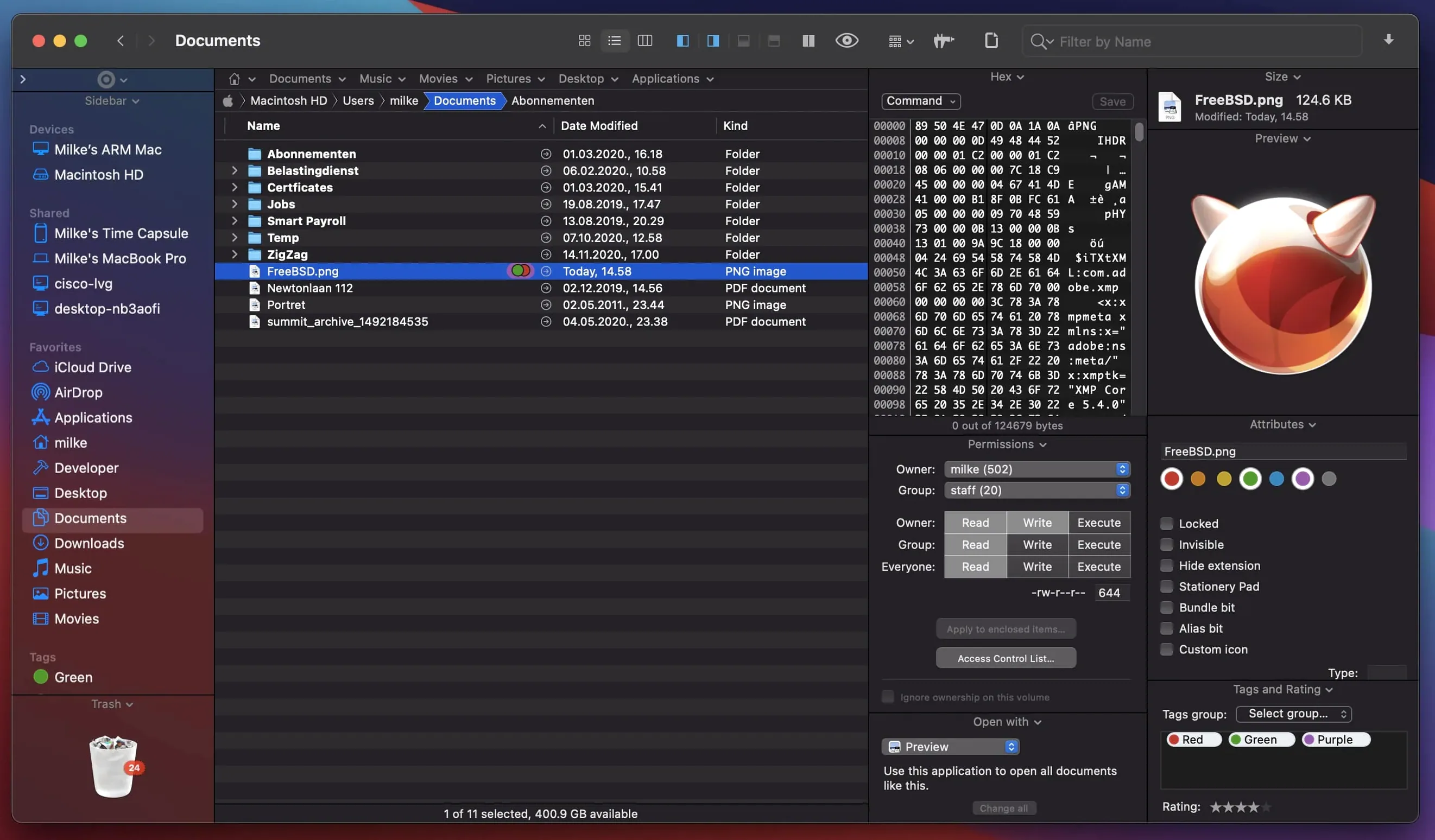
What changed in Path Finder 26.1.9
The latest update fixes several UI rough edges. Double-click behaviour in List View is corrected. Batch rename now handles more than 31 files. Selection, drag-and-drop animation and label badges all work properly again. The team also sorted compatibility niggles on macOS 27 Golden Gate.
What makes Path Finder different from Finder
It gives you a dual-pane view, tabs and keyboard-driven browsing in one window. You can move files between panes without opening extra Finder windows. Archive handling, process management and application installs all sit inside the same interface.
Who should use it
Anyone who spends hours moving files around. Photographers sorting shoots, developers wrangling projects, or people who just prefer two panes to one. If you already keep a checklist for your Mac setup, this belongs on it.
How file search and preview work
Search by keyword, extension or file type without leaving the browser. The preview pane handles documents, audio and video files so you can check contents before opening.
Get set up properly on day one
Don't just launch it and carry on. Spend twenty minutes on setup. It pays back every week.
- Set your default view — pick dual-pane or single-pane and stick with it until muscle memory forms. Most people settle on dual-pane within three days
- Customise the toolbar — remove icons you do not need, add Drop Stack, Compress and New Folder. A clean toolbar cuts hesitation
- Map a global shortcut — set a hotkey that brings Path Finder forward from any app. Without this you keep reaching for Finder by habit
- Install the app launcher module — it sits in the toolbar and launches apps faster than Spotlight
- Turn on folder comparison — the command lives under View. It highlights differences between two folders instantly
Setting it to replace Finder too soon
Leaving both file managers running
Running Finder alongside Path Finder confuses your spatial memory. You end up with files scattered across two histories. Pick one as your main file manager for a week. Hide Finder from the Dock if it helps.
Ignoring the Drop Stack
New users drag files pane-to-pane and lose track. The Drop Stack is a temporary holding area — drop files there as you browse, then move them all to the destination in one go. It sits in the toolbar by default.
Not bookmarking the FTP pane
Path Finder includes a built-in FTP client. Beginners overlook it because it sits behind a menu. Bookmark your server the first time you connect. Typing credentials twice wastes the time you saved by switching.
Over-customising too early
Adding every module and toolbar icon on day one turns the window into clutter. Start lean. Add one module per day once you know what you actually reach for.
Path Finder 26.1.10 is now available. Release notes are published by Cocoatech.
- macOS 13 or later
- Apple Silicon and Intel 64-bit
Questions the team asks
Yes. It includes built-in tools for application installation and removal.
It does. You can browse your files entirely from the keyboard.
Path Finder includes archive handling, so you can work with compressed files without a separate utility.









Comments 0
Sign in or create an account to add a comment.
No comments yet. They go up after moderation.