
Paragon NTFS — Mac download
Ticked
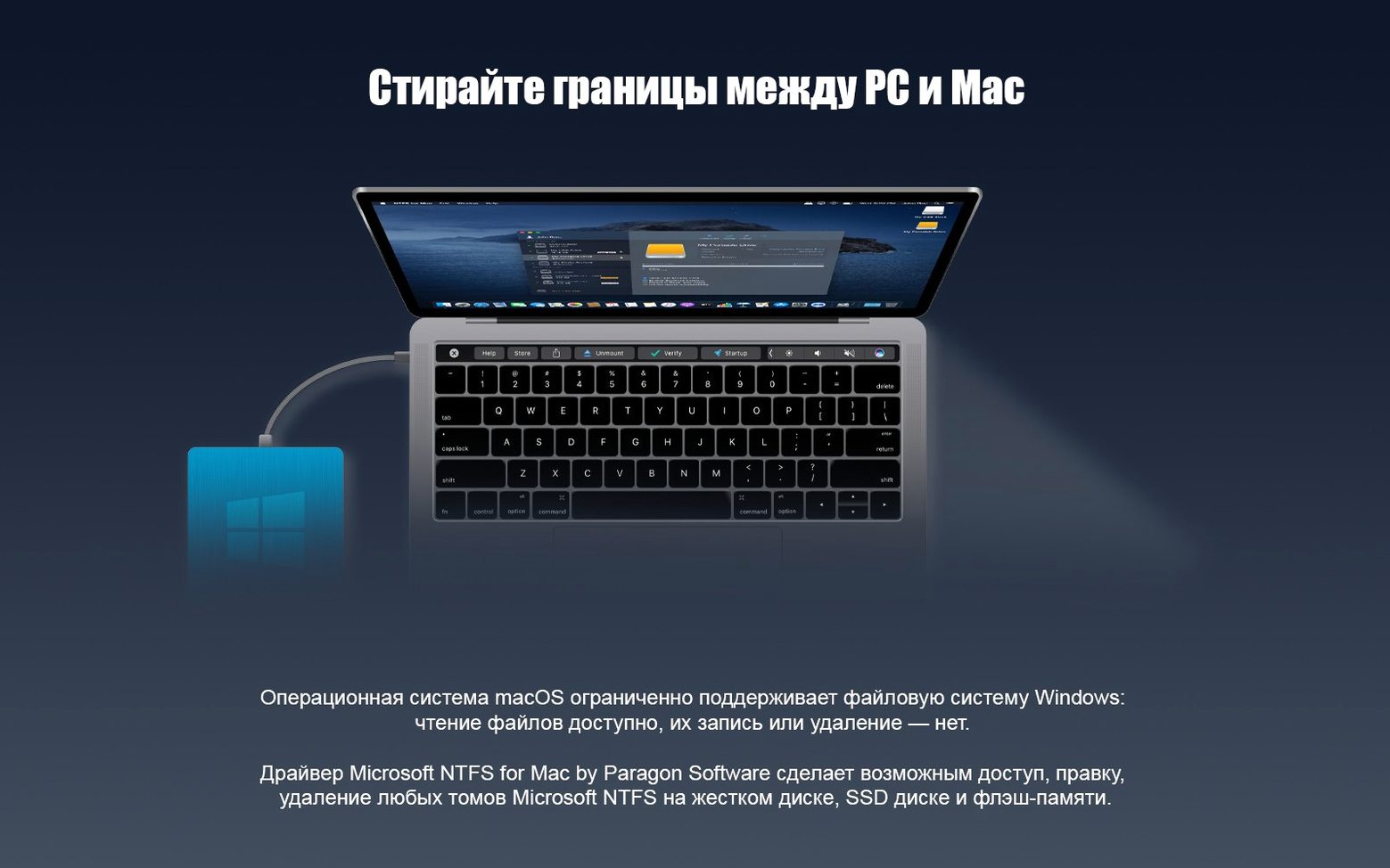
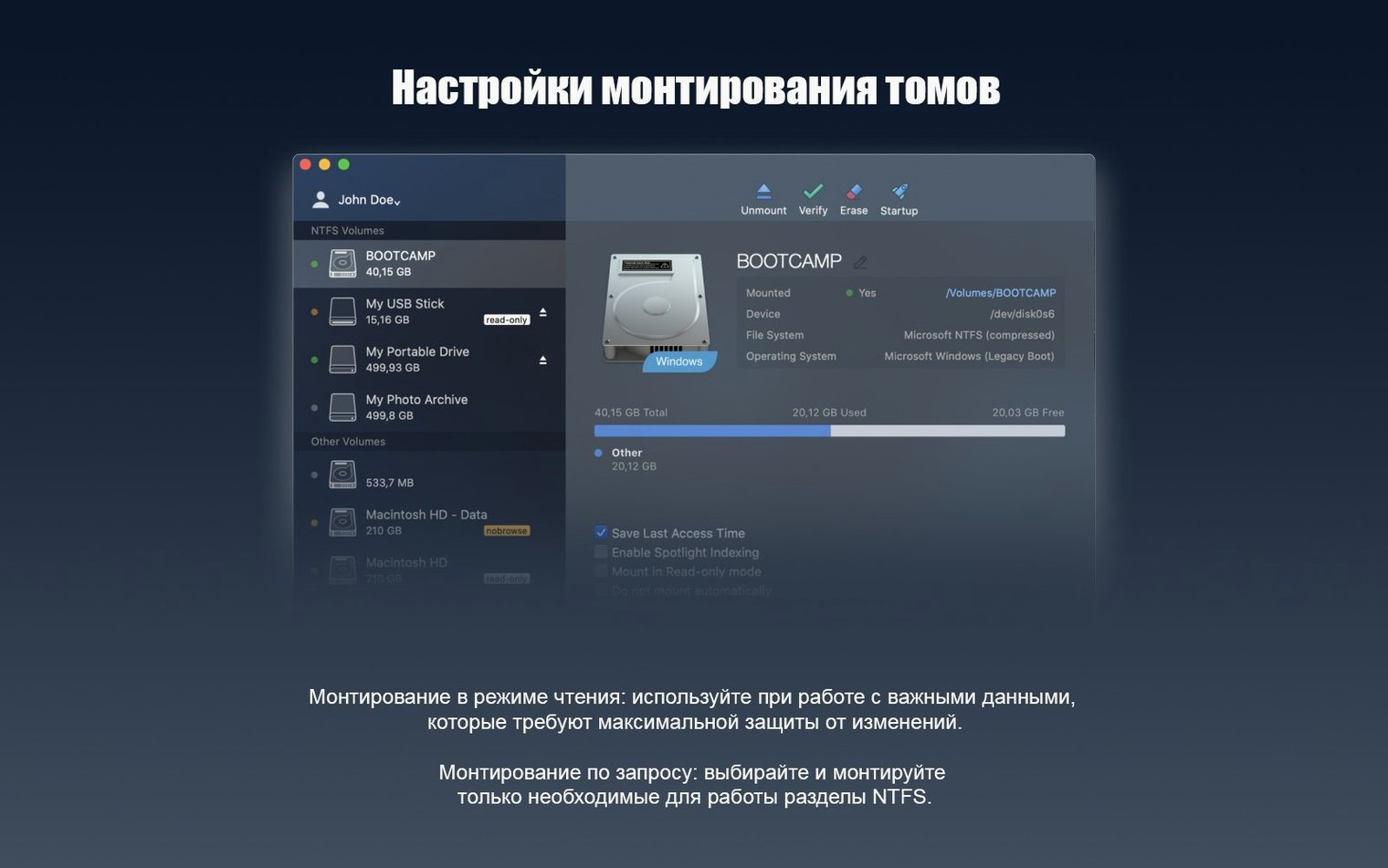
Finder already reads NTFS drives out of the box. Writing to them is the gap Paragon NTFS fills. Version 15 adds a rewritten driver core for faster volume handling and Windows 10 system compression support.
Set-and-forget NTFS read/write for shared drives
- Direct read and write to NTFS-formatted external drives and Boot Camp partitions
- Set-and-forget use — no manual mounting steps after install
- Teams swapping drives between Macs and Windows PCs
Version 15 supports OS X through macOS 10.12 in 15 languages
- Version 15 release notes list support from OS X through macOS 10.12
- Interface covers 15 languages including Russian, German, Spanish, Korean and Simplified Chinese
NTFS volumes appear natively in Finder with drag-and-drop
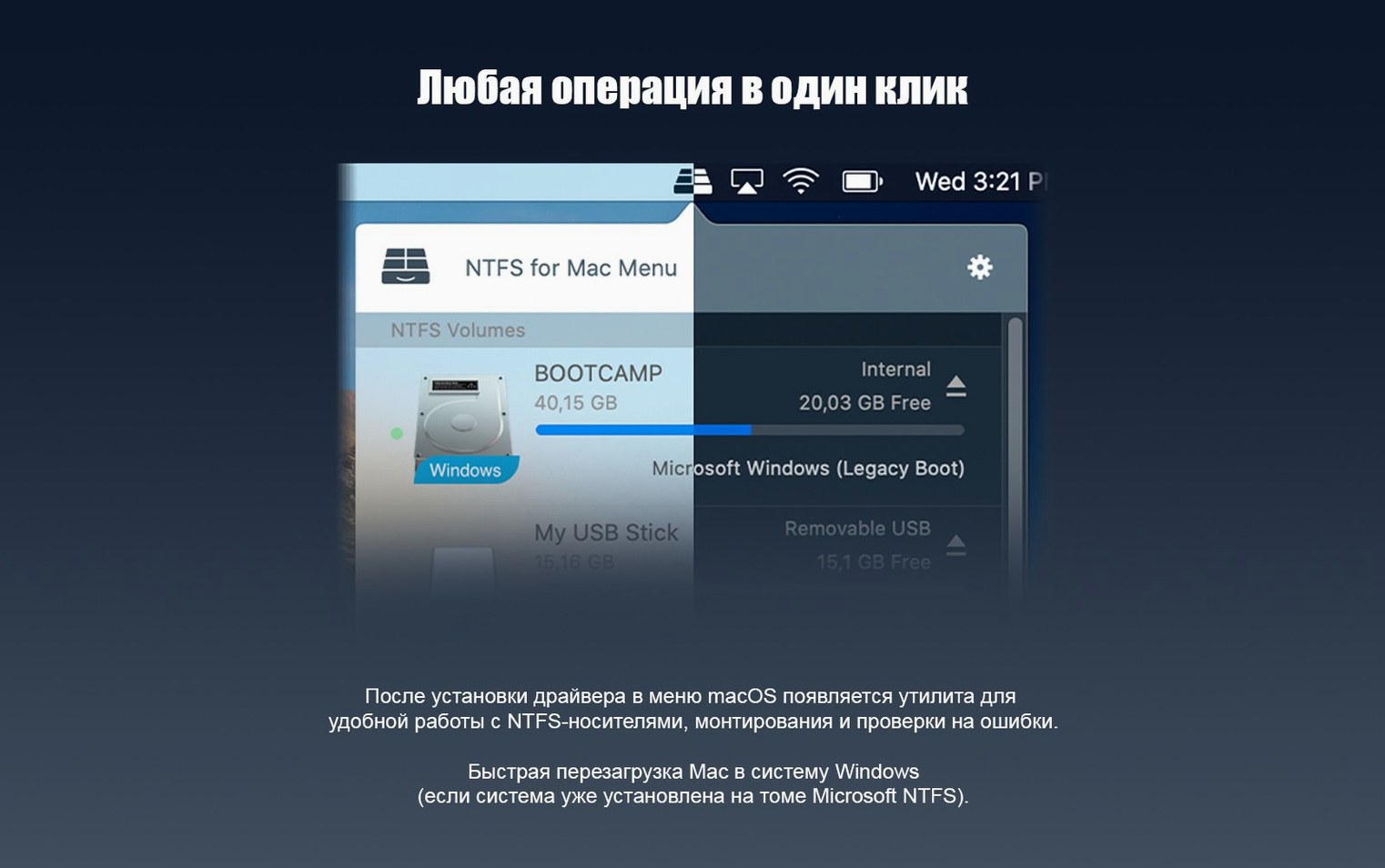
Once installed, the driver sits under the hood. Finder sees NTFS volumes the same way it sees APFS or HFS+ drives — same sidebar, same drag-and-drop. No helper app to launch first. No separate window to manage mounts.
This matters for workflows that span multiple tools:
- Final Cut Pro and DaVinci Resolve — edit directly from an NTFS scratch disk brought from a Windows workstation. Libraries, proxies, exports all save without format conversion.
- Lightroom and Capture One — catalogues on NTFS portable SSDs stay writable. Imports and edits stick between Mac and PC sessions.
- VMware Fusion and Parallels — Boot Camp partitions become fully accessible from the Mac side. Grab files without rebooting into Windows.
- Terminal and shell scripts — standard Unix commands like
cp,mv,rsyncwork against NTFS mount points as expected. - Time Machine exclusions — the driver does not interfere. NTFS volumes are excluded from backups automatically, same as any non-Mac format.
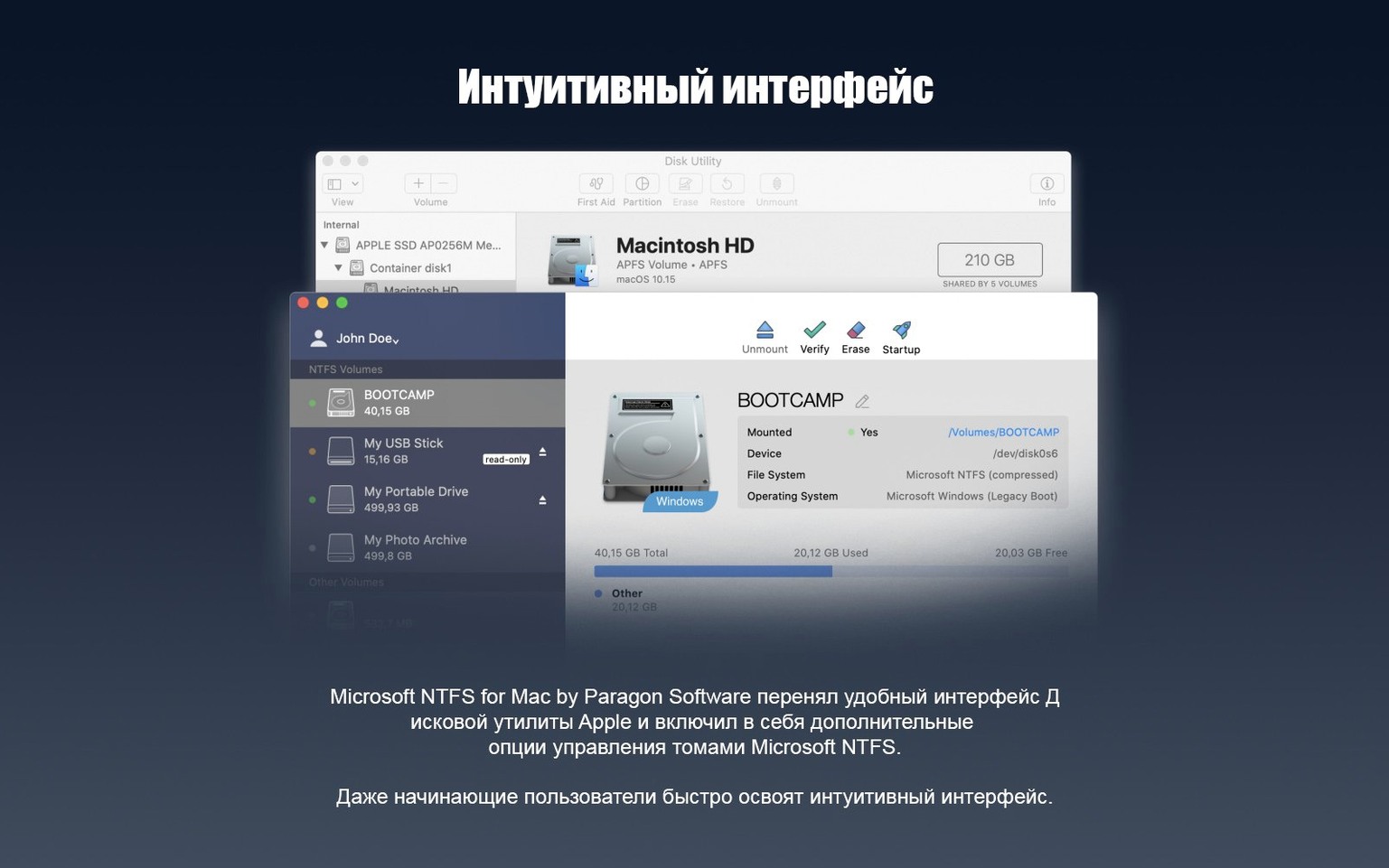
macOS treats the Paragon driver as a filesystem plugin. Disk Utility shows NTFS volumes correctly. First Aid does not try to repair them, which is sensible — Windows' own chkdsk handles that. Eject behaviour follows normal Finder rules: no force-unmount surprises.
Faster directory listings on folders with thousands of files
The version 15 driver core is noticeably quicker at directory listings than the old one. Folders with thousands of files — photo dumps, Git repos, sample libraries — populate without the half-second lag that older NTFS drivers sometimes introduced. Large sequential transfers on USB 3 and Thunderbolt enclosures saturate the interface, not the driver.
Memory footprint stays low. The kernel extension (or system extension, depending on macOS version and architecture) idles under 20 MB. CPU use spikes only during active reads and writes, then drops back to zero. No background indexing, no phone-home activity observable in Little Snitch.
Stability in daily use is uneventful — which is the point. Kernel panics tied to NTFS drivers were common a decade ago on third-party solutions. Version 15 on Apple Silicon has been quiet. Sleep and wake cycles, hot-plugging docks, and sudden disconnections are handled without Finder freezes. The driver remounts volumes after sleep cleanly.
One practical note: Windows 10 system compression support in version 15 means files compressed at the NTFS level open transparently. Older versions would show them as unreadable or trigger errors. This matters for users who enable compression on Windows to save SSD space.
Boot Camp users get a shared workspace between Mac and Windows
Boot Camp users who switch between macOS and Windows on a single Mac. The NTFS partition becomes a shared workspace rather than a one-way street. Edit a document in Windows, save it, reboot to macOS, open it — no USB stick relay.
Video editors and photographers moving between Mac edit suites and Windows rendering nodes. NTFS external drives are the common format in mixed-OS post-production. Paragon NTFS removes the exFAT middleman, which means no 4 GB file size ceiling and better metadata handling.
IT staff and technicians who handle drives from Windows environments daily. Troubleshooting a colleague's NTFS portable drive on a Mac without read-only friction saves real time.
Anyone using paragon ntfs mac crack or paragon ntfs for mac torrent downloads should know that version 15 is architecture-aware and works on both Intel and Apple Silicon Macs. The same installer covers both, which simplifies deployment across a mixed fleet.
No more Finder beachball on folders with 50,000 items
- Directory enumeration speed on large volumes improved measurably — folders with 50,000 items now load without the Finder beachball.
- Windows 10 compression support means system-compressed files are no longer invisible or broken on the Mac side.
- The new driver core handles unclean ejections better. Plugging in a drive that was yanked from a Windows PC without safe removal now mounts successfully more often.
- Apple Silicon support arrived as a universal binary. No Rosetta dependency for the driver layer itself.
These changes are under the hood. The day-to-day experience is still the same quiet integration: plug in a drive, it appears in Finder, and you work. That consistency across macOS versions — from Sierra through to current releases — is what makes the tool a checklist item rather than a troubleshooting topic.
- New driver core for faster, more reliable NTFS volume handling
- Added support for Windows 10 system compression
- macOS 10.12 or later
- Apple Silicon and Intel Macs
Questions the team asks
The software supports ARM and 64-bit x86 architectures, so it runs on Apple Silicon. The official version 15 announcement lists macOS support up to 10.12.





Comments 0
Sign in or create an account to add a comment.
No comments yet. They go up after moderation.