

OpenIn - Advanced Link Handler — Mac download
Download (16 MB) Earlier builds
Ticked
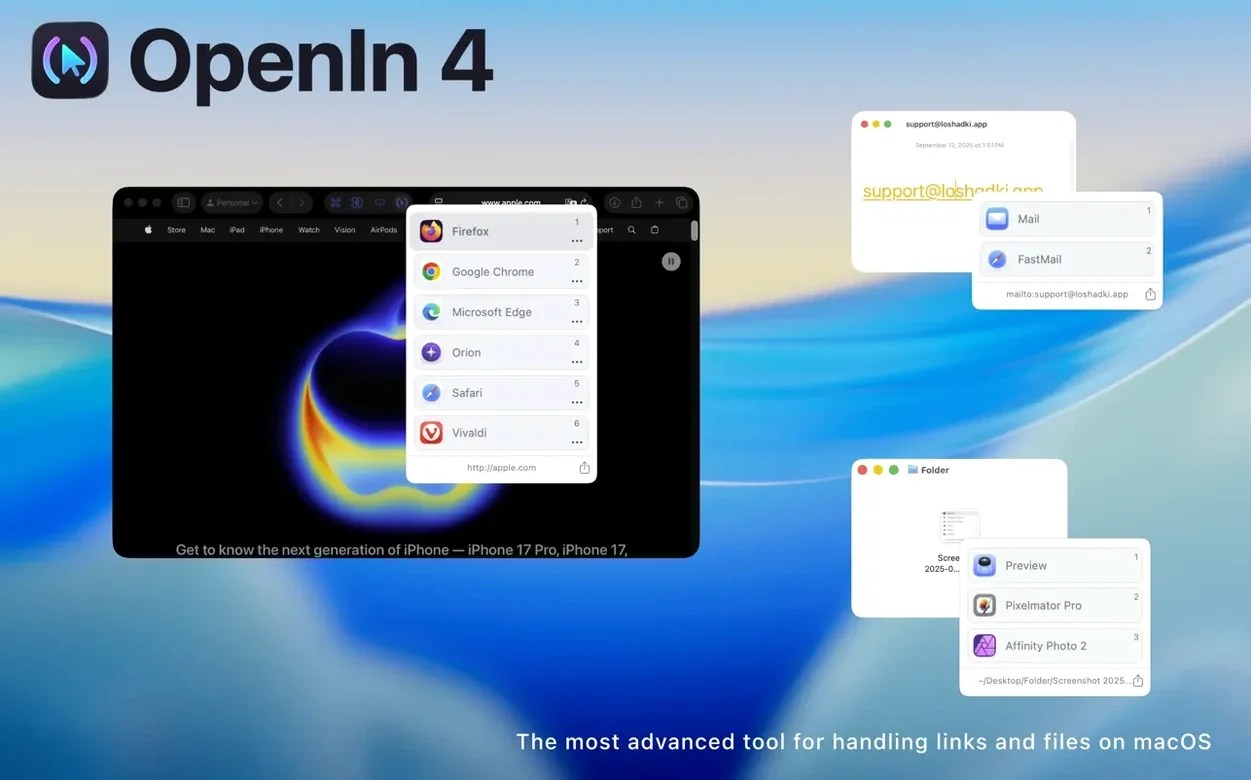
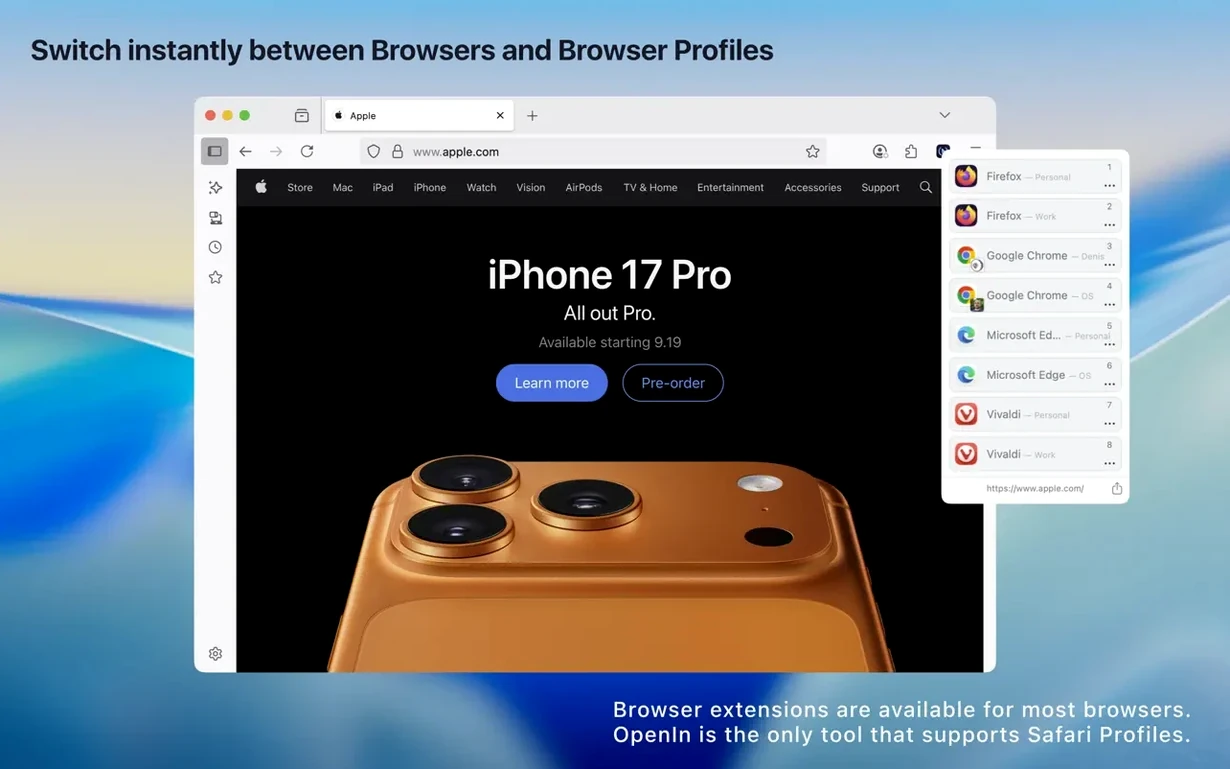
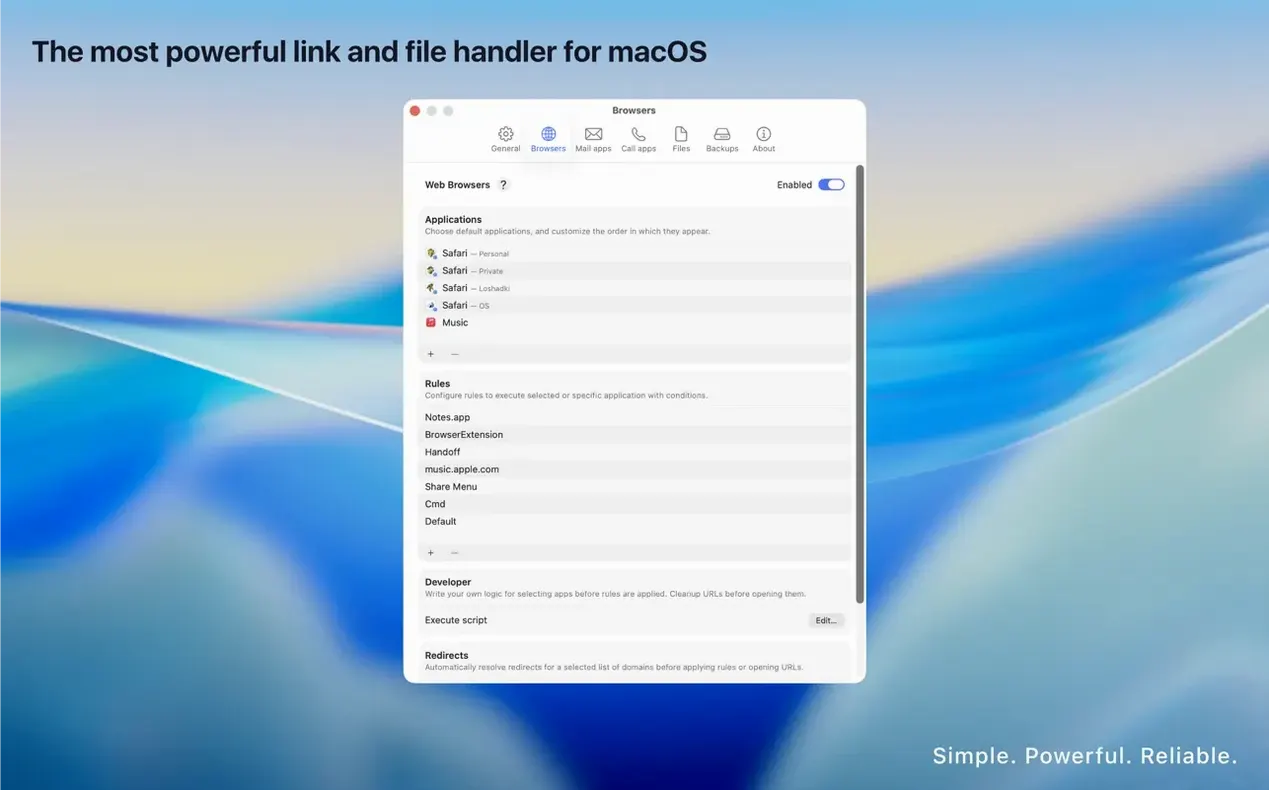
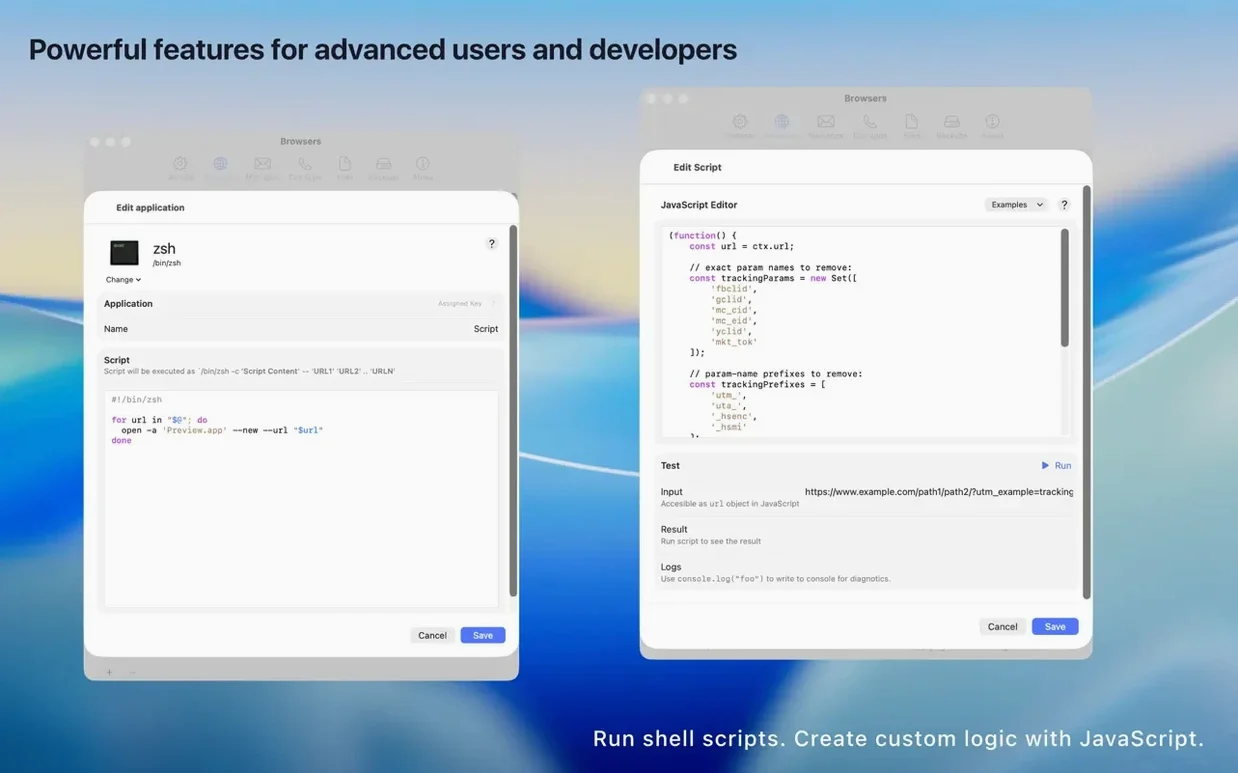
Project managers who juggle browsers, email clients and Zoom links across client accounts. Developers who switch between local and staging URLs. Anyone whose Dock has more than one browser and a dozen web apps. OpenIn is for you.
Routes web links, mailto, and files by domain or source app
- Web links — http, https, and custom protocols. Route by domain, source app, or modifier key held during click.
- Mailto links — pick a native mail client or browser-based service like Gmail, Outlook or Fastmail.
- Files — override the default app per file type, folder, or Focus mode.
Inserts a picker between your click and the opening app
OpenIn sits between a click and the app that opens it. When more than one target is available, it shows a picker. Rules can be simple — "work domains open in Chrome, personal in Safari" — or scripted with its JavaScript engine. URL overrides strip tracking query parameters automatically. It is a native Swift app for Apple Silicon and Intel Macs, built for macOS 15.1 and up.
Becoming the default handler too soon floods every click with choices
- Setting it as default handler too early. Test with a few domain rules first. Defaulting everything at once floods the picker and makes every click a decision.
- Ignoring the source-app condition. A rule for "open Zoom links in the Zoom app" works differently when the click comes from Slack versus Safari. Define the source and the target together.
- Forgetting Safari Web Apps count as separate targets. If a site is installed as a web app, add it explicitly in rules — it will not match a generic Safari rule.
- Overcomplicating rules before trying modifier keys. Holding
⌘or⌥while clicking often replaces three or four domain-based rules.
Switching browser sets for internal, client, and personal work in one session
Mac users who live in multiple contexts during a single work session. The pattern is always the same: one set of tools for internal work, another for client-facing tasks, and a third for personal use. OpenIn removes the mental overhead of picking the right app each time.
Consultants and freelancers benefit most because their context switching is frequent and billable. A mailto link from a CRM opens in the client's dedicated browser profile. A staging URL from Linear opens in Firefox. A Figma file from a Slack DM opens in the desktop app, not the browser. Rules cascade naturally from how they already organise projects.
Anyone who uses download openin - advanced link handler for mac as a link dispatcher rather than just a browser picker tends to stick with it. The file-handling rules, Focus-based profiles, and URL overrides reward users who map out their actual daily clicks — not hypothetical ones.
- macOS 15.1 or later
- Apple Silicon or Intel 64-bit
Questions the team asks
Yes. URL overrides let you define rules that remove tracking query parameters before the link opens in your chosen browser.
It does. You can set rules that switch link behaviour based on the active Focus, so work links stay separate from personal ones automatically.









Comments 0
Sign in or create an account to add a comment.
No comments yet. They go up after moderation.