

OK JSON - Viewer & Formatter — Mac download
Download (8 MB) Earlier builds
Ticked
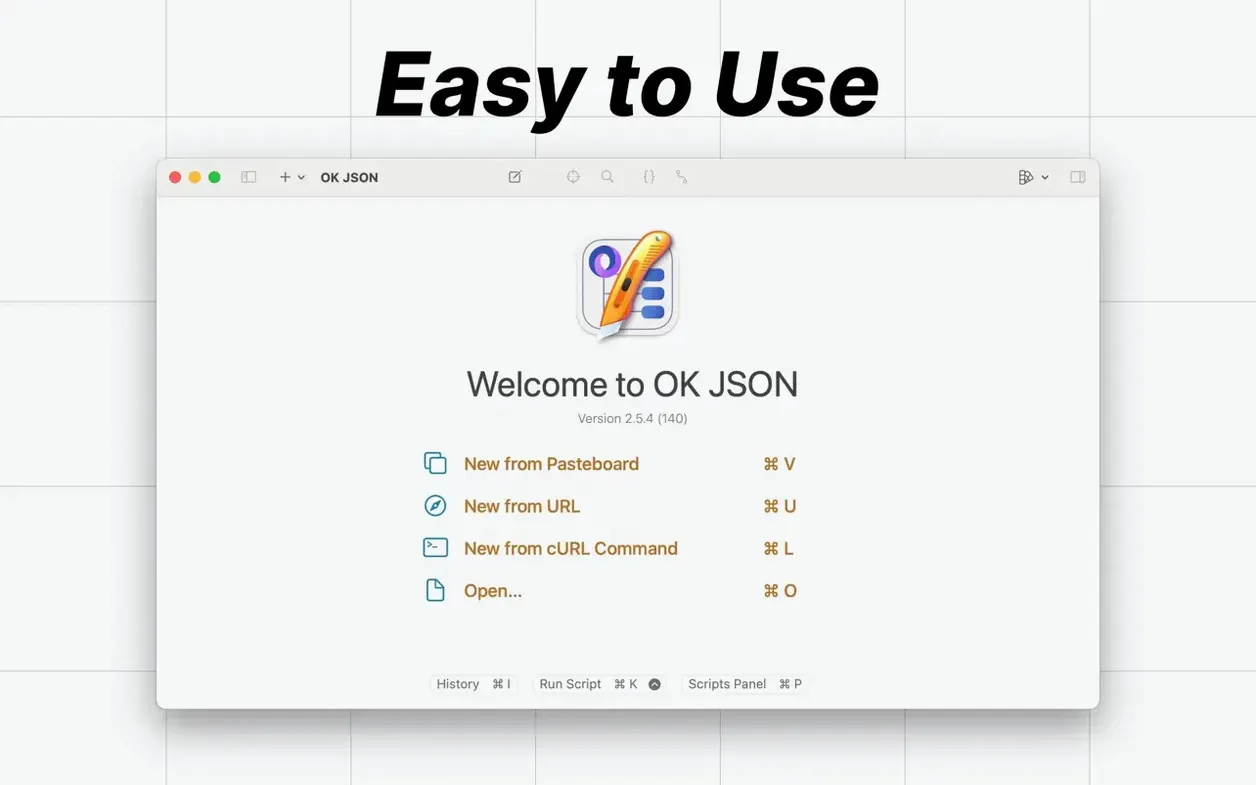
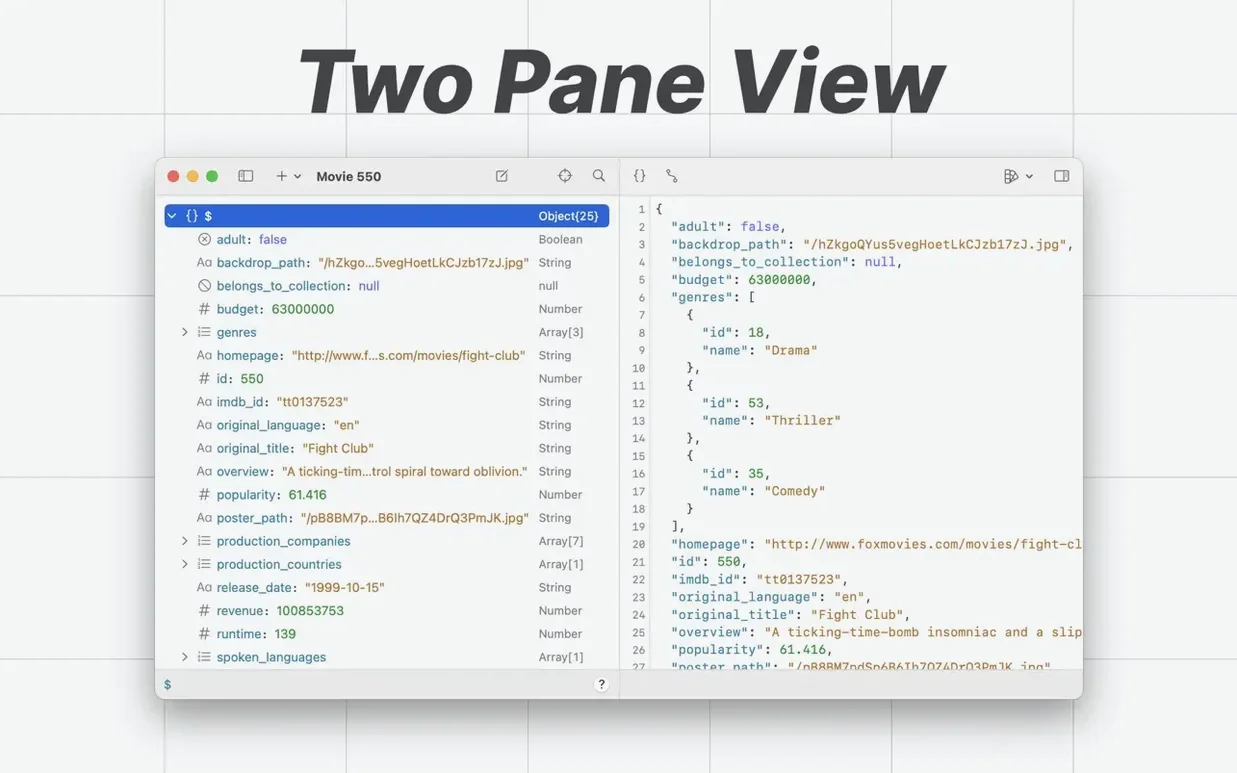
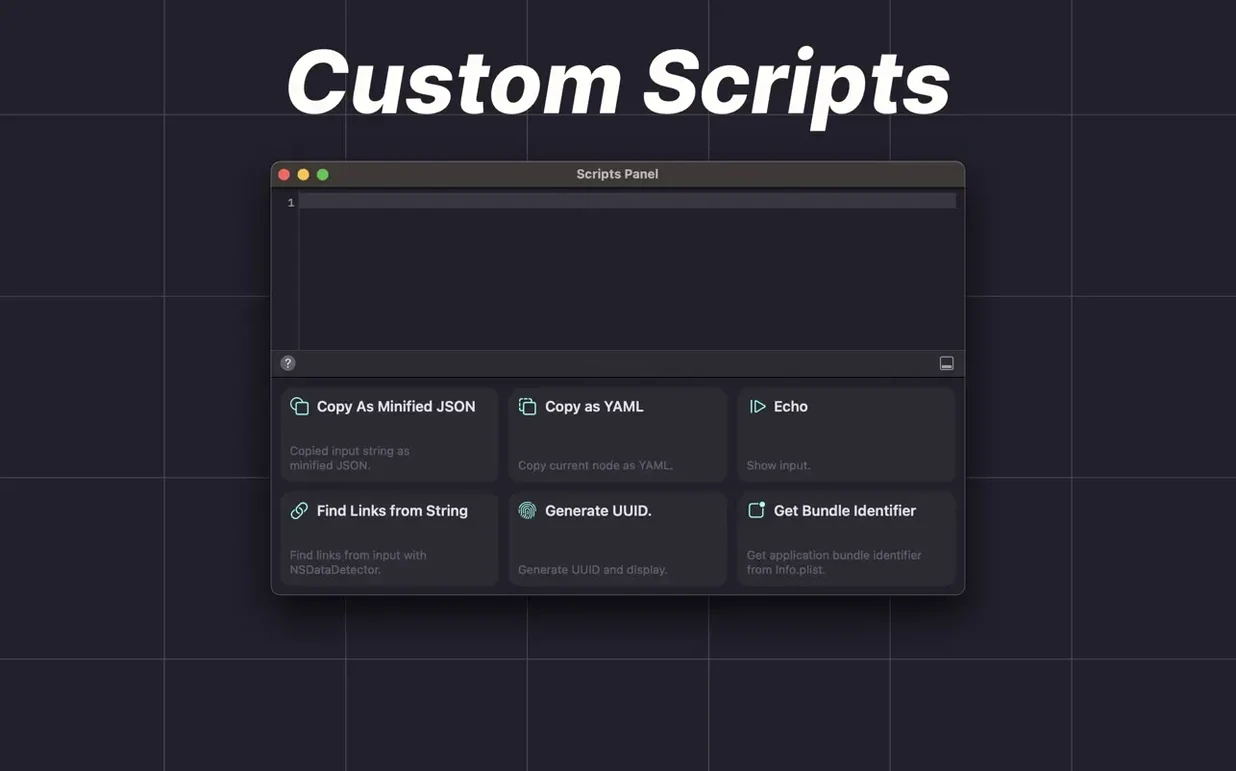
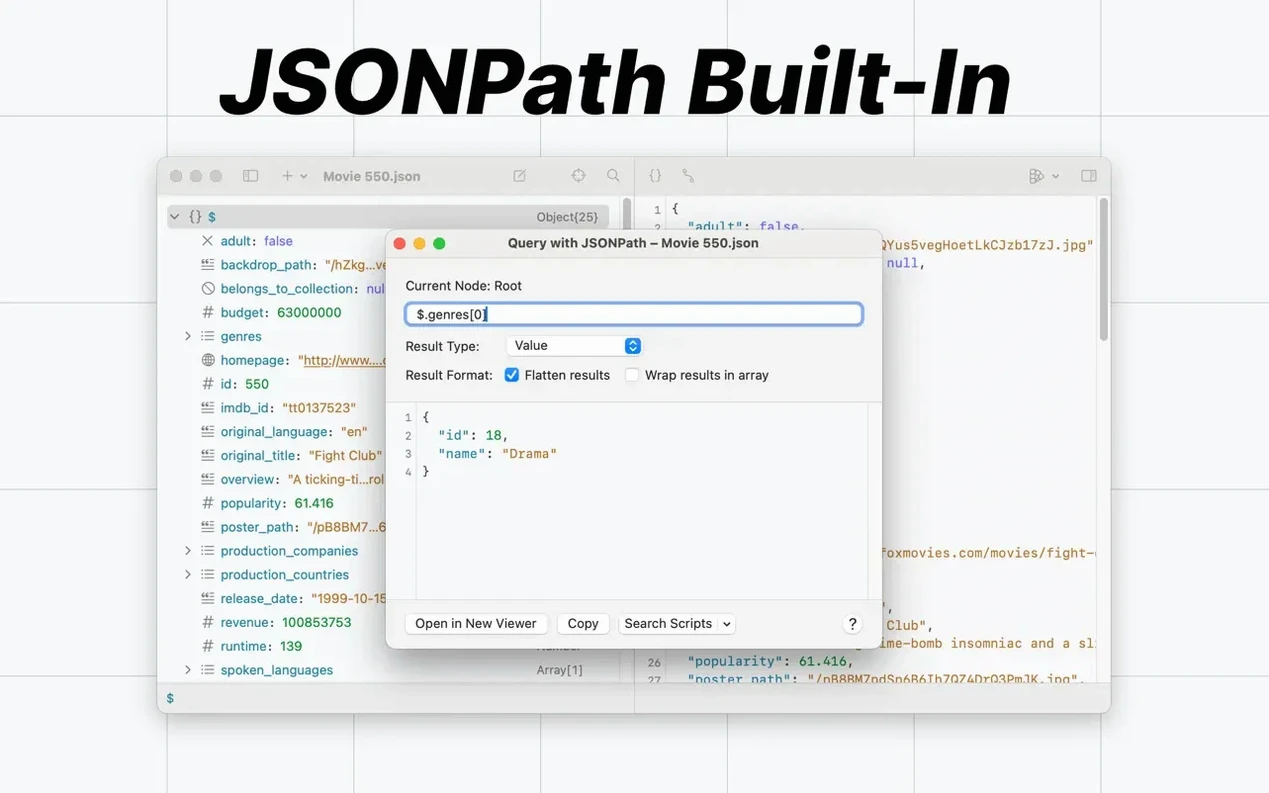
OK JSON is a native macOS tool for viewing and formatting JSON without leaving the desktop.
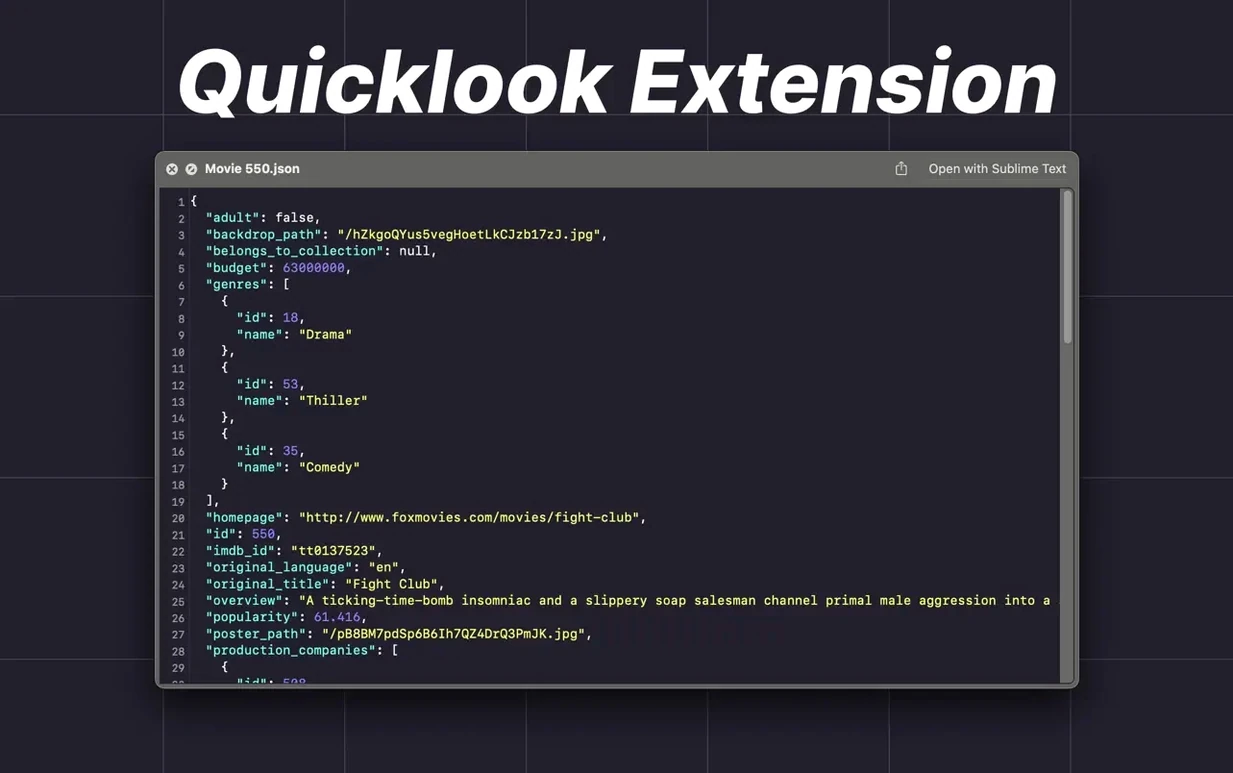
Preview formatted JSON in Finder without opening the app
- Quick formatting of API responses during development
- Inspecting large JSON files in tree or text view
- Running jq filters without a separate terminal window
- Previewing JSON in Finder via the Quick Look extension
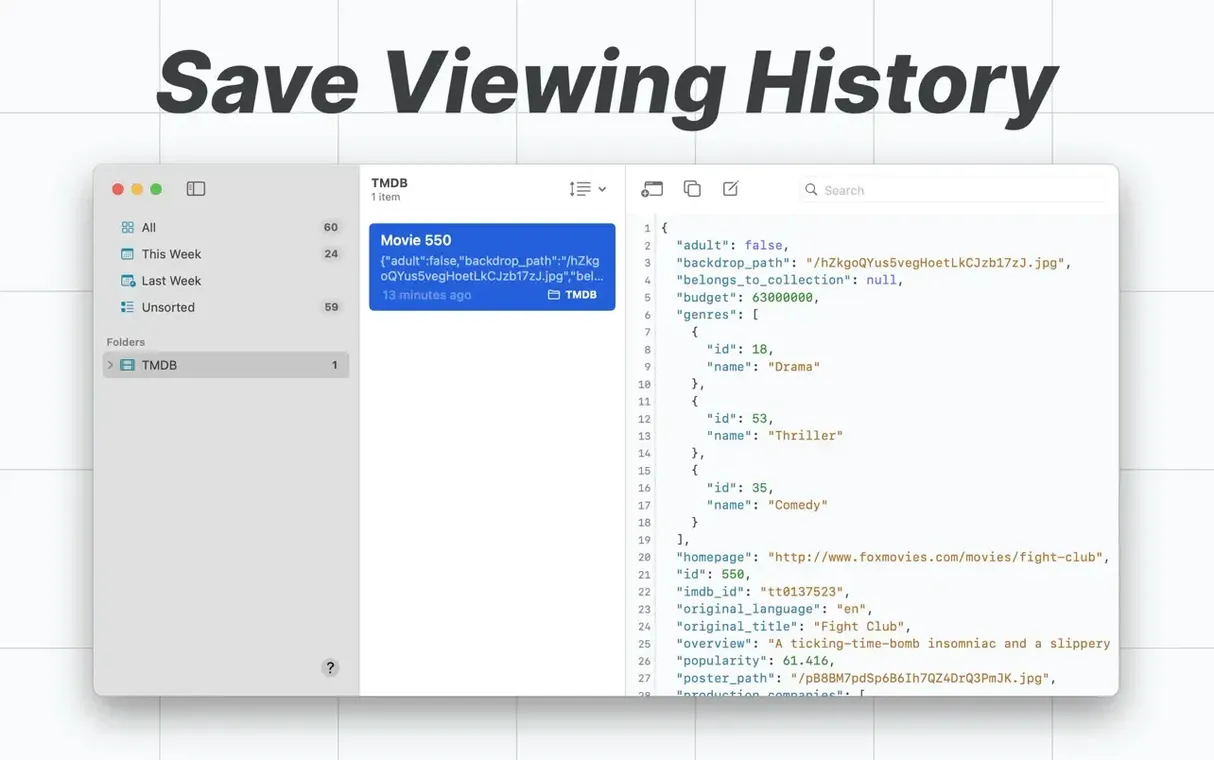
History keeps old files locally until you clear them
- Requires macOS 15
- History is stored in a local database, so old files stay visible unless cleared
- Interface is available in nine languages
A typical task: a server response lands as one long line. Drag the file into OK JSON, expand the tree view to check a nested field, then switch to text view and apply a saved jq filter to pull out only the values you need. The Quick Look extension covers the same preview from Finder without opening the app.
Syntax highlighting now reaches the History panel and Quick Look
- Redesigned text editor. Syntax highlighting now reaches the viewer, History panel, and Quick Look extension — not just the main window. Spotting a missing bracket in a 5,000‑line dump is easier because keys, strings, and numbers keep their colour as you scroll.
- Saved jq filters and JSONPath queries. Type a filter once, name it, pull it from a menu next time. If you regularly extract
orders[].totalfrom Shopify webhooks, it sits ready instead of needing a retype. - Faster open, lower memory. Large JSON Lines files that took a beat to load now appear quicker. The memory drop matters when you keep the app open alongside Xcode and three browser profiles.
- Three more languages. Dutch, Italian, and Russian joined the interface, bringing the total to twelve.
Tree view stays blank when JSON is pasted as one long line
One‑line JSON pasted as plain text. If the tree view stays blank after pasting, the string probably arrived without line breaks or spaces. Switch to text view, confirm the content is valid JSON, then toggle back. The tree rebuilds on the next valid parse.
History privacy. Every opened file and URL stays in the local database. To clear it, open History, select entries, and remove them. There is no automatic expiry, so a quick tidy after client work keeps old payloads out of sight.
Quick Look shows raw text, not the tree. The extension needs permission on first use. Open the app once after updating to 3.0.1, then try Quick Look again. If it still shows raw text, re‑enable the extension in System Settings → General → Login Items & Extensions → Quick Look.
- macOS 15 or later
- Apple Silicon or Intel 64-bit
Questions the team asks
Yes, version 3.0 includes built-in jq support and saved jq filters.









Comments 0
Sign in or create an account to add a comment.
No comments yet. They go up after moderation.