

OmniPlayer: MKV Video Player Pro — Mac download
Download (78 MB) Earlier builds
Ticked
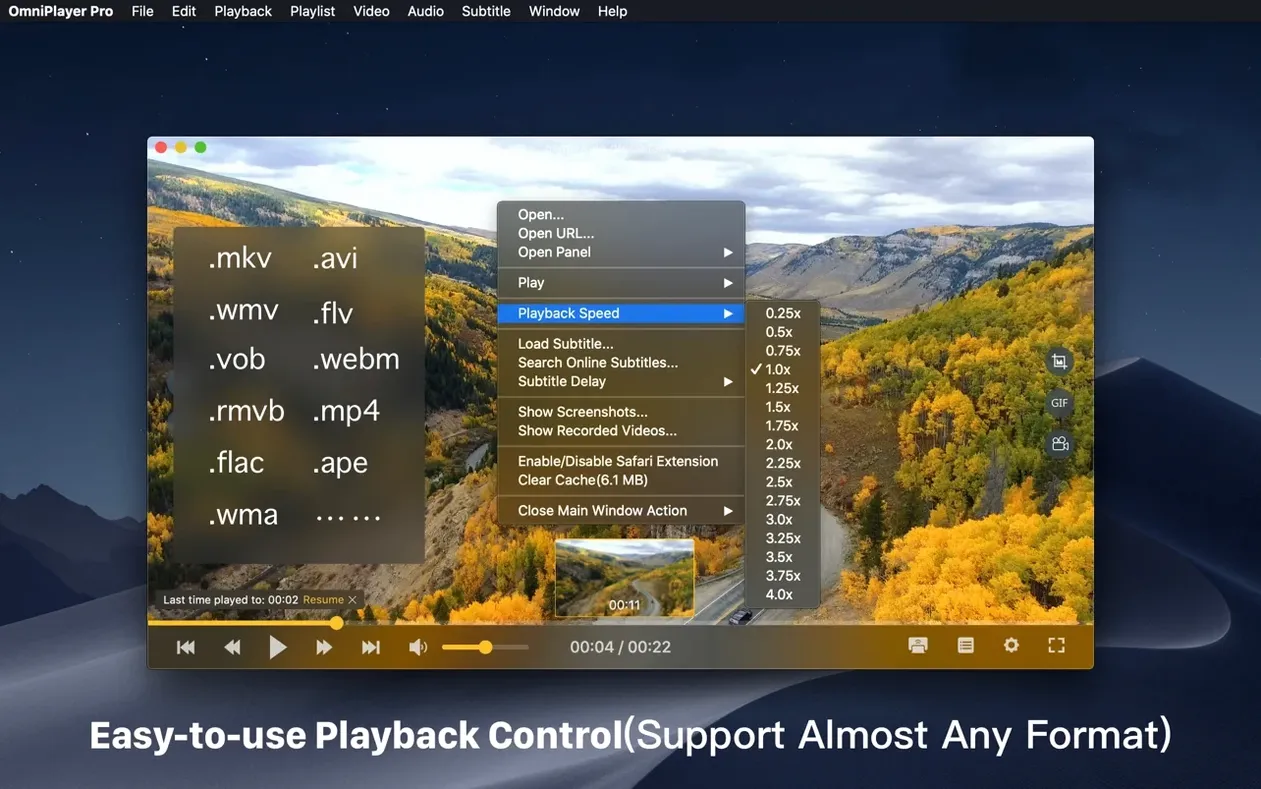
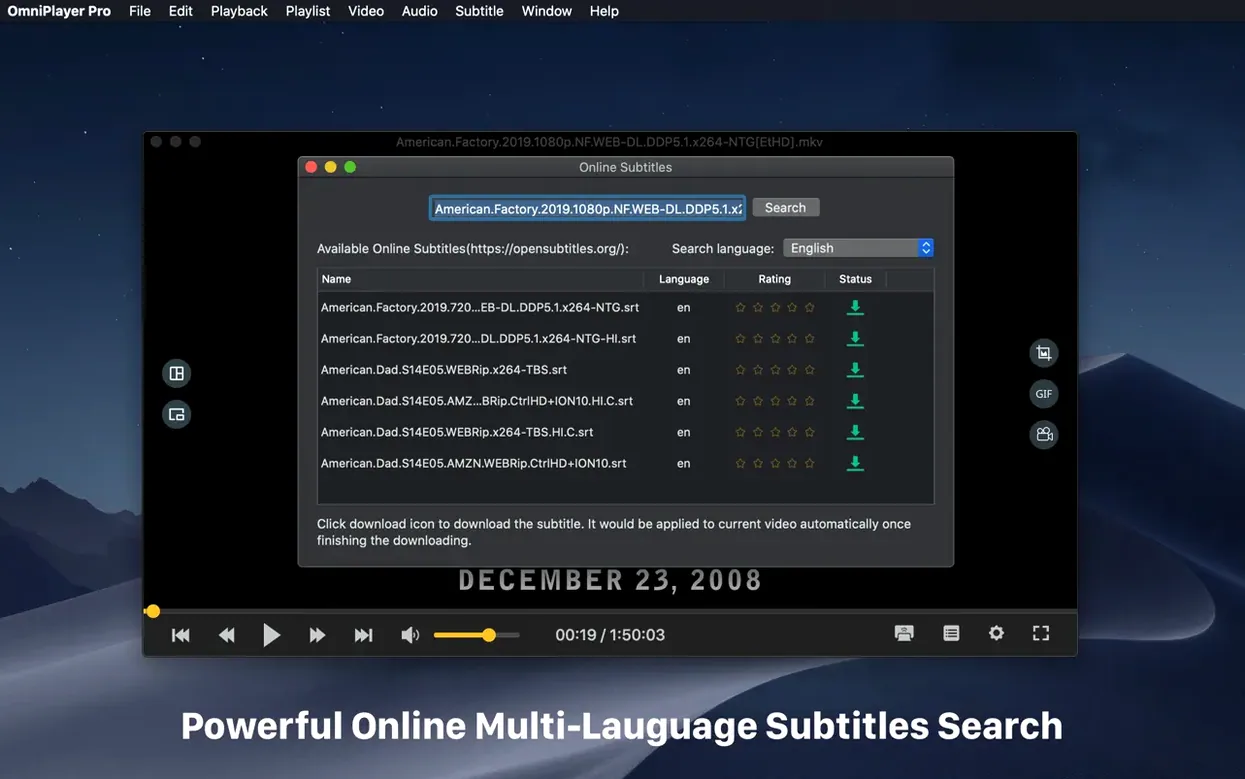
You've downloaded a 20 GB MKV file with multiple audio tracks and an SSA subtitle stream. VLC is choppy. IINA won't let you tweak the saturation. You need to get through the file, find a specific line of dialogue, and grab a 15-second GIF. That's where OmniPlayer Pro earns its spot on the checklist.
Controls worth your time
- Save last playback position on auto stop — pick up exactly where you left off.
- Change subtitle encoding per language — useful when default settings mangle non-Latin characters.
- Adjust brightness, contrast and saturation inside the player window.
- Rotate video in all directions.
- Set playback speed from 0.25x to 4x.
- Create GIFs of up to 60 seconds from any point.
Network and casting
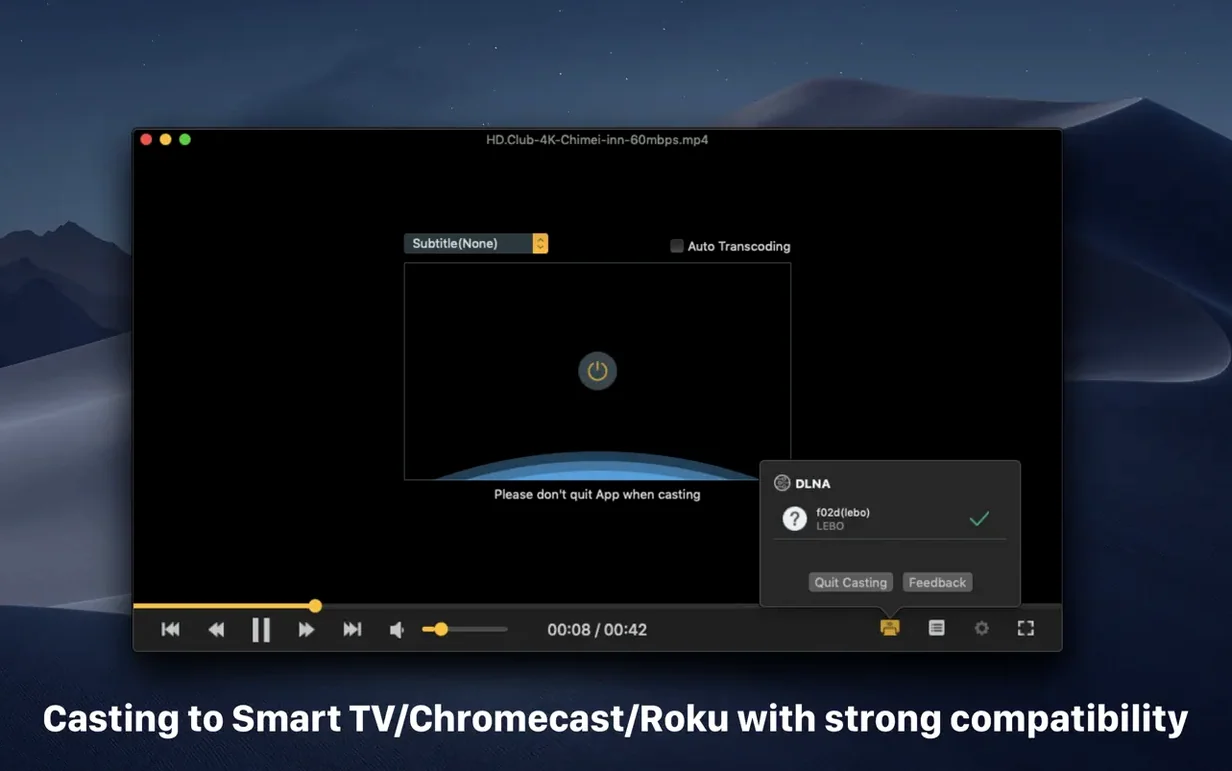
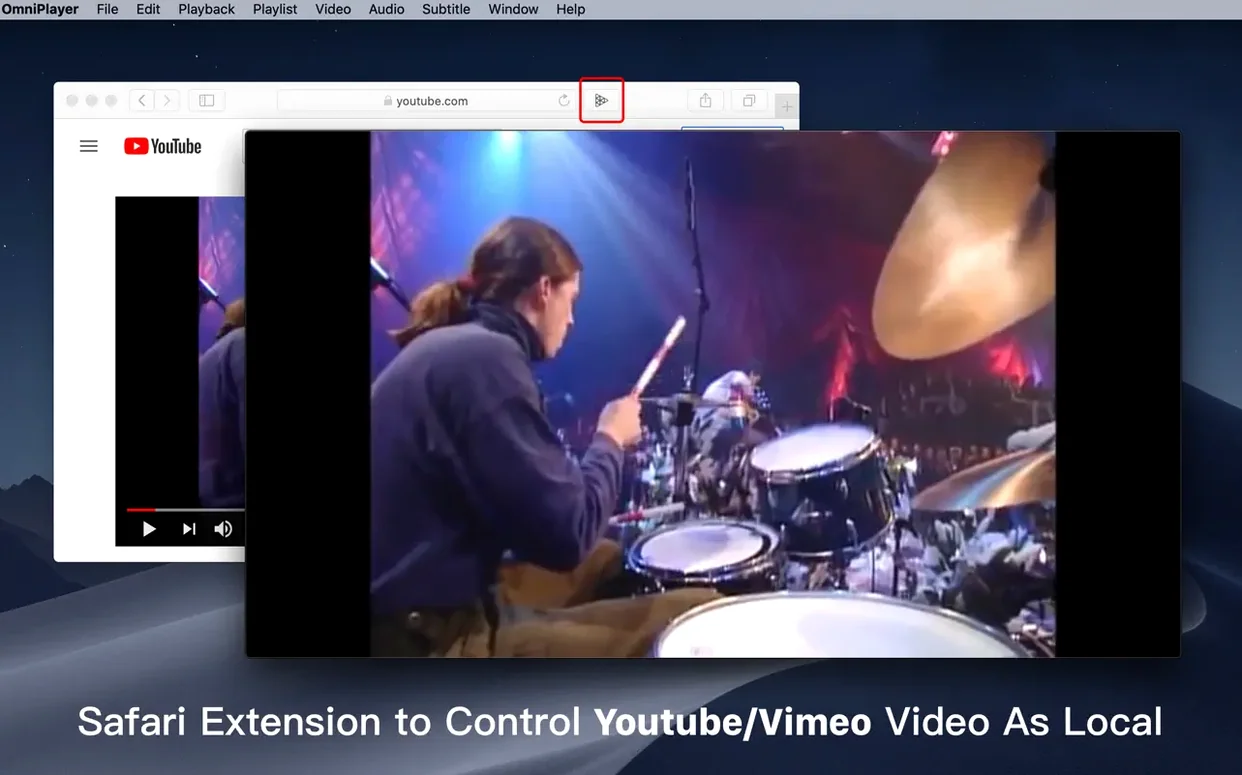
OmniPlayer Pro connects to local and remote media over SAMBA and FTP, plays YouTube or Vimeo content from a URL, and casts wirelessly to DLNA, Chromecast, and Roku devices. The current 2.1.22 build runs on Intel Macs under macOS 11 and fixes a bug that stalled 30 GB MKV files during loading.
Preview thumbnails speed up export checks for editors
Video editors checking exports. You need to scrub a rendered MKV, verify colour, confirm an audio track, and grab a still. The preview thumbnails on the progress bar and the screenshot tool make that fast.
Language learners. You switch between two subtitle tracks while slowing playback to 0.5x. Real-time subtitle size and colour changes help when you're matching hanzi to pinyin or kanji to furigana.
Home server users. Your media sits on a NAS. OmniPlayer Pro pulls MKV files over SAMBA without hiccups, remembers where you stopped, and casts to the living-room Chromecast.
People who manage messy media libraries. You download films with mismatched audio delays. The audio sync slider fixes lip-flap drift in seconds.
One scenario: the editor’s checkpoint
A freelance editor receives a client's 18 GB *.mkv export at 11 p.m. She opens it in OmniPlayer Pro, scrubs to the two-minute mark using the progress bar thumbnails, and finds the shot she needs. She rotates the frame 90° to check a vertical-crop candidate, boosts the contrast two notches, then saves a PNG screenshot. The client approves the frame by midnight. No transcoding, no timeline import.
Hide controls first to see artefacts clearly
- Enable auto-hide controls during playback — the clean window makes spotting compression artefacts easier.
- Set your preferred subtitle encoding under the subtitle menu before loading any file with non-Latin text.
- Map a keyboard shortcut to the GIF tool if your workflow involves quick social-media clips.
- Test one SAMBA or FTP connection early — network paths that work in Finder sometimes need a trailing slash in OmniPlayer Pro.
- Drag your most-used playlist folder into the app and confirm that repeat-mode defaults are what you expect before you queue a long session.
- Fixed a bug when loading a 30GB MKV file.
- Fixed some bugs.
- macOS 11 or later
- Intel 64-bit
Questions the team asks
Yes. Version 2.1.22 includes a fix for a bug that occurred when loading a 30 GB MKV file.
It does. OmniPlayer Pro can cast to DLNA, Chromecast, and Roku devices.
Yes. You can change subtitle encoding for different languages to correct character display issues.









Comments 0
Sign in or create an account to add a comment.
No comments yet. They go up after moderation.