

Nook X — Mac download
Download (36 MB) Earlier builds
Ticked
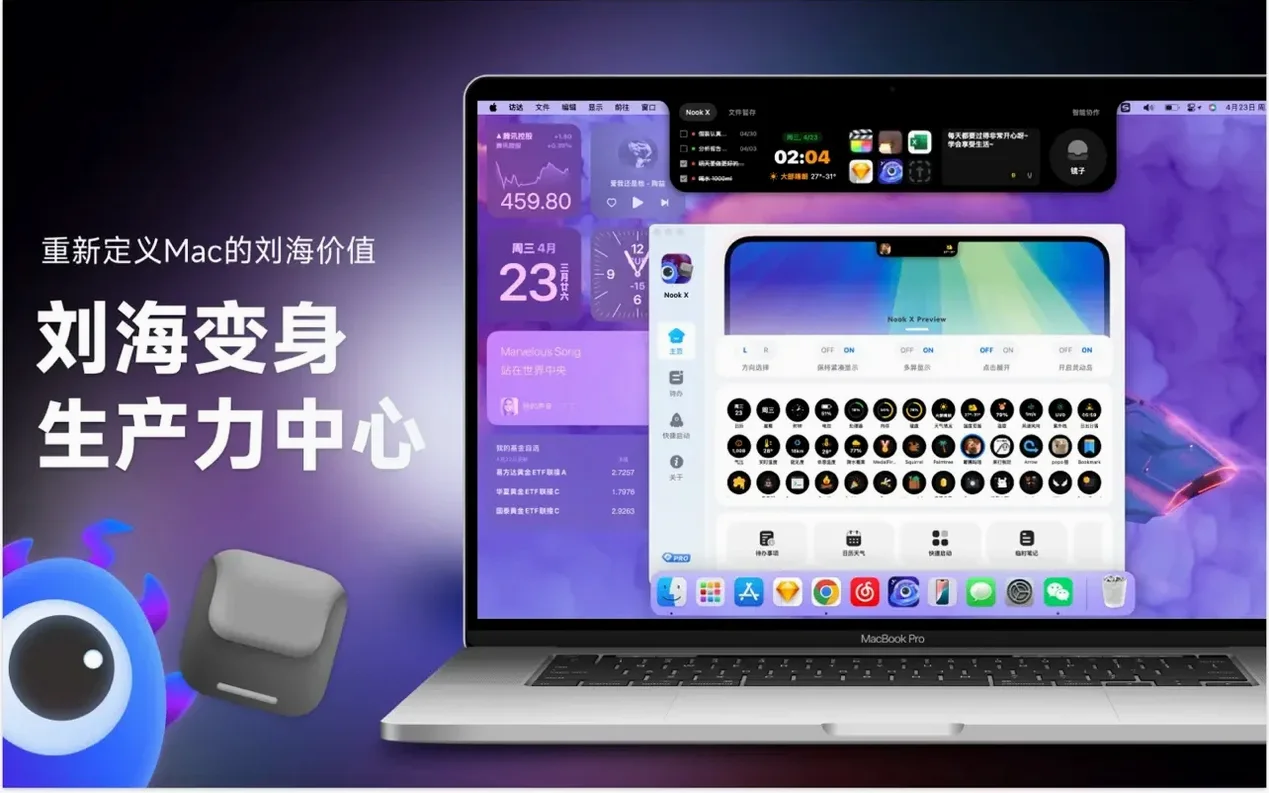

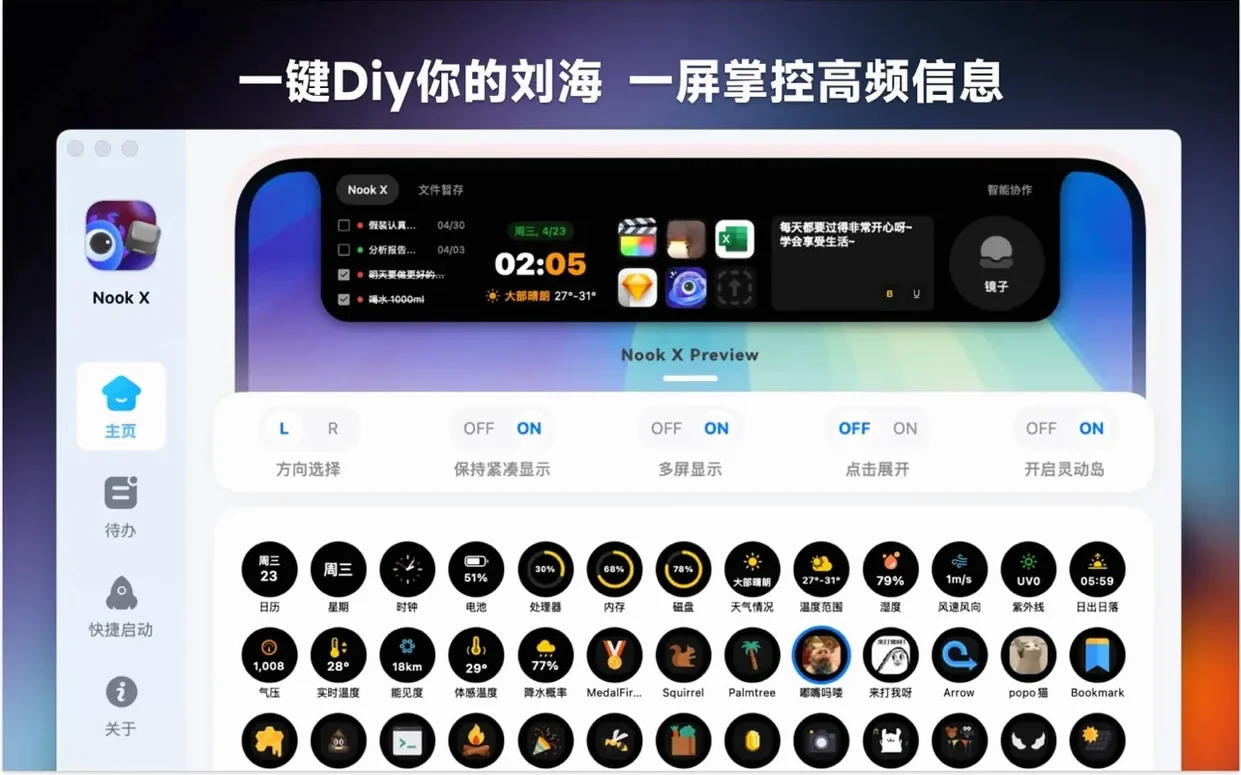
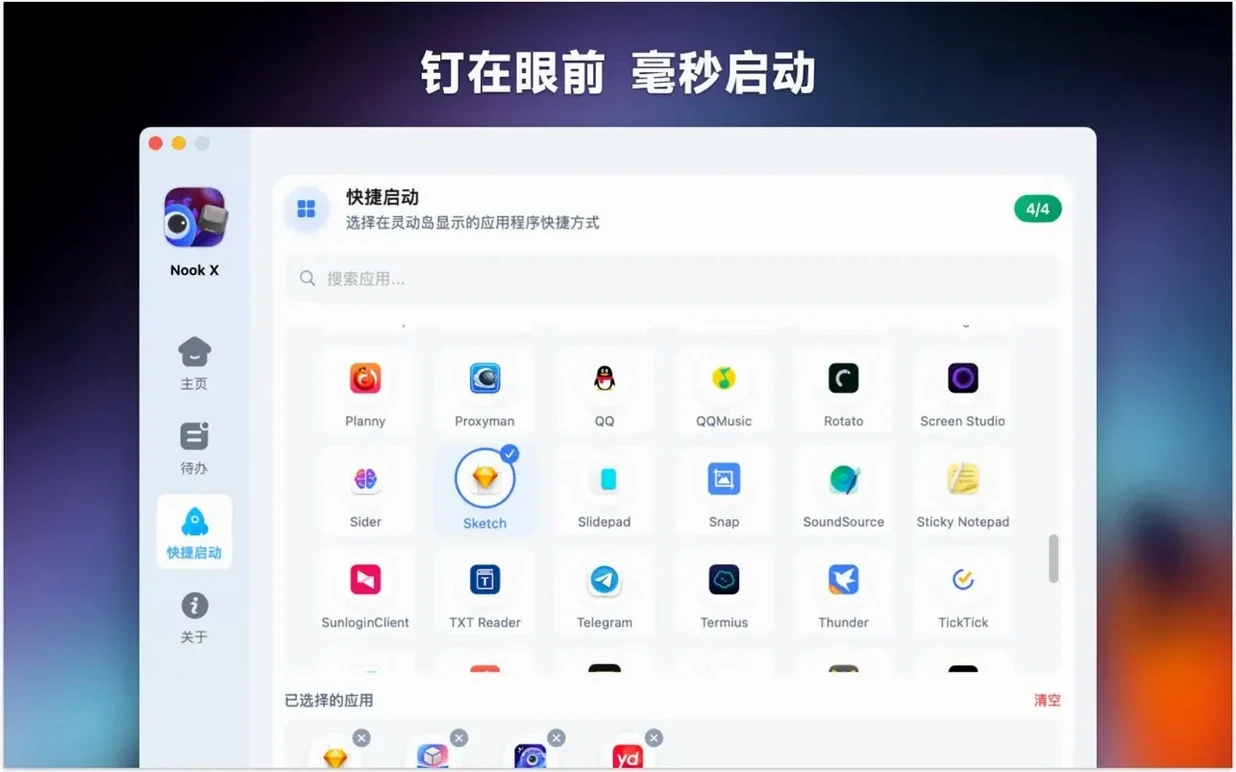
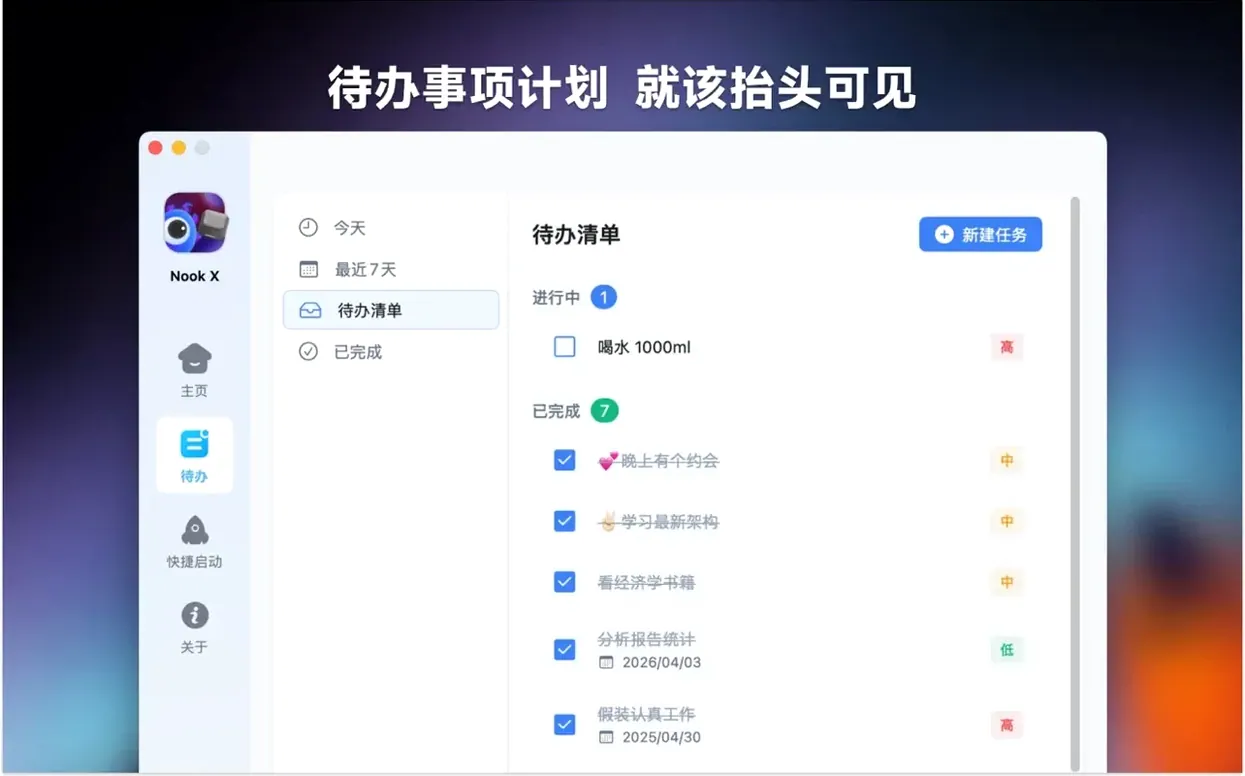
A music player that shows lyrics, a to-do list and an AI chat tool rarely sit side by side. Switching between separate apps for each breaks focus. Nook X brings the three together so you stay in one window.
The task manager creates action items directly from a chat conversation. The music section plays common audio formats and finds songs when you only remember a fragment of lyric. Voice input works across the app, useful when typing isn't practical.
Morning routine with Nook X
A freelance translator starts the day by checking yesterday's unfinished tasks. Three items still need attention. She opens the AI chat and says, "Turn these into today's priority list." The assistant reads the outstanding tasks and reorders them. One needs a German term clarified — she asks in-chat and gets the translation immediately, then creates a new task from the reply with one click.
While working, she plays an album she bought last week. The karaoke-style lyrics appear automatically, synced to the track. Halfway through a song, a lyric line catches her attention — she searches for it and finds the track title she'd forgotten. Voice input lets her add a quick reminder without leaving the keyboard-heavy translation work.
Switch on auto-launch at login
Open preferences after the first launch. A few defaults are worth adjusting straight away.
- Startup behaviour. Set Nook X to launch at login if it becomes part of your daily flow. The setting is off by default.
- Voice input language. The app supports multiple interface languages, but voice recognition defaults to the system language. Match it to the language you actually speak when dictating tasks.
- Lyrics display mode. Karaoke mode is on by default. Switch to static lyrics if the highlight animation distracts you during focused work.
- Task notifications. Reminders default to banner alerts. Change them to persistent alerts if you tend to swipe away banners before acting on them.
- AI response length. Keep replies concise by adjusting the verbosity setting. Long-form answers slow down quick task-creation workflows.
Not provided
Does Nook X replace my current music player?
It can, but it doesn't have to. The built-in player handles common formats and the lyric search is genuinely useful — type a half-remembered line and it finds the track. That said, if your library lives in a streaming service, Nook X won't replace it. Think of it as a local-file player with extras, not a streaming client.
Is the AI chat local or cloud-based?
The assistant runs on cloud services, so an internet connection is required for chat features, translations and idea generation. Tasks, music playback and lyric display all work offline once files are loaded.
How does the notch integration actually work?
Nook X sits in the notch area of compatible Macs, giving quick access to its tools without occupying screen space. On Macs without a notch, it runs as a standard menu bar utility. The functionality is identical either way — the notch placement is a convenience, not a requirement.
Can I use Nook X without the AI features?
Yes. Disable the chat panel in preferences and the app functions as a combined task manager and music player with lyric support. Nothing forces you to use all three tools.
Does task creation from chat actually save time?
For project managers and anyone who brain-dumps into chat, it removes the step of copying text between windows. Say "remind me to chase the venue booking Thursday" during a chat exchange and the task appears with the date set. It's a small workflow reduction that adds up across a week.
Everything lives in a single macOS utility — no browser tabs, no separate players, no context switching between tools that should talk to each other.
- macOS 13 or later
- Apple Silicon or Intel 64-bit
Questions the team asks
It requires macOS 13 or later and runs on both Intel and Apple Silicon Macs.
Yes. The music section supports lyric-based search alongside its built-in audio player.
You can turn a chat response into a task inside the app, so ideas from a conversation become tracked action items.








Comments 0
Sign in or create an account to add a comment.
No comments yet. They go up after moderation.