

Paste — Mac download
Download (28 MB) Earlier builds
Ticked
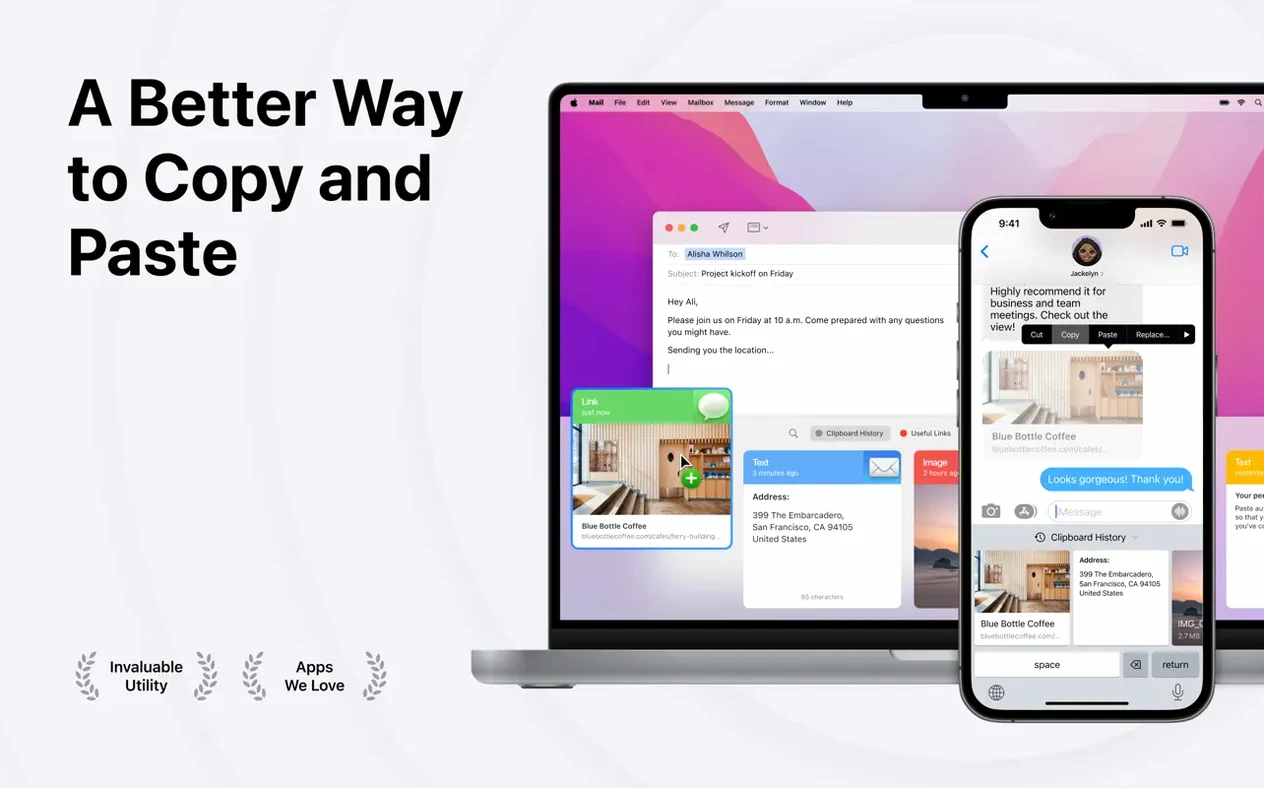
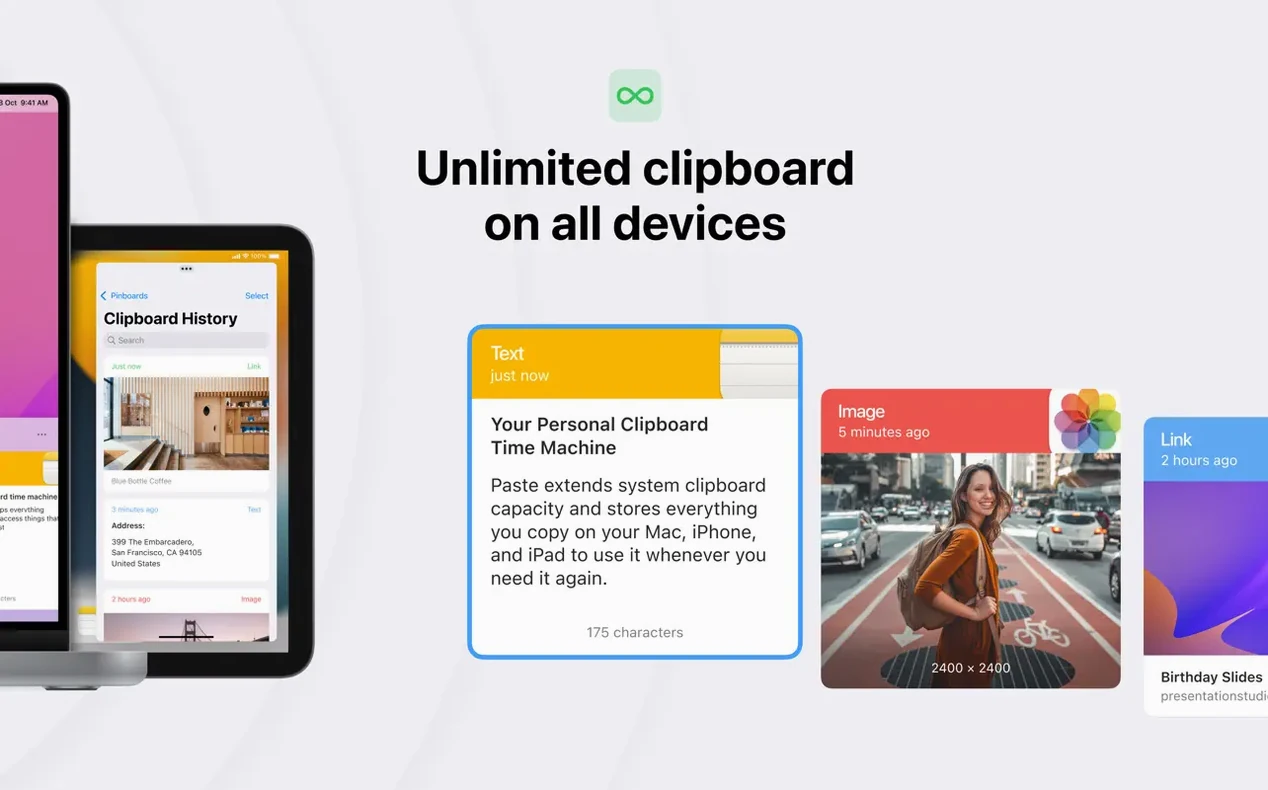
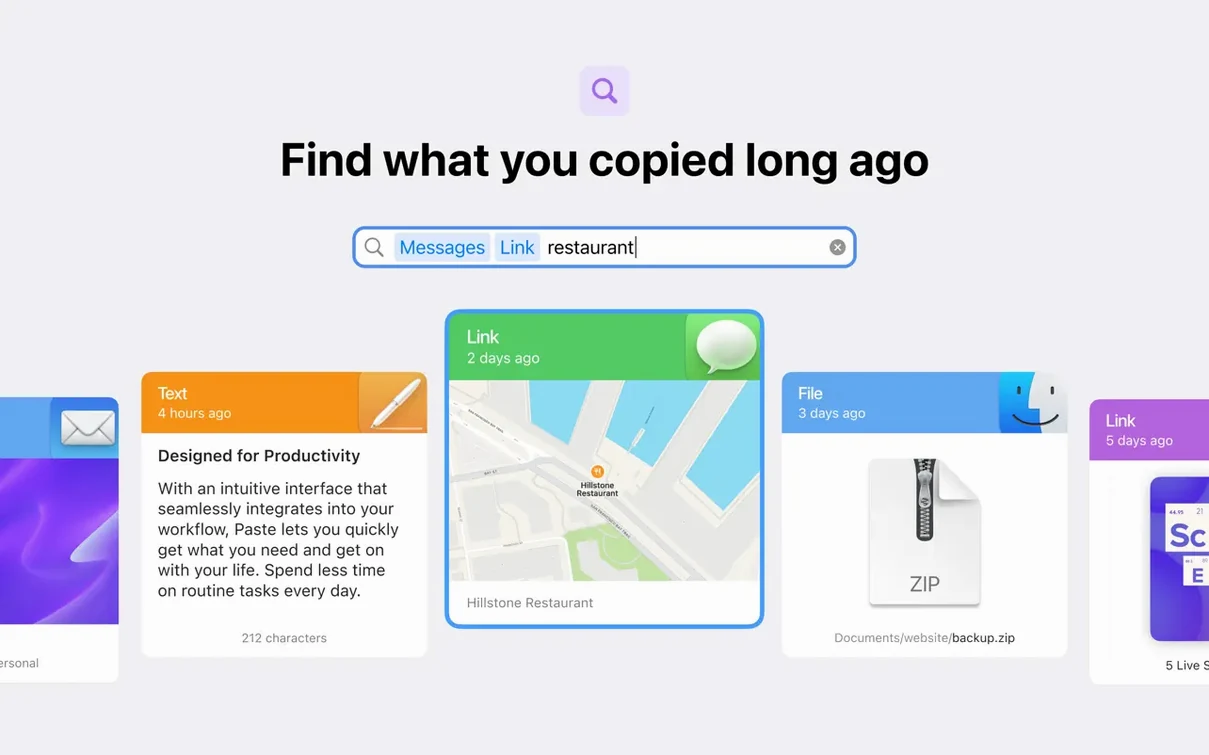
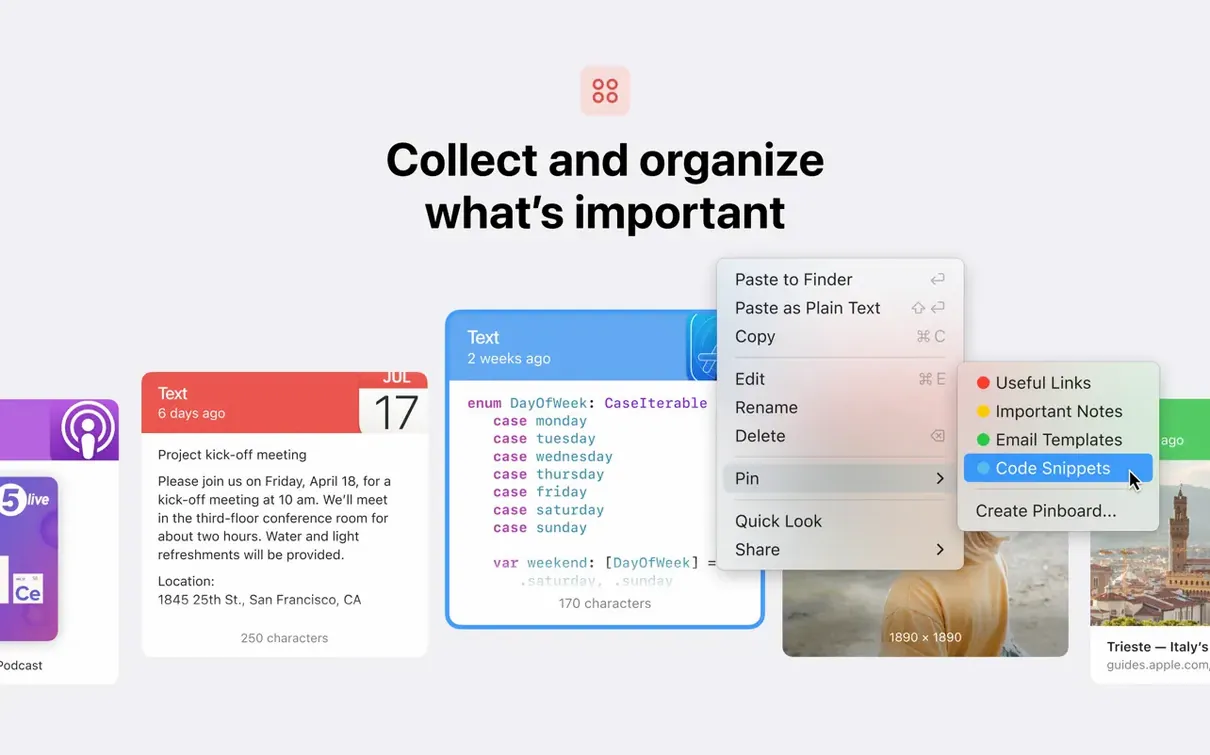
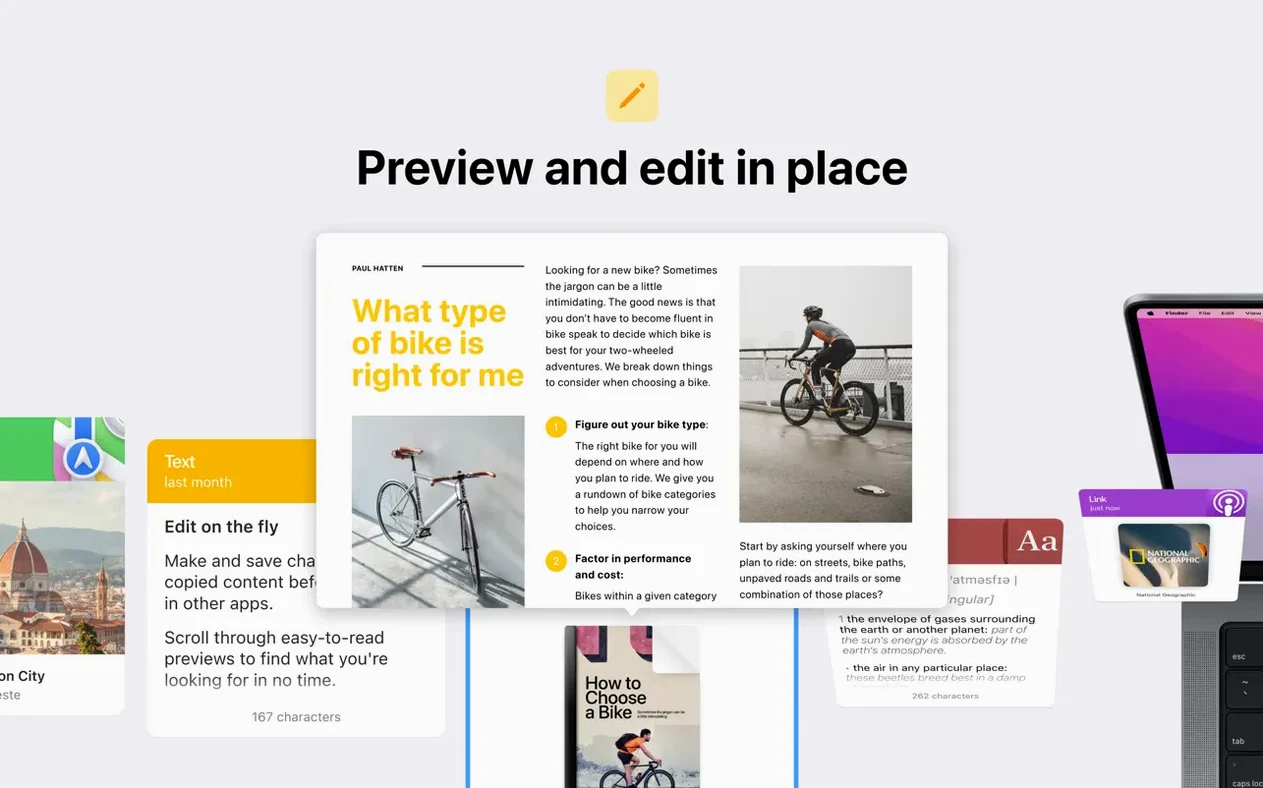
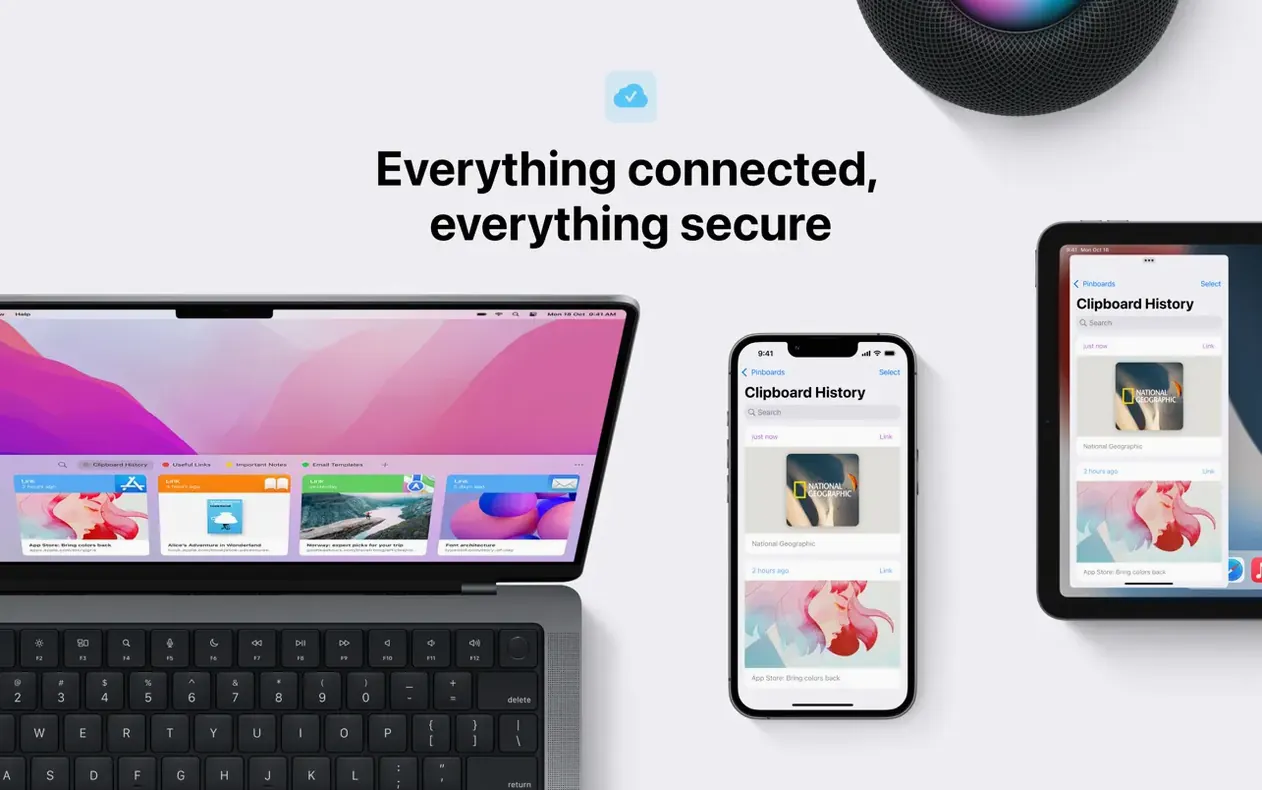
Pinboards are where Paste 6.6.2 really settles into a workflow. You can pull a copied screenshot, a link from an hour ago, and a paragraph of text onto a single board, then share the whole lot via AirDrop or iCloud. It turns the clipboard from a single-slot buffer into something you can actually arrange.
What this version keeps steady
Version 6.6.2 doesn't rewrite the rulebook — it holds the line. Everything copies automatically: text, images, screenshots, URLs. iCloud sync pushes your history and pinboards across devices running macOS 13 or later. Universal Clipboard plays nice with other Apple hardware too. Custom keyboard shortcuts still let you pull up recent items without touching the trackpad, and sharing a clipboard history with colleagues works the same way it did before.
Twenty-one languages for anyone who copies more than they type
Paste suits anyone who copies more than they type. Russian, Japanese, German, Hebrew — the interface ships in twenty-one languages. It runs on Apple Silicon and Intel 64-bit Macs, and the system requirement sits at macOS 13, though the current Mac build points to macOS 14.
Workflow: assembling a support reply from fragments
Here's a task I hit most days — grabbing bits from Slack, a PDF and a browser tab to build one coherent email reply.
- Copy a customer's question from a Help Scout ticket — Paste captures it instantly.
- Switch to a PDF spec sheet and copy two version numbers you need.
- Jump to a Slack thread and copy a colleague's quick answer snippet.
- Open your mail client, then invoke Paste's shortcut.
- Scroll to the ticket excerpt, hit
Returnto paste it in. - Re-open Paste, pick the version numbers, paste those below.
- Grab the Slack snippet last, paste it with a quick attribution.
Nothing gets lost between apps. The plain-text toggle strips Slack's formatting before it hits the email body, so the message goes out clean.
How Paste 6.6.2 feels under load
On an Apple Silicon machine, the menu bar helper sits around 80 MB of memory during a normal day. That number climbs a little when a pinboard holds fifty image-heavy items, but it doesn't spike. CPU use stays flat — I never see it register during a paste 6.6.2 session unless Smart Search is trawling through months of history.
Stability holds up across sleep-wake cycles. Other clipboard tools I've tried stutter after the Mac wakes. Paste doesn't. Items appear in the queue as soon as the display lights up, and iCloud sync reconnects without a manual kick.
On older Intel hardware — a 2019 MacBook Pro — the app stays responsive, but scrolling through a long history list has a half-beat hesitation that the Apple Silicon build doesn't show. That's the only real difference between architectures in daily use.
AirDropping forty pinned items in seconds
- Pinboard sharing sped up. A board with forty items now AirDrops to an iPhone in seconds, not the ten-plus it used to take.
- Search scope tightened. Smart Search no longer pulls irrelevant matches from months-old history unless you deliberately scroll back that far.
- Lists behave predictably. Earlier builds sometimes lost custom list order after a restart. In 6.6.2, the order sticks.
- Plain-text toggle got smarter. Copying from a styled web page and hitting the toggle now strips inline styles cleanly — no leftover
spancruft in the output.
A fresh paste mac download today lands you a build that behaves like a finished tool, not one chasing papercuts. If you've been running a paste crack from an older release, the jump to 6.6.2 is noticeable in the search and sync fixes alone.
- macOS 13 or later
- Apple Silicon or Intel 64-bit processor
Questions the team asks
Yes, iCloud sync keeps your clipboard history and pinboards consistent across Apple devices, and Universal Clipboard support extends the flow to other Apple hardware.






Comments 0
Sign in or create an account to add a comment.
No comments yet. They go up after moderation.