

Artlantis — Mac download
Download (370 MB) Earlier builds
Ticked
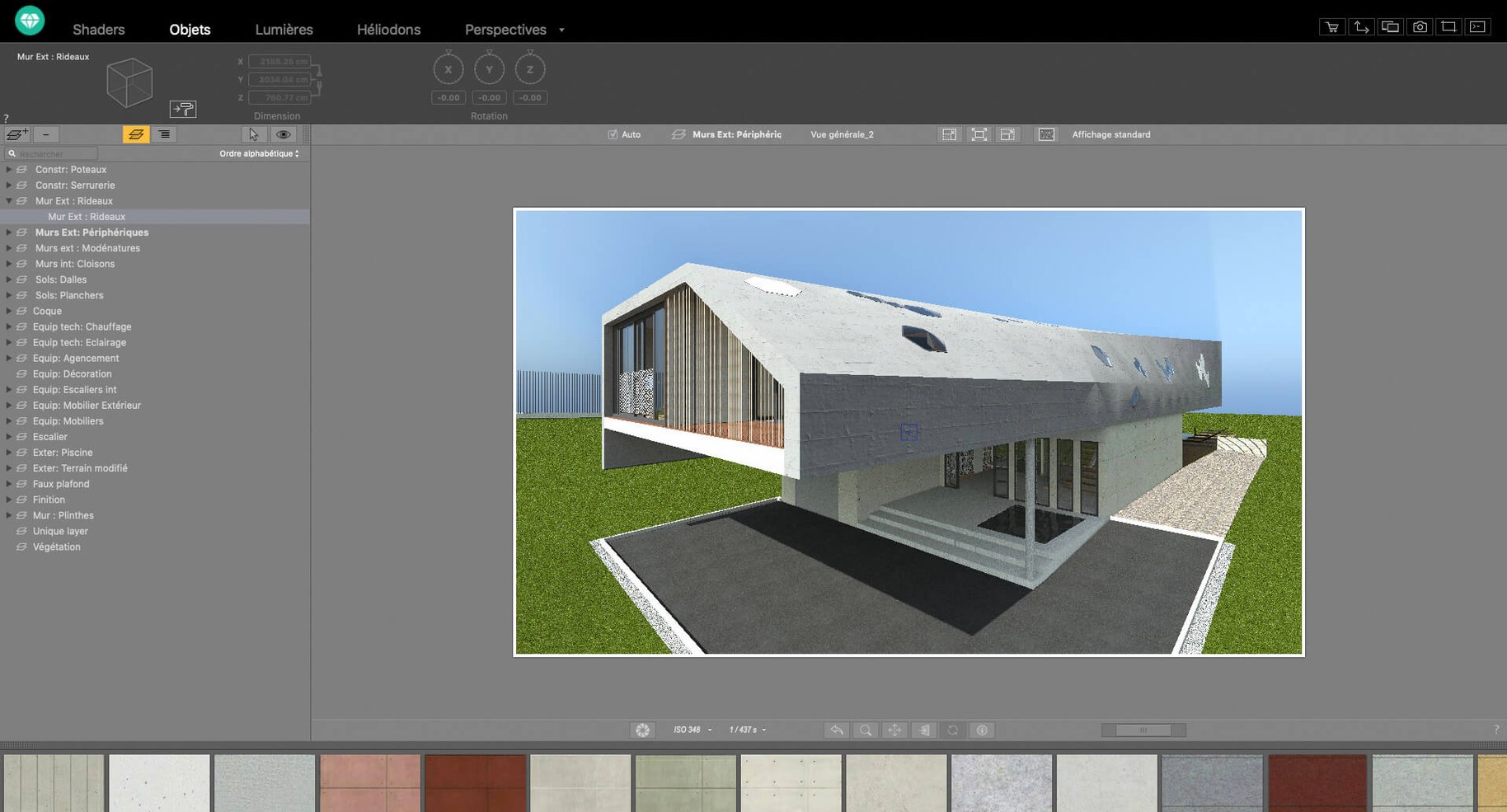
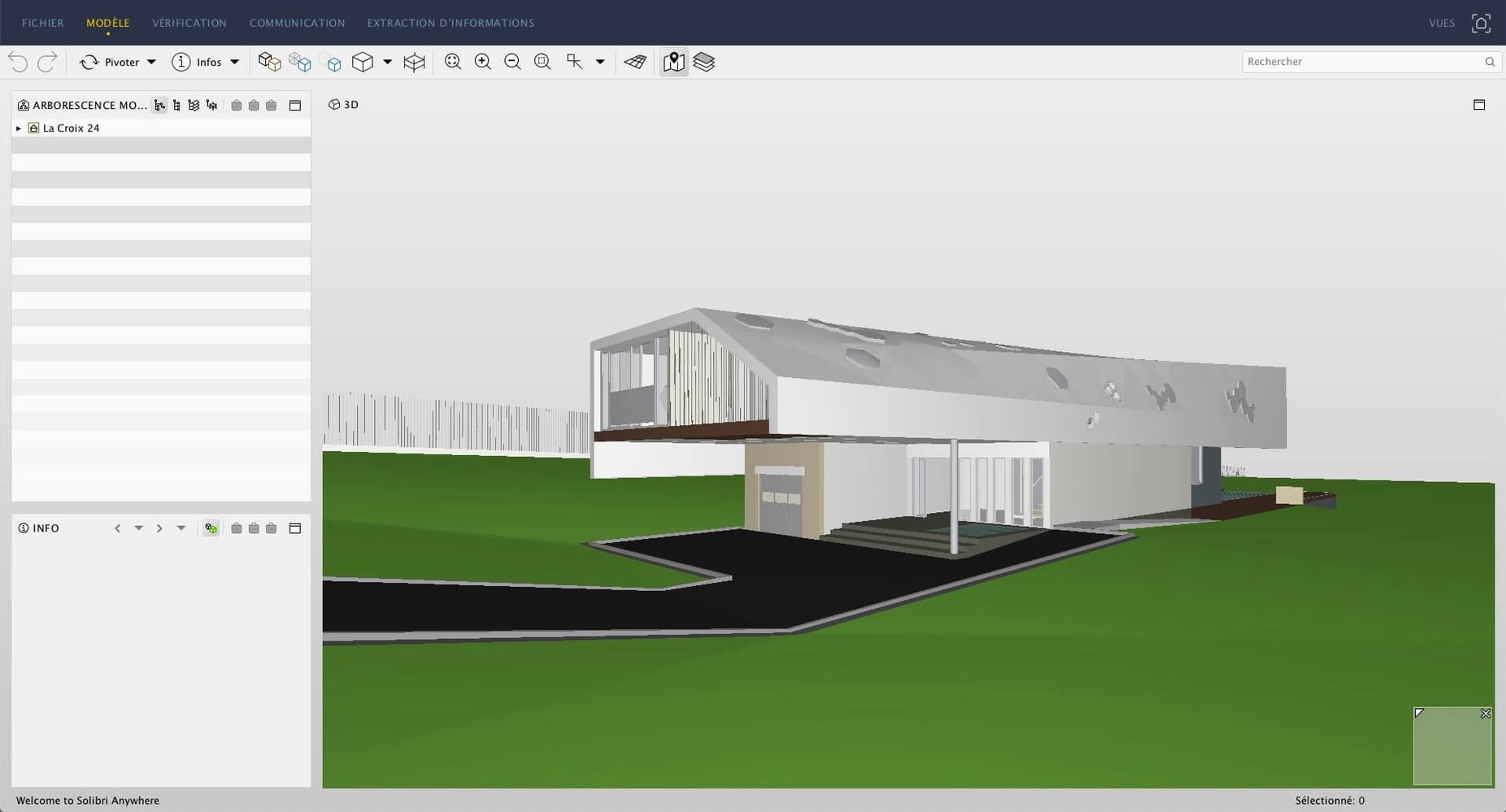
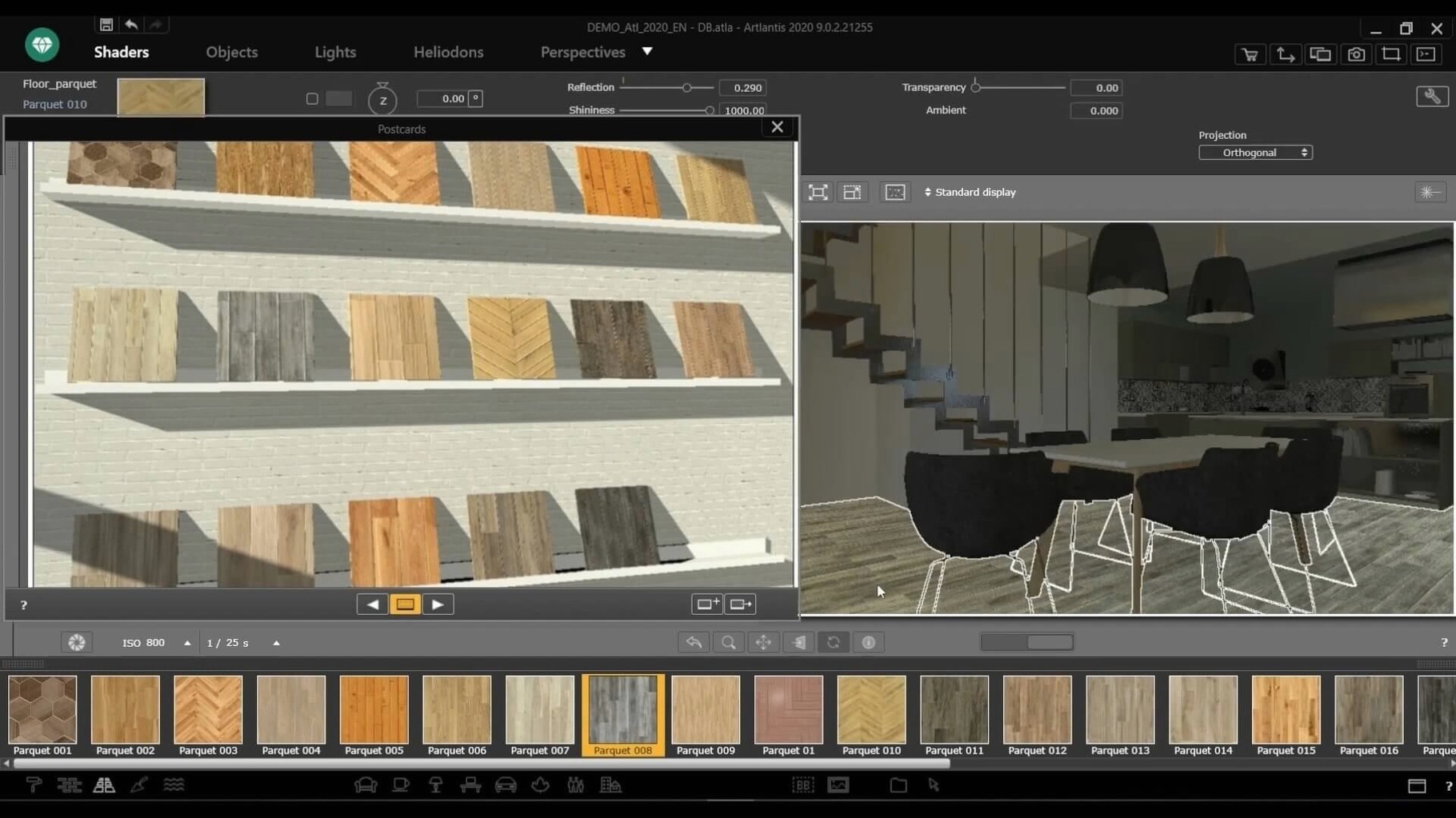
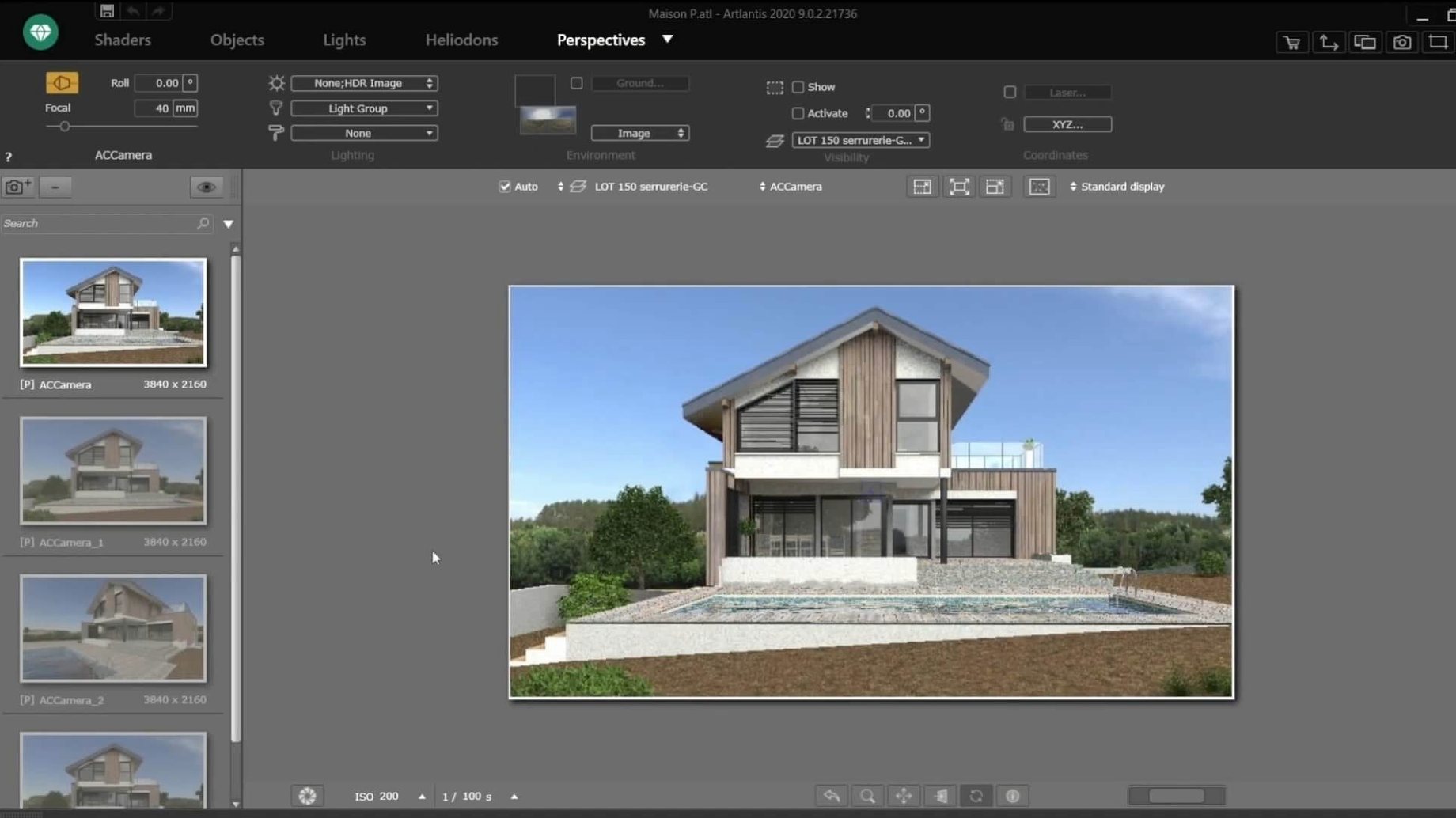
Architects and interior designers who build models in CAD software often ask the same practical questions before committing to a rendering engine. Here are the ones that come up most with Artlantis.
- Can it open my CAD files? Direct import covers DXF, DWG and 3DS formats, so it slots into Vectorworks, AutoCAD and SketchUp workflows without an extra conversion step.
- Does it handle animations? Yes. You can edit motion paths for walkthrough videos and set up VR panoramas for client presentations—both land in the Studio edition’s wheelhouse.
- Will it run on my Mac? Only on Intel hardware. It needs macOS 10.13 or later and is a 64‑bit app; Apple Silicon Macs would rely on Rosetta, but that path isn’t officially documented.
- Is the software still available? Distribution ended after the Abvent R&D office closed.
- What kind of lighting control does it give me? You position natural and artificial light sources and adjust perspective inside the scene, which is what you’d expect from a tool built for high‑quality post‑processing renders.
Smooth viewport refresh on dedicated graphics
On Intel Macs running macOS 10.13 or later, Artlantis 9.5.2 feels responsive when you drag materials from the catalog onto surfaces. The viewport refresh stays smooth on machines with dedicated graphics, though integrated GPUs show a slight lag with dense meshes and multiple artificial lights. RAM use sits around 1.5–2 GB for a typical interior scene; complex exteriors with heavy vegetation push it past 4 GB.
Rendering speed depends almost entirely on scene complexity and output resolution. A single 4K still with global illumination and a dozen light sources finishes in under ten minutes on a recent iMac, while a 60‑second animation clip can tie up the machine overnight. Batch rendering helps—queue several camera angles before you leave the desk and collect them in the morning.
Crashes are rare in daily use, but the app sometimes beachballs when importing large DWG files with poorly optimised layer structures. The workaround is straightforward: clean up the CAD file before import, or split the scene into smaller chunks. Autosave kicks in every ten minutes by default, so you rarely lose more than a few material tweaks.
Shaders and post‑processing filters (brightness, contrast, colour tables) apply in near real‑time, which keeps the feedback loop tight when you fine‑tune a surface. The only time you notice a pause is when the shader compiler rebuilds after switching between OpenGL preview and final render mode. For most presentation‑focused work, the engine stays out of your way.
If those answers line up with your setup, the installer is straightforward—but verifying compatibility with your current macOS version beforehand saves the usual headaches.
- macOS 10.13 or later
- Intel processor (64‑bit)
Questions the team asks
It reads DXF, DWG and 3DS files directly, covering the most common CAD exchange formats.








Comments 0
Sign in or create an account to add a comment.
No comments yet. They go up after moderation.