
AutoCAD — Mac download
Download (2.3 GB) Earlier builds
Ticked
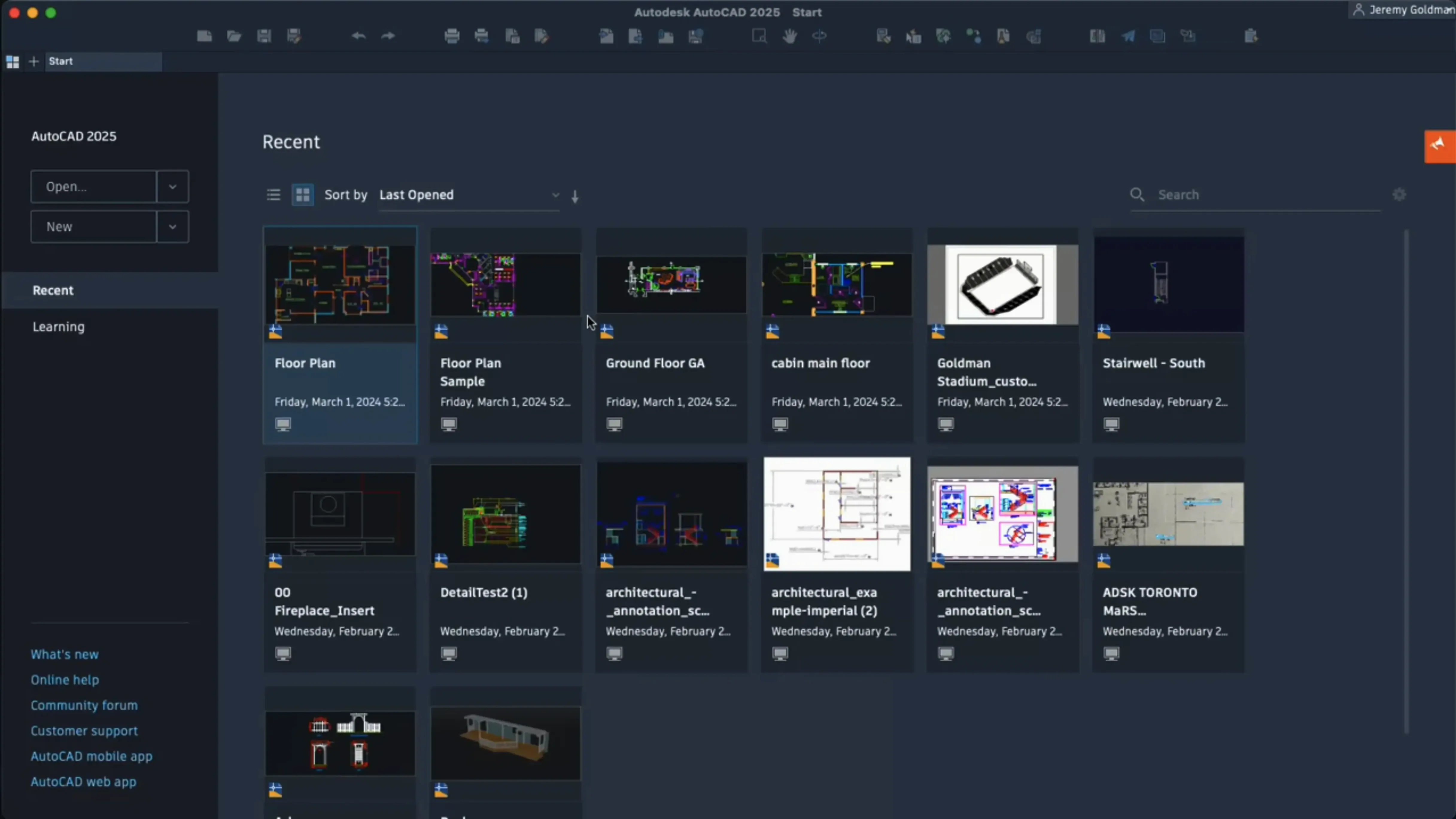
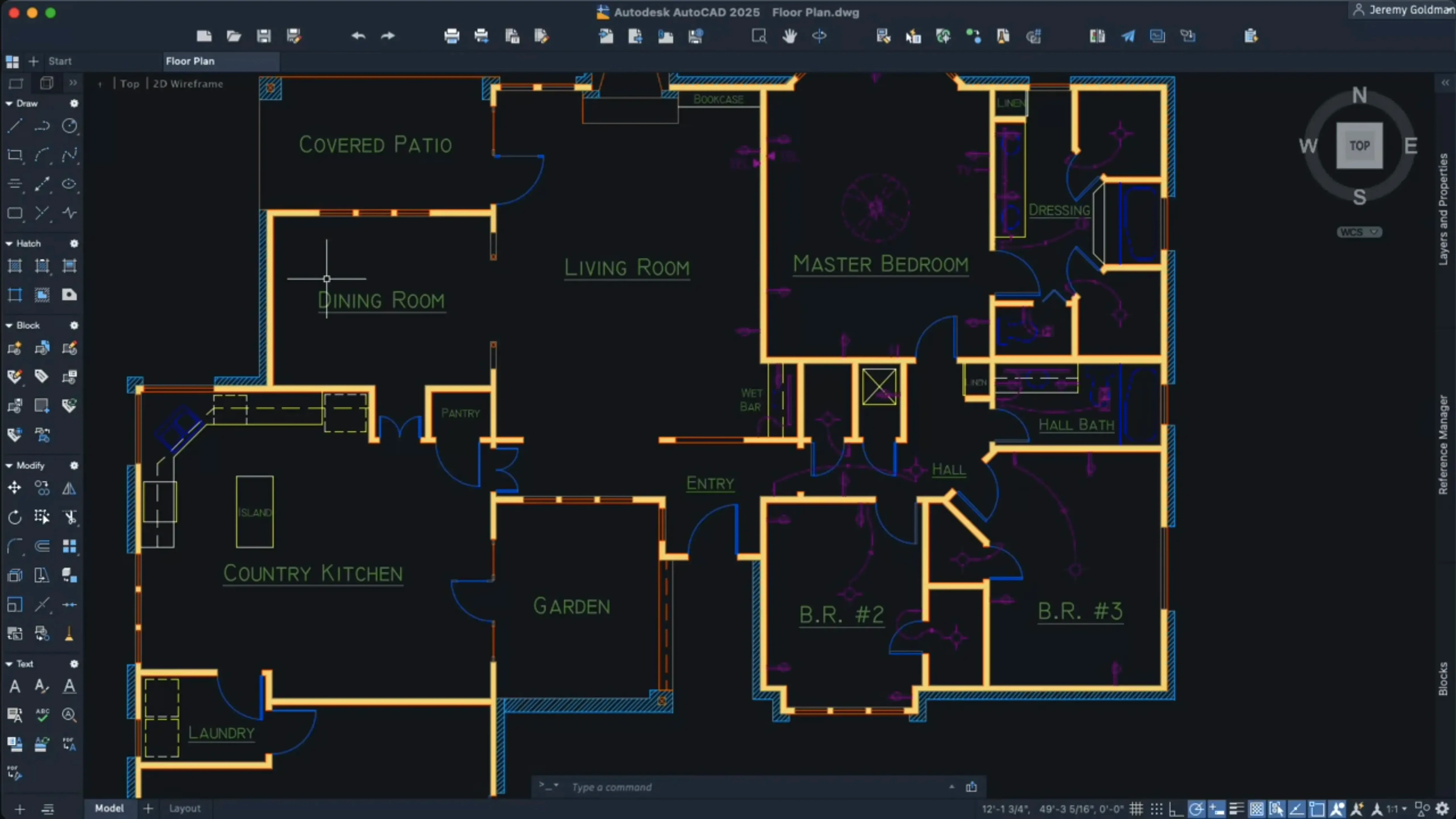
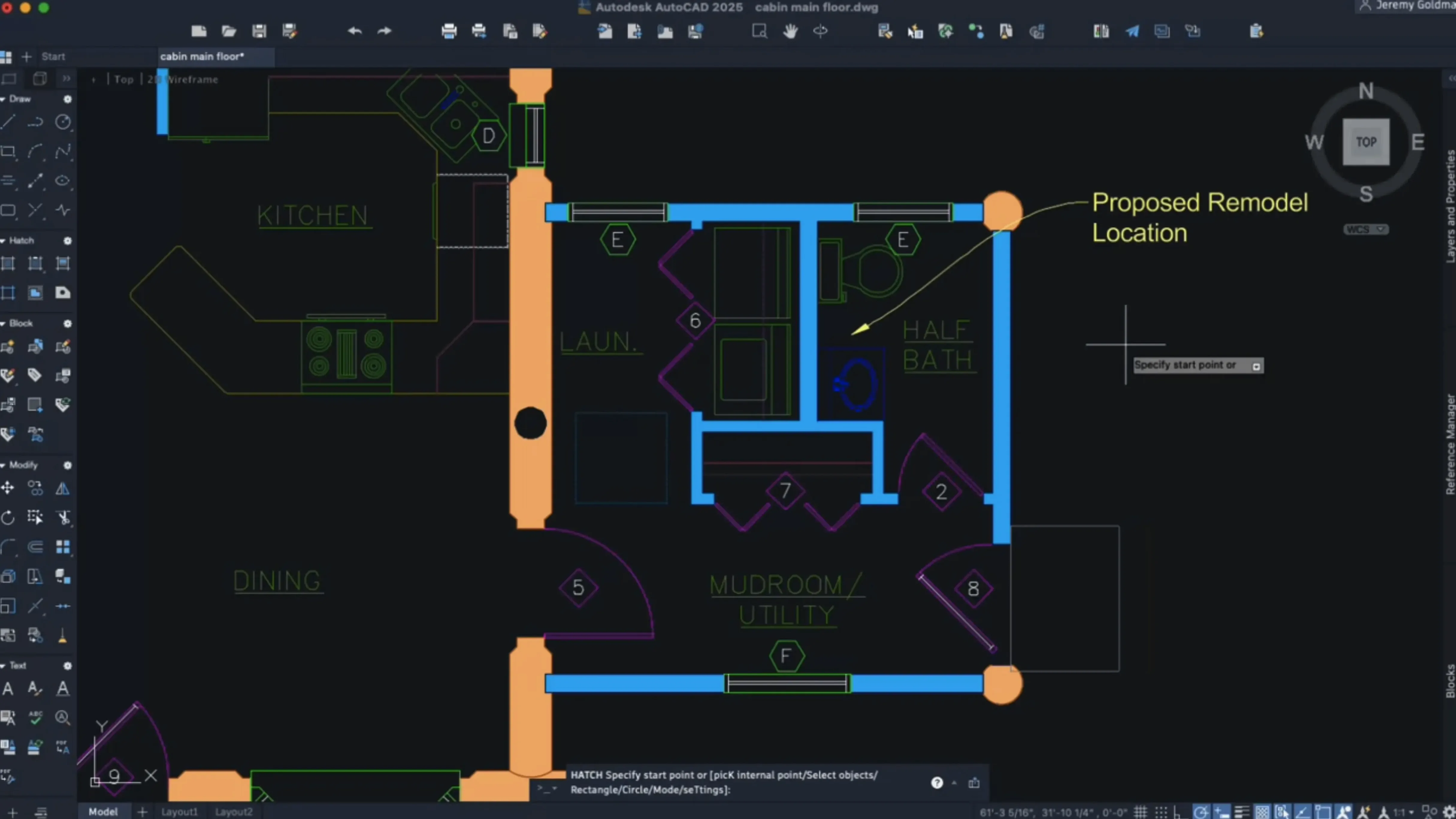
AutoCAD on Mac is the native macOS version of Autodesk's DWG-based drafting and documentation tool. The 2027 release keeps the core workflow familiar while sharpening a few specific points. Here is the typical sequence on a new drawing.
- Start with a clean file. Run Geometry Cleanup early. It scans for duplicate lines, gaps and small overlaps that cause problems later.
- Convert repeating geometry. Use the AI-powered tool to scan the drawing for objects that can become blocks. Define the scale and rotation as you create the block, right from the insertion dialogue.
- Add hatching with less prep. New hatching options let you hatch along a contour without tracing boundary geometry first. Useful for shading irregular areas quickly.
- Move through a heavy model. Large coordinate scene optimisation reduces CPU load on complex drawings. Tabbing between layout sheets is noticeably faster than in the previous release.
Under the hood, OpenGL support is gone. Metal is the only graphics engine on macOS, which feeds directly into the 3D navigation speed increase. The DWG format stays identical to the Windows version, so files move between platforms without translation. Dynamic grip menus now respect shortcut keys in localised setups, and the Help system works both online and offline.
Your DWG handoff from Rhino or SketchUp to Revit
AutoCAD rarely works alone. A typical project chain looks like this.
- Start in Rhino or SketchUp. Early massing models come across via DWG or DXF export. AutoCAD handles the detailed drafting and sheet setup.
- Reference into Revit. Mac users running Revit under Parallels often link AutoCAD DWGs as underlays for BIM coordination.
- Output to Illustrator. Plot to PDF, open in Illustrator for presentation graphics. The DWG geometry stays clean because Metal rendering produces predictable linework on export.
- Send back to the field. Export to the AutoCAD web app or the mobile app for markups on a tablet. Those markups come back as DWG overlays.
macOS features that help: Quick Look previews DWG files in Finder without launching the full application. Spotlight indexes drawing text, so searching for a detail number or sheet title finds the file instantly. The Metal-only engine in 2027 means no more switching graphics modes when moving between model space and paper space — one pipeline handles both.
Which Mac users benefit most
Architects in small-to-mid practices. They need full DWG fidelity without a Windows VM. The block-creation AI saves repetitive work on door schedules, window types and washroom layouts.
Structural engineers. Geometry Cleanup catches gaps in imported survey data before they become load-path errors. The large coordinate scene optimisation helps with site plans that span kilometres.
Interior designers. The new contour hatching means shading floor finishes or wall treatments without drawing closed polylines first. Block scaling on insertion speeds up furniture layout iterations.
Students and educators. A Mac-native CAD tool that reads and writes the same DWG files as university labs. Offline Help means no internet dependency during studio crits.
It is less suited to users who rely heavily on LISP routines written for the Windows version. Some third-party plug-ins still lag behind the Windows ecosystem. For pure 2D drafting with no 3D needs, AutoCAD LT for Mac covers the same sheet-set workflow at a lighter footprint.
Metal-native interface, not a Windows wrapper
Does it feel like a real Mac app, or a port? The 2027 release uses Metal throughout. Menus follow macOS conventions. Shortcut menus are customisable. It is not a thin wrapper around Windows code. That said, the interface density will feel familiar to long-time CAD users rather than someone expecting a minimal Apple aesthetic.
Will my Windows colleagues notice I am on a Mac? Only if you tell them. The DWG format is identical. Xrefs resolve. Plot styles carry over. Sheet set manager works the same way. The only giveaway might be slightly different font rendering in PDF output, which is a macOS system-level difference, not an AutoCAD one.
What is the SIP requirement about? The installation package asks you to disable System Integrity Protection before installing. This is a one-time step during setup. After activation, you can re-enable SIP. The instructions are included in the package.
Can I open drawings from older versions? Yes. DWG is backward-compatible. Files from AutoCAD 2010 onward open without conversion. Older formats may prompt a quick save-as to the current DWG version.
Some users find this release through searches like mac torrent autocad or autocad for mac torrent. Others look for autocad 2025 torrent or autocad 2026 torrent and land here instead. The 2027 build runs on both Intel and Apple Silicon Macs with macOS 12 or later.
- Autodesk AI scans drawings for objects that can be converted into blocks.
- Geometry Cleanup added to find and fix common geometry errors.
- OpenGL support removed. Metal is now the only graphics engine.
- macOS 12 or later
- 64-bit Intel or Apple Silicon processor
- English interface
Questions the team asks
Yes. The Mac version reads and writes the standard DWG file format, so drawings move between Mac and Windows with no conversion step.
It runs natively on both 64-bit Intel processors and Apple Silicon chips.








Comments 0
Sign in or create an account to add a comment.
No comments yet. They go up after moderation.