

Bear — Mac download
Download (45 MB) Earlier builds
Ticked




Bear 2.10 is a quiet update under the hood — improved internal error logging. The real question for most is whether it will run on your machine.
| Quick facts | |
|---|---|
| Version | 2.10 |
| Developer | Shiny Frog Ltd |
| macOS | 12.4 or later |
| Architecture | Apple Silicon, Intel |
| Languages | 11, including English, French, German, Japanese |
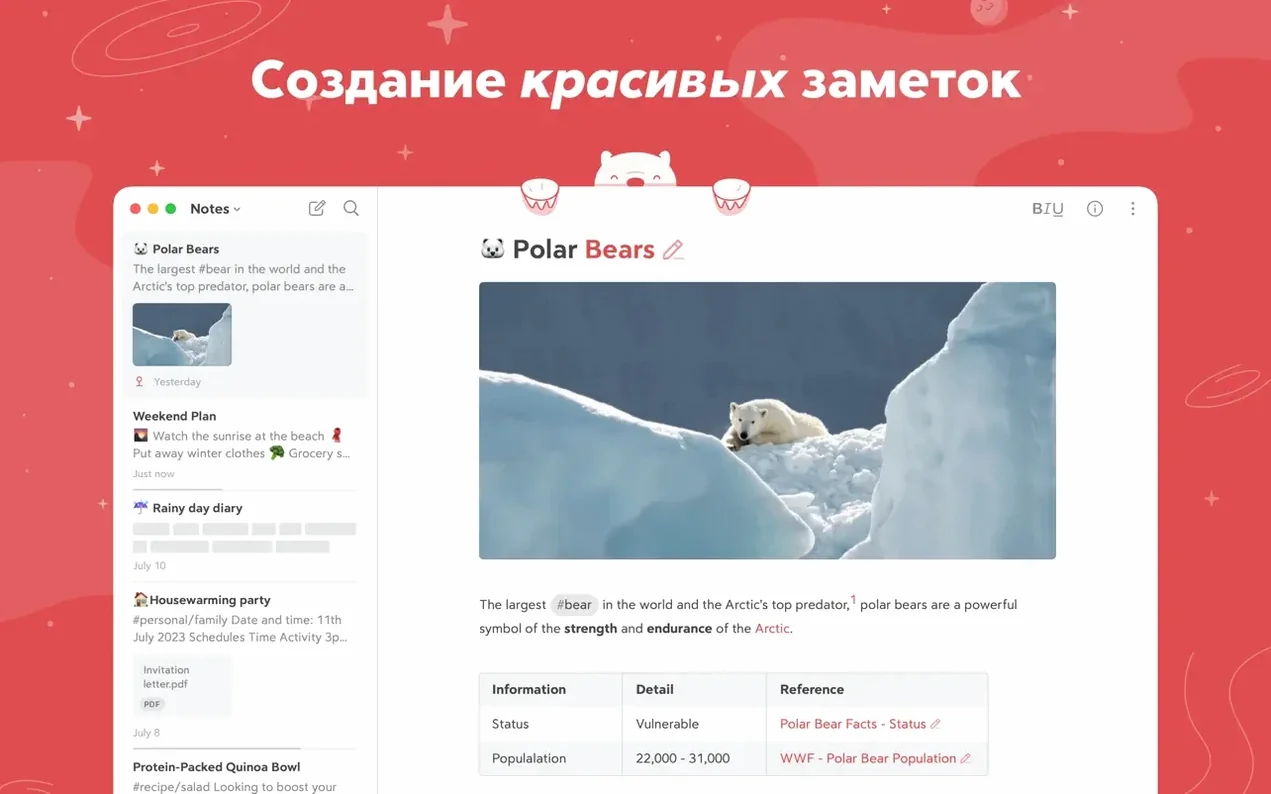
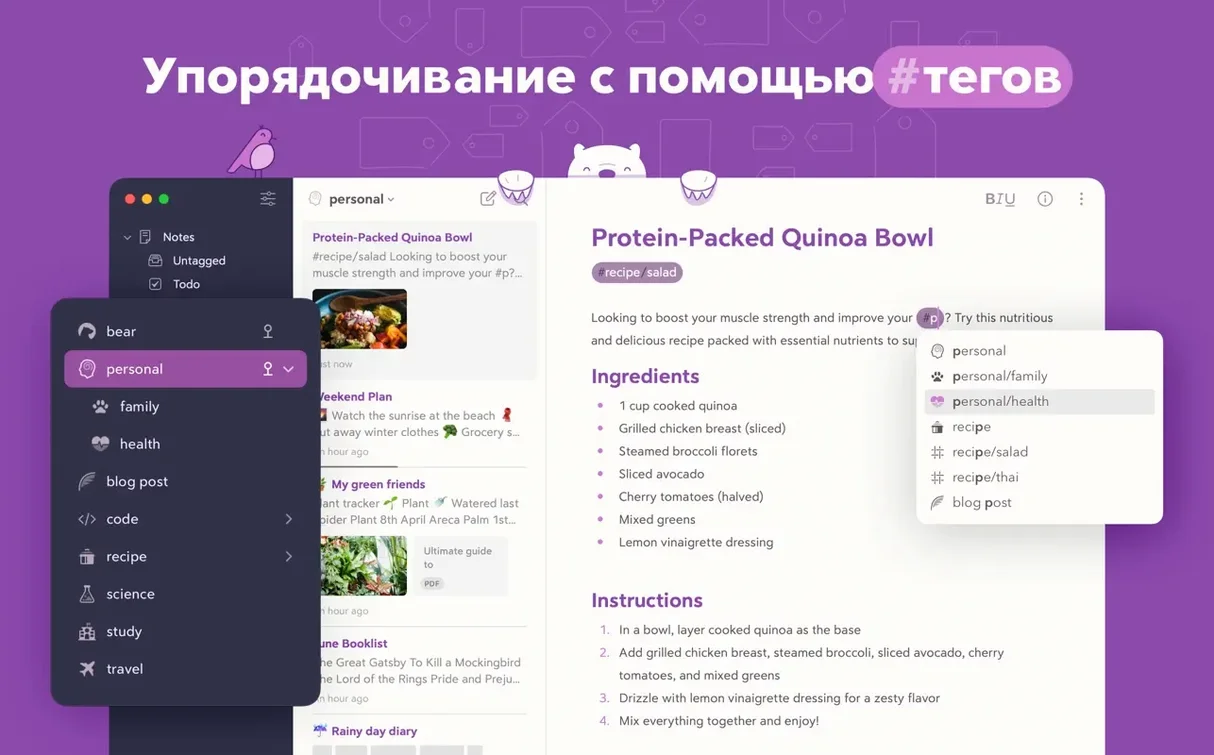
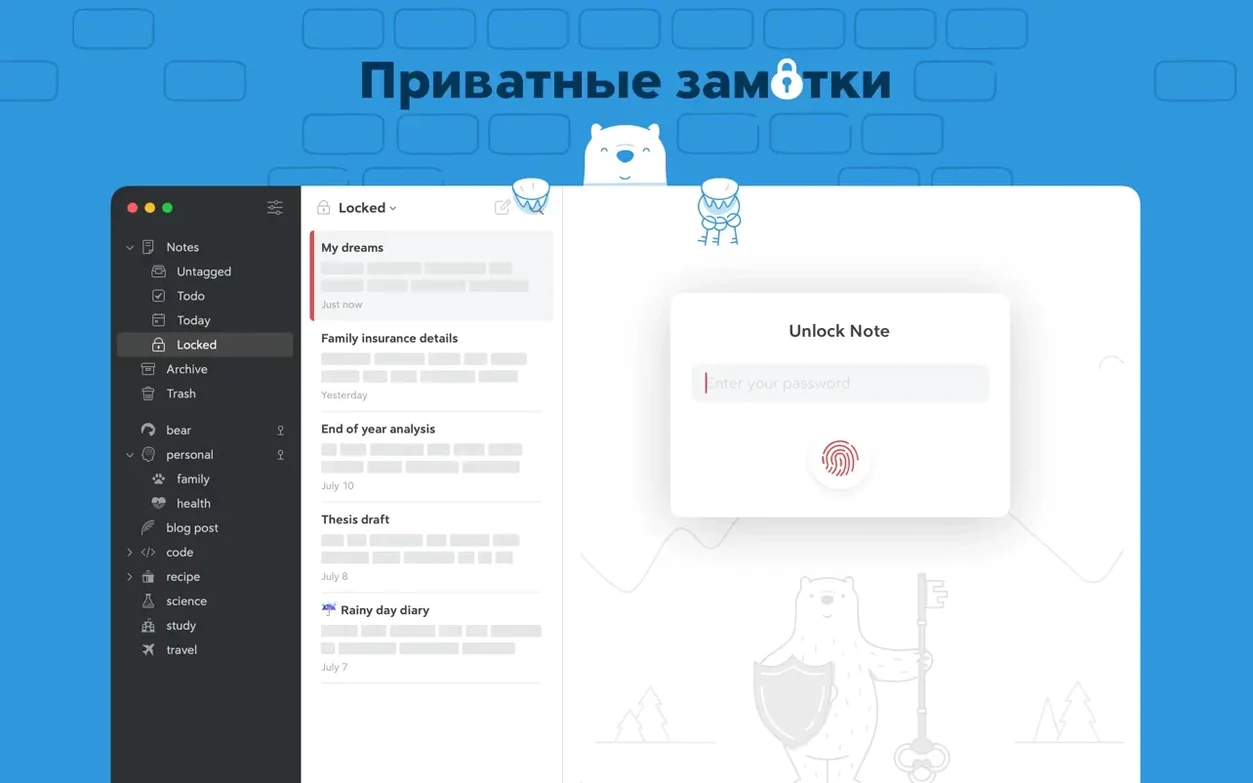
Bear is a Markdown note-taking app that opens without registration. Notes sit in a clean, single-column editor. Tags work anywhere inside a note — multi-word tags, nested tags, and pinned tags in the sidebar all help keep a growing library in order. An info panel gives you a table of contents and backlinks. Spotlight finds your notes from outside the app. Bear Pro adds iCloud sync, note encryption, device lock, and export to HTML, DocX, PDF, JPG, and ePub. Search goes beyond text: it reads inside photos and PDFs. The Apple Watch handles dictation and quick additions to recent notes. Siri and keyboard shortcuts speed up capture. Shiny Frog describes it as private — your notes, tags, and data are not visible to the developer.
Pin three tags to settle into the sidebar
Start with three or four pinned tags — nothing more. #inbox for unfiled notes, #todo for tasks, and one project tag keeps the sidebar sane while you settle in. Multi-word tags like #meeting notes/q3 create instant hierarchy without folders. You can always split them later.
Hide Markdown formatting on day one. The Show Markdown toggle in the editor menu lets you see clean text while Bear keeps the syntax underneath. It makes scanning longer notes much faster during the adjustment period.
Use the keyboard shortcut ⌘⇧T to add a task checkbox anywhere in a note. The sidebar’s Tasks view collects every unchecked item across all notes — review it each morning before you open anything else.
If you clip web pages, install the browser extension and set it to Append to today’s note. That single setting stops the sidebar filling with one-clip notes before you have a tagging system.
Run a Spotlight search for kind:bear once to confirm your notes are indexed. If nothing appears, open Bear’s preferences and toggle the Spotlight setting off and on again.
Runs fully offline with zero accounts
Does it work without iCloud? Yes. Bear runs fully offline on a single Mac with no account and no sync. The Mac version stores notes locally — the developer has no access to them. iCloud sync is part of Bear Pro, but the free app on macOS is entirely self-contained.
Will it read my old notes from another app? Bear imports plain text and Markdown files directly. Drag a .txt or .md file into the note list and it creates a new note with the content intact. For apps that export bulk Markdown, you can bring over a whole folder at once.
How heavy is it on an older Intel Mac? Light. The editor stays responsive on machines from 2015 onwards, and the 2.10 build logs errors more quietly in the background — less overhead than earlier versions. If you keep a few hundred notes, you will not feel it.
- Fixed a crash in the editor.
- macOS 12.4 or later
- Apple Silicon or Intel 64-bit








Comments 0
Sign in or create an account to add a comment.
No comments yet. They go up after moderation.