

EPUB Reader Plus — Mac download
Download (20 MB) Earlier builds
Ticked
EPUB Reader Plus runs on macOS 10.14 and later, on both Intel and Apple Silicon Macs. It sits alongside your existing office tools as a straightforward way to open EPUB and MOBI files without adding another ecosystem to manage.
- Opens EPUB and MOBI files. Drag one in and start reading immediately.
- Remembers your last reading position across sessions. No bookmarking needed.
- Shows page numbers. Switch pages quickly with J and K keys while reading.
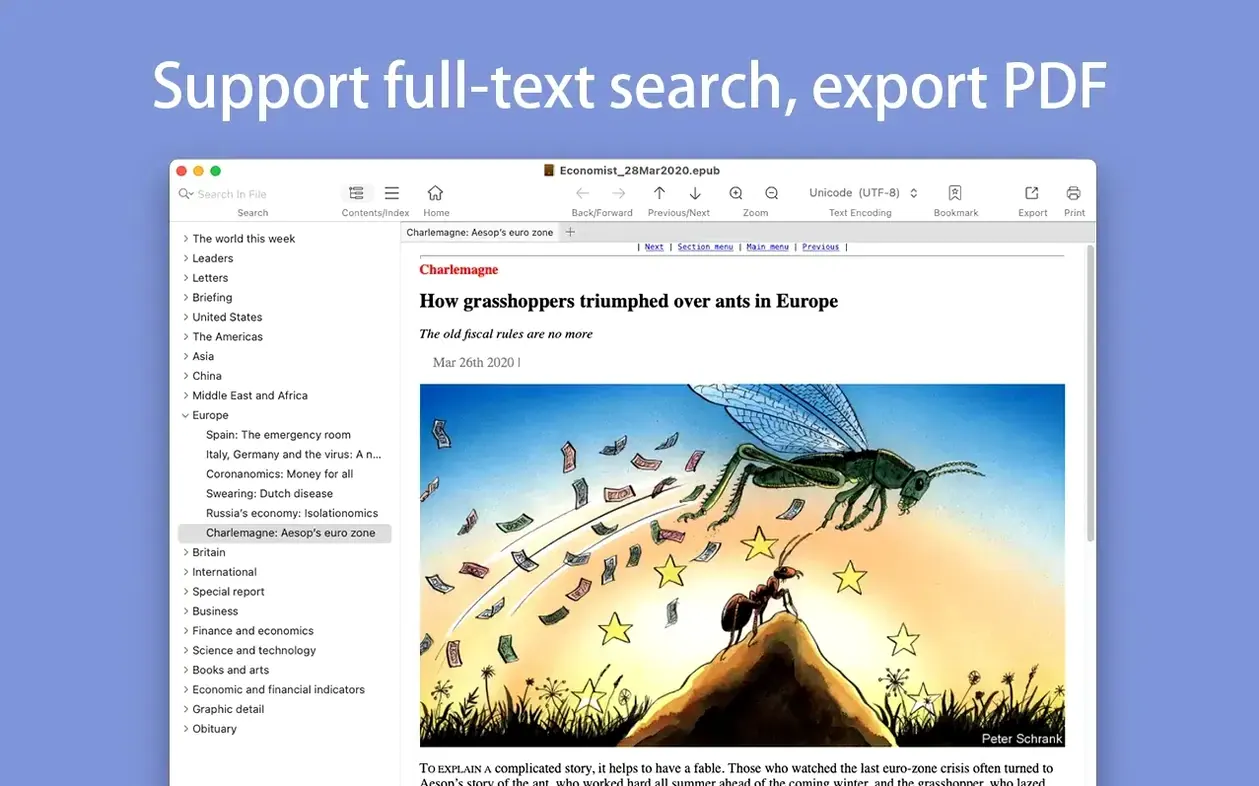
- Converts MOBI files to PDF for sharing or archiving in your usual document folders.
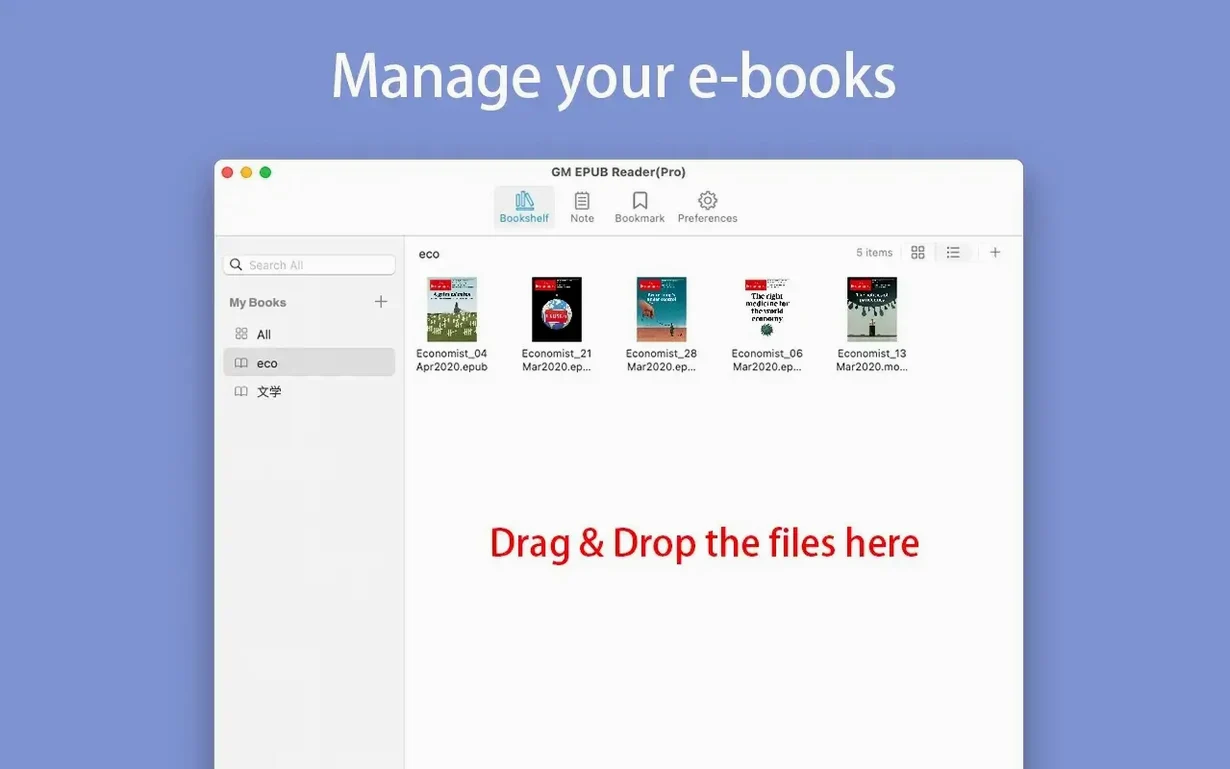
- Saves read files to a bookshelf so your current reading list stays visible.
- Prints pages directly when you need paper copies for markup or filing.
Page zoom works with the standard Command-plus and Command-minus shortcuts you use everywhere else on the Mac. Search highlights results plainly in the text. File info sits a click away when you need to check format details. Nothing here tries to replace your file manager or note-taking app — it just handles ebooks cleanly.
Customisable text menu and bookshelf sorting
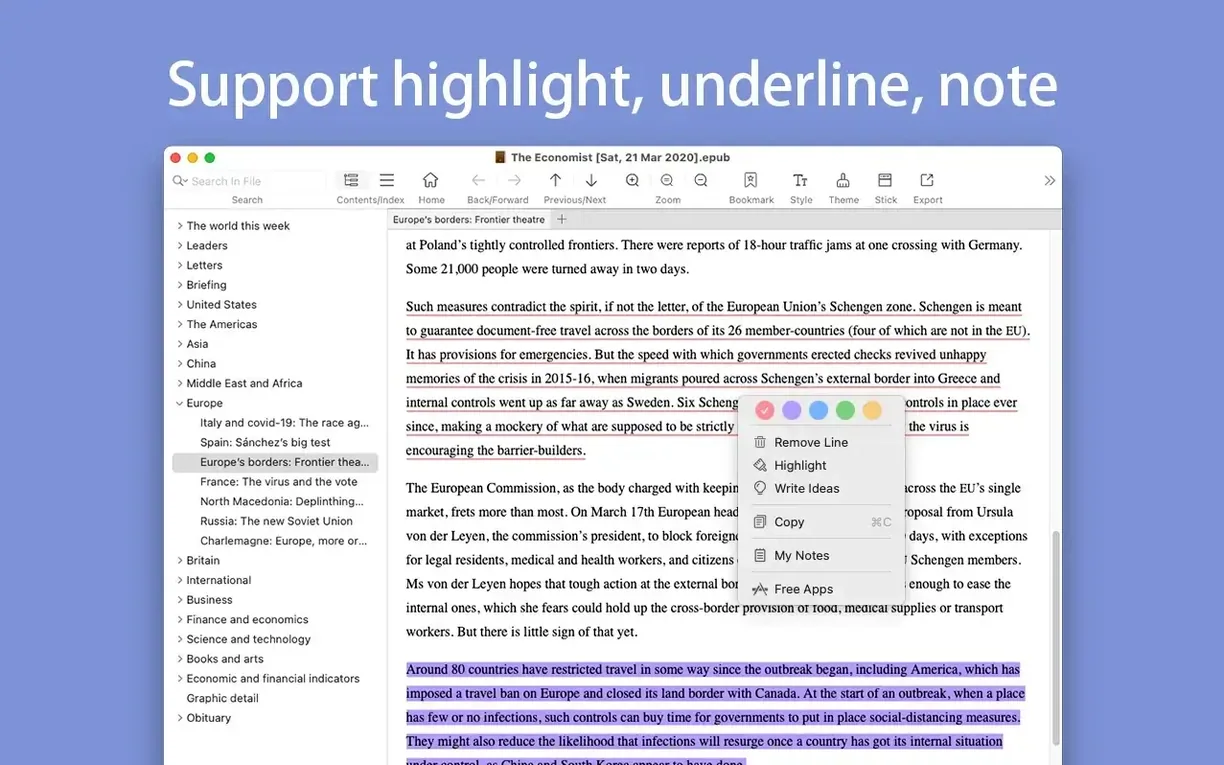
- The text selection menu is now fully customisable. Strip out options you never touch, keep the three you actually use.
- Sorting and hiding bookshelf categories arrived in recent updates. Group reference titles separately from fiction, or hide finished books without deleting them.
- Custom AI actions can be added to the selection menu. Highlight a passage, trigger a summary or translation, and the chat history stays saved locally — nothing leaves your Mac.
- Custom icons for bookshelf categories make visual scanning faster. Assign a distinct icon per project or language and find the right shelf in under a second.
- Version 3.0.2 fixed known issues. Page turning and search feel steadier on recent macOS builds.
Set up visual bookshelves before adding files
- Set up a bookshelf category for reference and one for reading in progress before you add any files. Assign custom icons right away so the shelves are visually distinct.
- Open an EPUB with lots of images and run an image extraction. Check the output folder — you will know within minutes whether the feature fits your workflow.
- Customise the text selection menu immediately. Keep Copy, Search, and one AI action if you plan to use summaries. Remove everything else.
- Test the J/K scrolling and Command-arrow page navigation on a long chapter. Memorising two shortcuts on day one saves dozens of mouse trips later.
- Convert a short MOBI file to PDF and print one page. This confirms the conversion output looks right on your printer before you rely on it for a full document.
- Fixed some known issues.
- Text selection menu is now fully customisable.
- Bookshelf categories support sorting, hiding, custom AI actions, and custom icons.
- AI chat history saves locally.
- macOS 10.14 or later
- Apple Silicon or Intel 64-bit
Questions the team asks
Yes, it can convert MOBI files to PDF for easier sharing or printing.








Comments 0
Sign in or create an account to add a comment.
No comments yet. They go up after moderation.