

iA Writer — Mac download
Download (23 MB) Earlier builds
Ticked
The text-and-nothing-else crowd
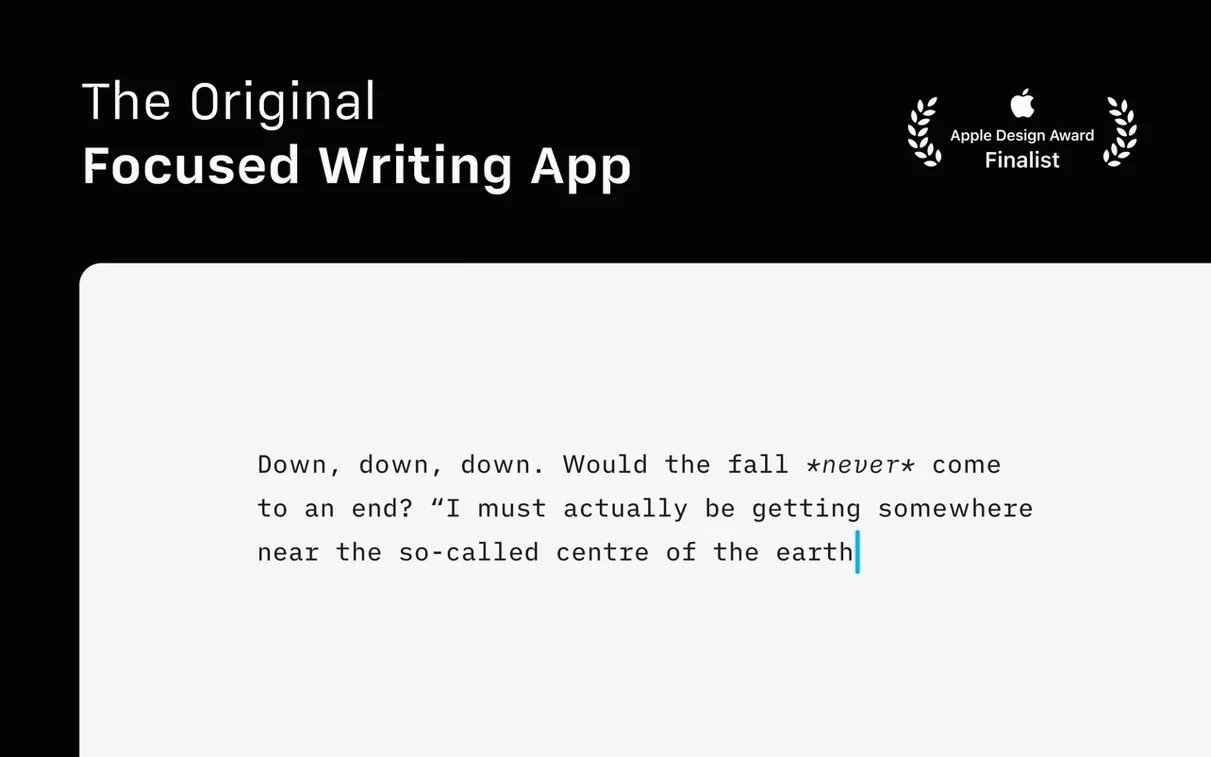
Writers who want the text and nothing else. Developers who keep notes in markdown. Editors who need to spot filler words before they reach a reader.
Drafting with a blank sheet and syntax flags
- Start the draft. Open a blank sheet. No toolbars, no formatting palettes. Just the sentence you are on.
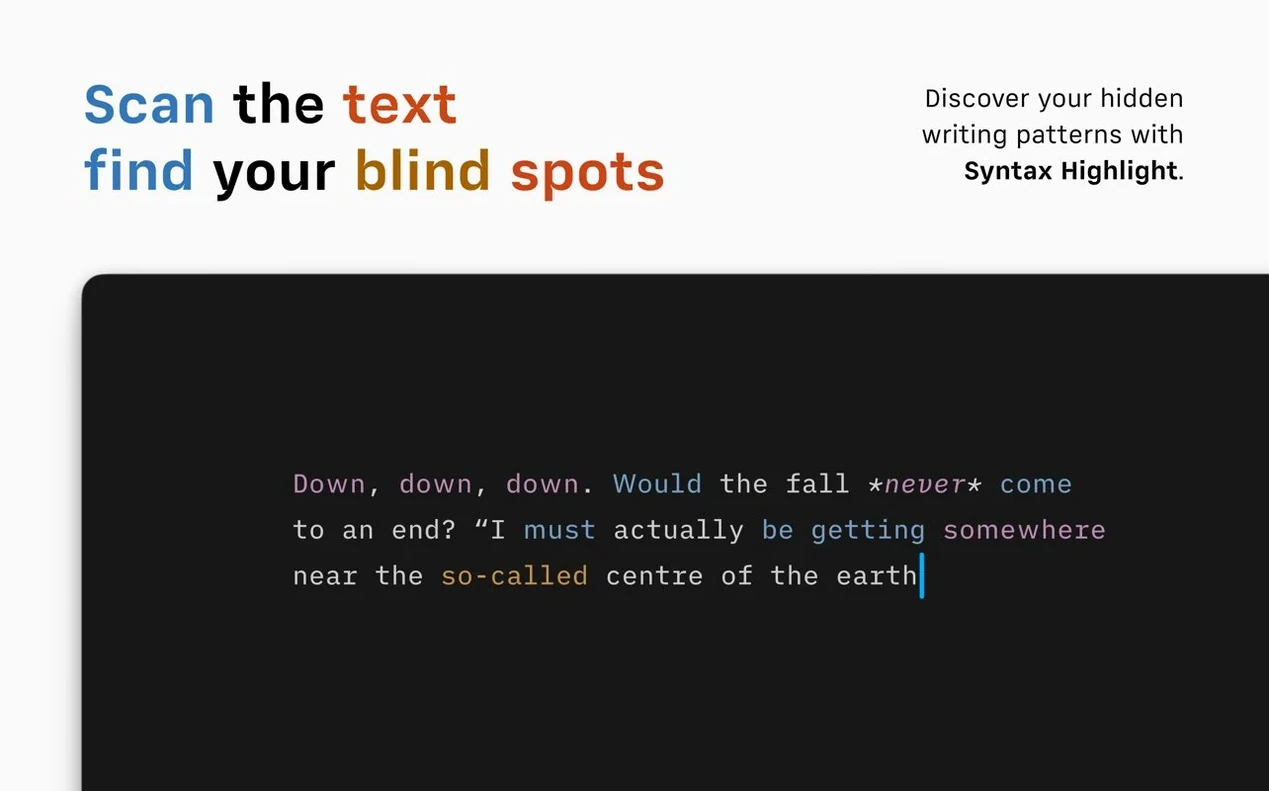
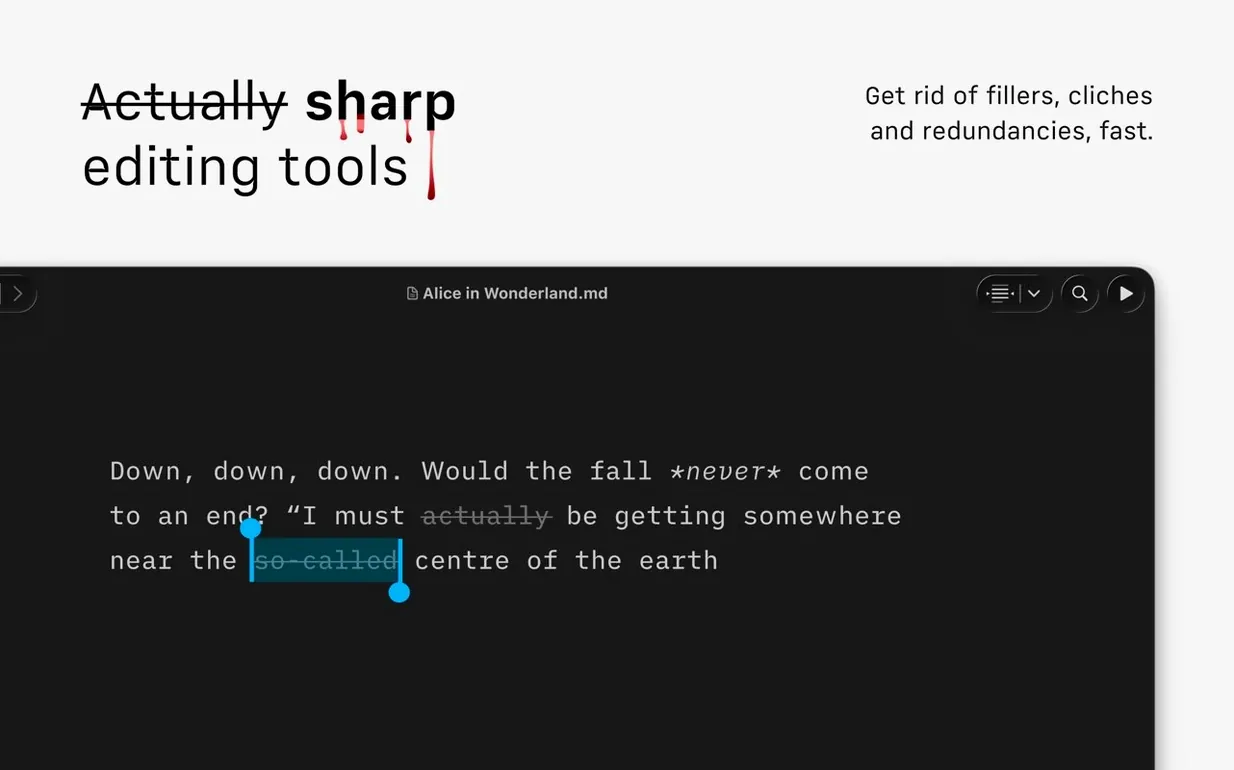
- Let it highlight the fluff. Switch on syntax control. Adjectives, weak verbs and repeated nouns get flagged in the text so you can cut them.
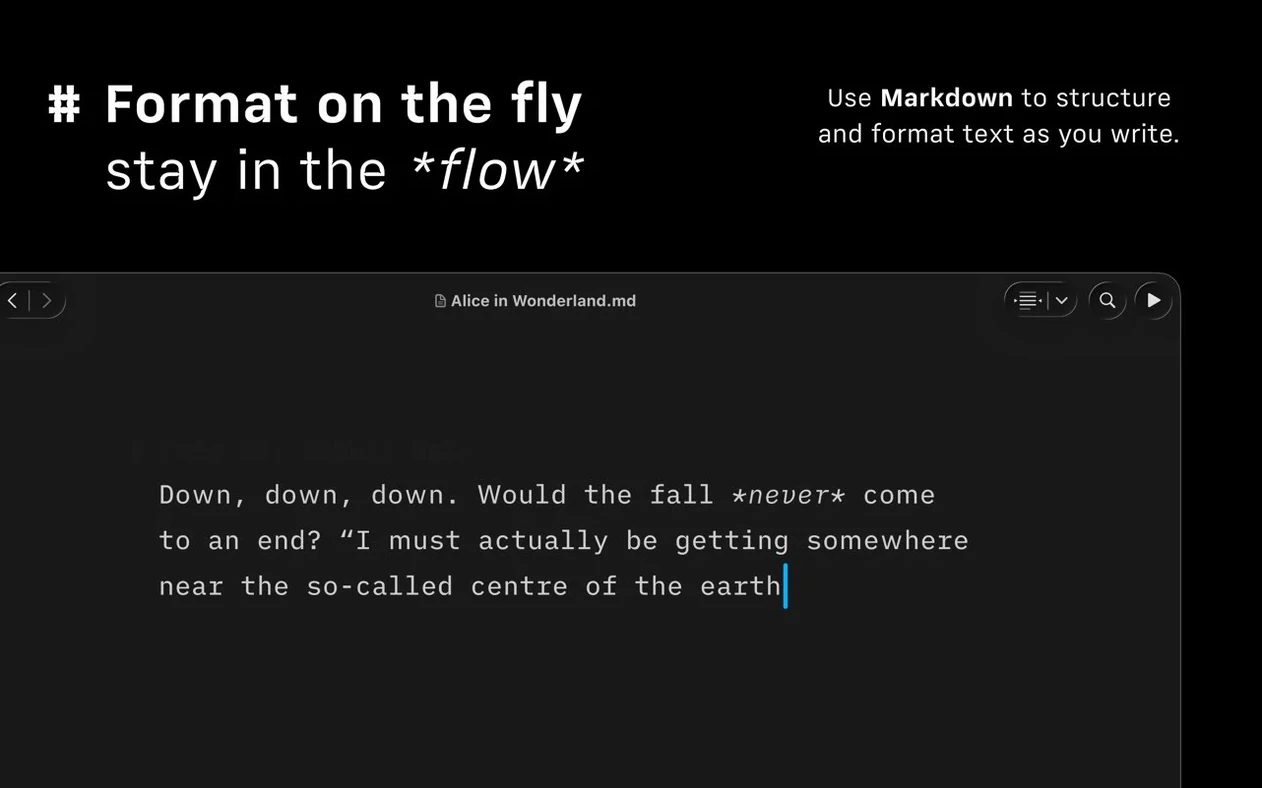
- Check the preview. Links, images and tables render automatically in a side pane as you type.
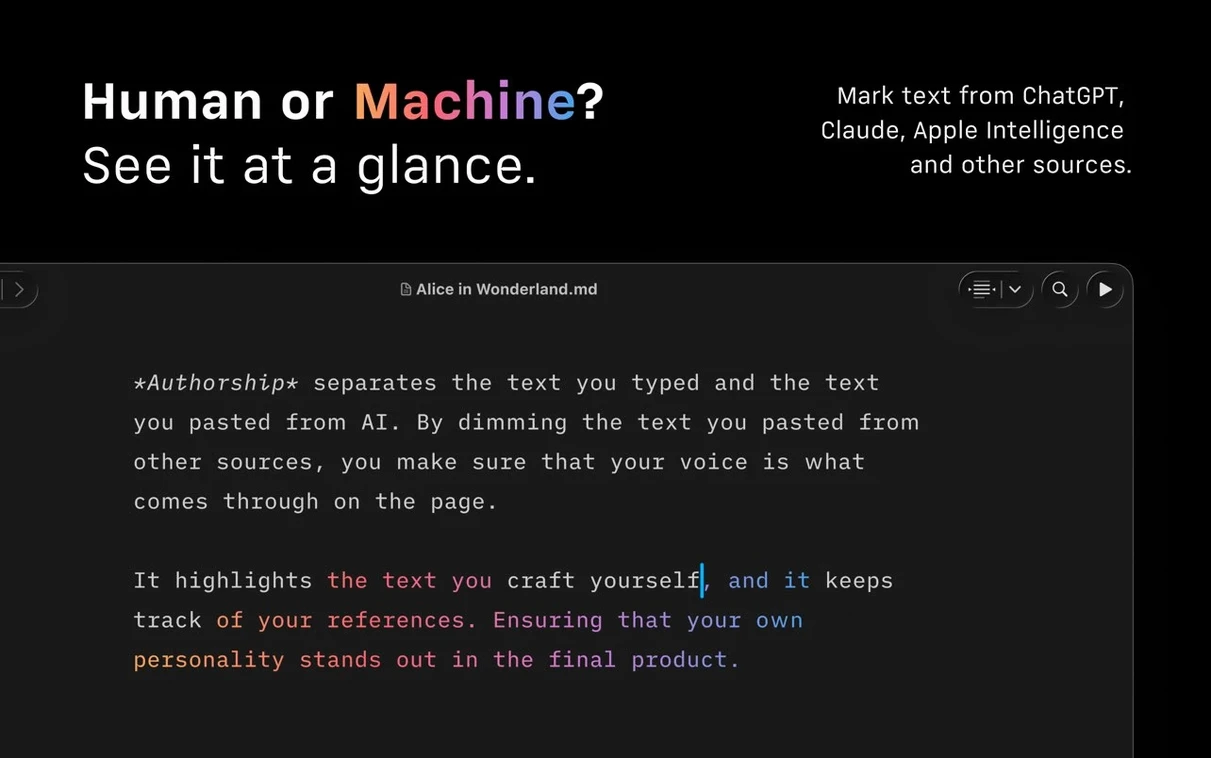
- Identify your edits. If you share a draft, Authorship indicators colour-code contributions in menus.
- Send it out. Export to HTML, PDF or Microsoft Word DOCX. Or publish straight to WordPress or Medium from inside the app.
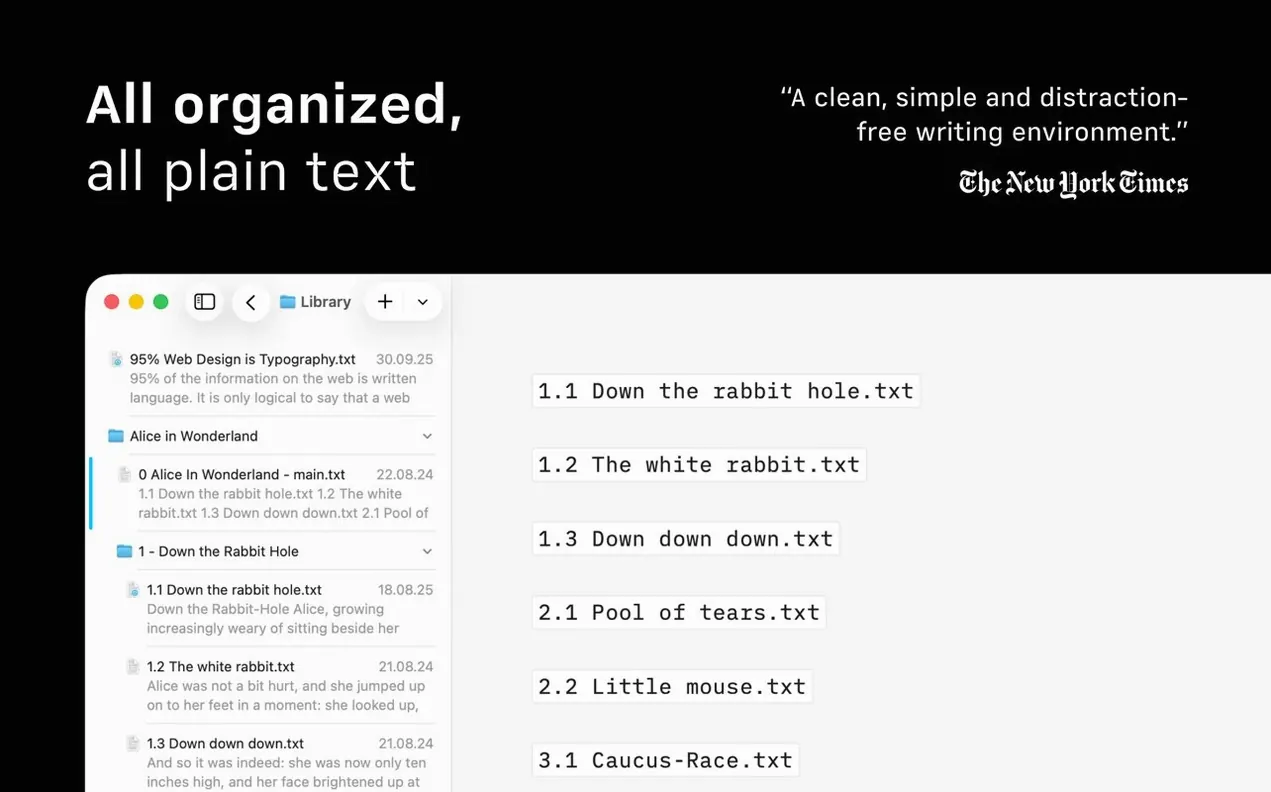
The library searches across local and cloud folders in one window. A compact layout trims dates and previews so you see more titles at a glance. Light and dark modes, reduced motion and Voice Control are all supported. The Document Outline pops up with Quick Search to jump around longer pieces. It keeps the focus on the words while giving you just enough tooling when you need it.
Focus levels and the Command Palette
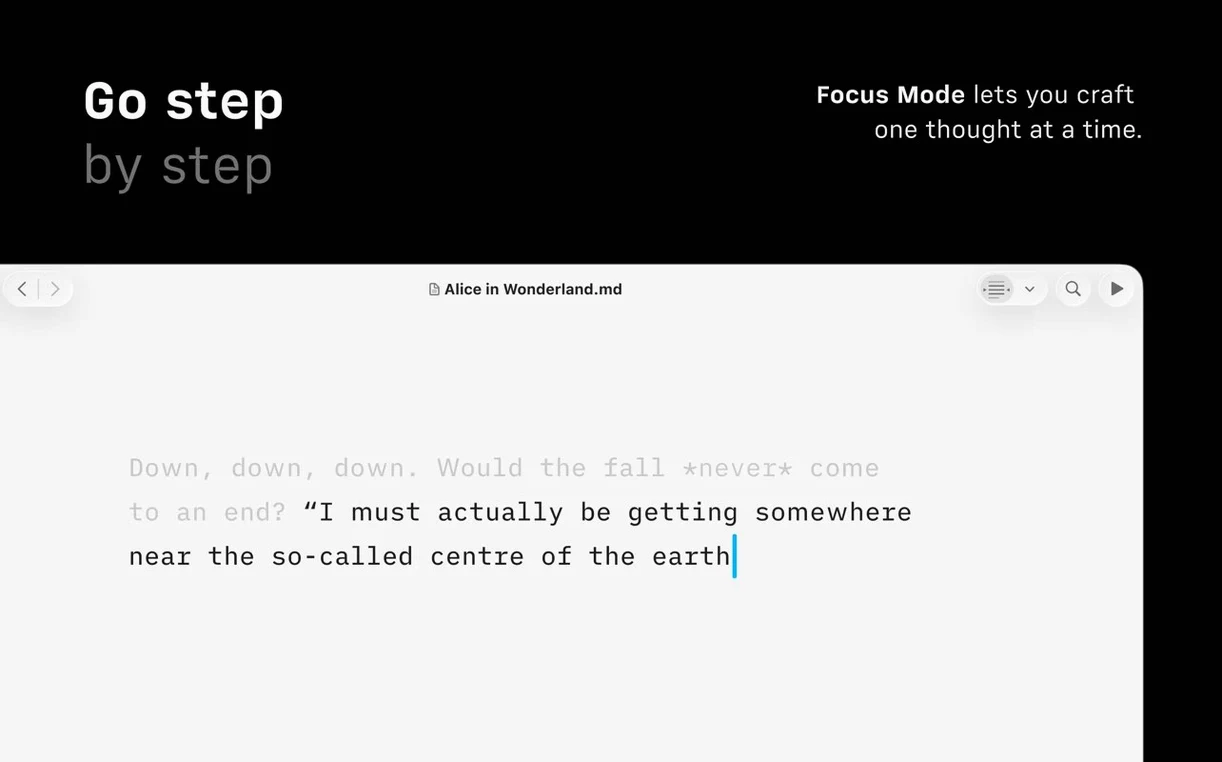
- Focus mode has levels. You can dim everything except the current sentence, the current paragraph, or switch it off entirely. The choice is in the menu, not the toolbar.
- Command Palette. Press
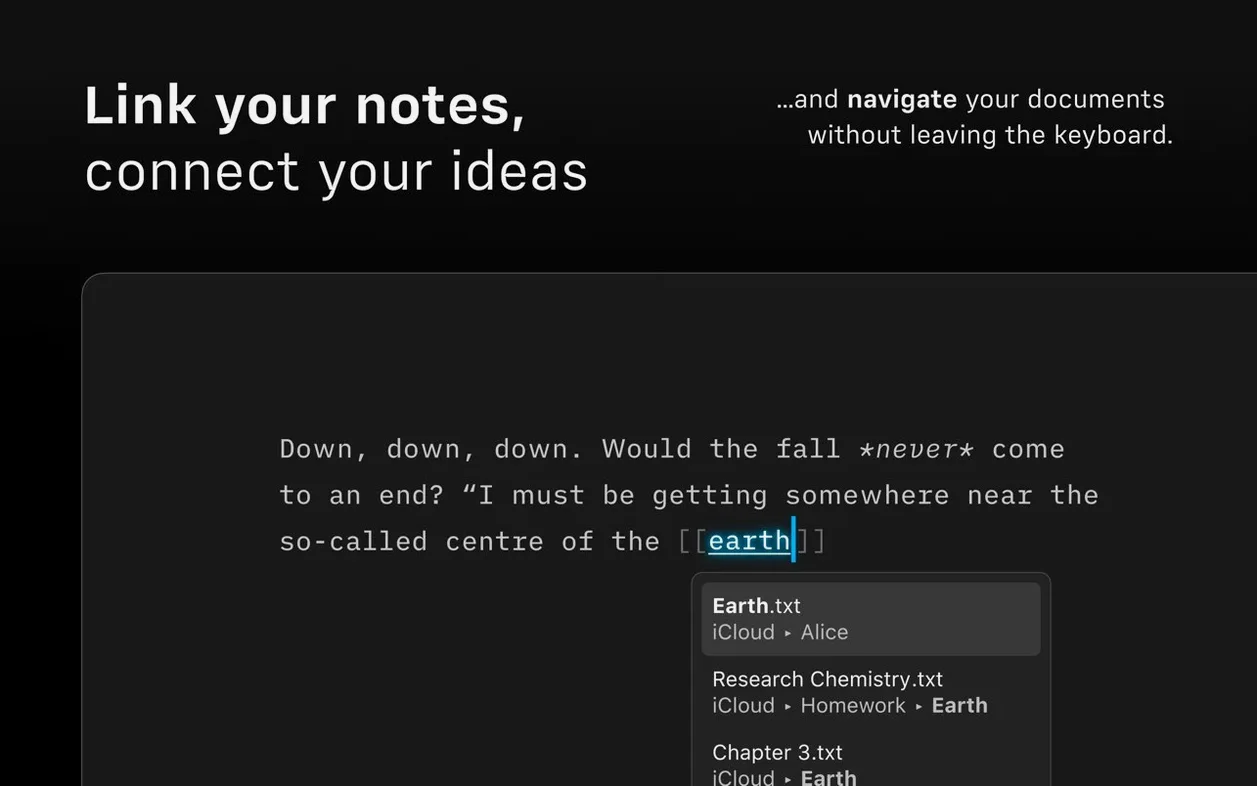
⌘⇧Pto reach formatting, export and authorship actions without leaving the keyboard. You stop hunting through menus. - Quick Search in the outline. Long document? Open Document Outline, start typing a heading, and jump straight there. No scrolling.
- Compact Library. Collapse dates and text excerpts to see more file names. The toggle sits in the Library header.
- Dark Interface respects the system. If macOS switches at sunset, the app follows unless you set it otherwise.
Workflow: finishing a blog post
- Open the draft in the Library. Use Quick Search to find the file across local folders and cloud storage.
- Run syntax control. Watch the highlights appear. Cut or rephrase flagged adjectives, weak verbs and repeated nouns.
- Turn on focus mode for a final read. Set it to sentence level. Work through the post one sentence at a time.
- Check the preview pane. Confirm links, images and tables render the way you expect.
- Export once. Save a PDF for review, then send the HTML to the blog. Or publish directly to WordPress or Medium from within the app.
This is the sequence that fits most posts. The app does not force it on you, but the tools are arranged so the steps feel natural.
Version 8.1.1 [MAS] has landed. Release notes are available from the developer.
- macOS 10.15 or later
- Apple Silicon or Intel 64-bit







Comments 0
Sign in or create an account to add a comment.
No comments yet. They go up after moderation.