

Final Draft — Mac download
Download (111 MB) Earlier builds
Ticked
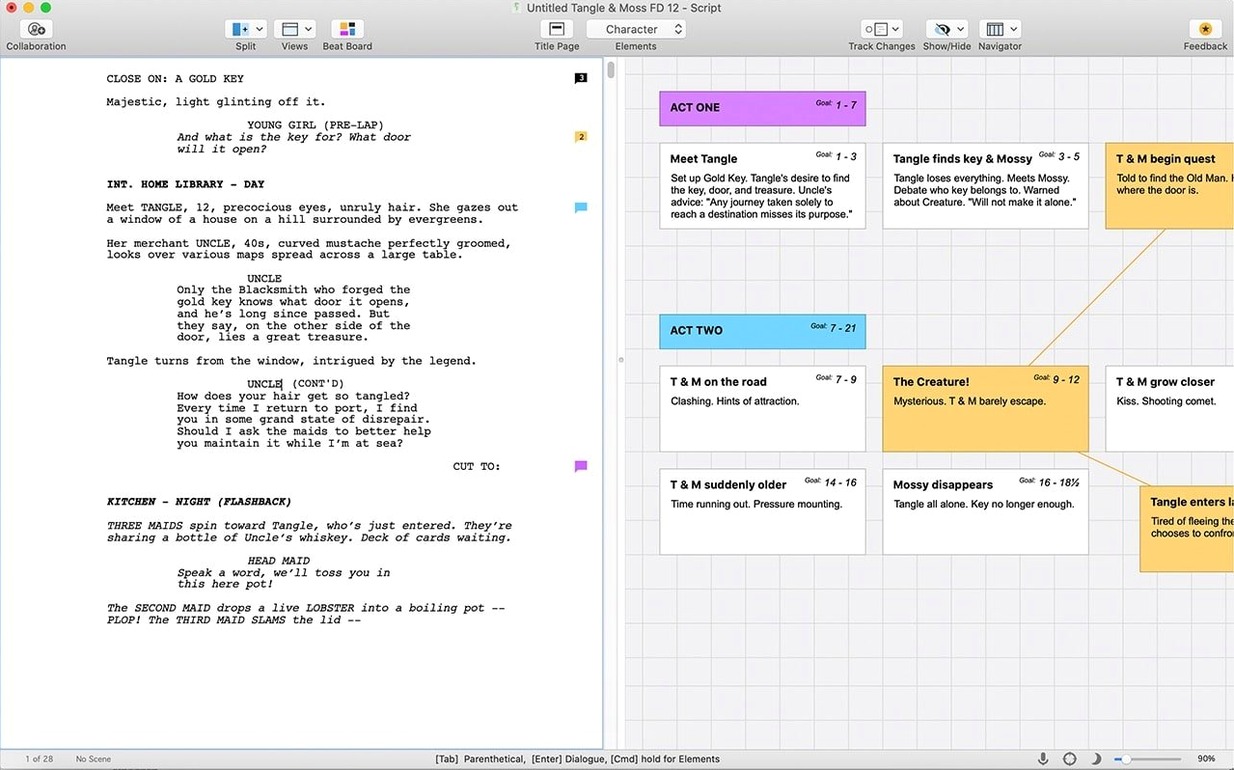
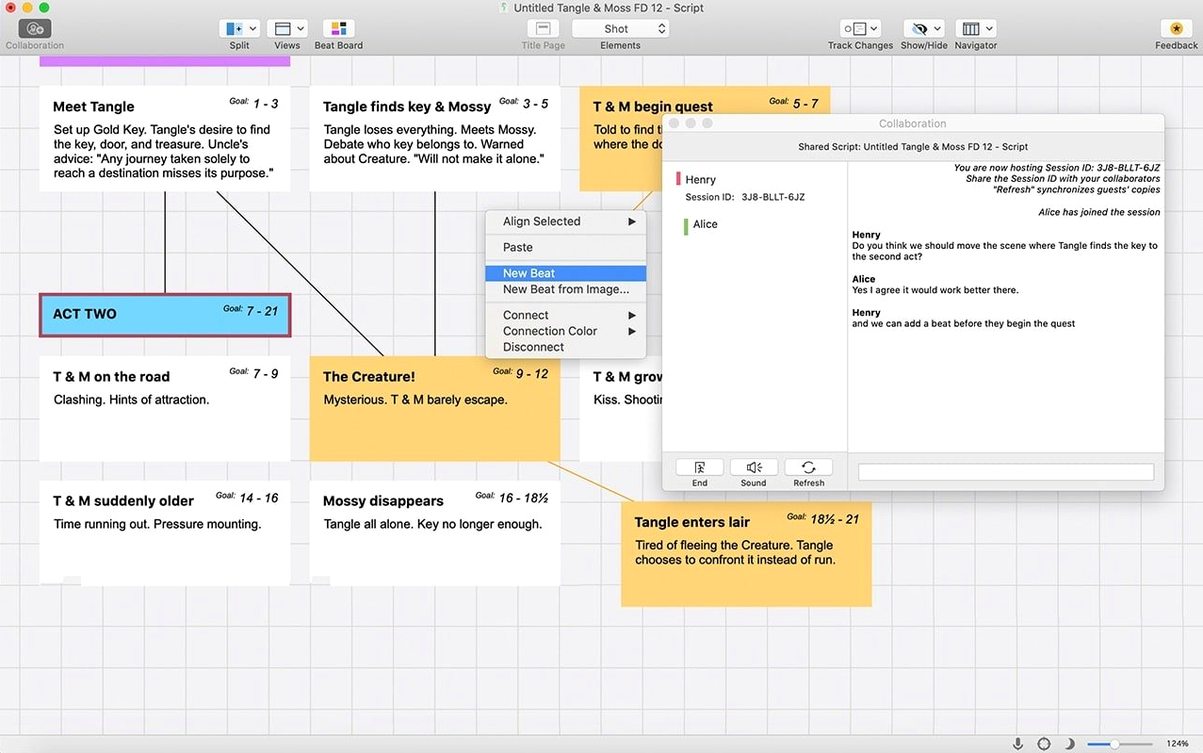
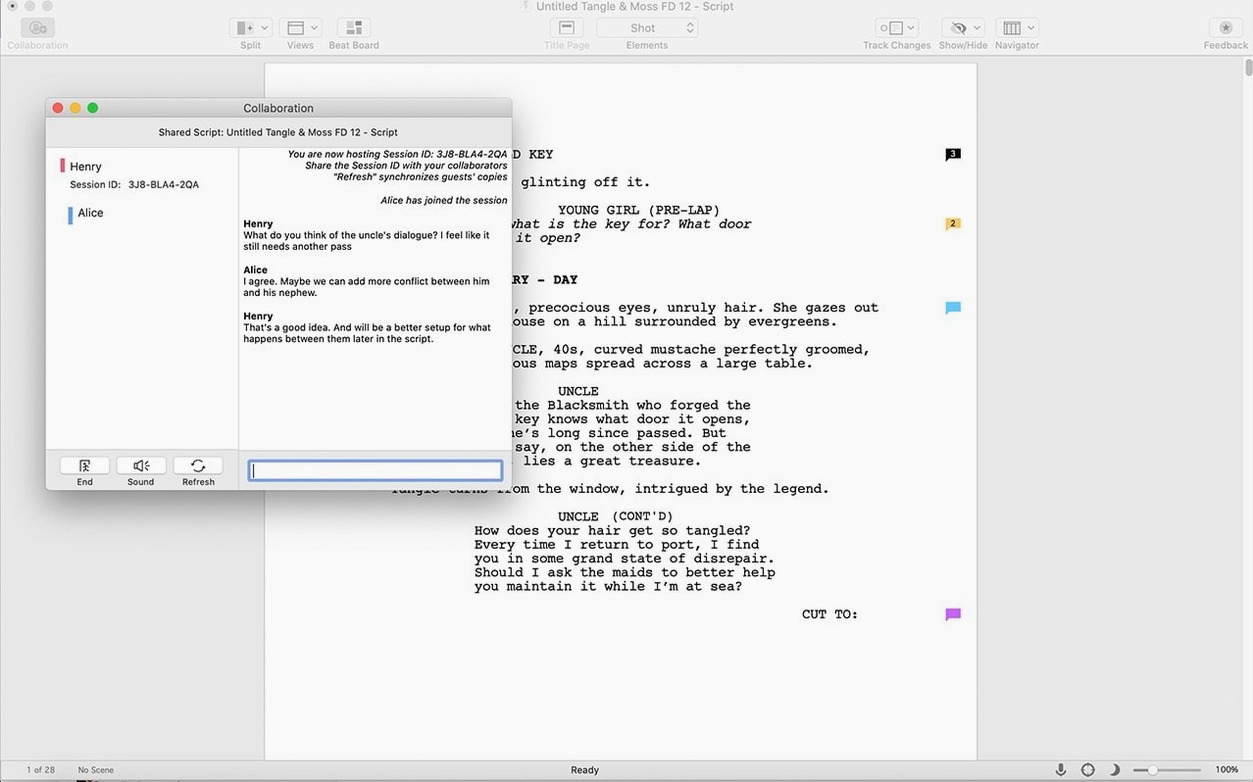
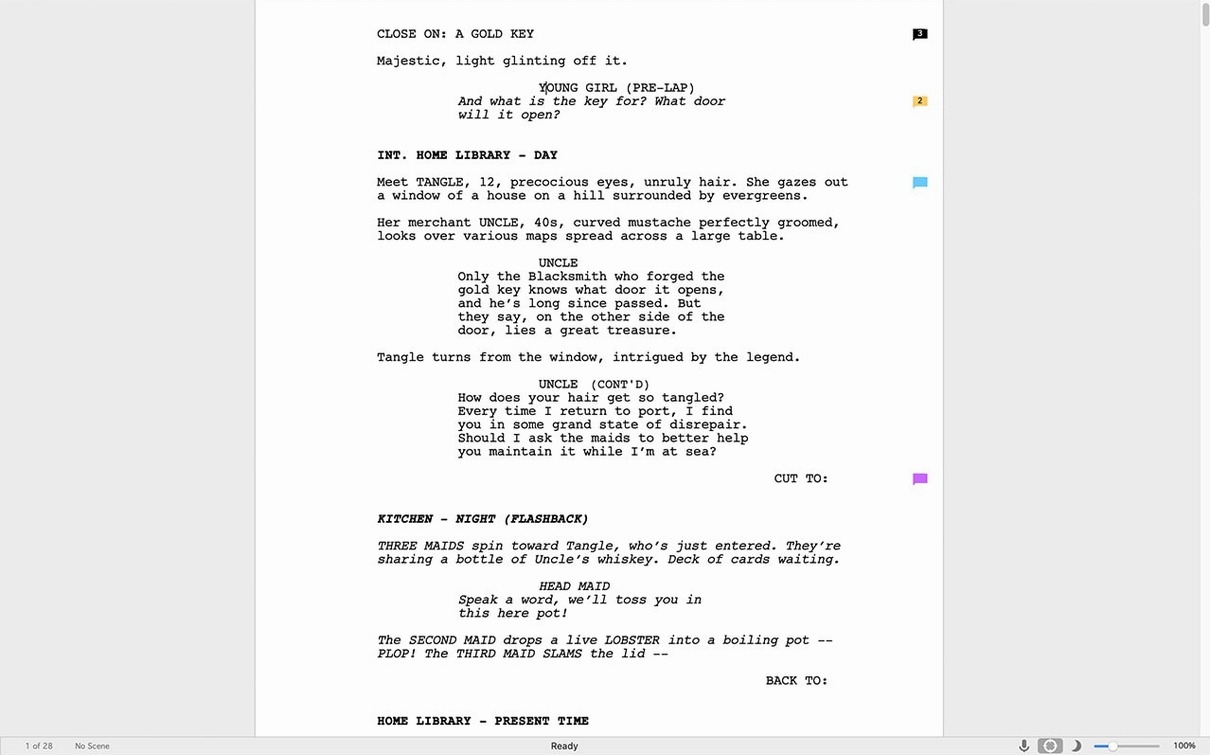
Tagging beats in the Beat Board isn't just outlining — it's how a treatment turns into a shootable script. Final Draft fits alongside the tools you already keep open on a Mac.
- Script notes next to your research — keep a browser window open for location references while the script sits full-screen on another desktop.
- Plain text out, formatted pages in — Fountain files from a writing app like Bear or Ulysses drop into Final Draft and pick up industry formatting immediately.
- Dialogue check in the sidebar — the Speech to Sound功能 lets you isolate one character's lines, useful when an actor emails asking for their sides.
- Final Draft Go on the phone — review pages on an iPad at the coffee shop, then return to the Intel Mac at the desk.
It expects macOS Monterey or later and an internet connection for the first sign-in. After that, it's just another document window in the dock, ready when the next scene arrives.
A rewrite session, in practice
A showrunner on a returning drama series gets the network notes at 9 a.m. Three scenes need tightening before the afternoon table read. She opens Final Draft on the Intel Mac in the production office, pulls up the script, and switches the view to Revision Mode. Page colours shift — blue for yesterday's draft, green for her changes today. She ticks off each note on a paper checklist beside the keyboard, retypes a slugline, and adjusts a character's dialogue while the ScriptNotes panel keeps the network's comments pinned to the right margin. No separate PDF markup tool required. By 10:30, she exports a new dated draft and emails it to the first AD.
That's the rhythm Final Draft is built for: a professional writer under a deadline, not a hobbyist exploring structure for the first time.
Staff writers keeping a room consistent at 2 a.m.
- Staff writers on episodic television. Shared templates, locked page numbers, and revision tracking keep a writers' room consistent across multiple script coordinators. Nobody reformats a scene heading by hand at 2 a.m.
- Feature writers in active development. When a producer sends annotated PDFs from three different stakeholders, the Import Script Notes function pulls those comments back into the .fdx file instead of leaving them siloed in email attachments.
- Playwrights working with stage managers. Final Draft handles act/scene numbering for stage plays, and the Character Highlighting feature lets a director scan a single role's arc across all three acts.
- Script coordinators and writers' assistants. Tagging, revision page colours, and the production-report export are not creative perks — they're daily logistics.
Beginners drafting a first short film or a spec pilot may find the interface more than they need. A simpler Fountain editor handles the writing; Final Draft earns its keep when format precision and revision history become contractual requirements.
Fade In reads .fdx cleanly but skips the integrated Beat Board
Final Draft vs. Fade In. Fade In opens fast and reads .fdx files cleanly, which appeals to writers who find Final Draft's interface heavy. But Fade In lacks the Beat Board and Story Map in the same integrated panel, and its revision-tracking system is less granular when multiple producers are marking changes simultaneously.
Final Draft vs. Highland 2. Highland 2 takes a plain-text, Fountain-first approach — write in any text editor, then analyse and preview in Highland. It suits a novelist-turned-screenwriter who thinks in prose. Final Draft is the opposite: it formats as you type, and the navigator, index cards, and reports are built for a production workflow, not for a drafting mindset. A writer handing pages to a line producer almost always delivers an .fdx file.
Final Draft vs. WriterDuet. WriterDuet's real-time collaboration is smoother for co-writers in different time zones. Final Draft's collaboration tools exist but feel added on, not native. For a solo writer or a writers' room passing files through a coordinator, Final Draft's offline reliability and industry .fdx standard override the need for live co-writing. The file format itself is the collaboration language.
- macOS 10.15 (Catalina) or later
- Intel 64-bit processor
Questions the team asks
The current version uses x86 64-bit architecture, so it runs on Intel Macs and via Rosetta 2 on Apple Silicon Macs running macOS 12 Monterey or later.
Yes. Final Draft Go is the companion app for iOS and iPadOS, letting you read and edit scripts away from the Mac.
No. It's built for film scripts, television episodes and stage plays, with formatting templates for each medium.







Comments 0
Sign in or create an account to add a comment.
No comments yet. They go up after moderation.