
Complete Anatomy — Mac download
Download (867 MB) Earlier builds
Ticked
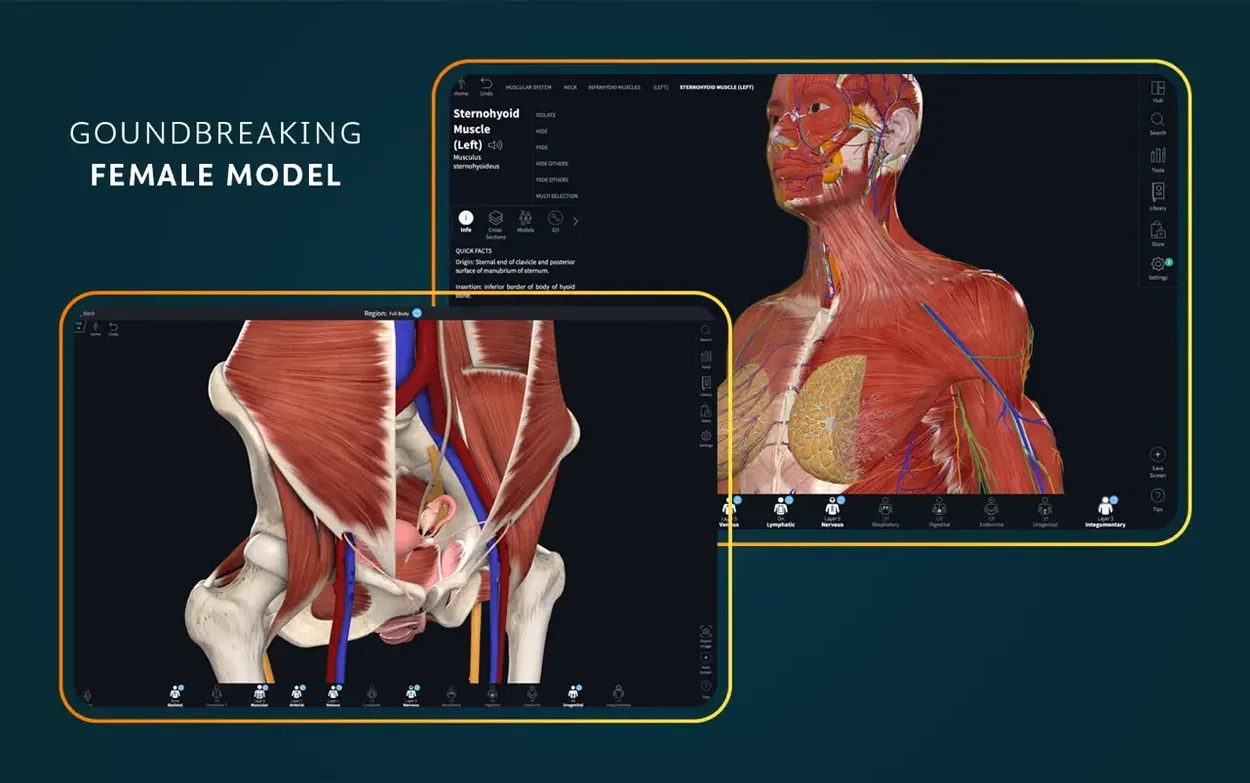
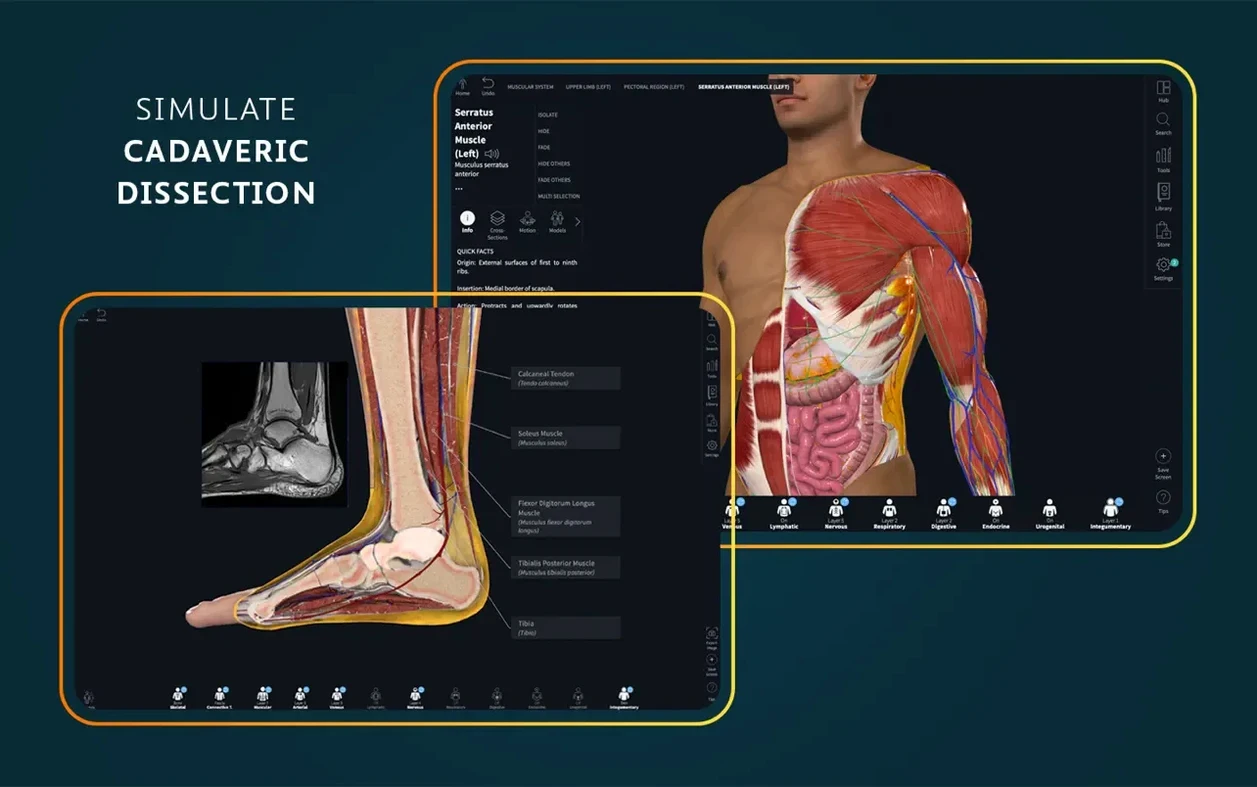
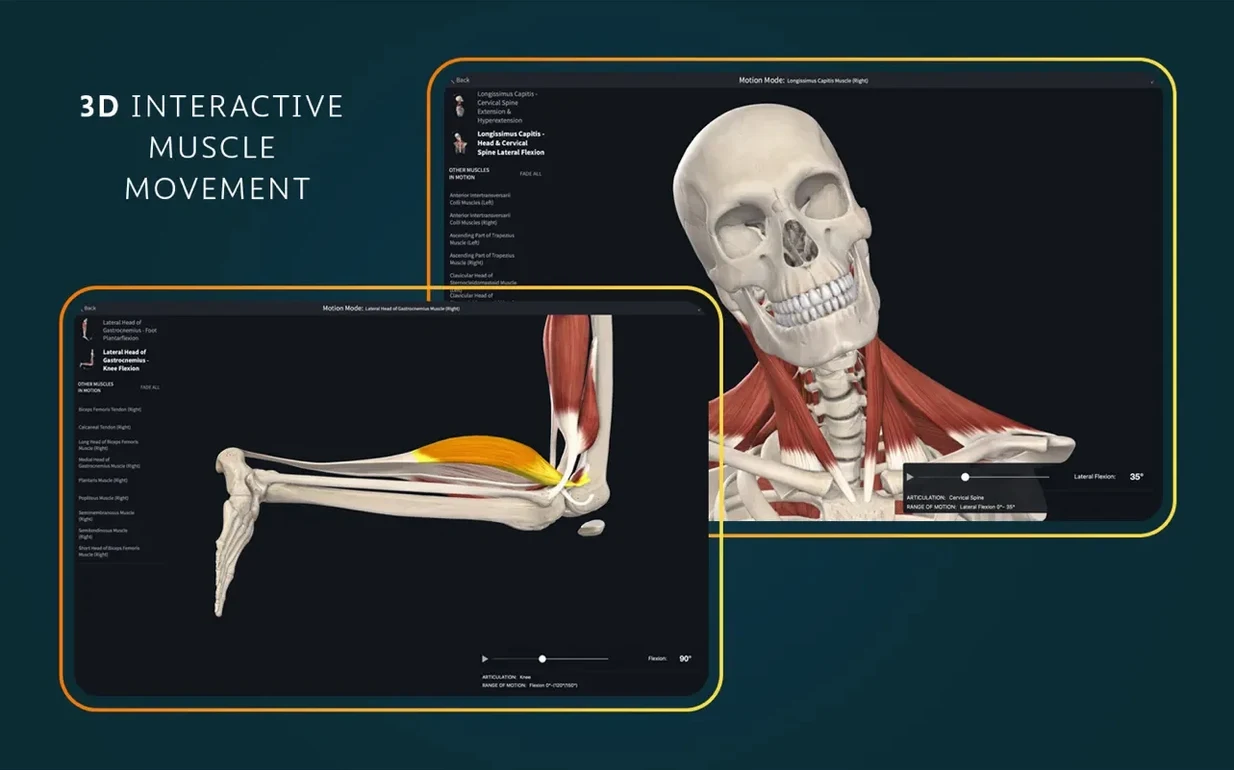
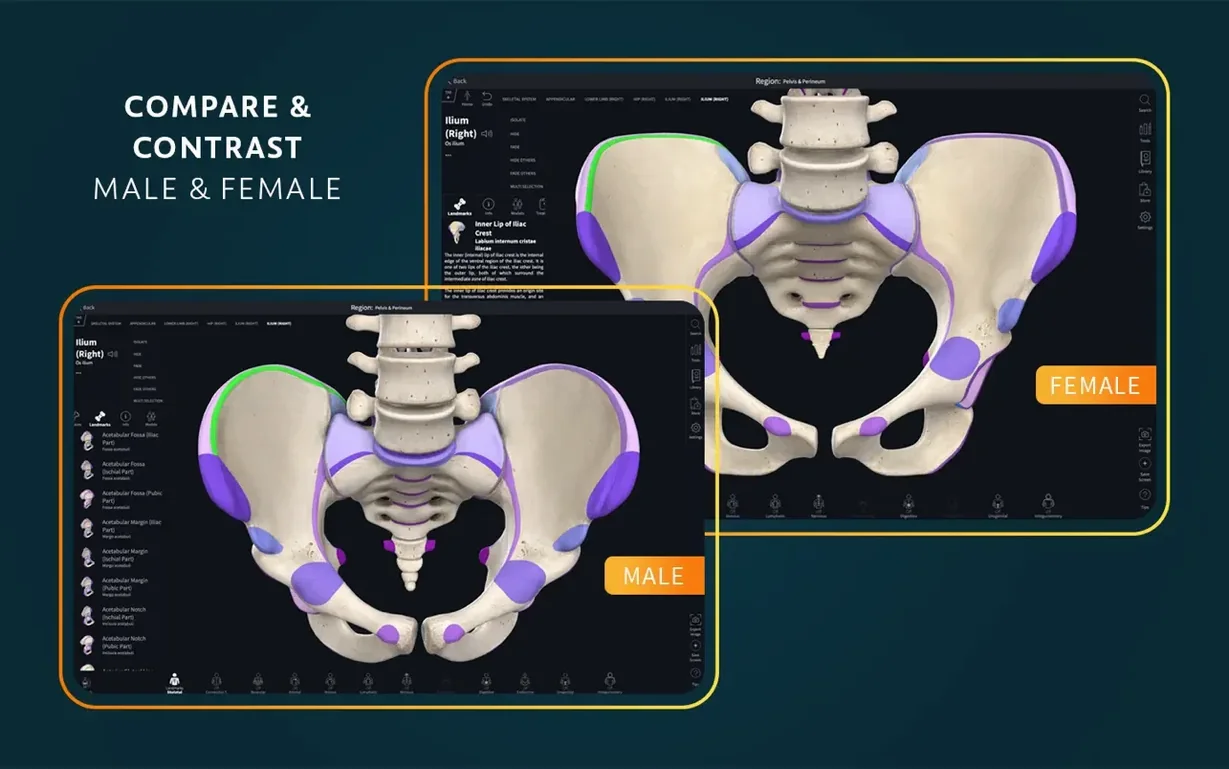
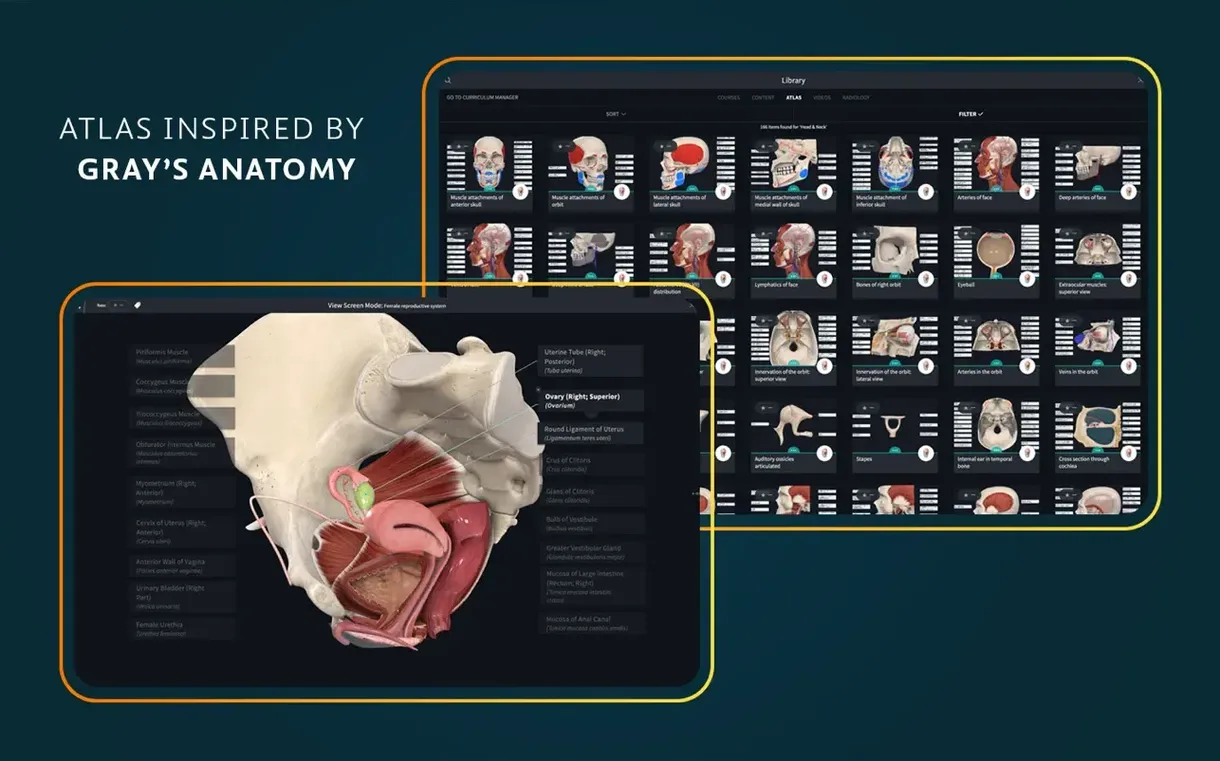
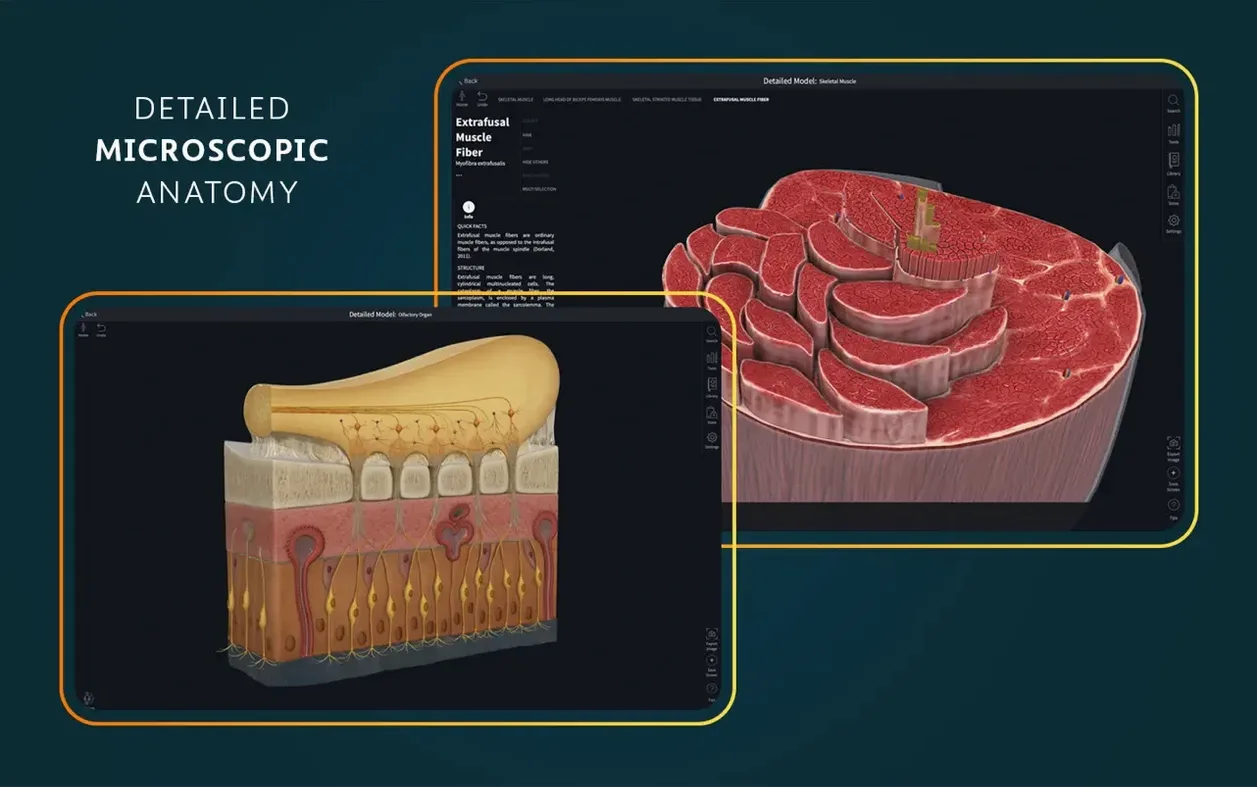
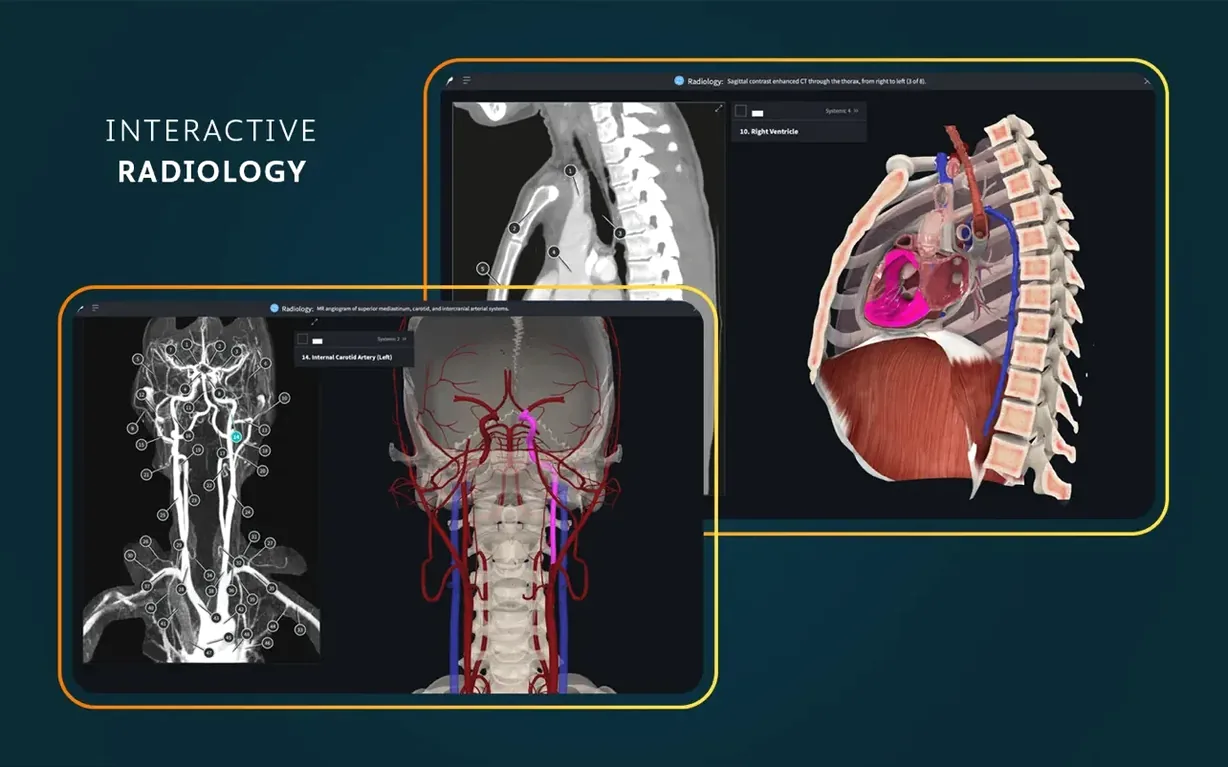
Complete Anatomy is a 3D anatomy learning platform for macOS that puts interactive human body models on your screen. If you've just installed version 11.5, a signed-in account gets you full access. Here's where to begin.
- Explore the beating heart. Find the live, dissectible human heart in 3D. It's a good first model to interact with — you can rotate it, zoom in, and peel back layers to see chambers and valves in motion.
- Browse the atlas. The built-in atlas holds more than 700 screens. Use it like a reference book to jump between structures, rather than searching the 3D canvas blind.
- Switch to radiology view. Toggle the radiology mode to see cross-sectional scans alongside the interactive model. It connects the 3D anatomy to what you'd see in a clinical image.
- Inspect microscopic models. The app includes 39 microscopic anatomy models. These let you zoom into tissue-level detail that the main body models don't show.
Launch the app from Launchpad after dragging it to Applications. The interface supports English, German, Spanish, Simplified Chinese and French — pick yours before diving in.
How Complete Anatomy sits in your Mac workflow
The app isn't a closed box. It talks to other tools in ways that make study sessions faster.
- Split View on macOS. Pin Complete Anatomy to one side of the screen and your notes app — Bear, Obsidian, Apple Notes — to the other. Rotate a model, pause at the view you need, type your notes without switching windows.
- Screenshot markup. Grab a screen capture (Shift-Command-4), then open it in Preview. Circle a structure, draw an arrow, drop it into Anki or Notion. The 3D view plus your markup beats a flat textbook image every time.
- Full AirDrop handoff. Share a marked-up screenshot straight to an iPad or another Mac in seconds. Useful when a study partner needs a quick view of the brachial plexus you've just dissected.
- macOS dictation. Double-tap the Control key and speak a structure name while your hands stay on the trackpad rotating the model. The app's search field picks it up if dictation is active.
- Spotlight notes companion. If you name your exported screenshots with anatomical terms, Spotlight finds them later in a keystroke. No digging through folders.
A physiotherapy student's afternoon
Imagine a third-year physio student prepping for a musculoskeletal exam. She opens Complete Anatomy and loads the lower limb model. She's not just looking — she's tracing the path of the sciatic nerve from the gluteal region down to the popliteal fossa.
She turns on real-time muscle movement and flexes the knee joint. Watching the semitendinosus shorten on screen while she palpates the same spot on her own leg bridges two kinds of learning. She toggles a cross-section at mid-thigh, checks the relationship between the nerve and the adductor magnus, takes a screenshot, and pastes it into a OneNote page shared with her study group. Twenty minutes, three structures, no cadaver lab needed today.
Smoother rotations alongside Apple Silicon tools
The release notes mention optimized support for iOS 26 and general bug fixes. On macOS, the practical effect is a smoother session when you're running the app alongside other Apple Silicon-native tools.
- Fewer pauses during heavy rotations. Rotating the full-body model with cross-sections active used to hitch on some M1 machines. After 11.5, those micro-stutters are less frequent.
- Snappier AR mode handoff. If you use the AR feature on an iPad running the latest iOS, the model sync feels tighter — quicker to place the skeleton on a tabletop and walk around it.
- Account sign-in remembers longer. One of the quiet fixes: fewer re-authentication prompts after your Mac wakes from sleep. Less friction when you're picking up where you left off mid-dissection.
Nothing about the core atlas, clinical videos or microscopic models changed in 11.5 — it's a stability release that tidies the edges.
Version 12.6.0 lands with general bug fixes and stability improvements across the board.
- macOS 15 or later.
- Apple Silicon or Intel 64-bit.
Questions the team asks
The app requires macOS 11.0 or later and runs on both Intel and Apple Silicon Macs.
Yes, a signed-in account is required for full functionality of the platform.








Comments 0
Sign in or create an account to add a comment.
No comments yet. They go up after moderation.