

Airflow — Mac download
Download (69 MB) Earlier builds
Ticked
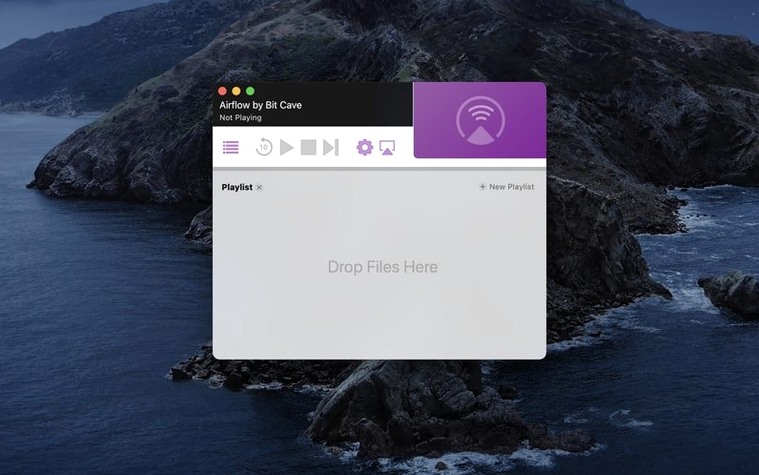
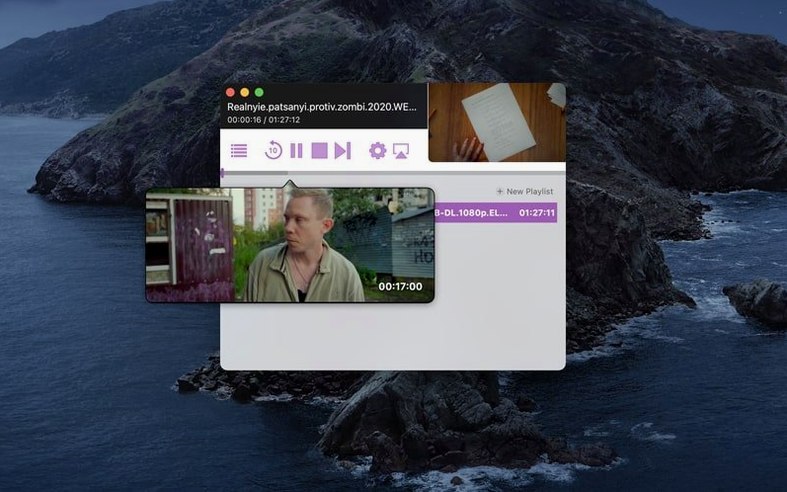
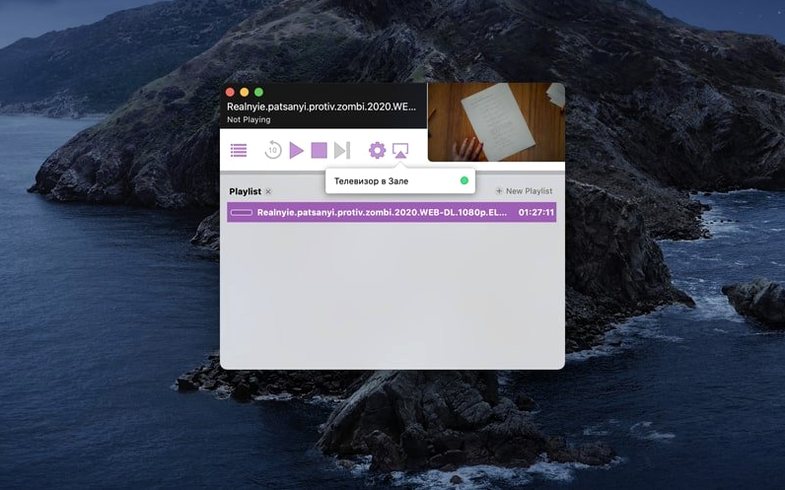
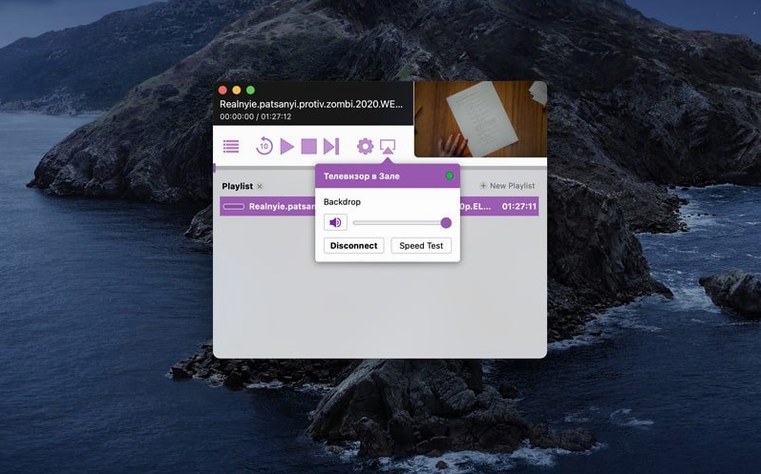
Airflow 3.3.10 stays lean — no new features, just the same straightforward streaming from a Mac to any Chromecast on the network. It sits quietly alongside VLC and IINA, handling one job well.
- Drag a video file straight into the window — no menus, no dialogs.
- Pick a Chromecast device from the dropdown and playback starts.
- Supports common formats your media player already handles.
- Lightweight app that doesn't get in the way of other work.
- Subtitles load if the file includes them.
It's the app you open when a local file needs to reach the big screen, nothing more. BitCave Ltd. keeps the interface simple, so the app feels like a natural extension of the Chromecast button missing from Finder.
How Airflow fits with other apps and macOS features
Airflow doesn't try to replace your media player. It sits between your files and the Chromecast, leaving playback tools like VLC or IINA to do their own thing. The app simply hands off the stream.
Quick ways it connects:
- Finder integration. Right-click a video file, choose Open With, and point it to Airflow. The app launches with the file pre-loaded. Saves you the drag step.
- Clipboard awareness. Copy a file path from anywhere — Terminal, a script, a file manager — and paste it into Airflow's window. It parses the path and queues the video.
- Continuity handoff. Start a film on the Mac screen in another player to check the timestamp, then drop the same file into Airflow to pick up where you left off on the TV. The apps don't talk to each other; you just use them side by side.
- Subtitles from the file system. If an SRT sits next to the video with the same filename, Airflow picks it up automatically. No manual loading step.
On the macOS side, Airflow respects Do Not Disturb focus modes — no playback notifications interrupt fullscreen viewing. It also plays nicely with Night Shift, leaving screen colour temperature alone while the Mac display dims independently.
When Chromecast won't appear in the dropdown
Most issues come down to network setup, not the app itself. Here's what turns up most often:
- Chromecast not appearing in the dropdown. Check that both the Mac and the Chromecast sit on the same subnet. A dual-band router with separate 2.4 GHz and 5 GHz SSIDs sometimes splits devices invisibly. Switch both to the same band.
- Playback stutters on large files. High-bitrate 4K files over Wi-Fi can choke. Move the Mac closer to the router or switch to Ethernet on the Mac side. The Chromecast handles the rest.
- No audio on certain MKV files. Some MKV containers hold audio tracks in codecs Chromecast doesn't support. Remux the file with a tool like Subler to AAC or AC3 before streaming. Airflow doesn't transcode on the fly.
- App hangs on launch. This usually traces back to Gatekeeper on Intel Macs running newer macOS versions. Re-running the terminal bypass step from the disk image fixes it.
- Airflow 3.3.10 showing an older version number in About. A leftover preference file from a previous install can cause this. Trash the plist in ~/Library/Preferences and relaunch.
Expecting Airflow to transcode video files
New users tend to treat Airflow like a full media centre. It isn't one. Here's what trips people up in the first week:
- Expecting transcoding. Airflow streams the file as-is. If the Chromecast can't decode the video codec, you get a black screen or audio only. Check your file's codec before blaming the app. H.264 with AAC audio is the safe baseline.
- Dragging an entire folder. The app accepts individual video files, not directories. Dragging a folder does nothing. Queue files one by one or select multiple files in Finder and drag the group.
- Ignoring the playlist queue. Airflow stacks files in order. If you drop a second video during playback, it interrupts the current stream when the first ends. Manage the queue from the window rather than expecting gapless playback.
- Closing the MacBook lid mid-stream. On battery power, sleep kicks in and kills the stream. Keep the Mac awake or plugged in. Caffeinate in Terminal works too:
caffeinate -dbefore starting a long film. - Skipping the Gatekeeper step. Some users grab an Airflow torrent and try launching the app without the terminal bypass. It won't open. The install notes cover it, but it's easy to miss.
- Assuming Wi-Fi Direct is in use. Chromecast streams through the router, not peer-to-peer. A weak router bottleneck affects both the Mac and the Chromecast equally. Before troubleshooting Airflow, test network throughput with a simple file copy to another device.
- macOS 10.12 or later
- Intel architecture
Questions the team asks
Airflow streams locally saved video files, not torrent files or magnet links. Download the video first, then drag it into Airflow.
Airflow requires an Intel Mac running macOS 10.12 or later. It runs on Apple Silicon via Rosetta 2.









Comments 0
Sign in or create an account to add a comment.
No comments yet. They go up after moderation.