
Alcove — Mac download
Download (14 MB) Earlier builds
Ticked
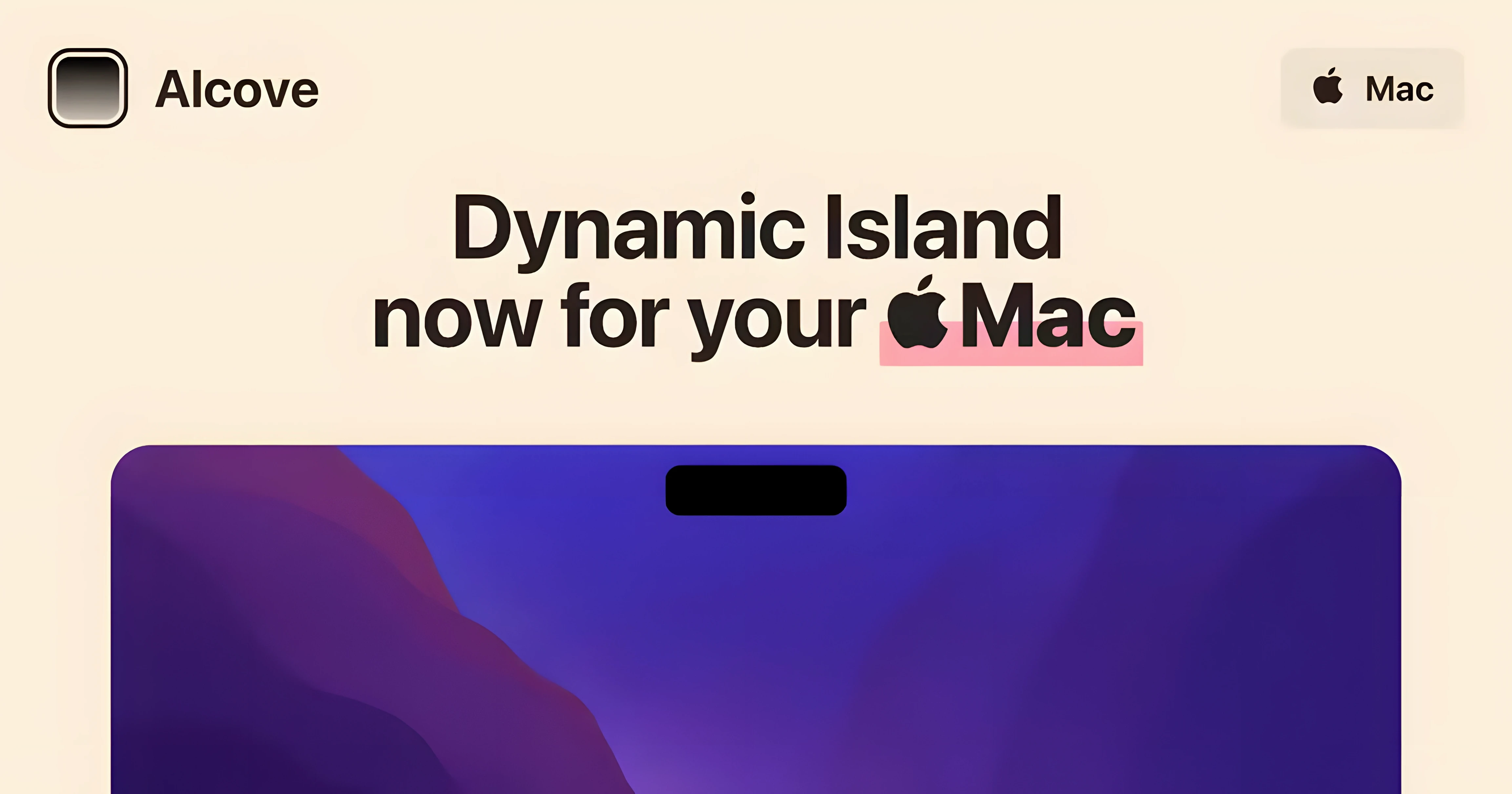
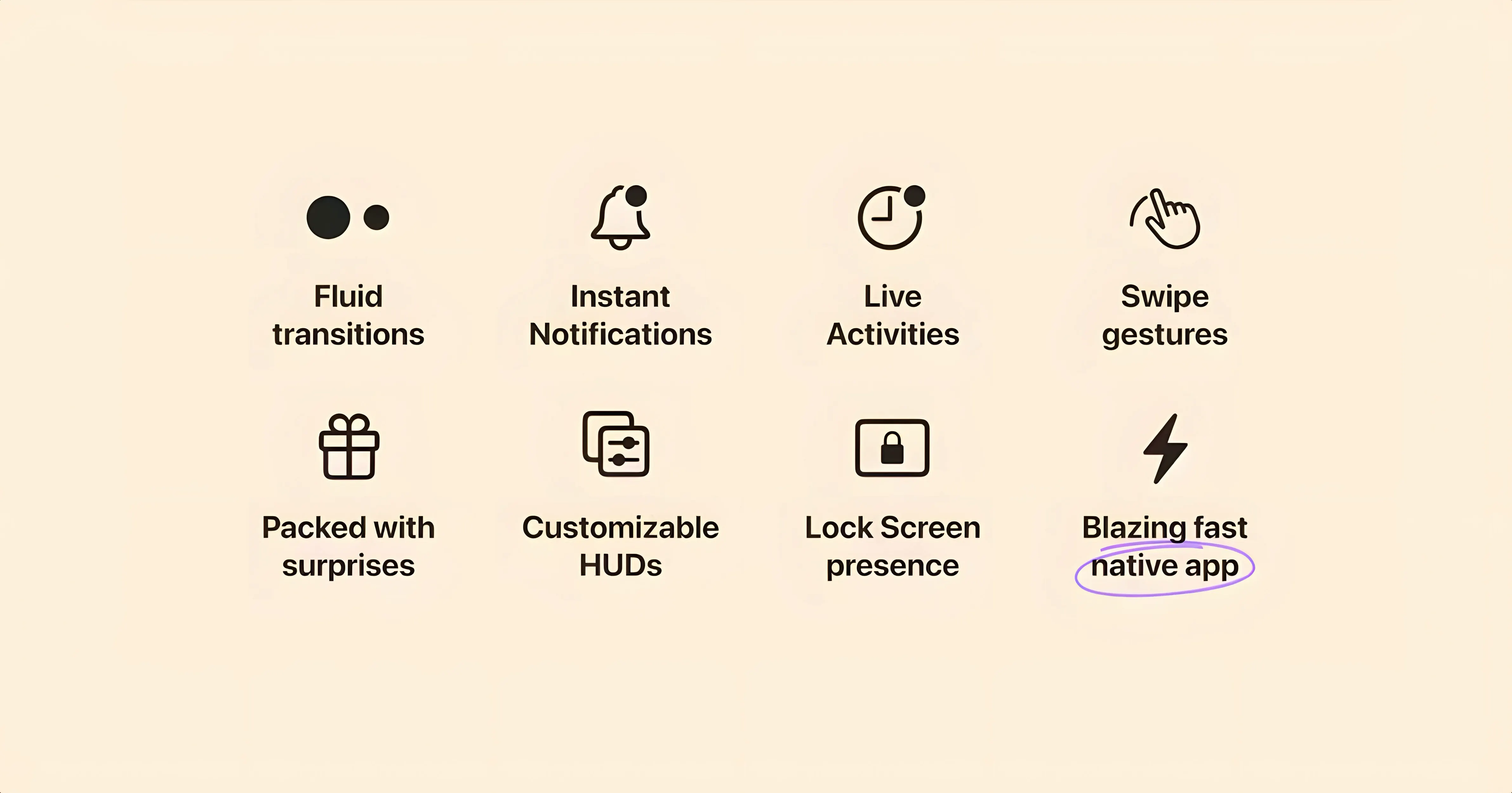
Custom system HUDs. That’s the feature to look at first. Alcove doesn’t just mirror what a Dynamic Island does on iPhone. It replaces the stock macOS volume and brightness overlays with its own compact indicators, keeping them tucked into the notch area where they belong.
Media and notifications, re-routed
Playback information, incoming notifications and Live Activities all surface inside a capsule at the top of the screen. The result is a single consistent interaction point rather than scattered pop-ups. If you already run a clean desktop with minimal Dock clutter, this keeps the top edge working for you instead of against you.
What experienced users should check
Turn off automatic updates after installing. The developer ships the package as a disk image with a standard drag-to-Applications routine. Once copied, launch it from Launchpad. The app asks for macOS 14 or later and supports both Apple Silicon and Intel 64-bit Macs, so there is no architecture lock-in to worry about on older hardware.
First-day checklist
- Grant Accessibility permissions the moment it asks. Without them, the custom HUDs will not draw over system overlays, and you will see a flicker of the default macOS indicators before Alcove kicks in.
- Set a key combo for toggling the capsule. No default shortcut ships with the app, so assign one immediately in your keyboard settings. It saves reaching for the mouse when a full-screen app hides the notch area.
- Test with a low-volume notification first. Send yourself a test message or trigger a calendar alert. This confirms the capsule appears at the correct screen edge on your particular display setup.
Click and hover, not swipe or tap
Expecting it to work like iOS. The Mac notch is not a touch target, so the capsule responds to clicks and hover, not swipe gestures. Users coming from iPhone sometimes tap their screen on day one. It does nothing.
Forgetting to exclude Alcove from focus filters. If you use Focus modes aggressively, notifications can get suppressed before they ever reach the capsule. Check your Focus settings in System Settings and whitelist the apps you want to see.
Running it alongside another HUD replacement. Menu bar tools that modify volume or brightness indicators will fight Alcove for screen real estate. Disable or remove them before you install, or you will get double overlays.
Reads any app that fills Now Playing
Now Playing companions. Alcove picks up media metadata from any app that populates the macOS Now Playing widget — Music, Spotify, Vivaldi, Safari. Pair it with a menu bar lyric tool or a scrobbler, and the capsule becomes your central playback readout without opening a full player window.
Screen recording tools. If you record demos with CleanShot X or ScreenFlow, the custom volume HUD stays inside the notch region rather than blocking the centre of the frame. That keeps recordings cleaner, especially when adjusting audio mid-capture.
Focus and notification workflows. Apps that push alerts through the macOS notification centre — Things, Fantastical, Slack — all route through Alcove once you allow them. The capsule groups them so you can dismiss several at once with a click instead of clearing individual banners.
If you searched for alcove mac download or alcove mac free, know that the version you are looking at works on macOS 14 and later. The same build labelled 1.7.9 appears across both Intel and Apple Silicon Macs, so architecture is not a deciding factor.
- macOS 14 or later
- Apple Silicon or Intel 64-bit Mac
Questions the team asks
It replaces the default system volume and brightness HUDs with custom ones that appear in the notch area.
It runs on both ARM (Apple Silicon) and x86 64-bit Macs, provided they have macOS 14 or later installed.
Media playback info, notifications and Live Activities all show up inside a capsule at the top of the screen.







Comments 0
Sign in or create an account to add a comment.
No comments yet. They go up after moderation.