

BuhoCleaner — Mac download
Ticked

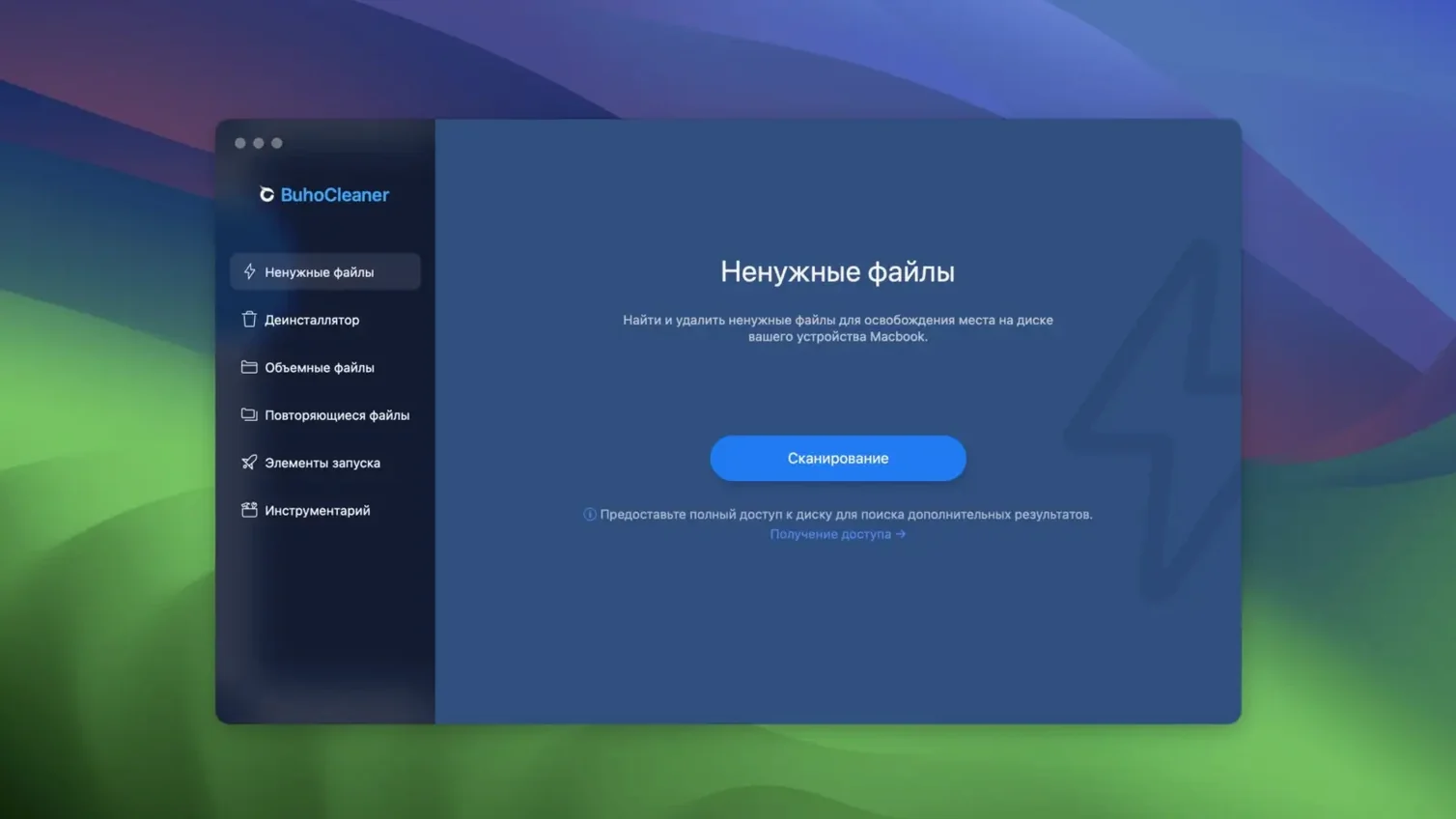
Version 1.17.0, built 18 September 2026, still supports as far back as OS X 10.10 Yosemite. That range covers Intel Macs and Apple Silicon from the M1 through to the M5. No activation needed — it runs as a standalone utility, not a built-in macOS tool.
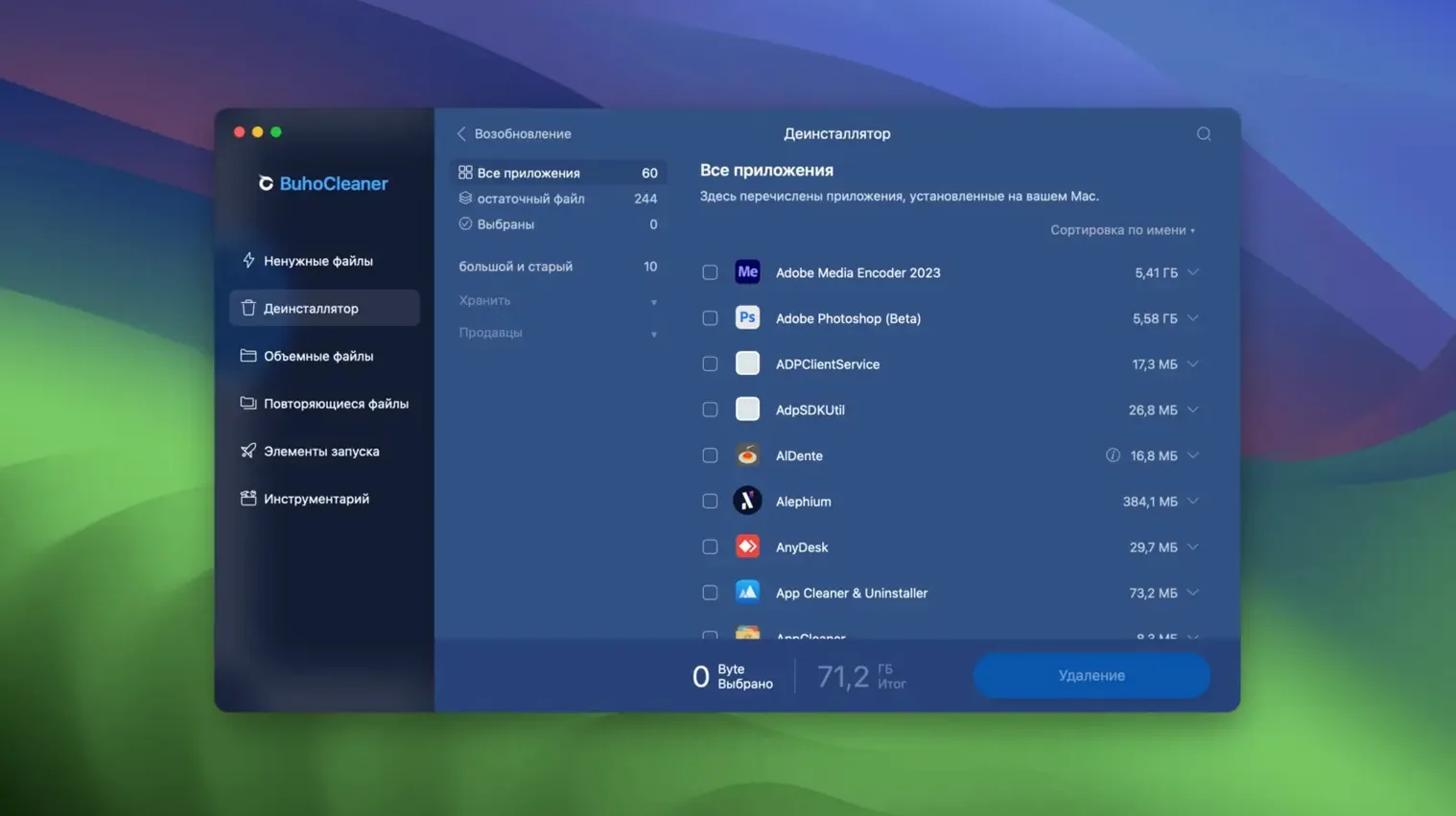
The Menu bar module shows live Mac statistics at a glance: memory pressure, CPU load, disk activity. For an experienced user, the real value sits in the uninstaller. It removes unwanted applications and then hunts down the leftover files a standard drag-to-Trash misses.
Browser cache clearing and temporary user file removal are straightforward, single-click jobs. No wizards, no prompts second-guessing what you chose.
Interface languages include English, German, French, Spanish, Italian, Dutch, Portuguese, Russian, Japanese, Korean, and both Simplified and Traditional Chinese. Eleven options in total, set once and ignored.
A cleanup workflow: reclaim space after a video project
- Open BuhoCleaner and click Flash Clean. Let it scan. The system cache from your edit sessions — render files, waveform data, thumbnail caches — appears in the results. Tick the lot.
- Move to App Uninstall. Find the trial video encoder you installed six months ago and never used again. Select it. BuhoCleaner removes the app and lists leftover folders in
~/Library/Application Supportand~/Library/Caches. Confirm deletion of all of them. - Switch to Large Files. Sort by size. A 14 GB screen recording you forgot about sits in
~/Movies. Right-click, move to Bin. No need to hunt through Finder. - Click Memory Free on the Menu bar dropdown. RAM pressure drops from amber to green in three seconds. You can launch DaVinci Resolve again without a restart.
Monday morning memory pressure relief from the menu bar
Monday morning. The Menu bar icon reads 92% memory pressure. You click it. The dropdown shows fan speed at 4200 rpm and CPU temperature at 78°C — the machine has been indexing overnight. You choose Rebuild Spotlight from the advanced tools menu. A confirmation dialog appears. You confirm. The fan spins down within two minutes.
Next, you open the main window and run Flash Clean. 3.2 GB of browser cache across three browsers, plus user temp files from last week's exports. One click to clear. You then check the uninstaller for anything you forgot to remove — an old FTP client, a duplicate markdown editor. Two apps, both deleted with their leftovers in under thirty seconds.
By 09:15, the Mac is quiet, cool, and has 28 GB free that was not there an hour ago. The Menu bar shows idle memory pressure. You close the window and start work.
- Build 1.17.0, dated 2026-09-18.
- OS X 10.10 or later
- Intel and Apple Silicon (M1–M5) Macs
Questions the team asks
Yes. It can scan for and delete leftover files from applications you have already removed, plus uninstall unwanted apps directly.









Comments 0
Sign in or create an account to add a comment.
No comments yet. They go up after moderation.