

Canary Mail — Mac download
Download (94 MB) Earlier builds
Ticked

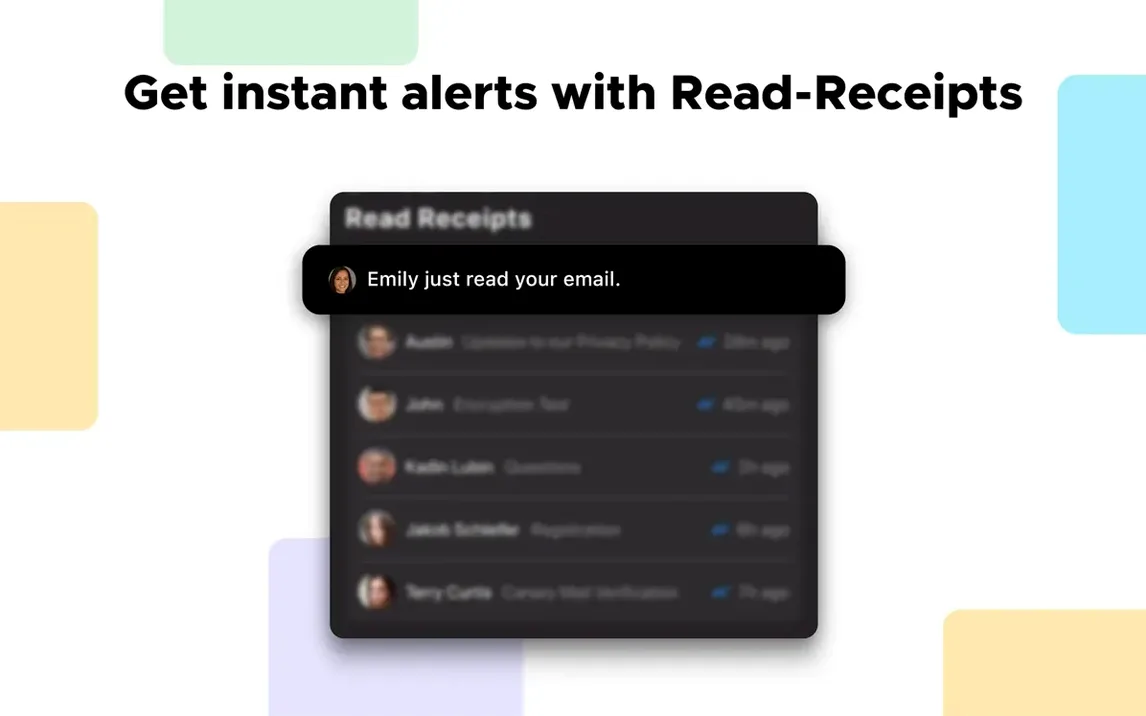
Read receipts arrive in the activity feed, not buried in a menu. You see who opened your message and when — useful for time‑sensitive project threads where a silent recipient creates a bottleneck.
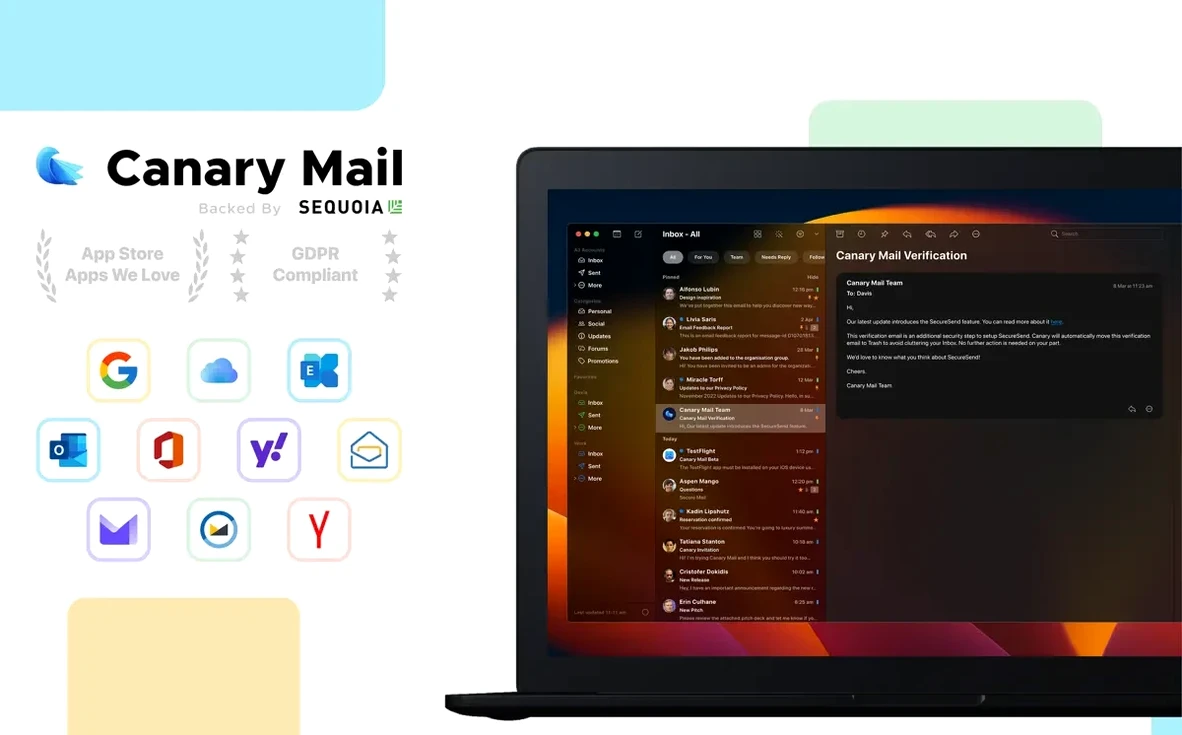
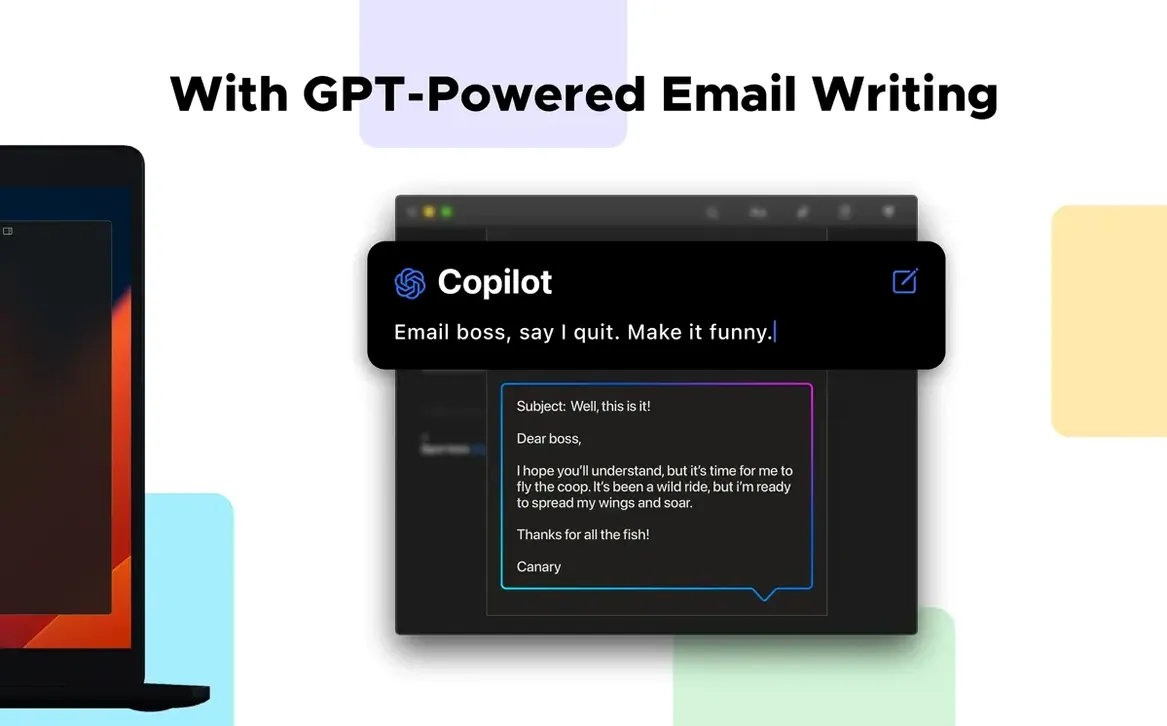
People ask three things before switching clients. First, where does the mail live? Locally on your Mac, not on Canary’s servers. It connects to your existing Gmail, iCloud, Office 365, Yahoo, IMAP or Exchange accounts and leaves the hosting untouched. Second, can you write in the dark? The dark message composer is built in, no theme hacks required. Third, what about encryption? You get automatic local storage encryption plus end‑to‑end encryption using Canary’s own protocol or standard PGP.
Setup quirks people search for: the app runs on both Intel and Apple Silicon Macs and needs macOS 10.15 or later. Interface languages cover Russian, English, German, Spanish, both Traditional and Simplified Chinese, Dutch, Portuguese, French and Japanese. Per‑account notification sounds stop you guessing which inbox just pinged, and email templates save you retyping the same approval or status‑update message.
Canary Mail in a wider stack
Canary sits where a desktop client should — between you and your providers. It does not replace your Gmail, iCloud or Exchange account. It gives them a single front door.
macOS integrations worth knowing:
- Spotlight. Locally stored messages appear in system search results without opening the app.
- Notification Centre. Per‑account sounds pass through macOS notifications. You can mute one account and leave another loud.
- Drag‑and‑drop. Attachments drag straight from the attachment browser into Finder folders or other apps like Preview and Notes.
- Share sheet. Any file or link from Finder or Safari can be shared into a new message via the macOS share menu.
- Calendar invitations. ICS files from any provider open in the system Calendar app — no import wizard needed.
If you use a task manager like Things or OmniFocus, custom actions let you forward a selected message to your inbox address with one click. Templates pair well with TextExpander if you already use snippet expansions elsewhere. The PGP support means you can exchange encrypted mail with Thunderbird or Mailmate users without everyone being on the same client.
Pinned contractor message with read receipt still waiting
- Open Canary. The unified inbox shows three accounts — Gmail for team threads, iCloud for client correspondence, Office 365 for internal announcements.
- Spot a pinned message from yesterday: a contractor waiting on file approval. The read receipt shows they opened it at 08:42. No reply yet. Snooze it until 14:00.
- Switch to the iCloud account. A new message lands with a distinct notification sound. Drag the attached PDF straight to a project folder in Finder.
- Hit a template for "Weekly status — project Calder." Fill in two bullet points, send. The dark composer stays easy on your eyes through a grey Bristol morning.
- Notice an encrypted thread from a collaborator who found Canary Mail Mac torrent references and wanted a secure line. Your PGP key unlocks it. Reply with a signed message.
- Pin a confirmation email that arrived during the session. Clear the rest. Close the app — everything is already stored locally.
- macOS 10.15 or later
- Intel or Apple Silicon Mac
Questions the team asks
No. The app stores mail locally on your Mac and connects directly to your existing email provider — nothing is hosted or relayed through Canary’s infrastructure.









Comments 0
Sign in or create an account to add a comment.
No comments yet. They go up after moderation.