
CleanMyMac — Mac download
Download (180 MB) Earlier builds
Ticked
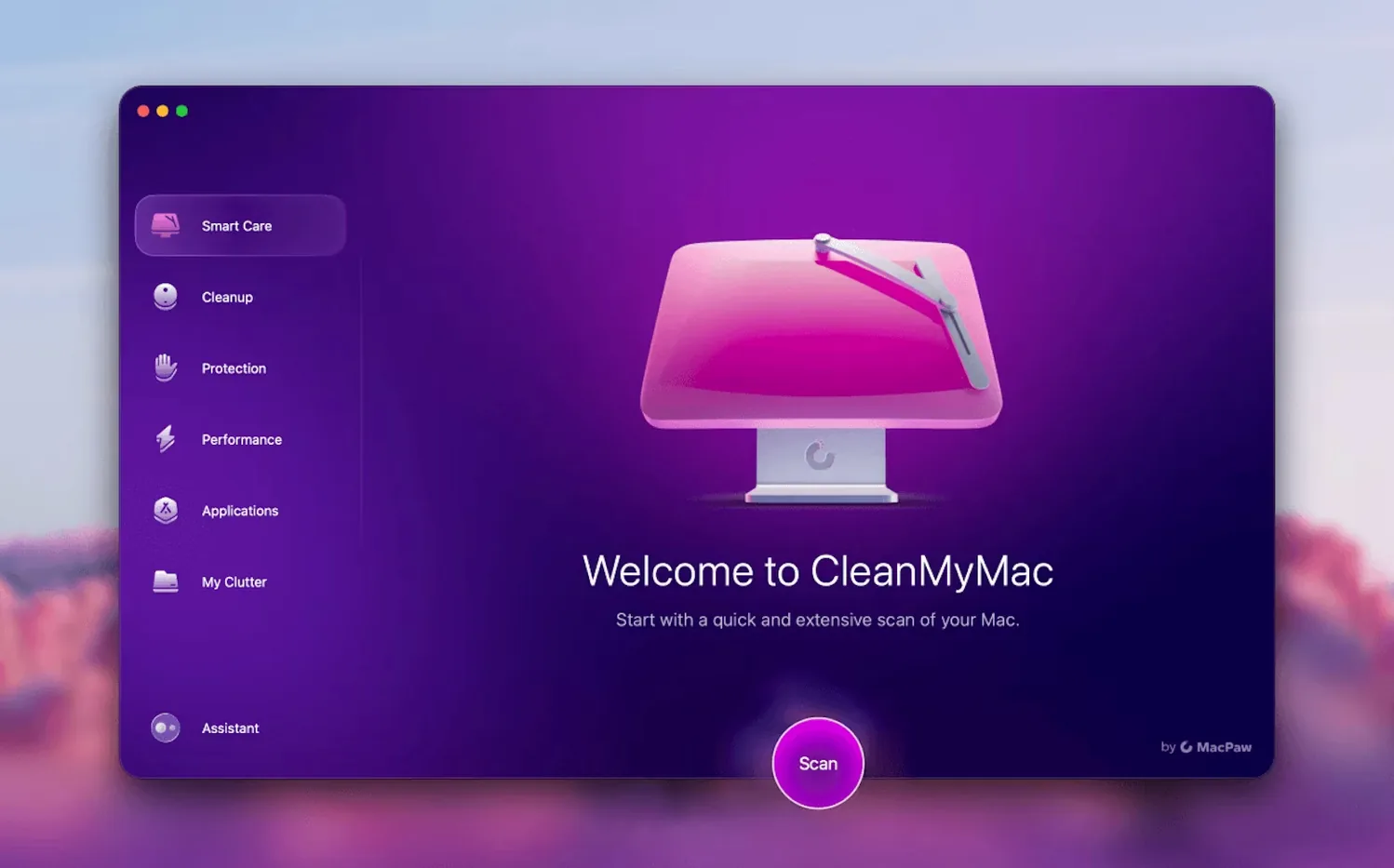
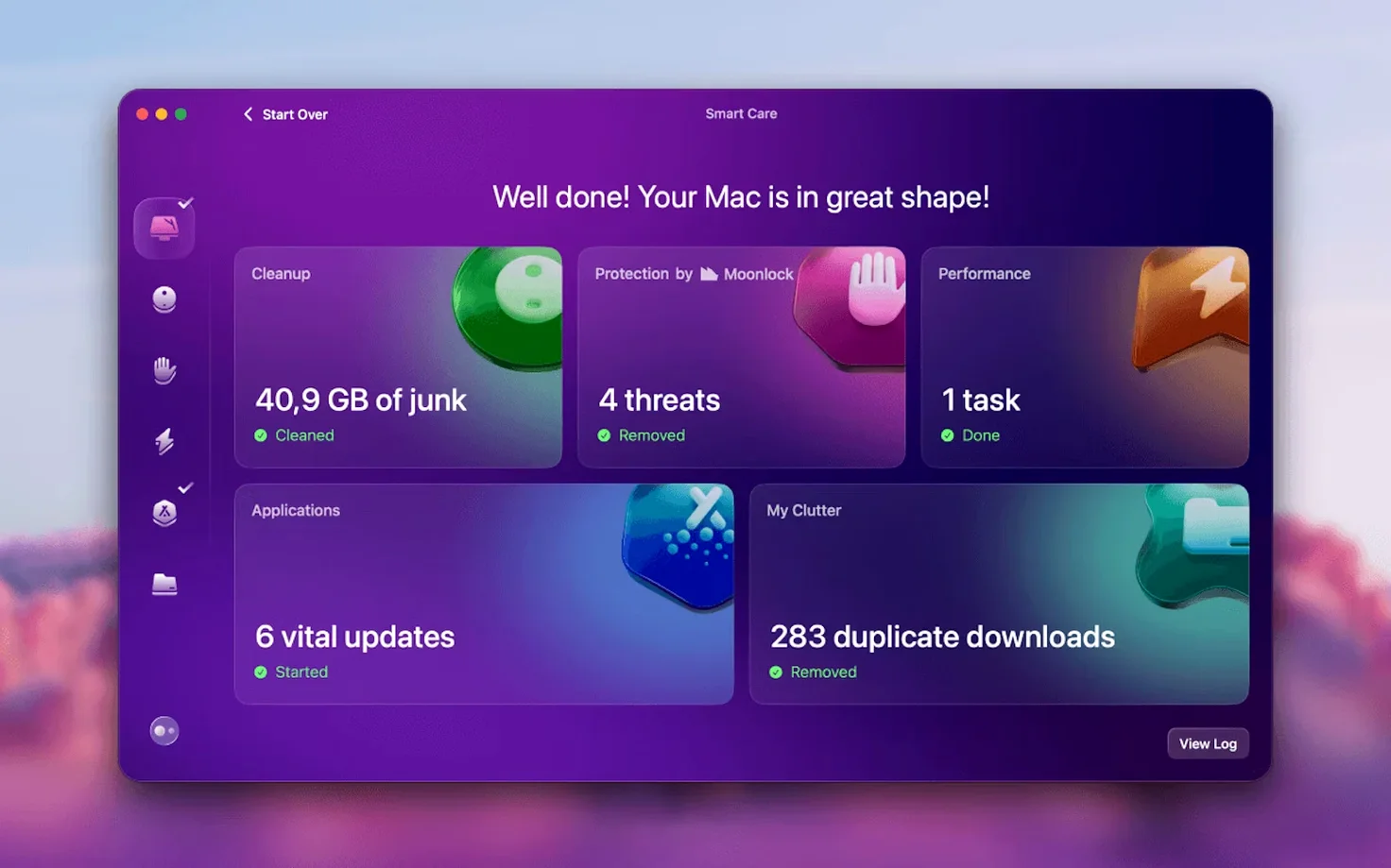
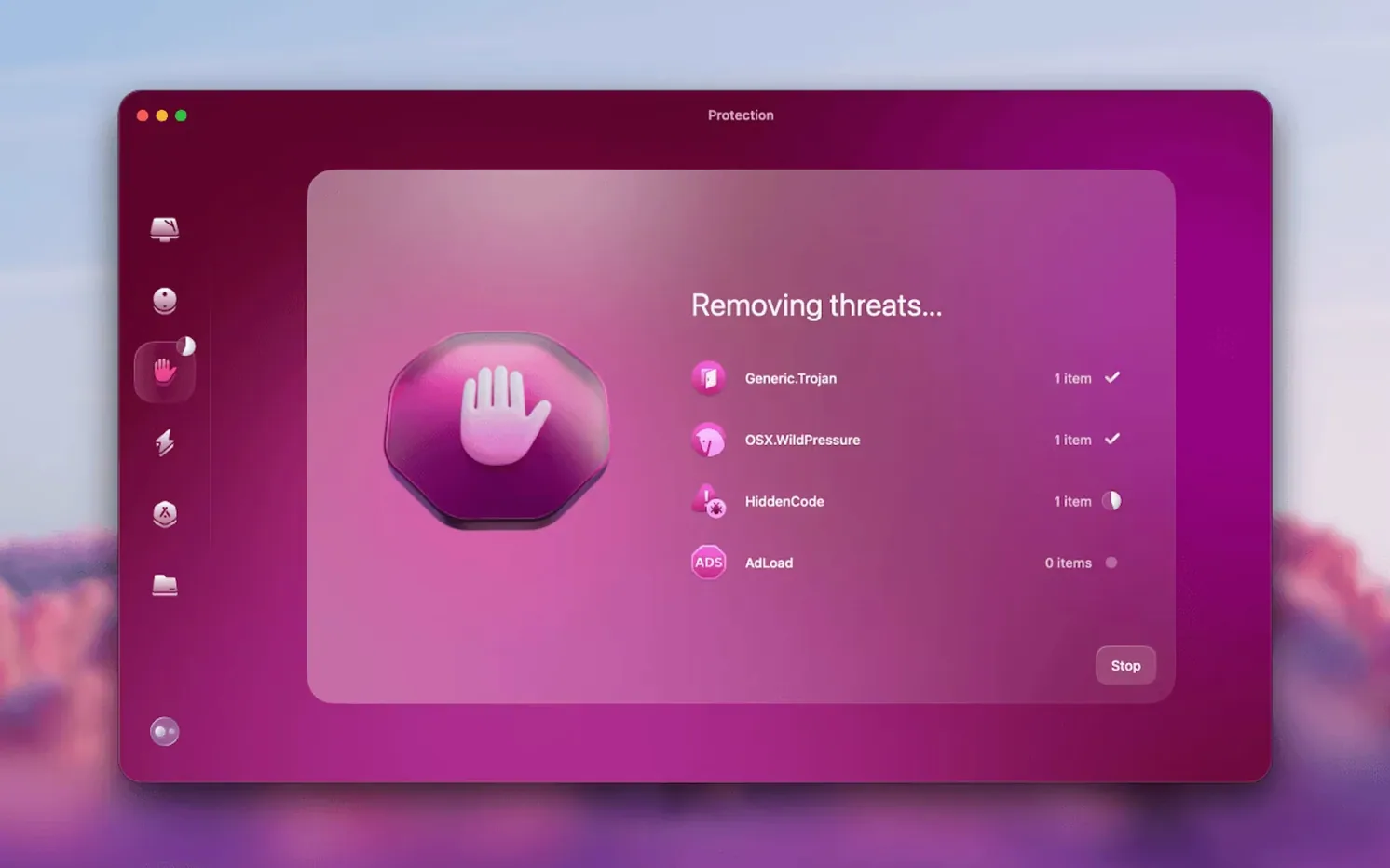
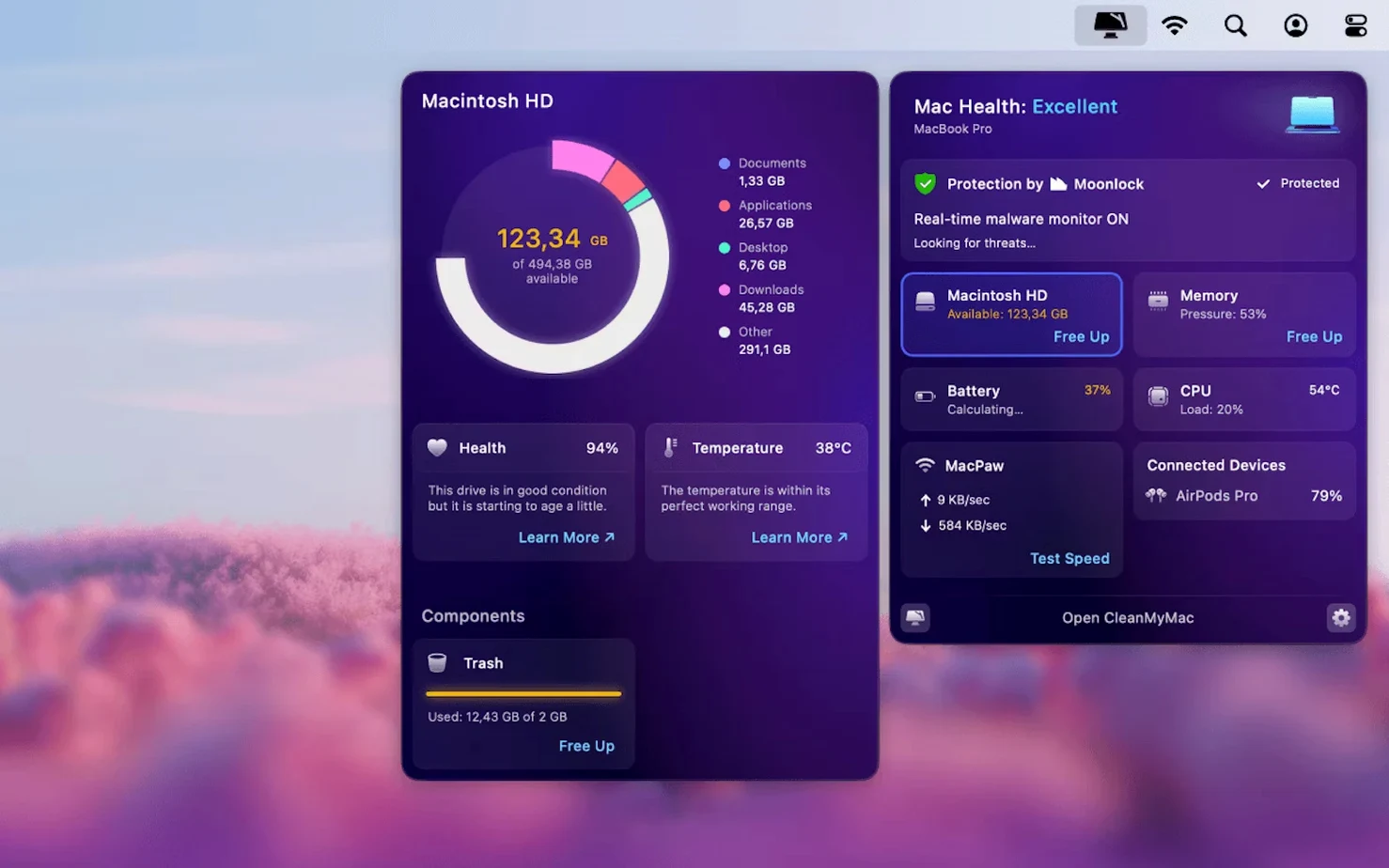
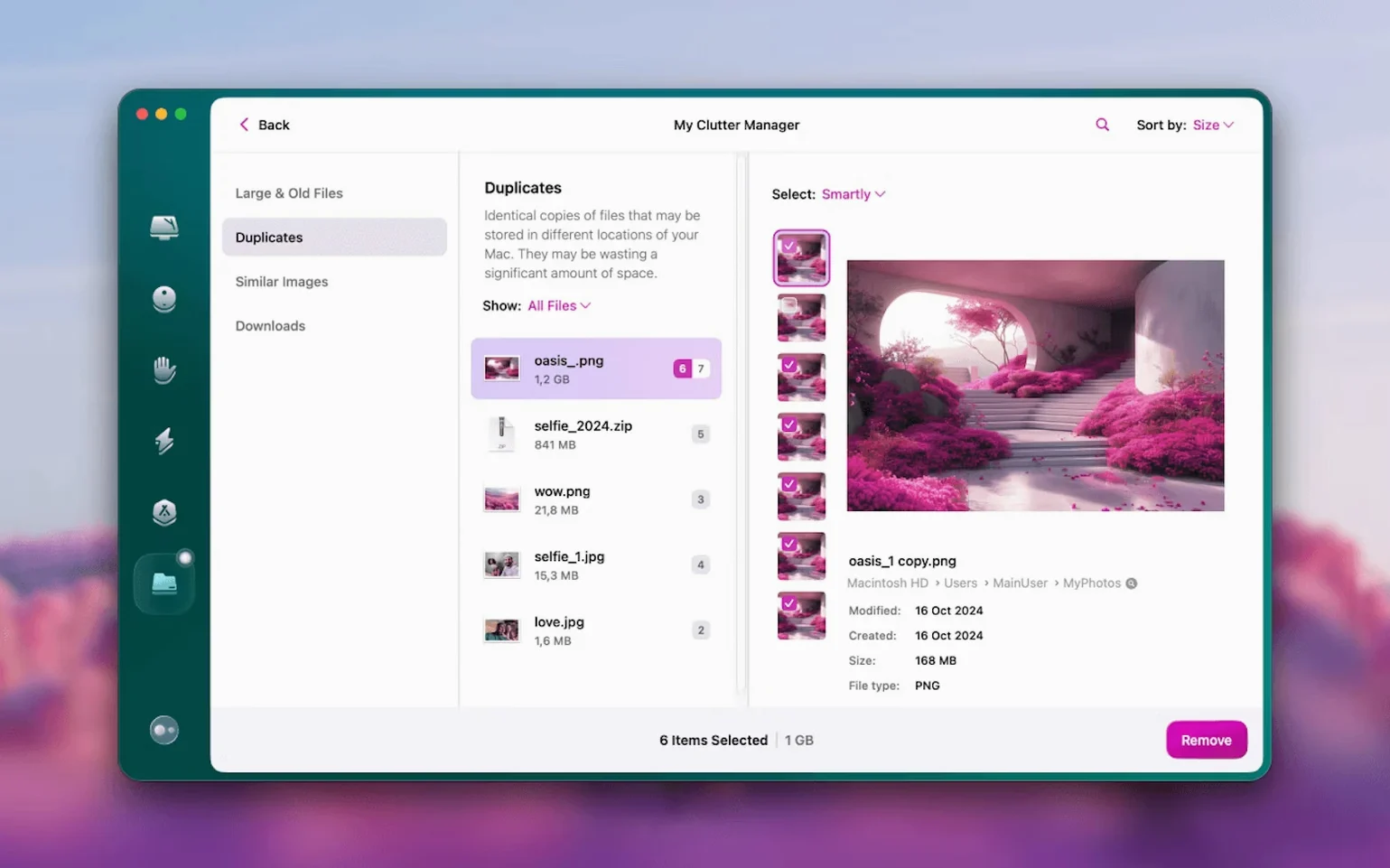
People with cluttered drives and a growing inbox use CleanMyMac. The utility tackles old caches, large forgotten files, and now, email bloat.
What does version 5.7.0 add?
New mail cleanup tools target Gmail directly. You can clear attachments and old threads without opening a browser.
Which macOS versions does it support?
It runs on macOS 11 and later. On macOS 27, you must grant full disk access before the app opens.
Unchanged interface and core scans from release to release
Closes browser to scrub Gmail attachments you forgot
CleanMyMac does not replace your browser, email client, or file manager. It works alongside them. The Gmail cleanup in 5.7.0 runs scans while your browser stays closed. Mail rules and filters you set in Apple Mail or Gmail's web interface stay untouched.
Spotlight indexing improves after a system junk scan. Files you thought were gone reappear in search results because the index rebuilds faster without dead caches in the way. Time Machine snapshots also shrink after you clear old system logs and language packs, though the next backup still captures the changes.
App removal and third-party uninstallers
MacPaw also makes App Cleaner & Uninstaller, a dedicated removal tool. CleanMyMac's built-in uninstaller handles the same job for most apps — leftover preferences, support folders, the lot. If you already use App Cleaner & Uninstaller, the overlap is real. You might disable one or keep both for different workflows.
Full disk access before first launch avoids dead features
- Grant permissions early. On macOS 27, full disk access is mandatory before the first launch. On earlier versions, open System Settings right after the drag-to-Applications step. Tick the box for CleanMyMac under Privacy & Security. Skipping this leaves half the tools greyed out.
- Run a full scan before bed. The first pass takes longest. Let it finish overnight. You wake up to a list of exact reclaimable space.
- Review before you clean. The scan groups findings by category. Uncheck anything you recognise and want to keep. Downloads folder scans sometimes flag installer disk images you still need.
- Set up the Gmail module. Version 5.7.0 adds it. Open the Mail tab, sign in once, and let it count attachments by size. Delete nothing on day one. Just read the numbers.
- Skip the updater for now. The app offers to update other software you have installed. Useful, but wait until you trust the scan results. No need to change too much at once.
Drops executable repair and malware removal that rivals keep
CleanMyMac vs OnyX
OnyX gives you raw access to system maintenance scripts, cache folders, and log rotation. Power users like the fine control. CleanMyMac automates the same tasks behind a single scan button. You trade granularity for speed. OnyX is free, open-source, and does not touch email or malware. CleanMyMac bundles those extras into one window.
CleanMyMac vs DaisyDisk
DaisyDisk draws a sunburst map of your drive. You see exactly which folder eats 300 GB. CleanMyMac's large file finder shows a sorted list, not a visual map. If you want to hunt hidden bloat visually, DaisyDisk wins. If you want a one-click cleanup that also handles mail and malware, CleanMyMac covers more ground.
CleanMyMac vs AppCleaner
AppCleaner does one thing: remove apps and their leftovers. It is a small, free utility you drop apps onto. CleanMyMac includes the same function but wraps it in a larger maintenance suite. If app removal is all you need, AppCleaner is lighter. If you also want scheduled scans, Gmail cleanup, and malware checks, the single suite saves you from installing four separate tools.
People searching for a cleanmymac full setup often want the entire toolkit in one place. Others look for a cleanmymac x for mac experience that covers system junk, privacy, and now email. The 5.7.0 release pulls those threads together without forcing you to chain five different utilities.
The large file finder, malware protection module, and File Scope memory view all remain. The install flow—drag to Applications, launch from Launchpad—has not changed.
- Tools for cleaning and managing Gmail mail
- New email cleanup functionality for attachments and threads
- macOS 11 or later
- Intel and Apple Silicon Macs
Questions the team asks
The interface comes in Russian, English, German, Spanish, Italian, Simplified Chinese, Korean, Dutch, Polish, Ukrainian, French, and Japanese.






Comments 0
Sign in or create an account to add a comment.
No comments yet. They go up after moderation.