
CleanShot X — Mac download
Download (43 MB) Earlier builds
Ticked
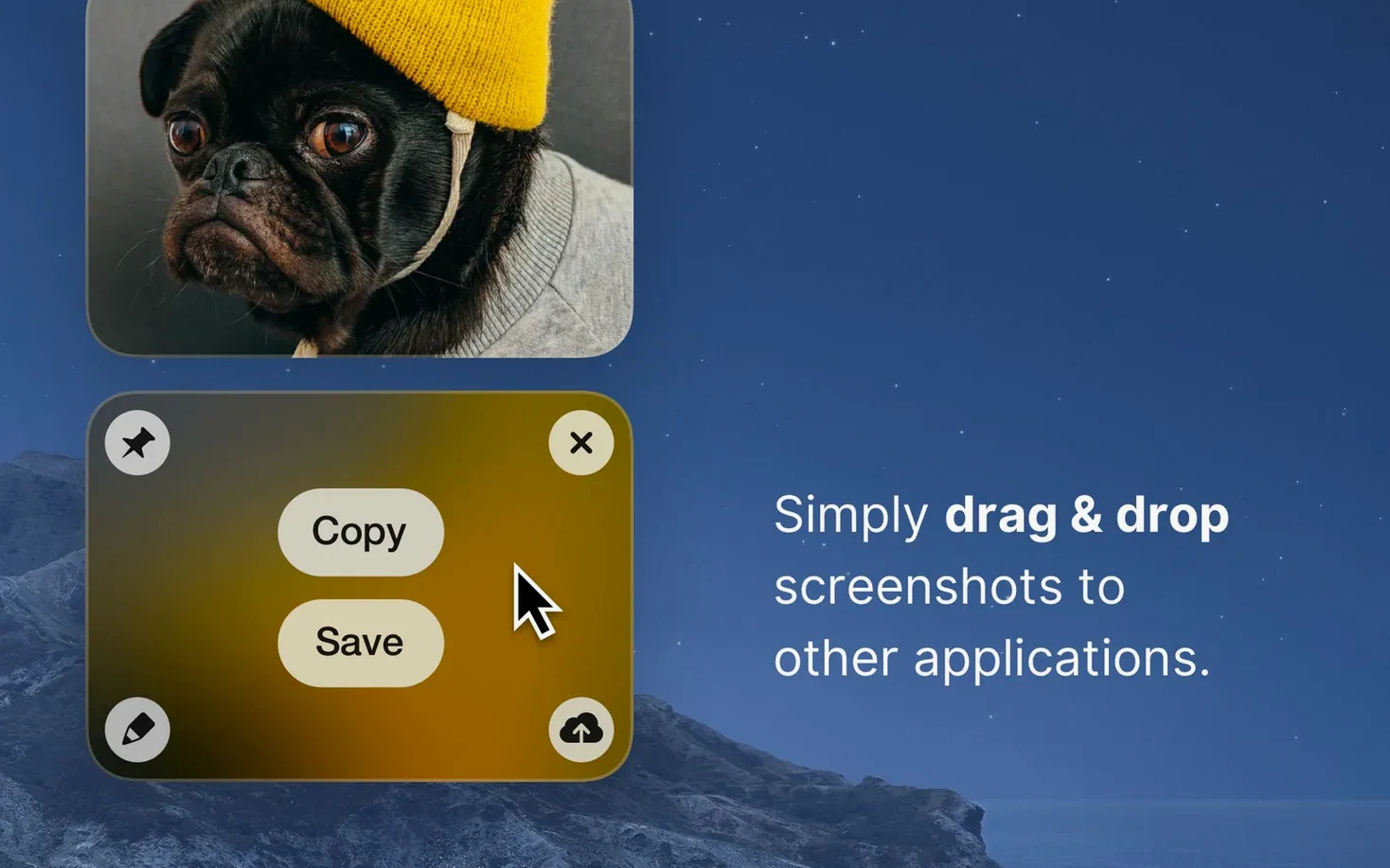
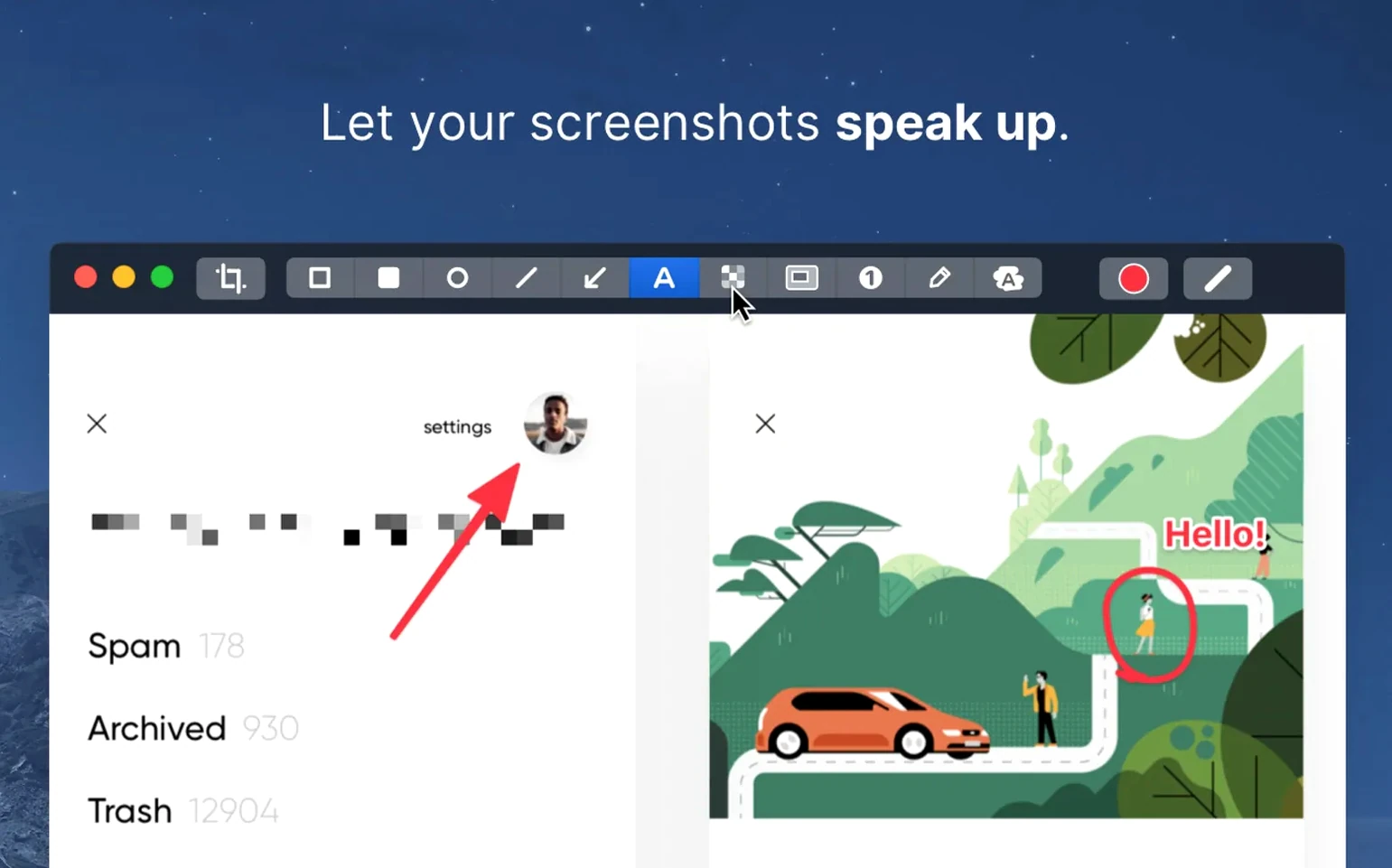
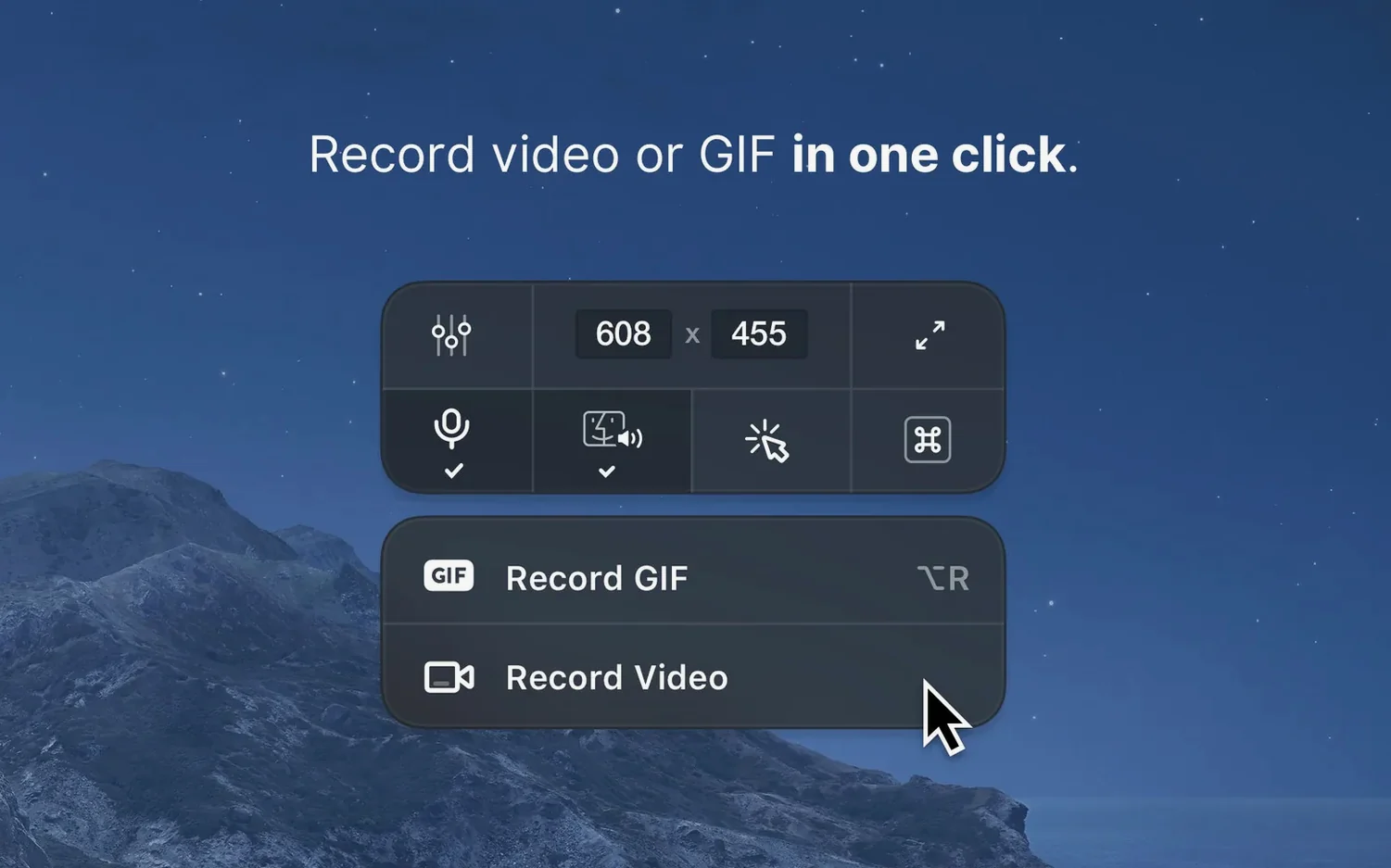
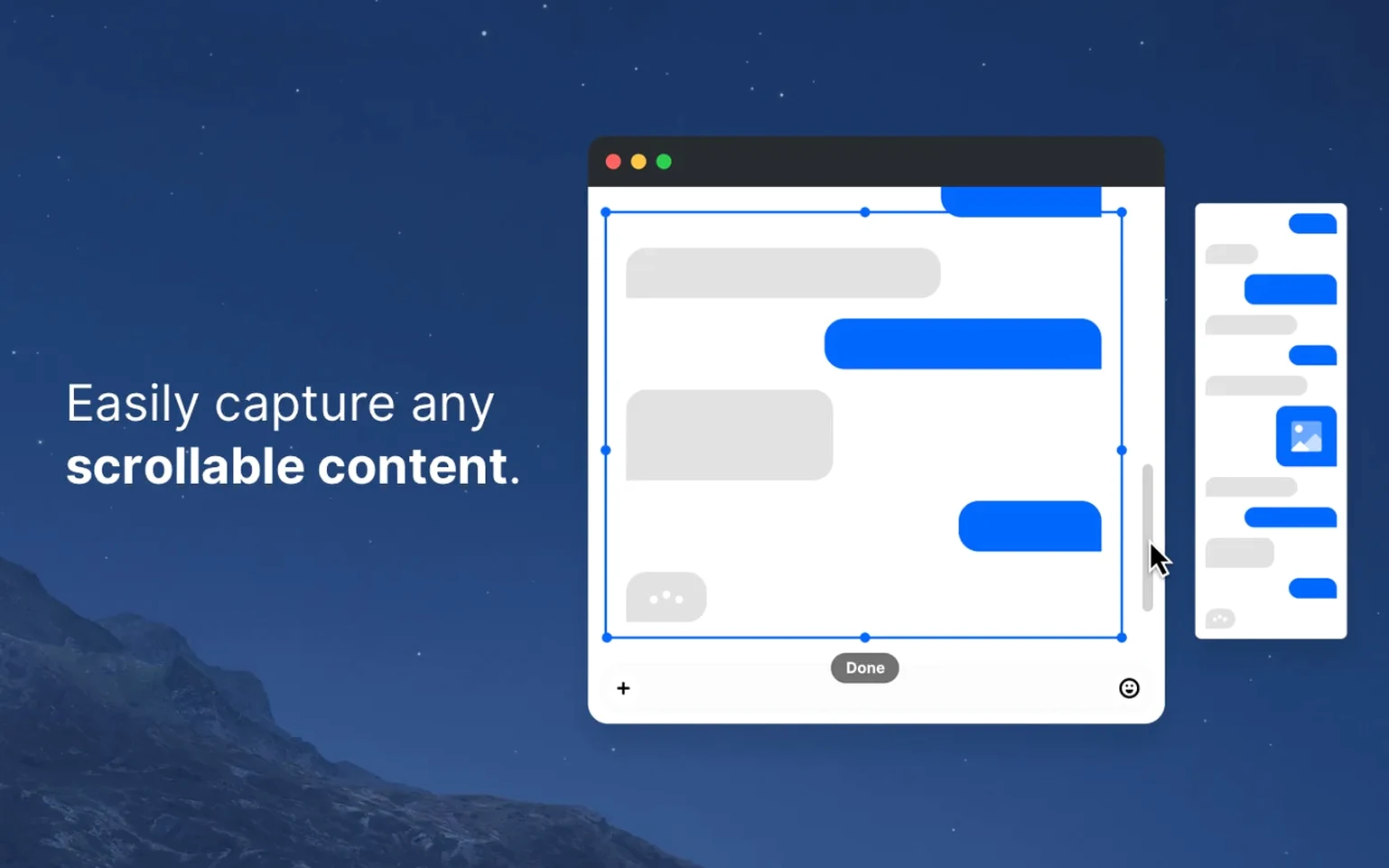
CleanShot X is a screen capture and recording toolkit for macOS that puts editing directly in the overlay.
Screenshot pinning — float a capture above all windows so it stays visible while you switch apps.
Backgrounds — drop an image or pick a solid colour behind a screenshot, no extra step.
Timer capture — set a delay so menus and tooltips appear before the shot fires.
GIF recording — capture a section of screen straight to animated GIF during recording.
Built-in editor — highlight, hide, or add text to a screenshot without opening another app.
Scrolling capture now stitches long pages with fewer artefacts
The jump to 5.0 on 2026-09-01 reworked several everyday workflows. For a project manager like me, the differences are practical, not cosmetic.
- Scrolling capture reliability — long pages in browsers and design tools now stitch with fewer artefacts, so meeting notes and mockup reviews stay complete.
- Annotation performance — the built-in editor reacts faster on large Retina shots, especially when adding multiple arrows and text blocks.
- Notification silencing — the toggle to block desktop notifications during recording now covers more alert types, keeping video captures free of Slack pop-ups.
- QuickTime-compatible exports — sharing recordings with stakeholders who use Apple's stock player requires fewer format conversions.
Version 5.0.1 then tidied a few rough edges without changing features — the kind of update I tick off my checklist and move on.
What CleanShot X needs before you install
Does it replace macOS screenshot tools entirely
Yes, if you let it. You can remap the default shortcuts to CleanShot X, so Shift-Command-4 opens its overlay instead. Or you can run both side by side and use the system tools for quick snaps while keeping CleanShot for annotated captures and recordings.
60 fps recording stays lighter than a video call
The video encoder kicks in only during recording. On an Intel Mac running macOS 11, idle memory sits around 150 MB. When you screen-record at 60 fps, CPU usage rises noticeably but stays below what a video call would demand. Apple Silicon machines handle it without audible fans.
Can the editor hide sensitive data reliably
The blur and pixelate tools write directly to the image file — no separate undo layer that someone could peel back later. Once you save and close, the hidden area is baked in. For compliance-heavy work, that matters.
Recording remote usability sessions without notification pop-ups
Maja runs remote usability sessions. She opens a prototype in Figma, starts a CleanShot X screen recording, and talks a participant through a flow. The notification toggle is on — no calendar alerts interrupt the clip.
When the participant hesitates on a button, Maja pauses and captures a still frame. She draws a red rectangle around the button, adds a short comment, and pins the screenshot to her second monitor. The pin stays visible while she types notes in Notion.
After the session, she exports the recording as an MP4 and drags the pinned screenshot into a shared FigJam board. The whole round of feedback lands in the team channel before her next coffee. For her workflow, a cleanshot x mac download means one app covering capture, markup, and quick sharing — no stitching tools together.
- Minor bug fixes and improvements.
- macOS 11 or later
- Intel and Apple Silicon Macs
Questions the team asks
Yes, it records video or GIF during capture, so you can output either format from the same recording session.
Pinning keeps a screenshot floating above other windows, letting you reference it while working in different apps.
The built-in editor lets you highlight, hide sensitive details, and add comments directly on a screenshot.





Comments 0
Sign in or create an account to add a comment.
No comments yet. They go up after moderation.