

Cocktail Sequoia Edition — Mac download
Download (3 MB) Earlier builds
Ticked
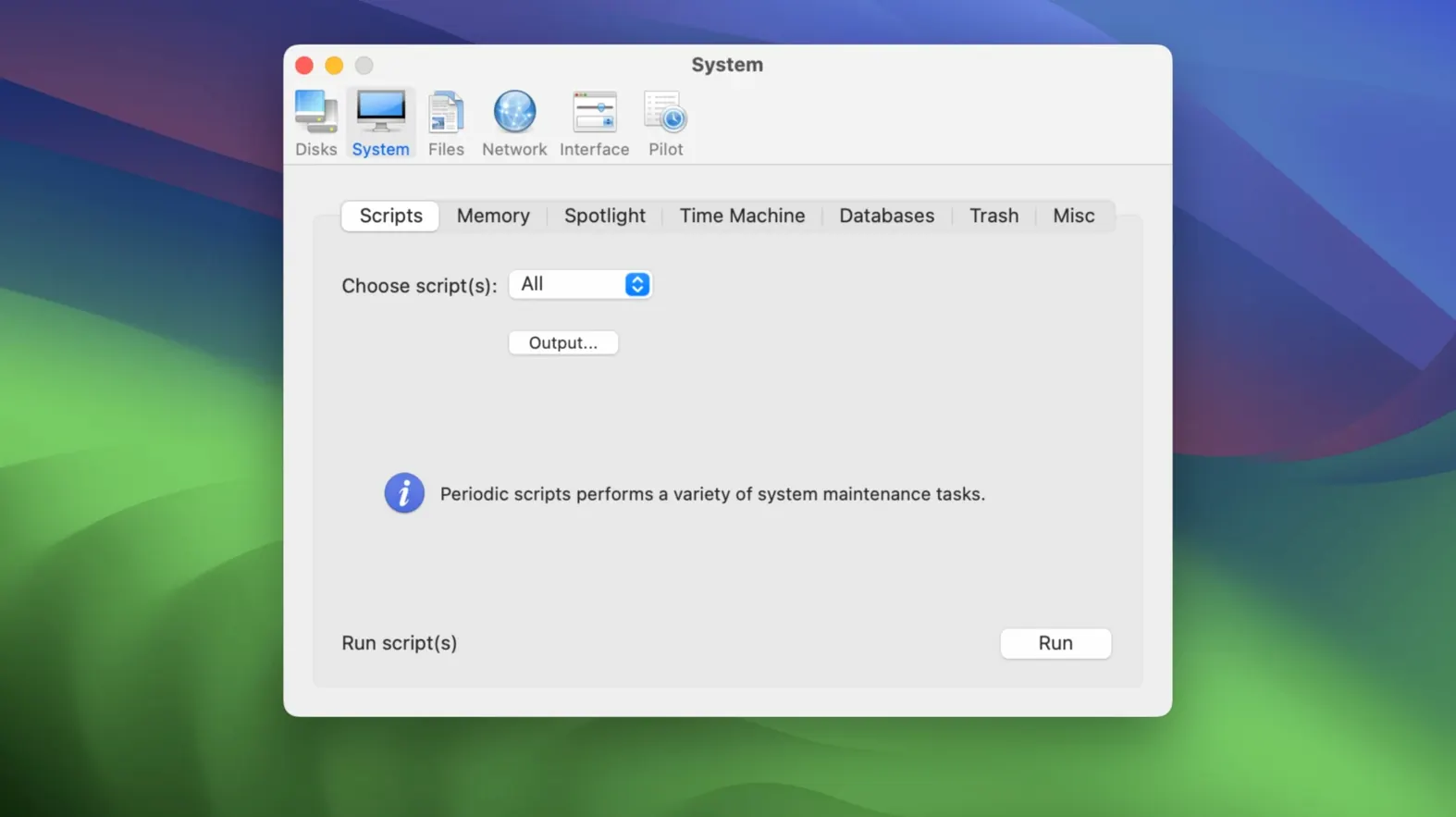
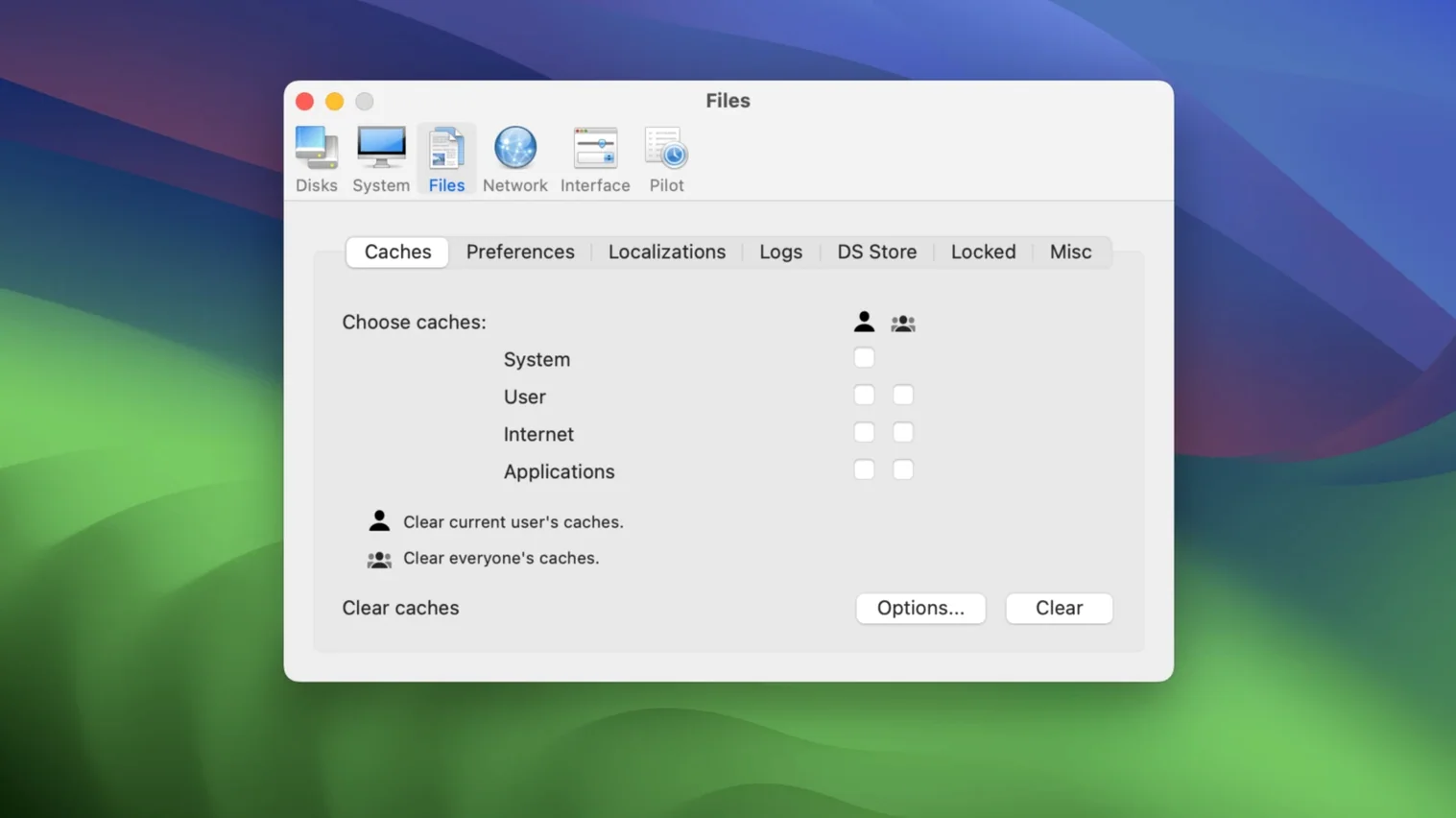
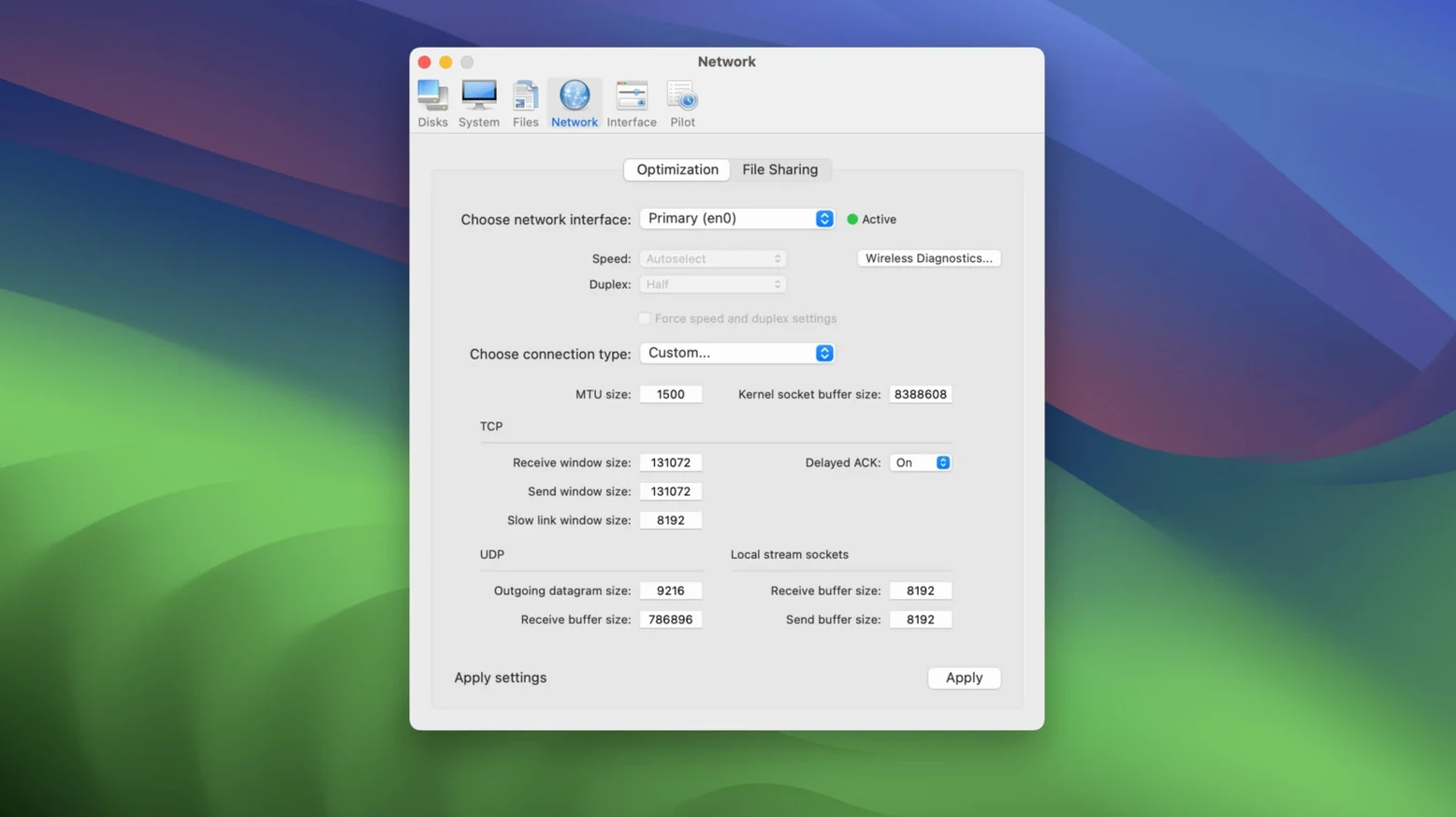
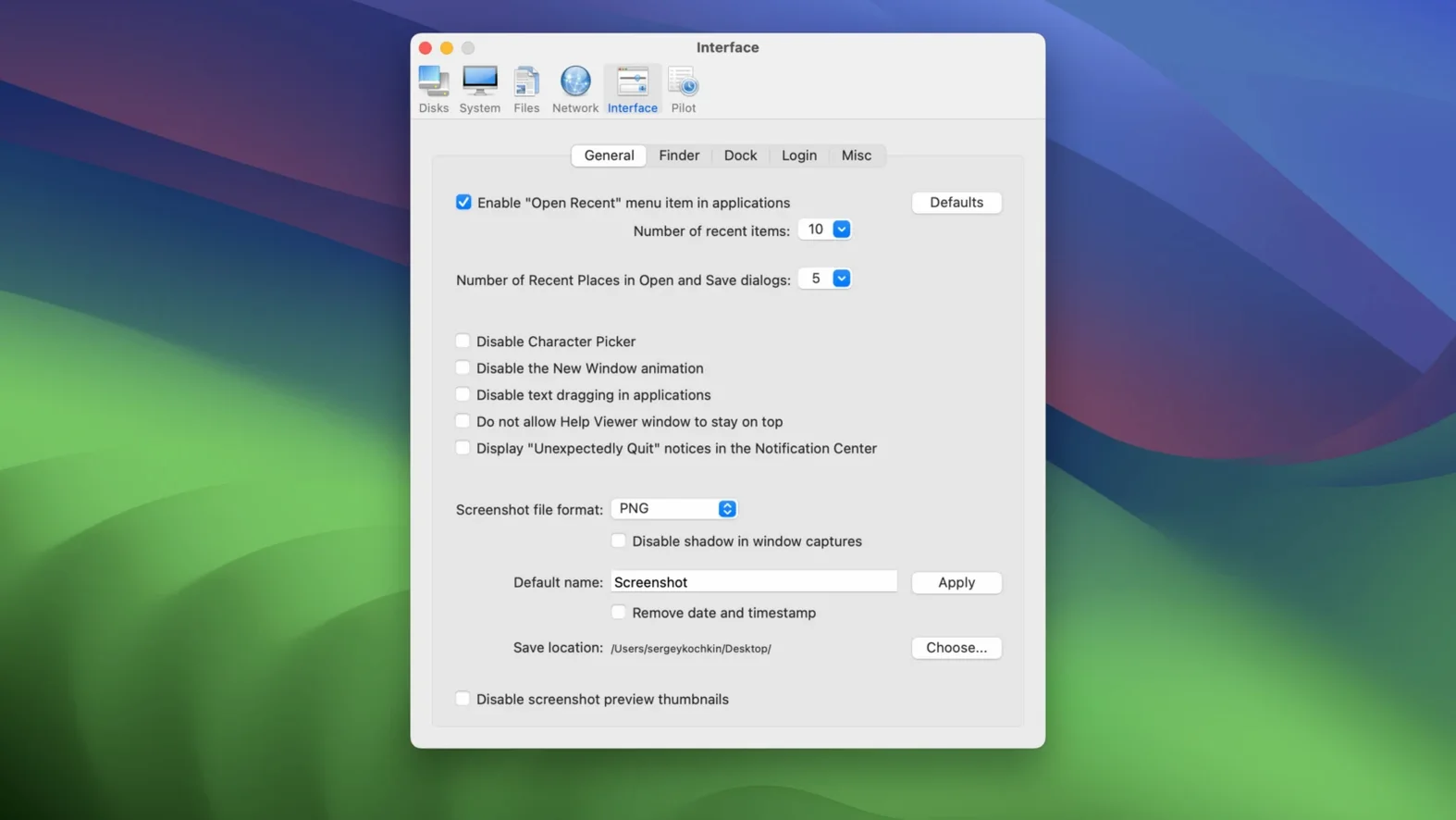
Cocktail Sequoia Edition is a macOS maintenance utility that handles cleaning, repairing, and optimising tasks from one panel. Its functions are grouped into five categories, and the interface stays simple enough that you don't need a manual to find what you need. The app runs on Intel 64-bit Macs with macOS 15 or later. English is the supported language. Earlier editions exist for older macOS releases, so your older machines aren't left out. Before installing, people typically ask whether it touches system files outside those five categories. It doesn't. Each function stays within its labelled section, and nothing runs without your say-so.
Why clicking everything at once backfires
Most first-time users open Cocktail and click everything. That's mistake number one. The interface groups functions plainly, but running all five categories in one sitting often means clearing caches you actually want kept. Your Mac then spends the next hour rebuilding them, and performance dips instead of improving.
Second common error: skipping the automatic pilot mode entirely. People assume manual control is safer. It's not. The pilot runs the same tasks in the same order every time, which gives you a consistent baseline. After a macos sequoia torrent installation or a system update, that baseline matters more than your custom checkbox selection.
Third mistake — running disk repair while other apps are open. The tool warns you, but beginners sometimes dismiss it. Background processes holding file locks can cause repair tasks to fail silently. Close everything first.
Fourth: treating it like a weekly ritual without checking logs. Cocktail shows what it did, and those logs tell you whether a particular clean actually freed space or fixed permissions. Blind repetition without checking results means you might repeat a task that did nothing the first time.
Run the pilot once and read the log first
- Run the automatic pilot once, then check the log. Note what took the longest and what freed the most space. That shows you which categories matter for your machine.
- Don't schedule anything yet. Live with the results for two days. See how your Mac behaves after a clean state before deciding on a weekly or monthly routine.
- Exclude browser caches if you stay logged into web apps. Clearing those logs you out of everything, and the time saved isn't worth the re-authentication hassle.
- Make a note of your DNS settings before touching the network category. Cocktail flushes DNS caches, which is fine, but it can also reset custom resolver configurations if you're not careful with the checkboxes.
- If you got the cocktail torrent or another cocktail 2 torrent download, verify the version number is 18.7.1 before running anything. Mismatched versions for the wrong macOS release can refuse to launch or touch the wrong system paths.
A repeatable sequence of tabs and checks
Monday morning, 08:45
You've just installed the cocktail sequoia edition after noticing your Mac felt sluggish over the weekend. You close all apps — Finder stays open, that's fine — and launch Cocktail. The five category tabs sit across the top: Disks, System, Files, Network, Pilot.
Step 1. You switch straight to the Pilot tab. The automatic pilot groups the most useful tasks from the other four categories into one sequence. You click Run. A progress bar fills as it clears system caches, rotates log files, rebuilds the Launch Services database, and repairs disk permissions. It takes about four minutes on a machine that hasn't been maintained in a while.
Step 2. The pilot finishes. You open the log — a text file that details every action, how long it took, and whether any task encountered errors. Today's log is clean. You note that the system cache clear freed 2.3 GB.
Step 3. You switch to the Files tab. Last week you installed and removed three apps, and you want orphaned preference files gone. You check Search for orphaned files and run it. Cocktail finds six plist files from uninstalled apps. You select all six and delete them.
Step 4. You move to the Network tab, but only to flush the DNS cache. Nothing else. You uncheck every other option, run the single task, and close the panel. Five seconds.
Step 5. You quit Cocktail. That's it. The session took under eight minutes. You open your usual apps and carry on with the day. The Mac feels snappier, not because of a placebo effect, but because the launch services database is fresh and the system isn't indexing stale cache entries.
For sequoia torrent users who grabbed a cocktail sequoia edition release, the process stays identical. The app doesn't phone home, doesn't require accounts, and doesn't interrupt your work once you close it. That predictability is why it earns a permanent spot in the toolkit.
- macOS 15 or later
- Intel 64-bit architecture
Questions the team asks
It requires an Intel 64-bit Mac with macOS 15 or later. English is the only interface language.









Comments 0
Sign in or create an account to add a comment.
No comments yet. They go up after moderation.