

FileMaker Pro — Mac download
Download (397 MB) Earlier builds
Ticked
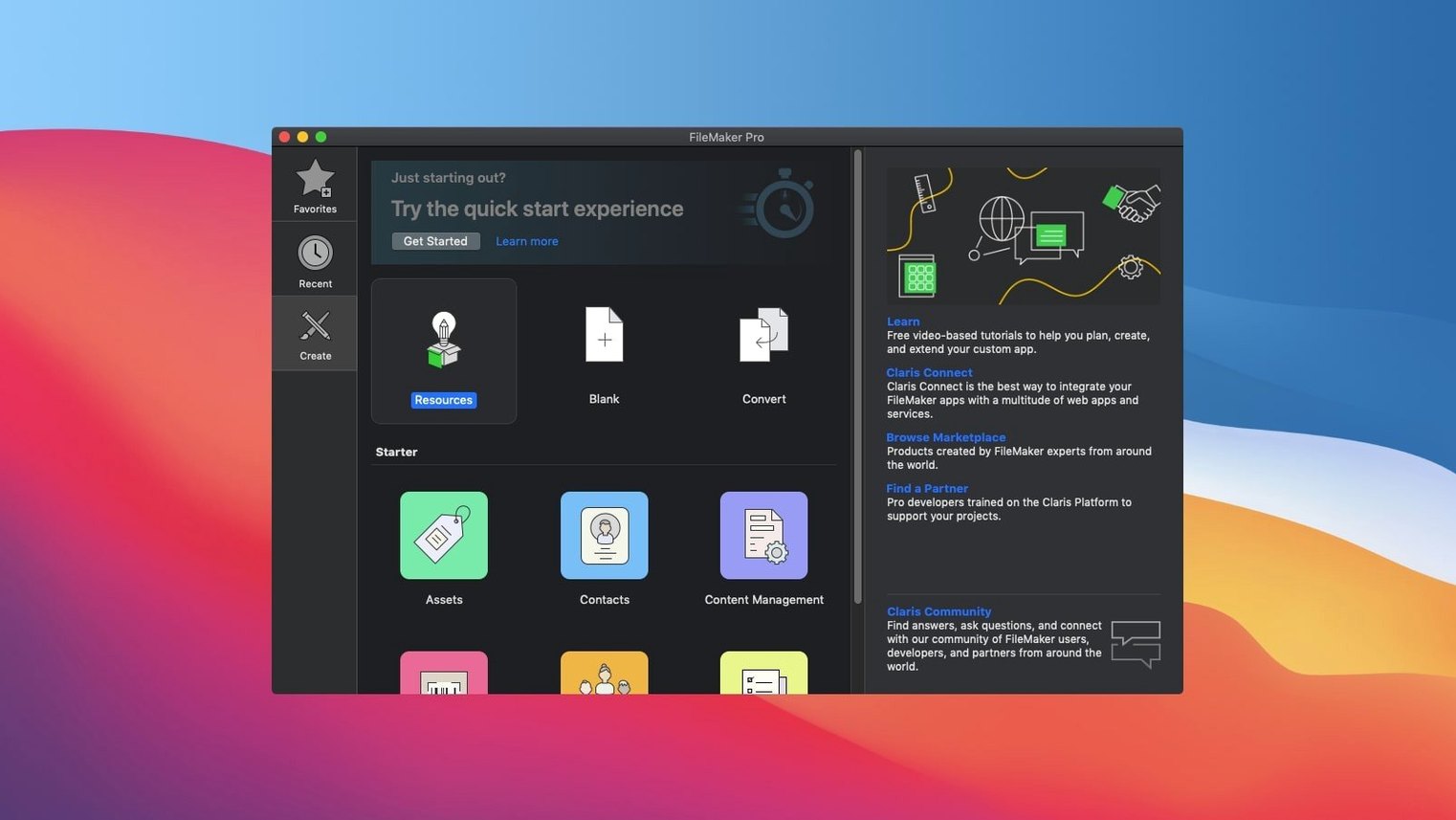
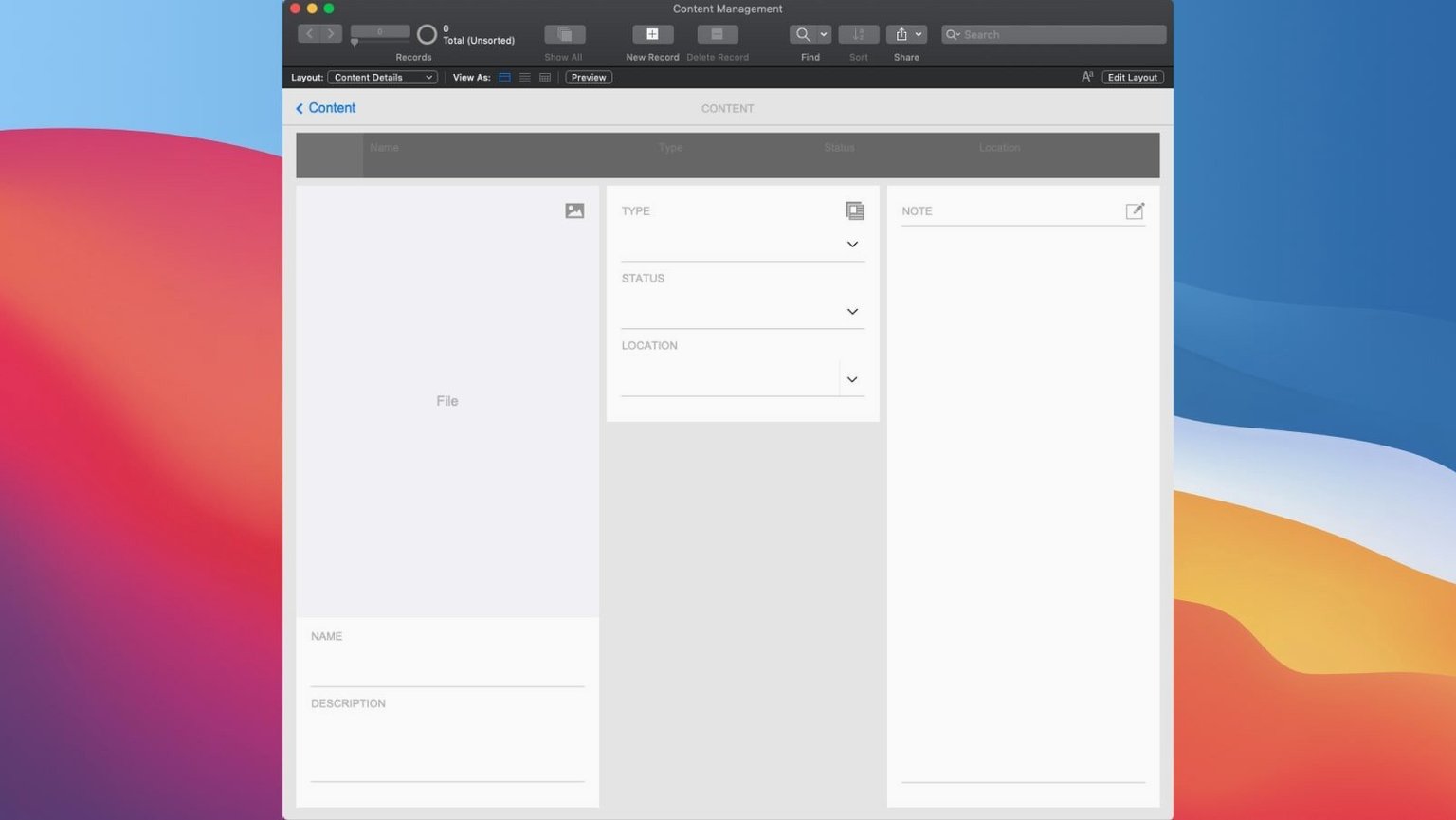
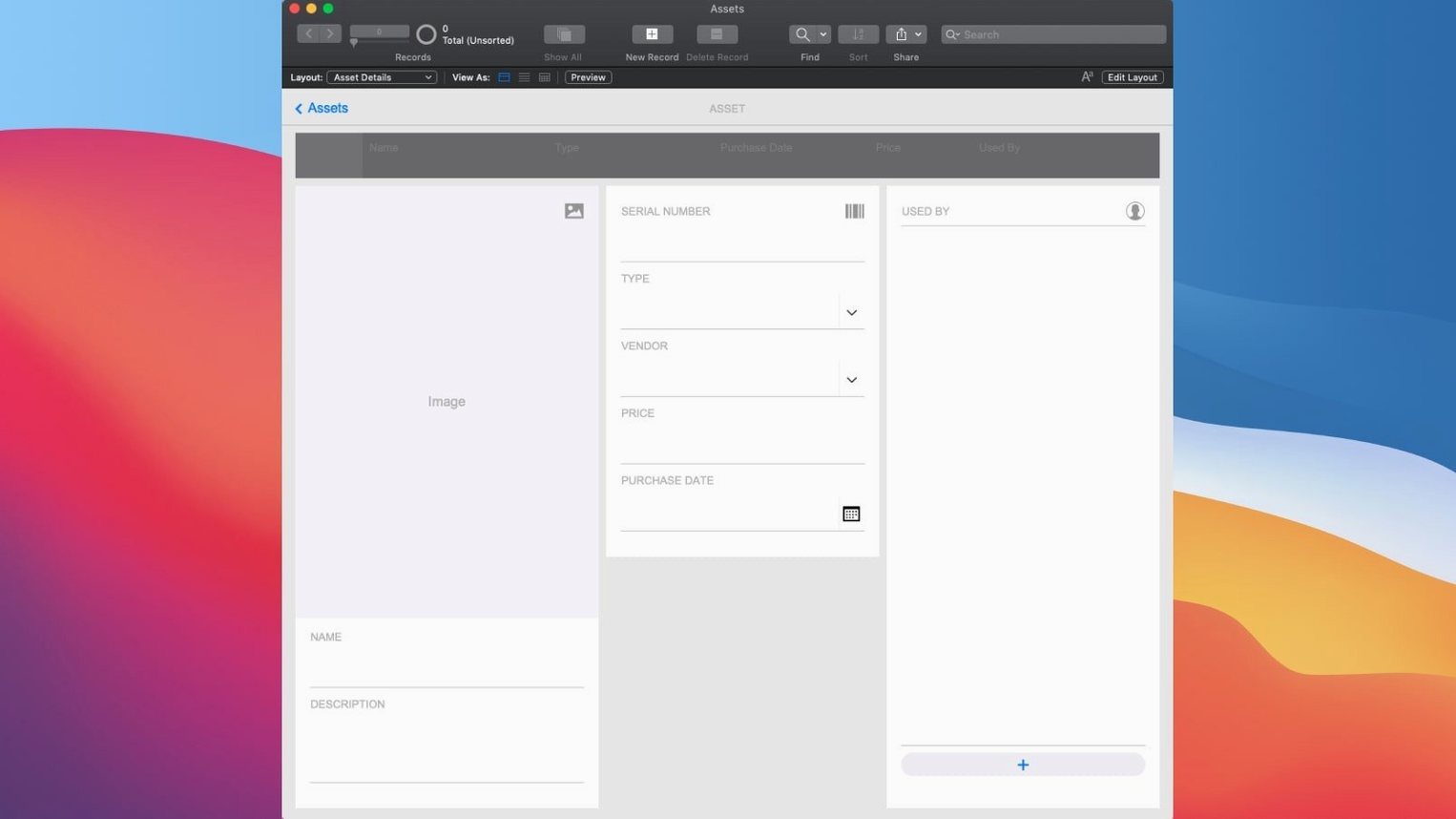
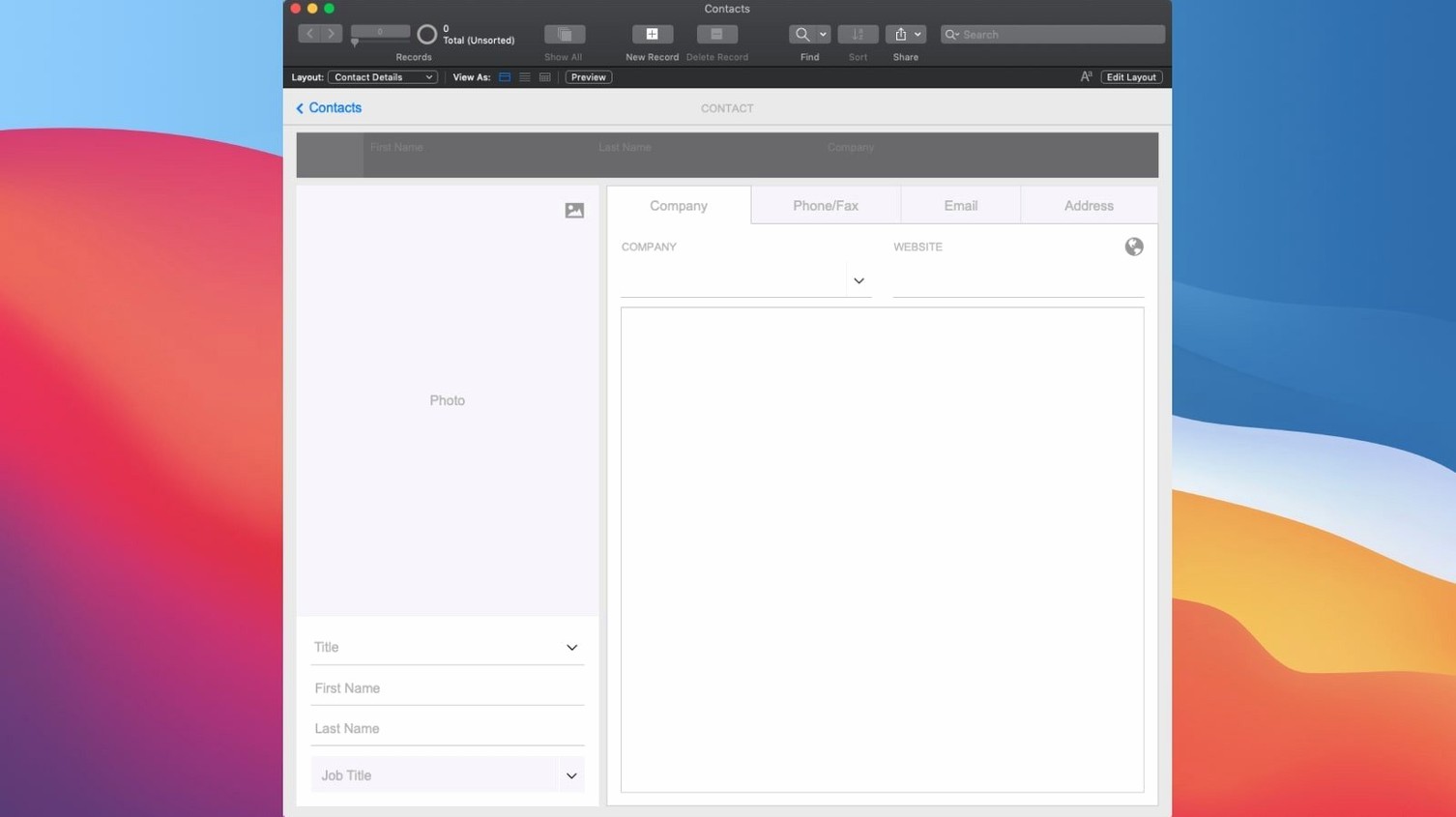
Spreadsheets trap data in rows. Off-the-shelf software forces your process into someone else's mould. FileMaker Pro 21 is a low-code platform for building apps that fit exactly how you work — CRM, project tracking, asset management, or a content library.
AI scripting arrives in the 21.0.1 update
| Fact | Detail |
|---|---|
| Developer | Claris International Inc. |
| Current version | 21.0.1 |
| macOS | 10.14 or later |
| Architecture | Intel and Apple Silicon |
Start with a template or a blank canvas. Drag fields, buttons and layouts into place. The 2024 release adds practical AI tools: a Configure AI Account script step, Insert Embedding for records, and Perform Semantic Find — letting users search by meaning, not just keywords.
Start from a prebuilt Contacts or Tasks solution
After opening FileMaker Pro 21, tick off these items. They make the first week smoother.
- Skip the blank canvas. Open the Starter Solutions folder. Pick the one closest to your workflow — Contact Management or Tasks. Customise from there instead of building from nothing.
- Test sharing early. Open your app on a second device. Spot connection issues before real data goes in.
- Create two layouts per table. One for data entry, one for reporting. Switch between them with a button. Saves rework later.
- Set field validation now. Add a “Required” check on key fields. Prevent blank records before the team fills a hundred of them.
- Bookmark the Script Workspace shortcut. cmd+shift+S. You will live there.
Do not touch the AI features on day one. Get the structure right first. Semantic Find works best when records are clean.
A 5,000-record CRM opens in under two seconds
On an M1 Mac with 16 GB RAM, FileMaker Pro 21 loads a 5,000-record CRM in under two seconds. Layout switching is instant. No beachballs during regular use — sorting, finding, switching between Table and Form views.
Script-heavy operations show predictable behaviour. A looping script across 10,000 records takes a few seconds; the app stays responsive. Memory usage sits around 300–500 MB for moderate databases. Large solution files with container fields push that higher, but nothing unusual for a database platform.
Stability over two weeks of daily use: one crash, tied to a third-party plug-in, not the core app. Auto-save recovery brought everything back. FileMaker Pro has always been steady, and 21 holds that line.
Cloud sharing adds slight latency when browsing hosted records — roughly half a second on a typical broadband connection. Local hosting feels immediate. If speed matters, keep the file on your Mac and share locally.
Five AI script steps that reshape daily data work
Version 21.0.1 added five AI script steps. They are not cosmetic. Each one changes how a daily user interacts with data.
- Configure AI Account — connect once to an AI provider from FileMaker's preferences. After that, every AI script step has a target.
- Insert Embedding — stores a vector representation of text or an image in a field. Useful for similarity searches later.
- Insert Embedding in Found Set — batch-process a found set instead of one record at a time. Cuts script loops down to a single step.
- Perform Semantic Find — type a natural phrase and get records that match the meaning, not the exact words. A search for “client unhappy with delivery” returns complaints across different wording.
- Set AI Call Logging — logs every AI request for debugging. Turn it on while building, turn it off in production.
The practical shift: you can now build a “Find similar” button. Click it on a support ticket, and FileMaker returns tickets that share the same underlying issue — without tagging or keyword matching. Setup takes about ten minutes once the AI account is configured.
For teams still running older versions — a FileMaker Pro 17 download won't give you these AI steps. Neither will a FileMaker torrent or a FileMaker Pro torrent from outdated builds, so check that you're getting the 2024 release to access semantic search natively. A FileMaker Mac torrent or FileMaker Pro Mac torrent without version 21 skips the entire AI toolset.
- Configure AI Account script step added
- Insert Embedding for individual records added
- Insert Embedding in Found Set added
- Perform Semantic Find added
- Set AI Call Logging added
- macOS 10.14 or later
- Intel or Apple Silicon Mac
Questions the team asks
Yes. FileMaker Pro ships with a set of custom app templates; you pick one and adjust the design with drag-and-drop tools.
Common uses include CRM, project management, content libraries and asset management, but the platform suits any custom business app.
It is a new AI feature that lets users find records by meaning rather than exact keyword matches, improving search in large datasets.









Comments 0
Sign in or create an account to add a comment.
No comments yet. They go up after moderation.