

FotoMagico — Mac download
Download (75 MB) Earlier builds
Ticked
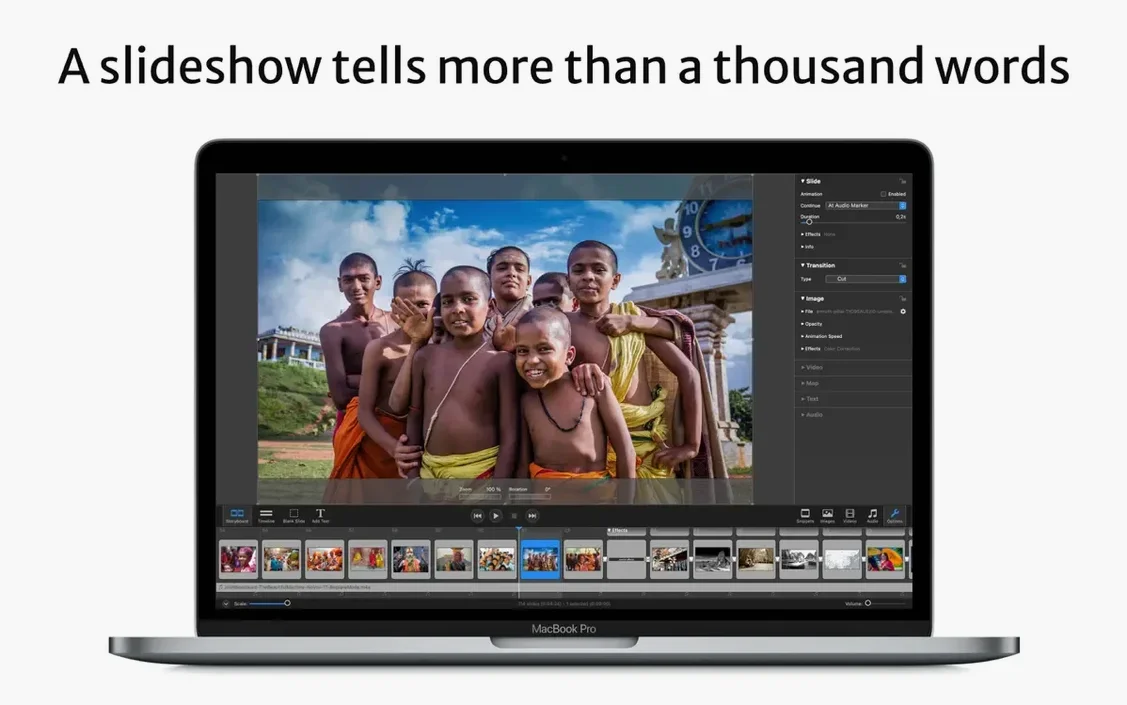
Wedding photographers, teachers, and marketing teams all reach for FotoMagico when a plain Keynote deck won't do. It builds slideshows that feel like short films, not bullet-point lists.
Build a narrative with story guides
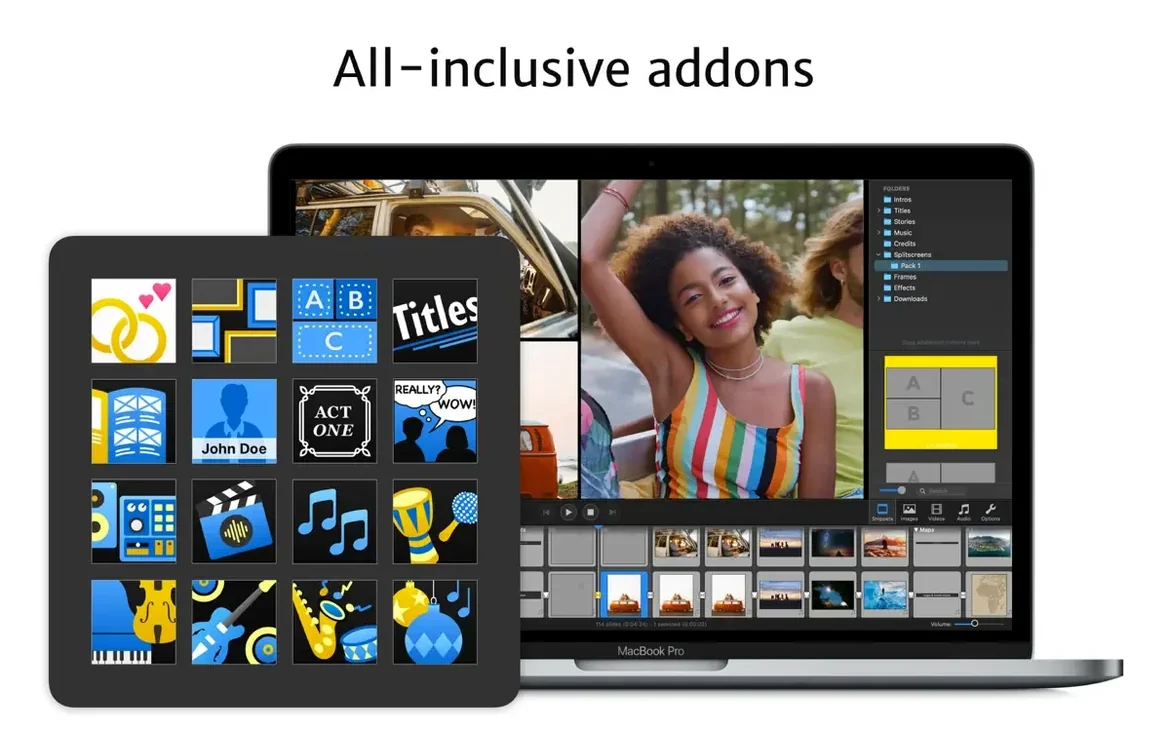
The addons for music, titles, and visual storytelling guides give you a skeleton to hang images on. Pick a guide, drop in your photos, and the pacing sorts itself out.
Polish every frame
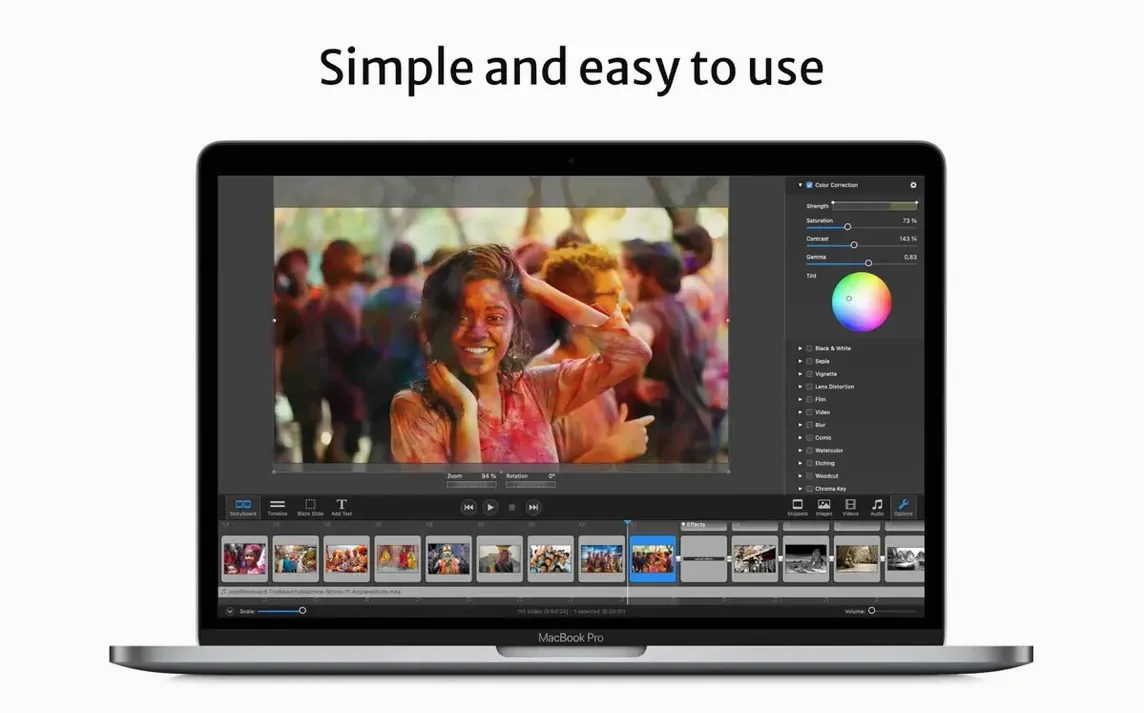
Resize, move, rotate, zoom, and combine images right on the canvas. Transitions between slides are built in, and presets for Instagram vertical stories mean you're not cropping blindly later.
Deliver on any screen
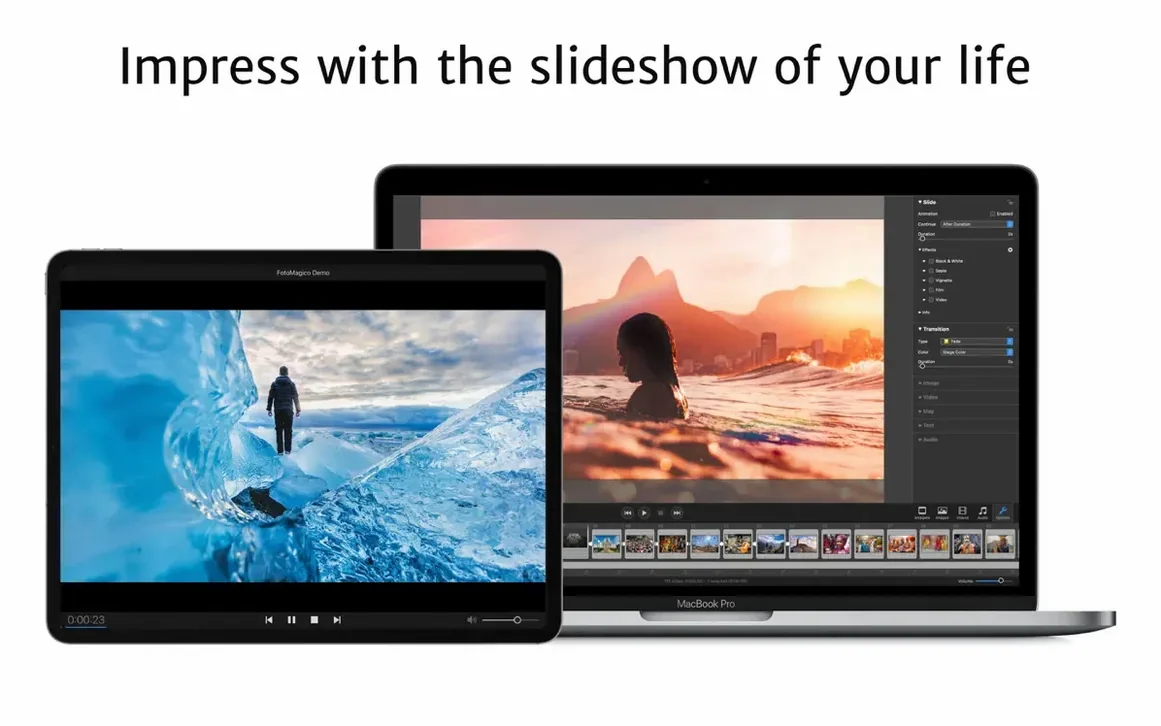
Export a standalone slideshow that runs on computers without the app. It handles large displays, HDTVs, and high-resolution screens without choking, and you can still burn to DVD via iDVD or Roxio Toast if the job calls for it.
First days with FotoMagico
A few habits stop you fighting the timeline later.
- Set the stage aspect ratio before you add a single image. Changing it mid-project repositions everything.
- Store the project on iCloud Drive from day one. Switching between Mac and iPad for quick edits saves hours on longer jobs.
- Test the standalone player export early. Check expiry limits and play counts on a second machine so there are no surprises at handover.
- Apply watermarks in a batch, not slide by slide. The setting is global, and forgetting it until export means re-rendering the whole thing.
Same-day slideshows ready before guests leave
Event photographers delivering same-day slideshows. The real-time playback engine shows full-resolution output instantly, so there is no render delay while guests wait.
Teachers and trainers reusing material. Standalone players with view limits let them share course slideshows that expire after a term.
Marketing teams pushing social content. The Instagram vertical presets remove guesswork from aspect ratios, and the separate player means a sales rep can present on any laptop without installing anything.
Casual home users who just want a photo carousel usually find the feature set overbuilt. The story guides and addon frameworks reward people who build slideshows to a brief, not a whim.
A story guide that spaces out peaks and quiet moments
You open the app on a Mac connected to an external 4K display. Stage resolution matches the screen automatically.
You drop thirty images into a story guide template. The guide already spaces out peaks and quiet sections, so you spend ten minutes nudging crop positions rather than building structure.
A text caption is added to the opening slide. You pull in a licensed music track from the addon library, trim it to fit the slide count, and duck audio under the final three frames.
Before export you tick the watermark option and set the standalone player to expire after seven days. The app writes a single file you email to the client. They open it on a conference-room PC, no FotoMagico installed, and the slideshow runs at native resolution.
Later the same project opens on the iPad via iCloud Drive. You swap two images and push the updated file back to the Mac for final archive as a screensaver export, ready for the office display loop.
Version 6.11.0 is out. Check the developer's site for the full release notes and list of changes.
- macOS 14 or later
- Apple Silicon or Intel 64-bit
Questions the team asks
It requires an Apple Silicon or 64-bit Intel Mac running macOS 14 Sonoma or newer. Older systems from Catalina through Ventura are no longer supported.
Yes. You can export slideshows as standalone files that play on Macs and PCs that don't have FotoMagico installed.









Comments 0
Sign in or create an account to add a comment.
No comments yet. They go up after moderation.