

FxFactory Pro — Mac download
Download (68 MB) Earlier builds
Ticked
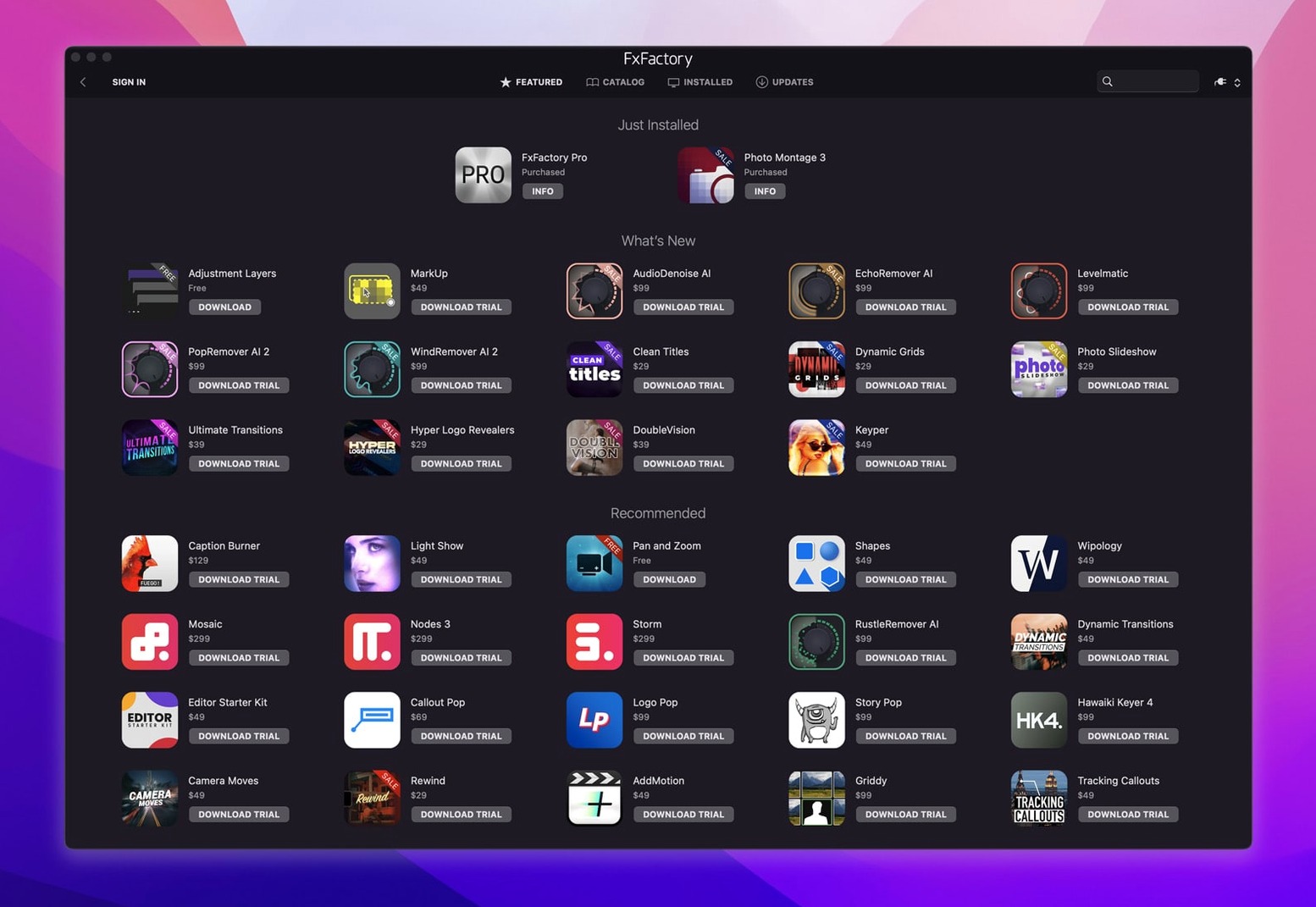
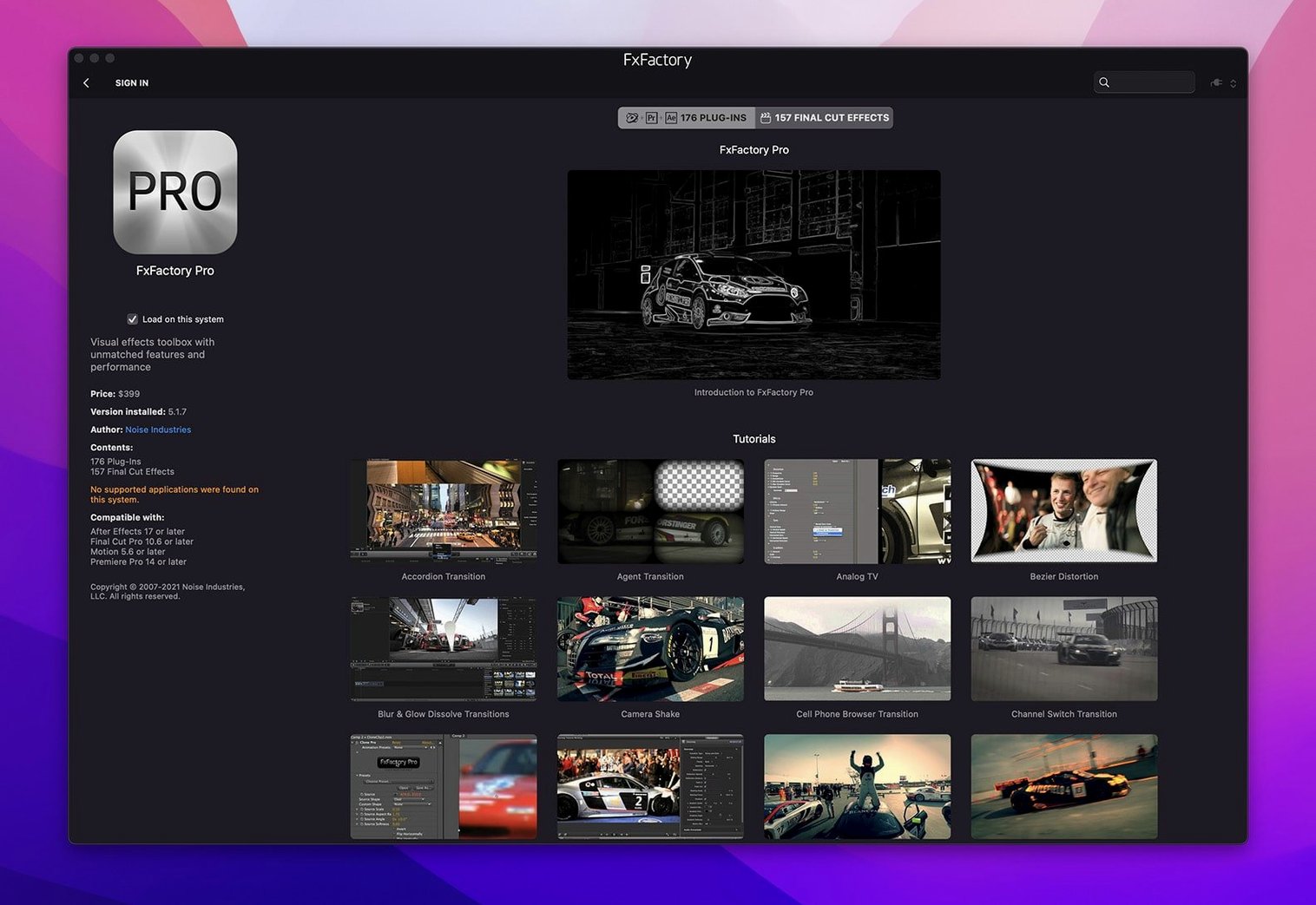
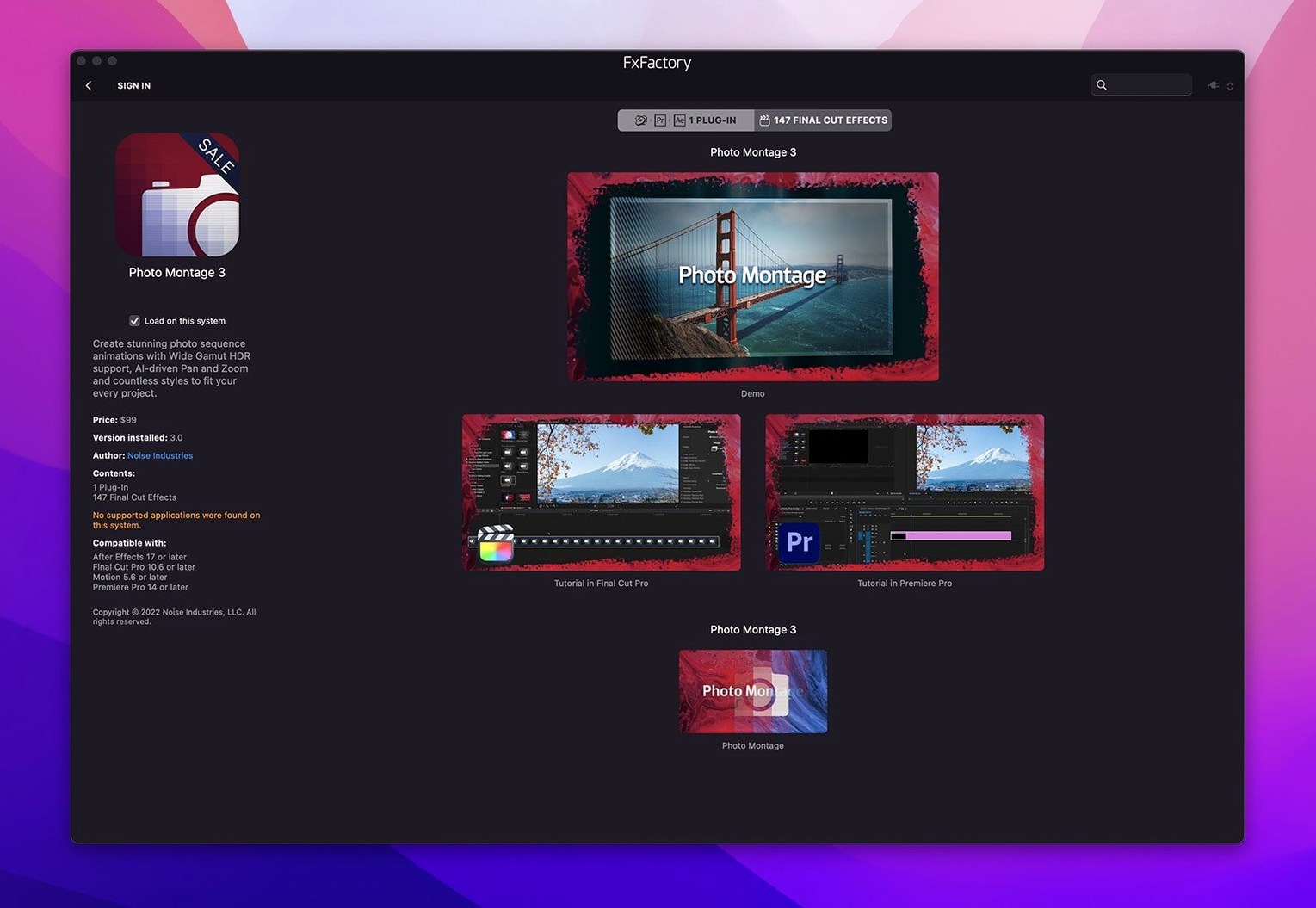
ToneGrade isn't a single plug-in. It's a look library inside the FxFactory management environment. Drop it onto a clip and the built-in interface connects the effect to your render pipeline. All the Pro Pack filters here process in 16‑bit or 32‑bit float, so banding stays off gradients even after a heavy grade.
Host support is broad. Final Cut Pro, Motion, Premiere Pro and After Effects are all first-class citizens. FxFactory 9 runs native on Apple Silicon and Intel — one installer covers both architectures. The manager sits in the menu bar, keeps your library tidy, and hands effects straight to the host without you ever leaving the timeline.
On the audio side, the package includes a handful of waveform‑based generators and spectrum‑aware displacement tools. Nothing replaces a dedicated DAW, but for quick sound‑reactive motion graphics they slot in without round‑trips. Everything previews in the FxFactory browser before you commit it to the edit.
Common snags, sorted
Plug-in doesn't show in the host. Open FxFactory from the menu bar, click the gear icon, and run Check for Updates. Then restart the host. If it still won't appear, go to the host's effect browser and search the plug-in name — sometimes it lands under an unexpected category (FCP often drops generators under "Effects" rather than "Generators").
Watermark on a paid plug-in you own. The activation token occasionally detaches after a macOS point update. Open FxFactory, click the plug-in tile, and re-apply the registration from the Manage Registration panel. No reinstall needed.
Preview lag in the FxFactory browser. The browser renders thumbnails at full resolution by default. Click the preview window and switch playback quality to Quarter. That keeps the browser snappy while you audition looks.
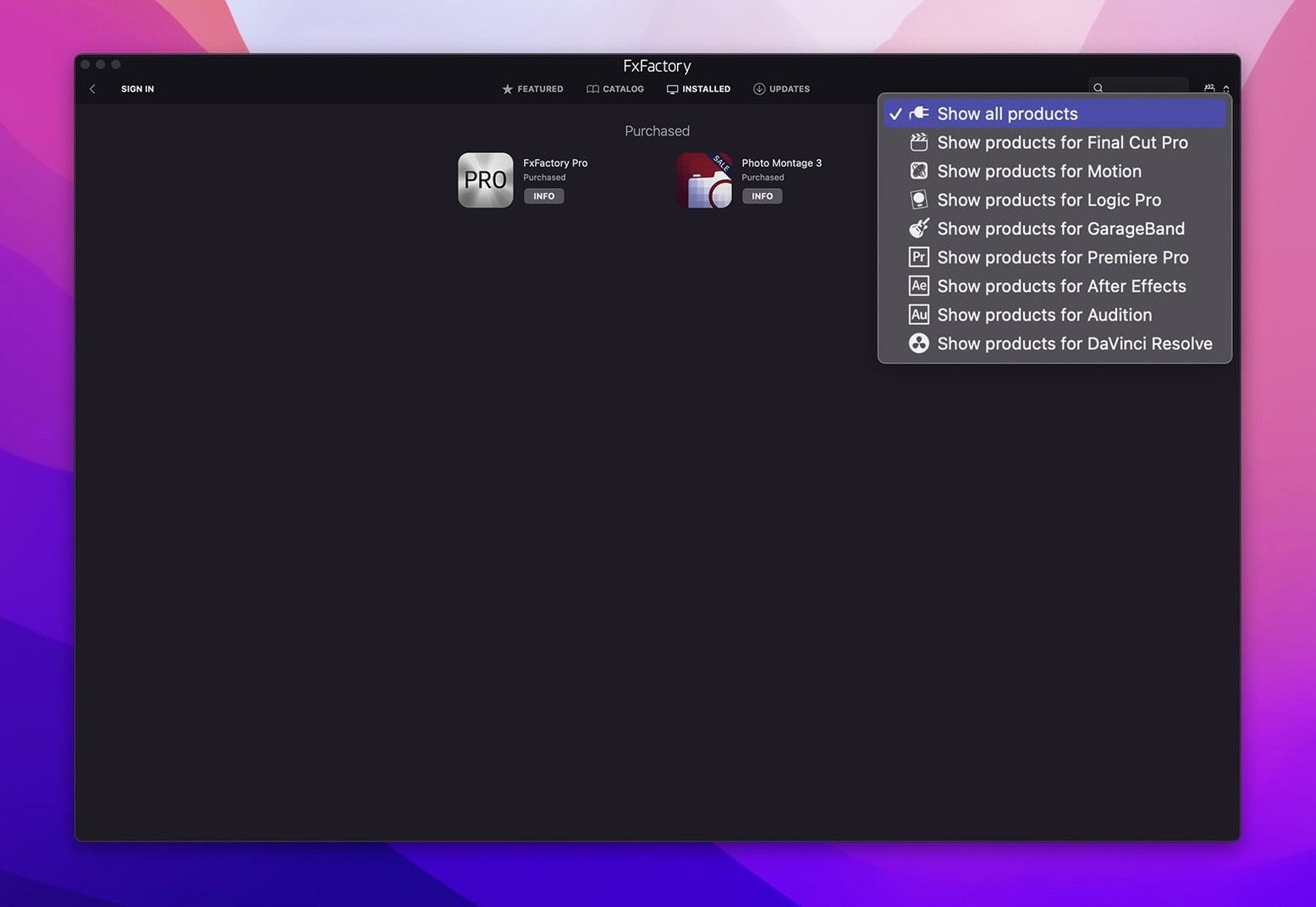
DaVinci Resolve sees only some plug‑ins. Resolve uses OFX, not FxPlug. Not every effect in the catalogue ships with an OFX variant. In the FxFactory app, filter the Host column to DaVinci Resolve — that shows exactly what's available.
Flickering on M‑series Macs with heavy stacks. A few GPU‑accelerated filters in the fxfactory 9 library prefer Metal performance mode. In Premiere, switch the renderer to Metal rather than OpenCL. In FCP, toggle Better Performance in the viewer if you're stacking more than four effects.
From flat drone footage to a custom grade in one browser session
It's Tuesday afternoon. The timeline holds a drone shot of the Avon Gorge — flat light, a bit of haze. You want punch without the teal‑and‑orange cliché.
Step 1. You click the FxFactory menu bar icon and the browser slides out. No need to pause playback in Final Cut. You type contrast in the search field and three results appear, each with a live thumbnail of your parked frame.
Step 2. You drag ToneGrade onto the clip. The inspector opens inside FCP — FxFactory hands off the parameters and steps out of the way. You pull the Density slider left until the shadows lift, then nudge Colour Bias a few points toward warm.
Step 3. A second drone clip needs something else entirely. You open the browser again, audition Day for Night from the Looks pack, and apply it to a three‑clip stack. The render bar blinks once; the Pro Pack's float pipeline handles the composite without banding in the sky.
Step 4. You save the custom ToneGrade settings as a preset — right‑click the effect name in the inspector, choose Save Effect Preset. It joins your FxFactory library under a Custom folder. Next project, it's one drag away.
Step 5. Export. You don't touch the FxFactory manager again. It sits quietly in the background, serving the same plug‑ins to Motion when you switch over to tweak a title animation.
Middle‑click a tile for instant documentation
- Middle‑click a plug‑in tile in the browser to open its documentation PDF. No hunting through folders.
- Option‑drag an effect onto a clip applies it without opening the inspector — useful when you're batch‑applying the same look to a dozen selects.
- Cmd‑scroll over a slider in any FxFactory parameter panel jumps values in tenths instead of whole units.
- Right‑click the menu bar icon and choose Hide Dock Icon to keep the manager out of your app switcher. It still handles all plug‑in routing.
- The "Recently Used" row at the top of the browser updates per host. Effects you grab in Premiere don't clutter the list when you're in Motion.
- Favourites star. Hover a tile, click the star, and it pins to a separate Favourites tab that syncs across hosts. A small thing that saves scrolling through 200+ entries.
Solo editors who grade, fix and deliver without leaving the timeline
Solo editors working fast. When you're cutting, grading and delivering alone, round‑tripping to a dedicated compositor kills momentum. FxFactory Pro sits inside your NLE, so you stay in one app. The free effects in the catalogue cover about 80% of bread‑and‑butter tasks — blurs, glows, letterboxing, basic colour shifts — without touching a separate package.
Motion graphics artists who build templates. The FxPlug framework lets you nest FxFactory effects inside Motion templates. Build a lower‑third with a noise‑driven background, save it as a Final Cut title, and the client never knows there's a plug‑in underneath. The 32‑bit float pipeline means those templates don't fall apart when someone else pushes the sliders too far.
Shops with mixed hardware. One installer, two architectures. An Intel iMac in the edit suite and an M2 MacBook Pro on location both run the same plug‑in versions. The manager handles licensing per machine — no dongle, no licence server to maintain.
People who tinker with FxFactory Pro crack workflows for testing. Some editors grab a FxFactory torrent to trial the full Pro Pack before committing to a build. The environment itself doesn't gatekeep — it runs free products without registration, so you can map out a whole effects chain with the included tools and only decide on commercial plug‑ins once the look is locked. A FxFactory Pro crack Mac setup, when used for evaluation, suits post houses that need to validate render consistency across multiple hosts before rolling out a standardised toolkit.
- Unified installer for Apple Silicon and Intel processors, managed through the FxFactory application
- Visual effects package updated for current host compatibility
- macOS 12.6 or later
- Apple Silicon or Intel 64‑bit processor









Comments 0
Sign in or create an account to add a comment.
No comments yet. They go up after moderation.