
GoLand — Mac download
Ticked
Is GoLand just IntelliJ with a Go plugin?
Not quite. It’s built on the IntelliJ Platform, so the editor core feels familiar, but GoLand ships with Go-specific smarts out of the box — code completion, refactorings, and a dedicated debugger tuned for Go, not just a generic language plugin layered on top.
Does it handle more than Go?
Yes. JavaScript, TypeScript, Node.js, SQL, databases, Docker, Kubernetes, and Terraform are all supported. You’re not switching windows when a project mixes a Go backend with a React frontend.
Can I trust the refactorings?
The refactorings are safe — rename symbols, extract interfaces, or change signatures and the IDE updates every reference across the project. The 2026.2 release also adds a struct field alignment quickfix.
What debugging tools are included?
A typical GoLand session, step by step
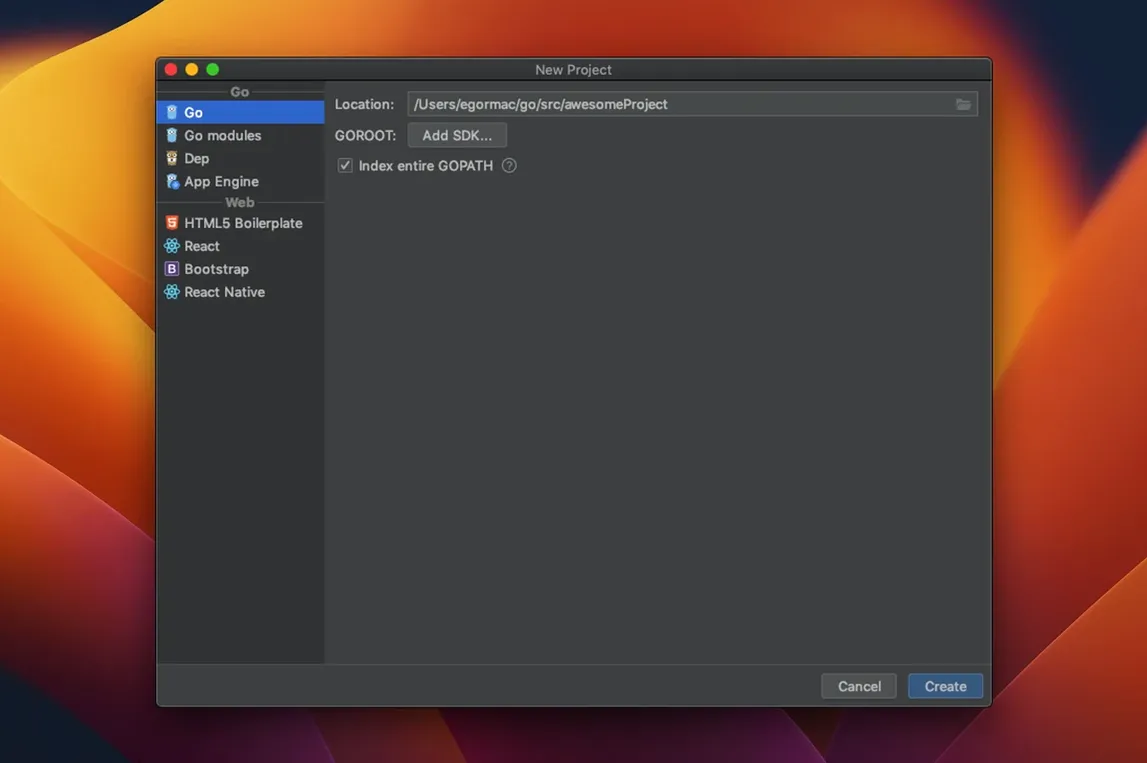
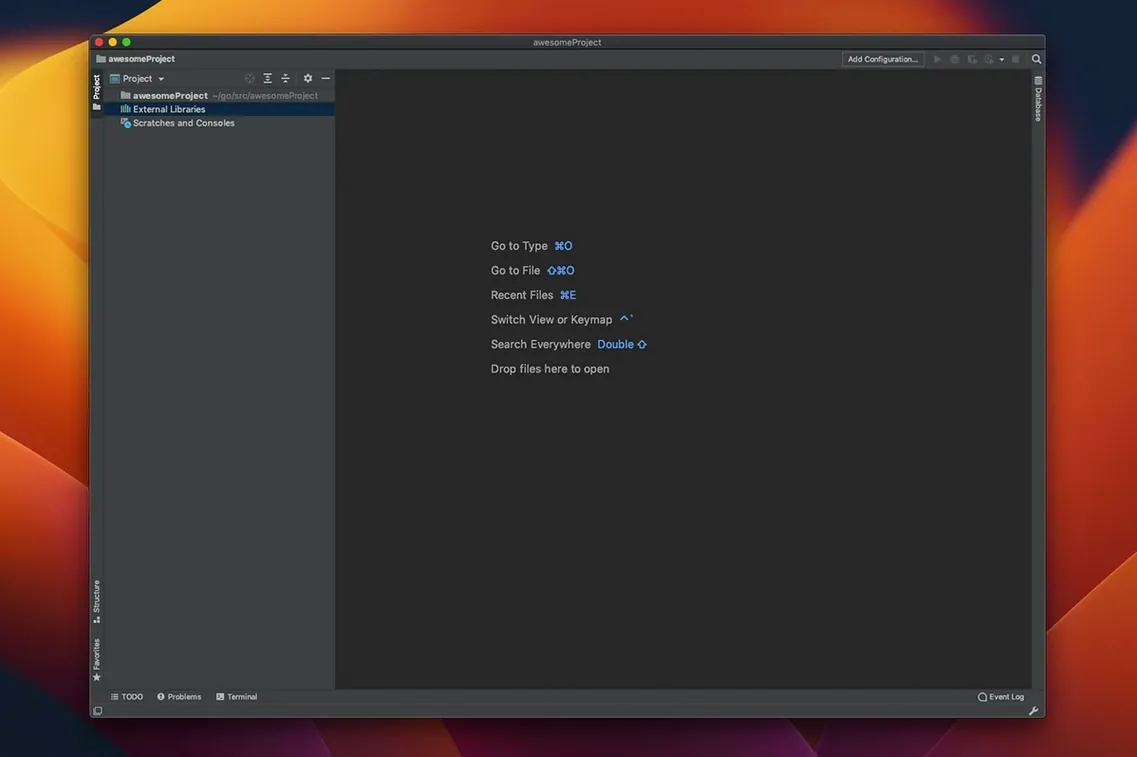
- Open a Go project. The IDE indexes the codebase in a few seconds, then the editor settles.
- Start typing a function call. Smart completion pops up with the most relevant suggestions first — not just an alphabetical list of everything in scope.
- Notice a grey underline on a struct literal. Hover over it. GoLand shows the compiler’s escape analysis result inline, flagging a value that unexpectedly escapes to the heap.
- Hit
Ctrl+Tto extract an interface from the struct. The refactoring dialog lists all exported methods. Select the three you need, confirm, and every reference updates. - Spot a long string concatenation across several lines. Press
Alt+Enter, choose Join string literals, and the fragment collapses into a single backtick-quoted raw string. - Set a breakpoint on a goroutine, launch the debugger, and step through. The goroutine leak profiler sits in the debug panel — no separate tool to install.
- Commit with
Cmd+K. The built-in Git tool shows a clean diff. Write a message, commit, and push, all without leaving the editor.
Align structs with one Alt+Enter
- Two quick-fixes for alignment. The struct field alignment quickfix reorders fields to reduce padding. A second
Alt+Enteroption aligns fields by name for readability. Both appear in the same menu. - Inline documentation on hover. Hover any symbol and a popup shows the full doc comment. No need to open a browser tab for
pkg.go.dev. - Navigation shortcuts.
Cmd+Ujumps to a method’s super definition.Cmd+Option+Blists all implementations of an interface — useful when tracing through a codebase you didn’t write. - Test runner in the gutter. Every test function gets a green arrow in the left margin. Click it to run a single test, or use
Ctrl+Shift+Rto re-run the last test suite. Coverage highlights appear directly in the editor. - Plugin ecosystem. Over a thousand plugins are available. The Terraform and Docker integrations work without extra configuration — GoLand detects
.tffiles andDockerfiles automatically. - JetBrains Runtime bundled. No separate JDK installation needed. The IDE ships with its own runtime, so a clean macOS 11 machine is ready after a single
goland for mac free download.
A built-in debugger covers breakpoints, watches, and goroutine inspection. Version 2026.2.3 shows compiler escape analysis results inline and supports Go 1.26’s experimental goroutine leak profiler.
- Join string literals intention added
- Struct field alignment quickfix
- Compiler escape analysis results shown inline
- Support for Go 1.26 experimental goroutine leak profiler
- macOS 11 or later
- Apple Silicon or Intel (64-bit)
- JetBrains Runtime bundled






Comments 0
Sign in or create an account to add a comment.
No comments yet. They go up after moderation.