

Final Cut Pro — Mac download
Download (6.2 GB) Earlier builds
Ticked
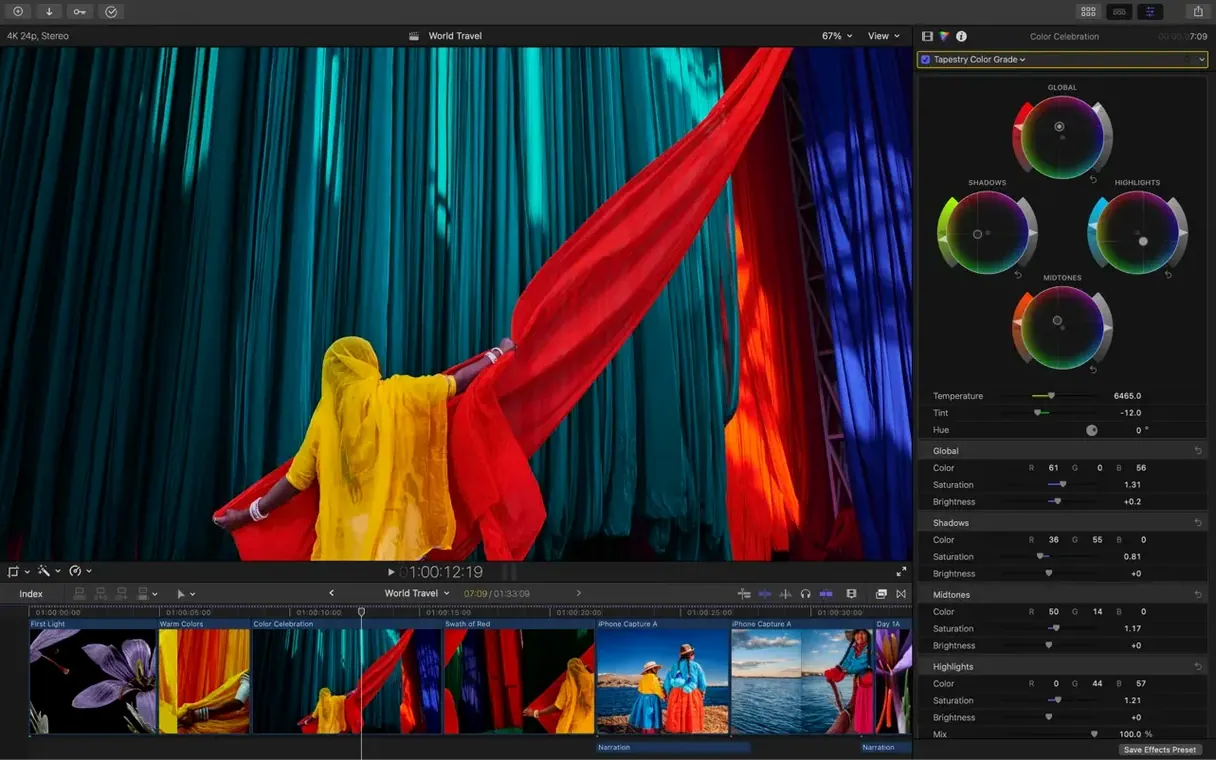
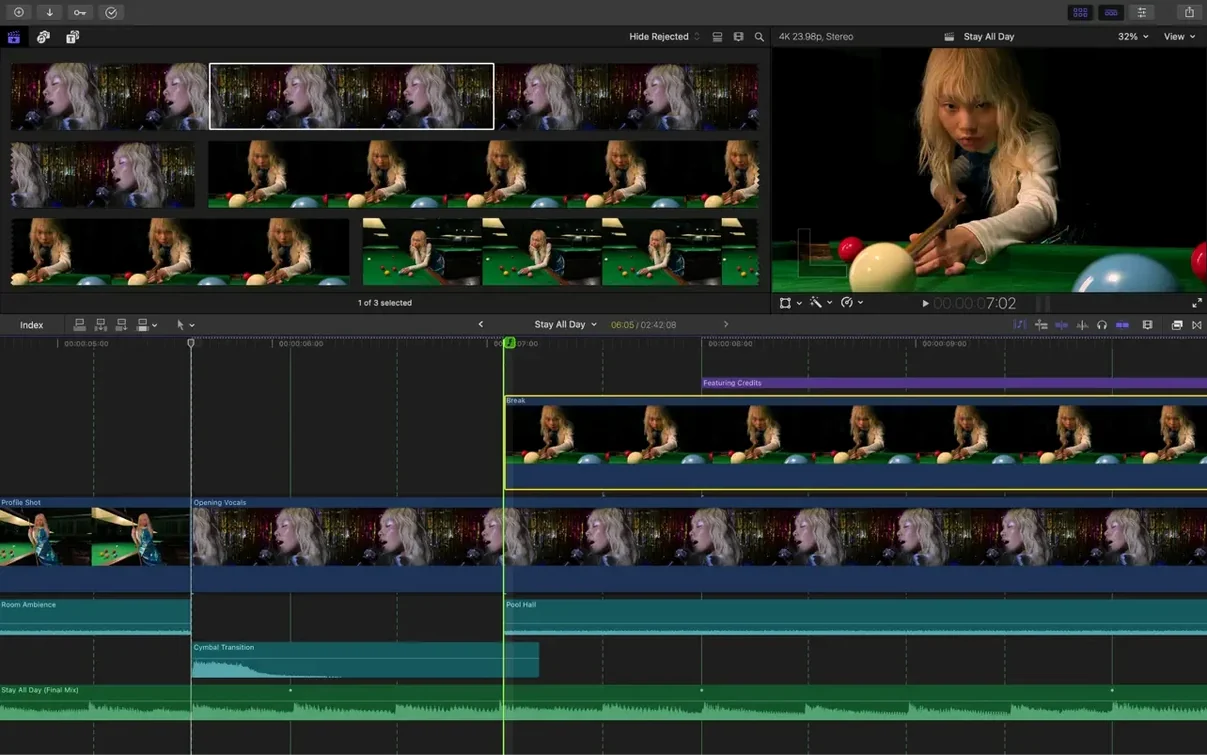
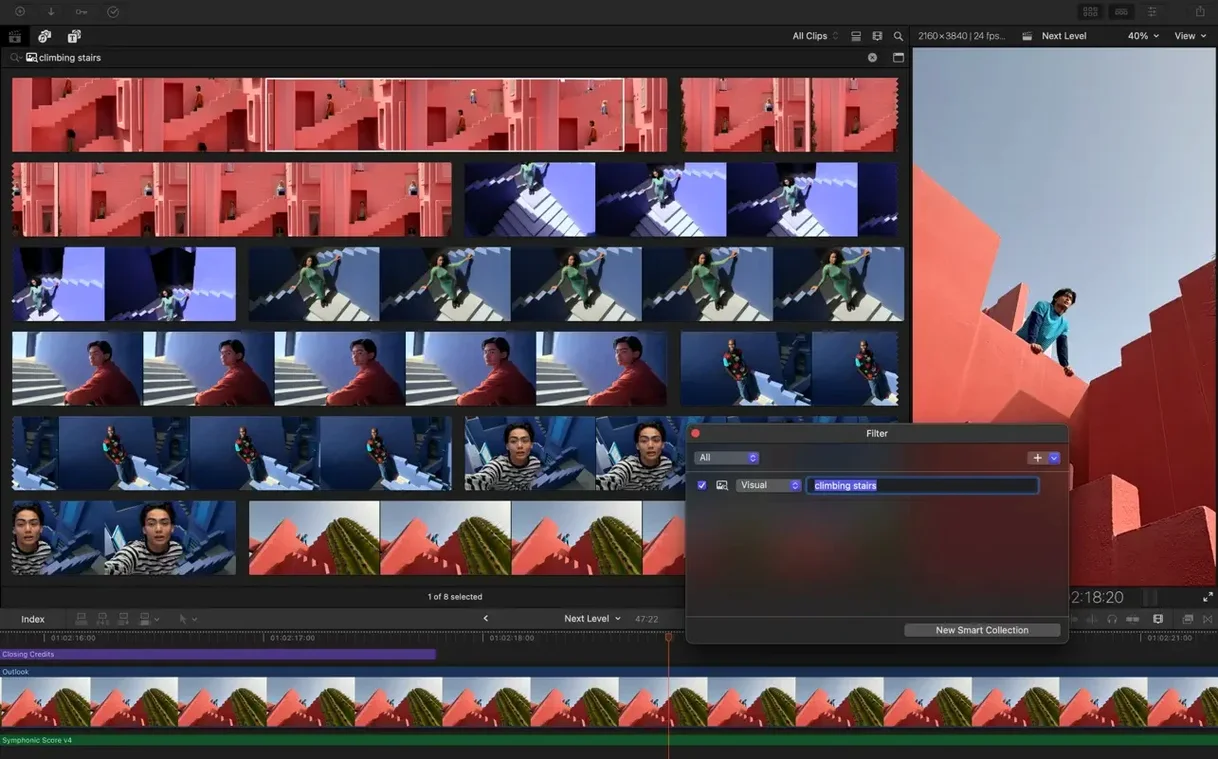
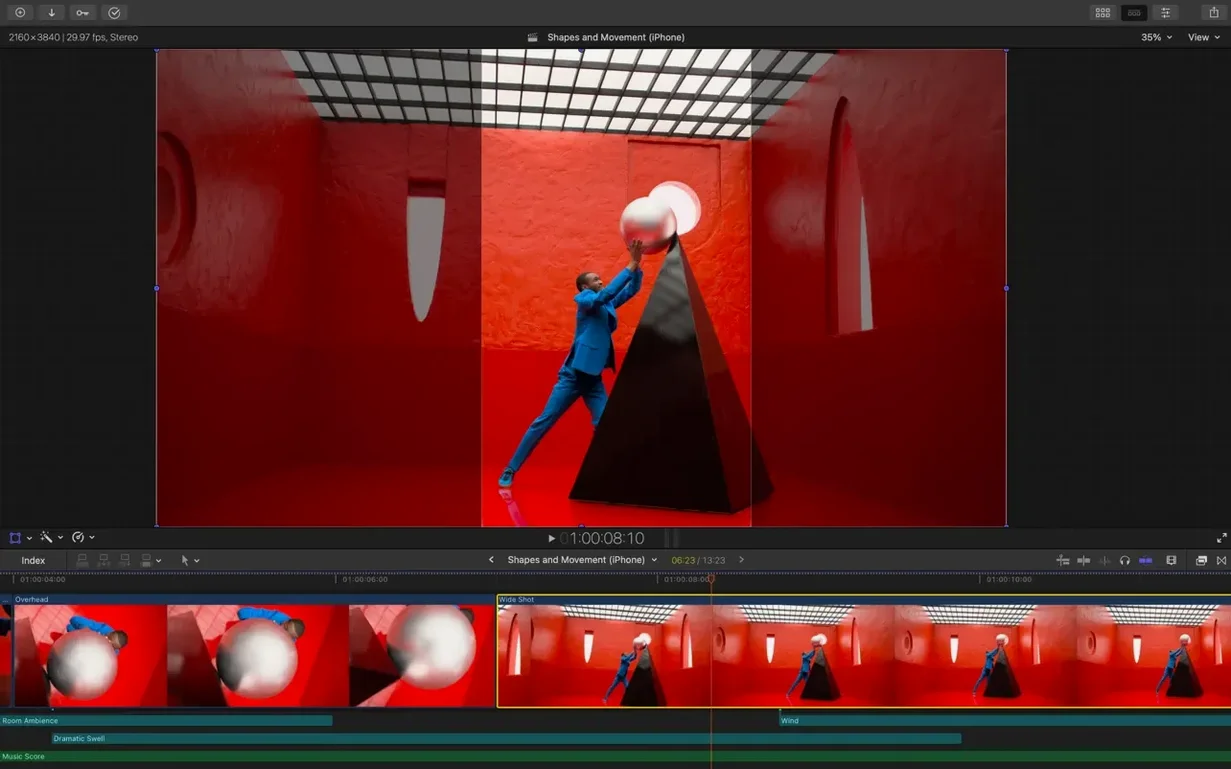
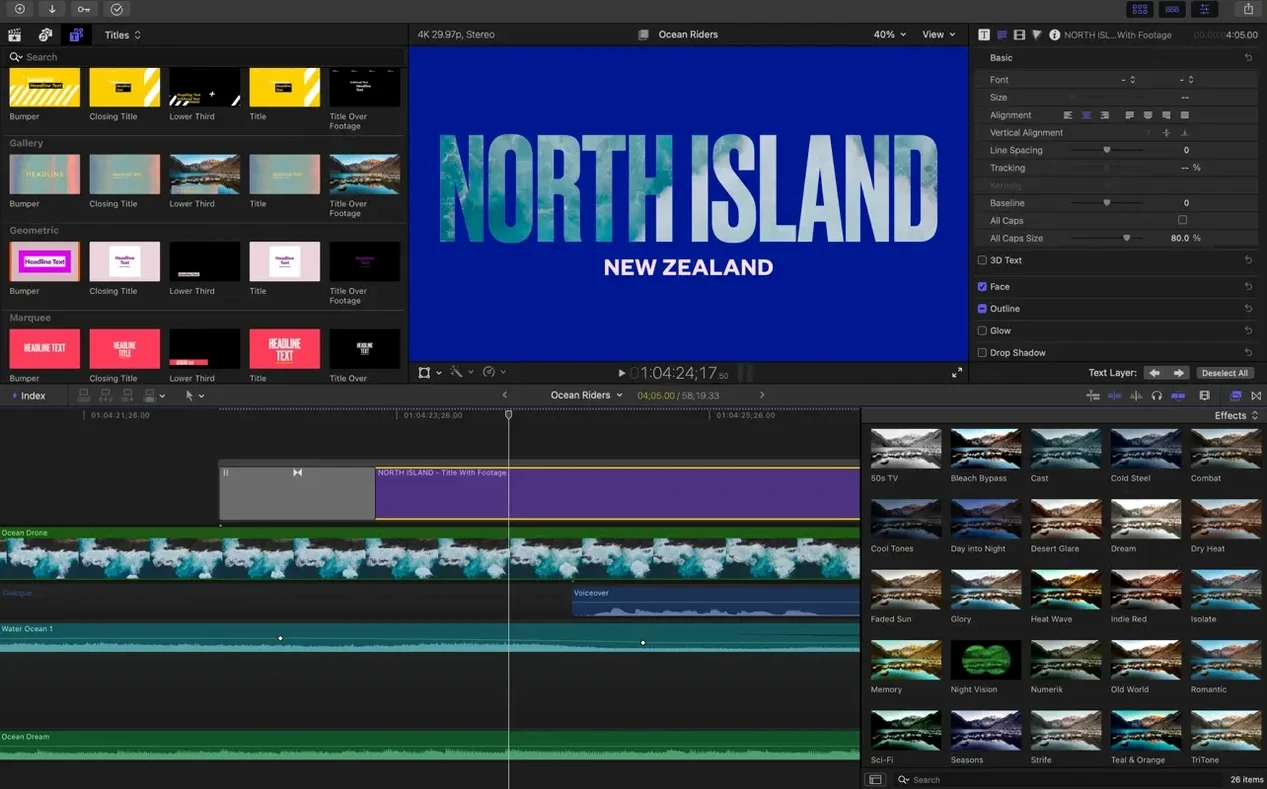
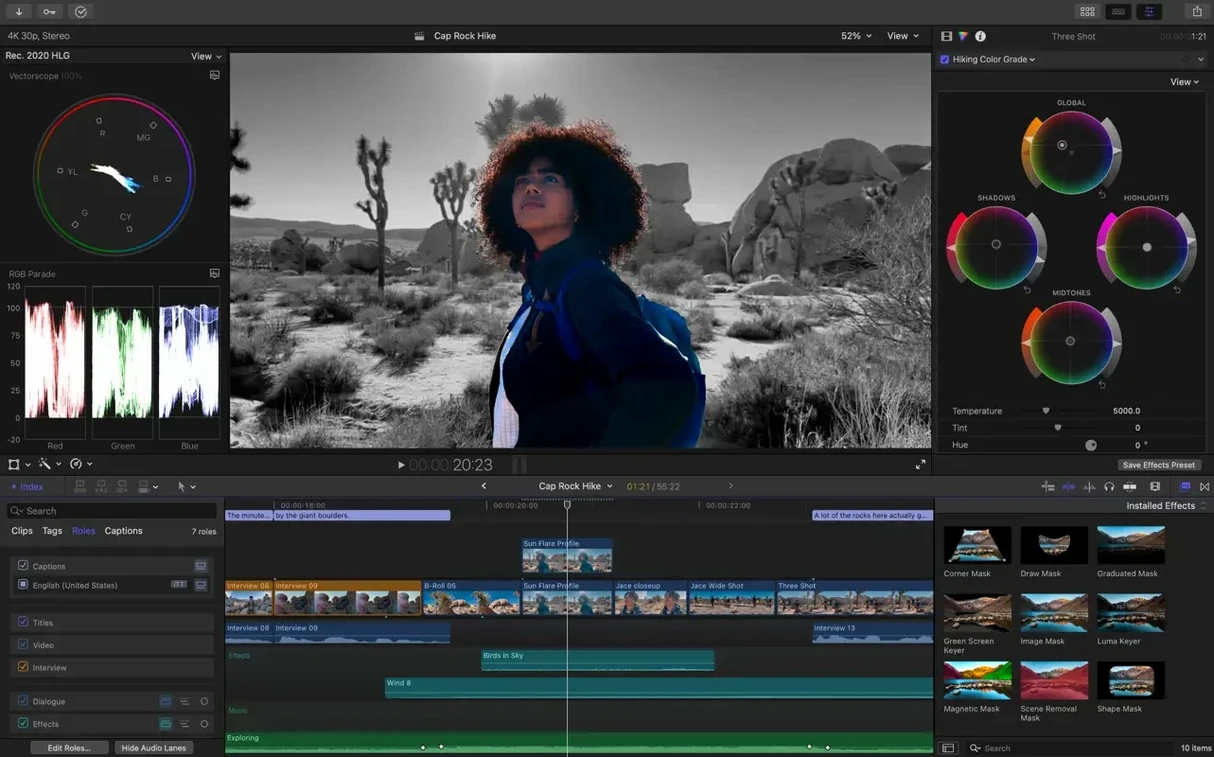
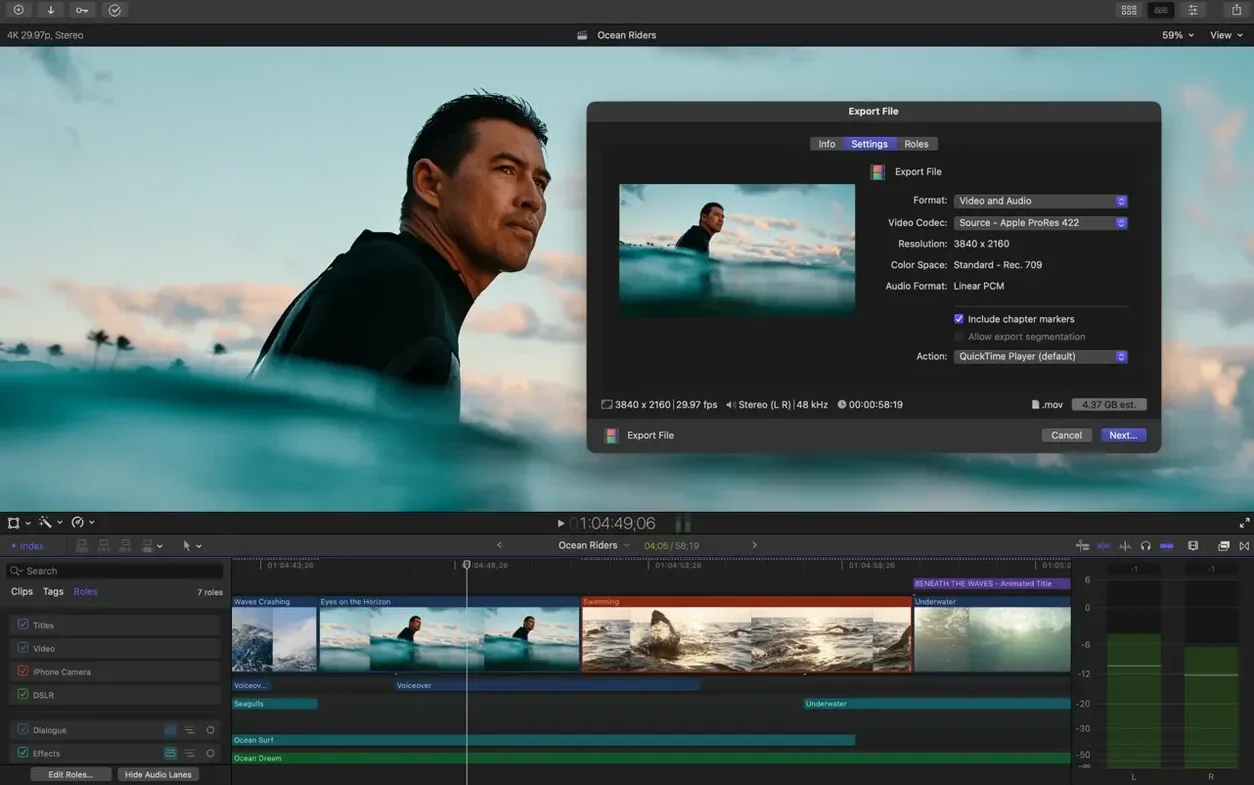
Editors who cut all day, assistants wrangling terabytes of rushes, and anyone building a timeline from a mess of formats and frame rates. Final Cut Pro works the way a Mac user expects — libraries on the drive, proxies on demand, and a magnetic timeline that moves clips out of the way instead of waiting for you to ripple them yourself.
FxPlug, Motion and Compressor under one roof
- Lives next to Motion and Compressor in Apple Creator Studio — titles, effects, and batch export, all with the same interface logic.
- Uses FxPlug extensions from third-party developers. Colour graders, noise reducers, and tracker plug-ins slot straight into the effects browser.
- Reads libraries created by other editors. Custom keywords and smart collections travel with the library file, so an assistant can tag a range and an editor sees it immediately.
What you hand off at the end
Export presets cover Vimeo and YouTube without guesswork. Colour tools handle Rec. 2020 and HLG for HDR delivery. What leaves the timeline is what arrives on the screen — no extra round-tripping just to get the levels right.
Subtitles built into the timeline muscle memory
12.3 landed mid-2026 and the new tools slot straight into a working editor's muscle memory. Nothing got moved around; features appeared where you would expect them.
- Generate Captions means subtitles are no longer a separate app or a plug-in purchase. Appearance controls — font, background, position — live in the inspector. Editors on social-first teams run this on every export and stop sending SRTs back for tweaks.
- Auto Mask isolates a person or object with a rough selection and the machine tightens it across the shot. Colourists lifting a face out of a flat backlit scene do it without rotoscoping frame by frame.
- Match Color pulls a grade from one clip and applies it across a multicam sequence. Two cameras, one in shade and one in sun, line up in a few clicks instead of a dedicated grading session.
- Edit Detection picks apart a rendered flat file into cuts. When a client sends a finished MP4 instead of the project, you get editable clips back — no manual blade tool work.
One morning on a branded series
A post supervisor opens a library dropped by an assistant the night before. Forty-two interviews, three cameras each. Keywords already applied to question ranges — "budget talk," "personal story," "b-roll needed." Smart Collections populate immediately.
She skims the multicam angle viewer, taps to switch, and the magnetic timeline keeps everything connected. A graphic file changes and the connected title updates across all instances. Auto Mask lifts the interviewee's face for a slight exposure bump while Match Color pulls the two locked-off cameras into the same look. Generate Captions builds a clean subtitle track from the final cut.
XML export sends the audio stems to the mixer without a conform conversation. Three hours from opening the library to a locked picture with captions.
Magnetic timeline versus track-based battles
DaVinci Resolve
Resolve puts colour grading first and editing second. Its free version is generous, but the interface treats the cut page and the colour page as separate worlds. Final Cut Pro keeps everything in one window — the inspector handles colour alongside transform and audio. For editors who finish their own grades, Resolve goes deeper. For editors who need to cut fast and hand off, Final Cut Pro stays out of the way.
Premiere Pro
Premiere matches Final Cut Pro on format support and team workflows, but the timeline is track-based. Every clip sits on a layer and collisions are yours to fix. The magnetic timeline in Final Cut Pro removes that class of error entirely — no accidental overwrites, no sync slipping when you shorten a clip. Premiere wins on After Effects integration; Final Cut Pro wins on assembly speed.
CapCut
CapCut is simpler, built for vertical video and templates. A TikTok creator cutting one angle with trending transitions is faster in CapCut. Anyone cutting ten angles, syncing external audio, and delivering in Rec. 2020 stays in Final Cut Pro. CapCut replaces the first hour of learning; Final Cut Pro replaces the ceiling.
One editor running ingest through captions alone
- Solo editors cutting daily. Libraries, proxies, and the magnetic timeline remove the busywork between logging and export. One person doing everything — ingest, cut, colour, sound, captions — does it all inside the same window.
- Teams sharing libraries. Custom keywords and smart collections travel with the library file. An assistant prepares media, an editor assembles, a finishing artist refines — same library, no translation step.
- Multi-format productions. ProRes, RED, XAVC, and H.264 clips coexist on the same timeline without transcoding. Proxy creation runs in the background, so a MacBook Pro edits 8K without external drives.
- Editors delivering HDR and SDR from the same timeline. Rec. 2020 and HLG tools mean one cut produces both versions. No conform, no extra project file.
Editors who need deep compositing still open Motion. Those who need collaborative colour grading still send XML to Resolve. For everything between ingest and a finished master, Final Cut Pro keeps the tool count low and the timeline tidy.
Version 12.4 CS has landed. Full release notes are up on Apple's support page.
- macOS 15.6 or later
- Apple Silicon or Intel 64-bit
Questions the team asks
Yes, it runs on both Intel and Apple silicon. An Intel Mac needs a Metal-capable graphics card, and some features require an Apple silicon Mac.
A bundle that includes Final Cut Pro, Motion for motion graphics, and Compressor for custom encoding.
Up to 64 camera angles with automatic synchronisation using audio waveforms or timecode.









Comments 0
Sign in or create an account to add a comment.
No comments yet. They go up after moderation.