

HitPaw Edimakor — Mac download
Download (487 MB) Earlier builds
Ticked
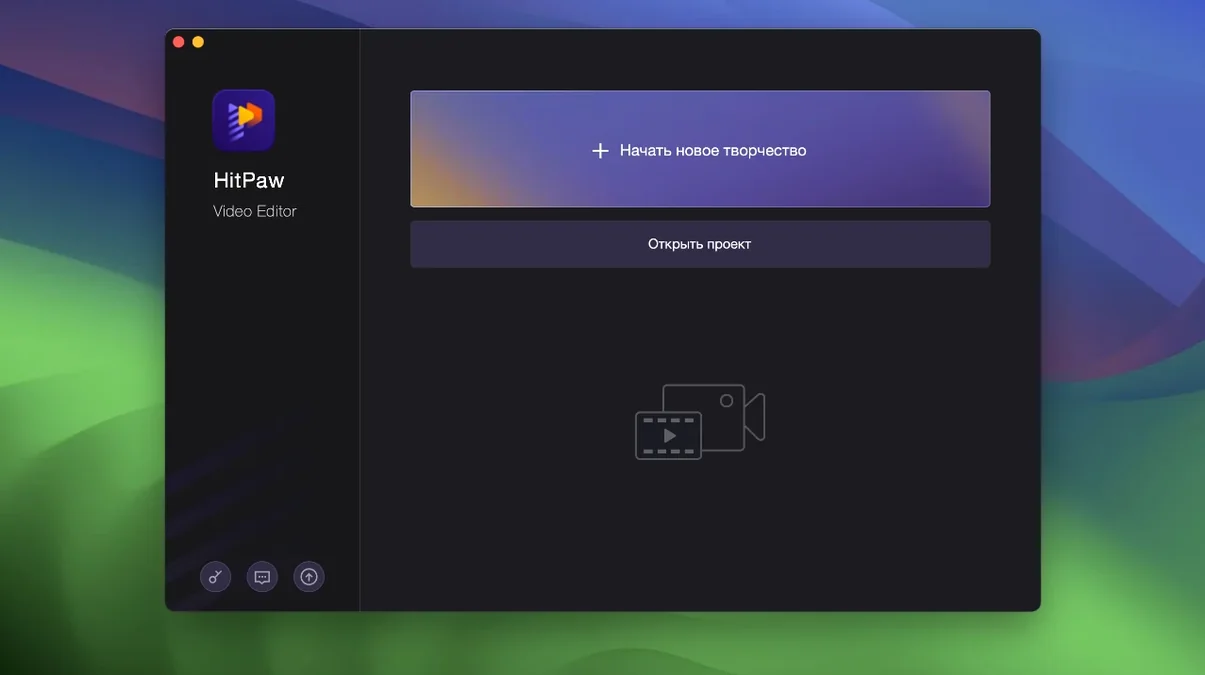
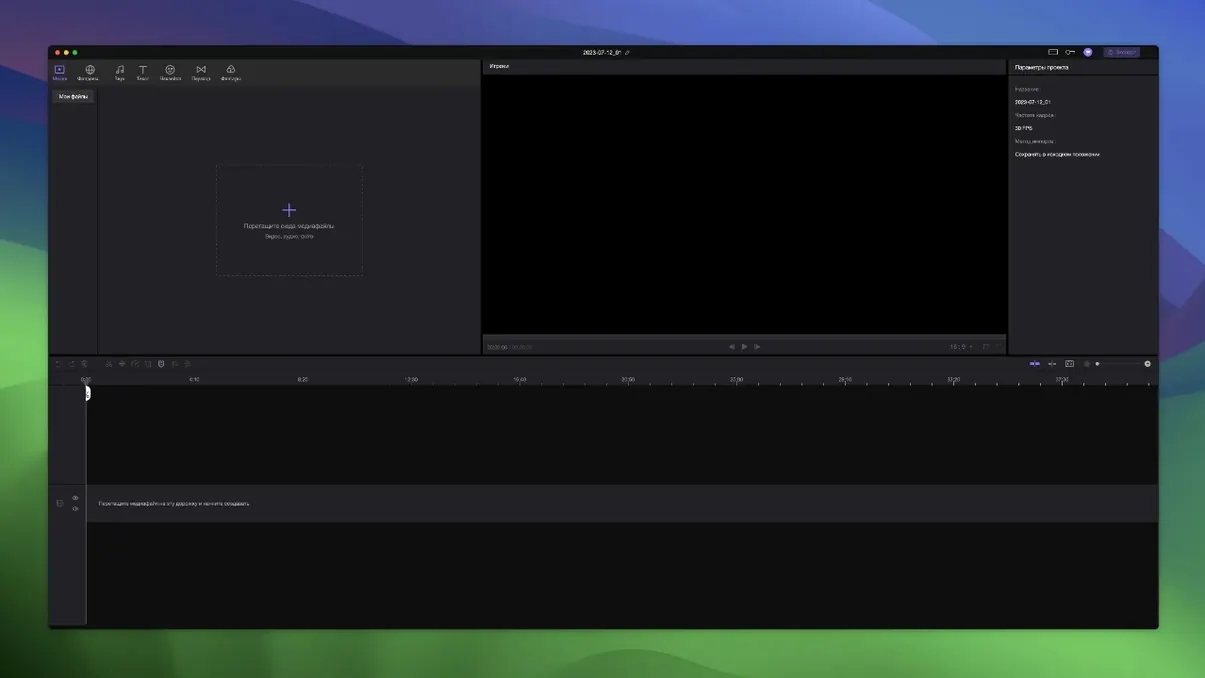
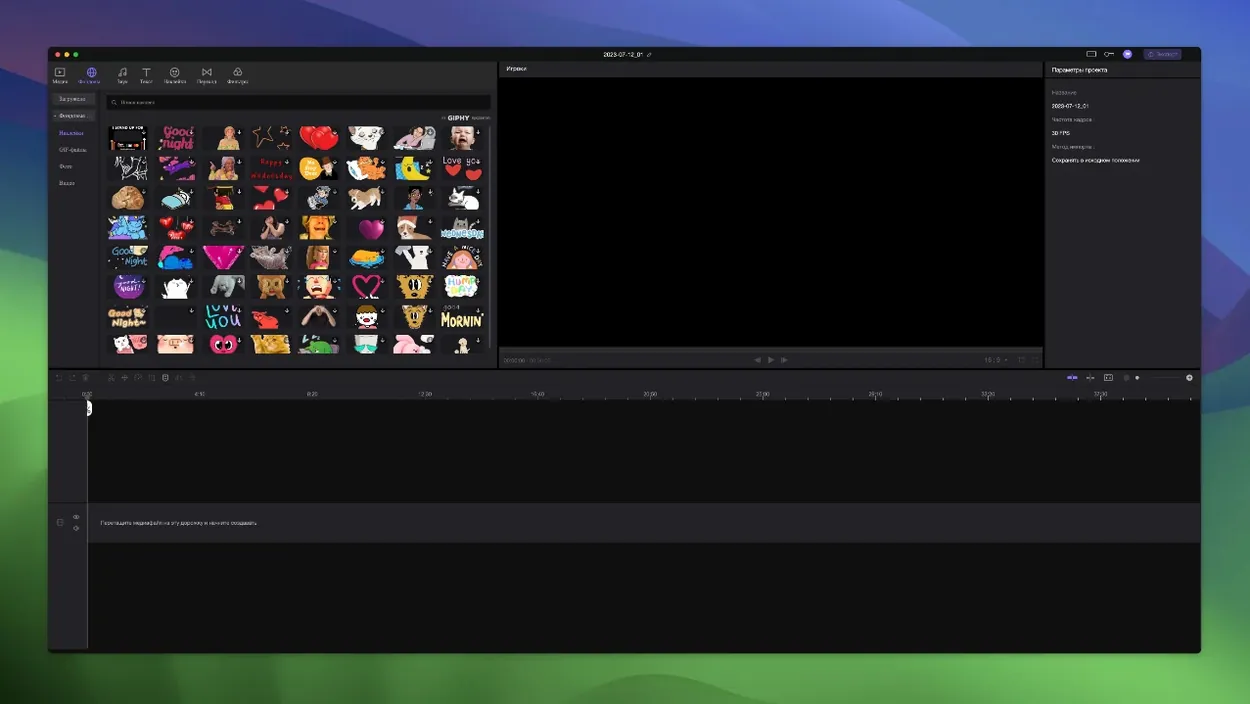
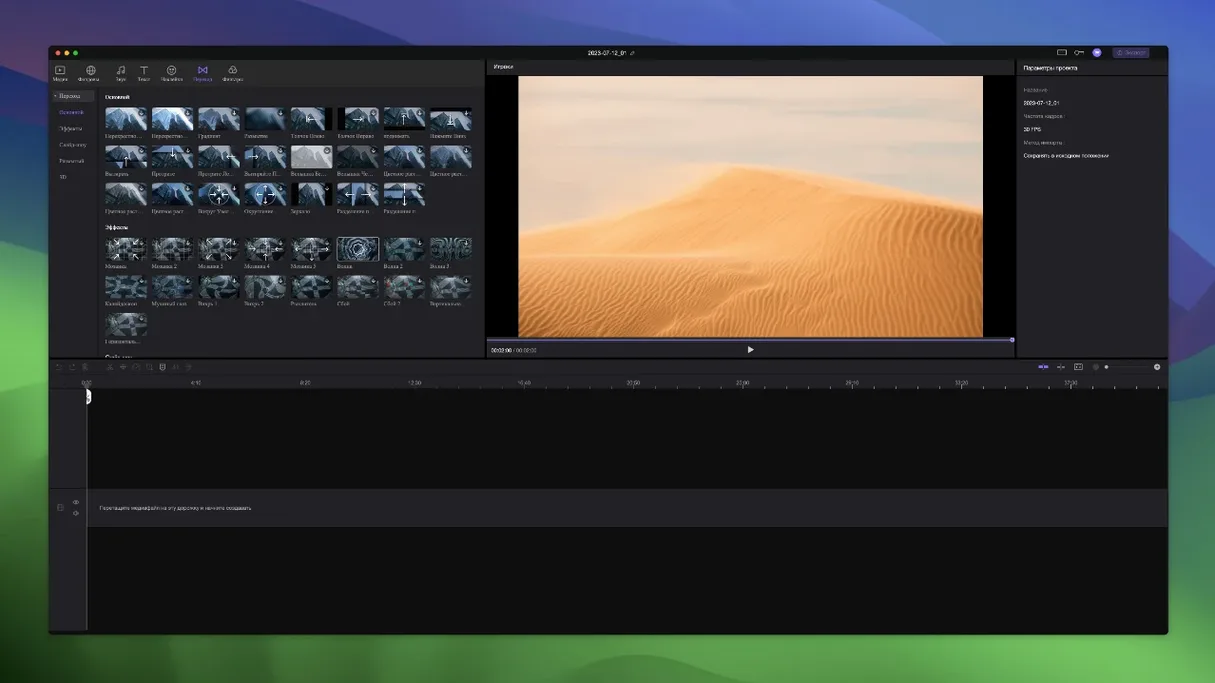
Edimakor is a Mac video editor from HitPaw that pairs standard timeline tools with AI-assisted features.
Unlimited tracks with elements locked to the main video
- Quick trimming and merging of clips
- Working with unlimited tracks
- Projects where elements stay locked to the main video
Rosetta-only build and AI that needs a quality check
- Intel-only build, so Apple Silicon Macs run it through Rosetta
- Interface feels built for basic edits rather than complex timelines
- AI features handle simple tasks but need checking
A typical session starts by dragging a few clips onto the timeline. The auto-attach behaviour means overlays and audio snap to the main track without manual syncing. Trimming is straightforward: drag the edges, split where needed, and merge the rest. The AI tools handle cuts and effects on their own, though the results aren't always frame-perfect. Once the sequence looks right, export is a single click. For rough cuts and quick turnaround, the workflow stays out of the way.
4K playback drops frames beyond four stacked tracks
One question that comes up regularly is whether Edimakor handles 4K footage without choking. On an Intel Mac with dedicated graphics, playback stays smooth with a couple of tracks. Stack more than four and the preview can drop frames — nothing a proxy workflow wouldn't solve, but don't expect real-time 4K across unlimited layers on older hardware.
People also ask about the timeline attachment feature. If you drag a clip on the main video track, all linked overlays, titles and audio move with it. That's the default behaviour and it can't be turned off. It saves time when you're rearranging a rough cut, but it's worth knowing before you start a project with lots of independent layers.
Another frequent point: activation works through a TNT release. No extra steps beyond the standard Gatekeeper bypass — mount the image, run the friendly helper, press Enter in Terminal, drag to Applications. That's the whole routine. The app runs offline once it's installed.
Version 2.6.0 tightened frame scrubbing and marker snapping
Version 2.6.0 tidied up timeline precision. Scrubbing to a specific frame feels tighter than earlier builds, and the timing markers snap more predictably when you zoom in. Small change, but it makes trimming interviews and music cues less frustrating day to day.
The sticker and transition libraries got a refresh too. New packs appeared without any announcement, and they load faster than before — no more half-second lag when browsing categories. The auto-attach logic was also tweaked. Elements from other tracks now stay grouped more reliably after a split, where older versions occasionally dropped the link.
Under the hood, the build remains Intel-only. Rosetta 2 carries it fine on Apple Silicon, and the interface stays responsive. No native ARM build yet, but the current version doesn't punish you for running translated.
- macOS 10.15 Catalina or newer
- Intel processor (x86 64-bit)







Comments 0
Sign in or create an account to add a comment.
No comments yet. They go up after moderation.