
iStat Menus — Mac download
Download (23 MB) Earlier builds
Ticked
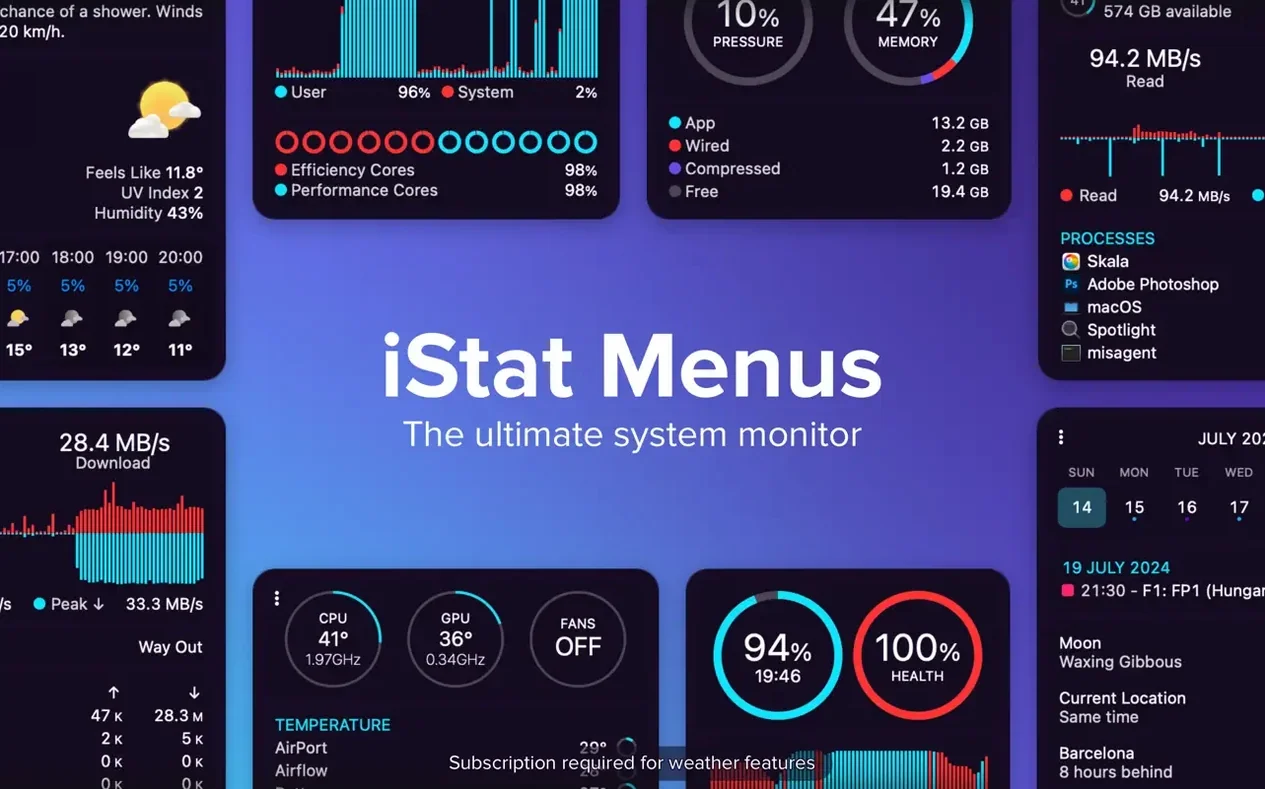
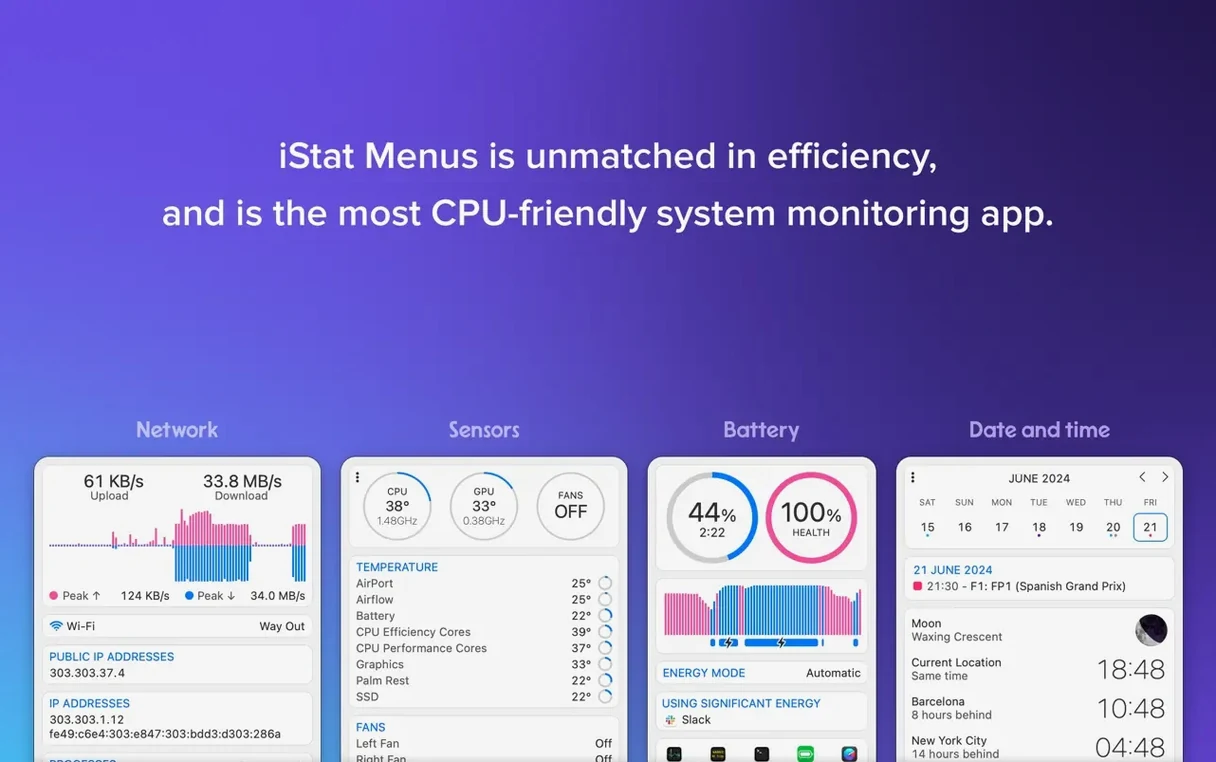
iStat Menus 7.50 needs macOS 11 (Big Sur) or later. It runs natively on Apple Silicon and Intel Macs. A helper tool installs for temperature and fan speed readings.
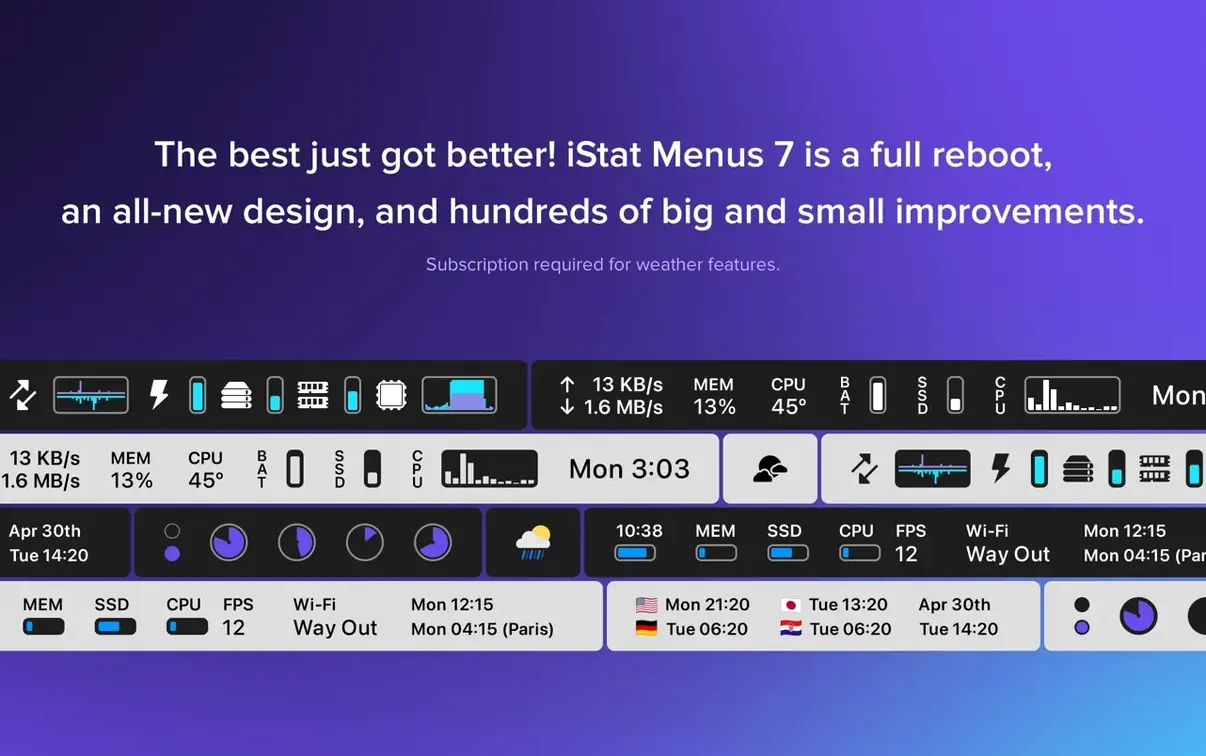
Menu bar graphs for CPU, memory, disk, and network
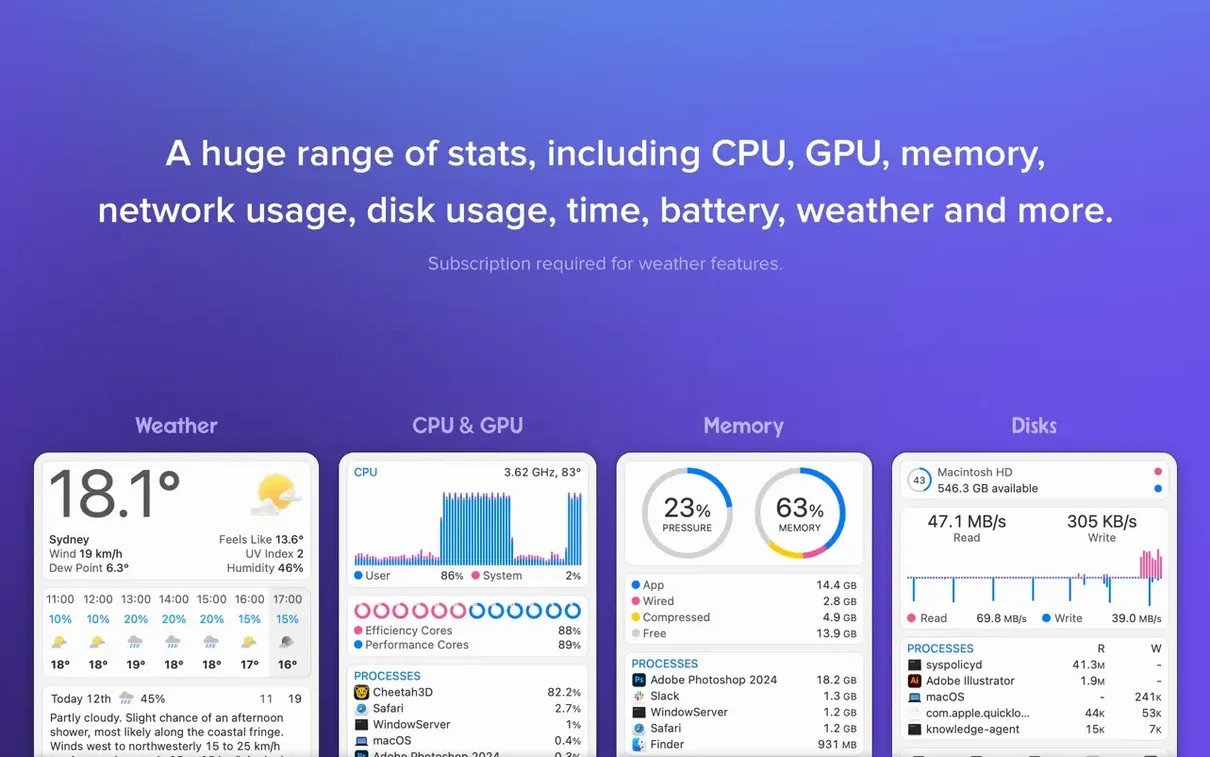
- Seeing real-time CPU, memory, disk, and network stats in the menu bar
- Monitoring disk health with S.M.A.R.T. status indicators
- Checking detailed weather, sunrise, sunset, Moon phases, and world times
- Setting fan speed rules when your Mac is on battery
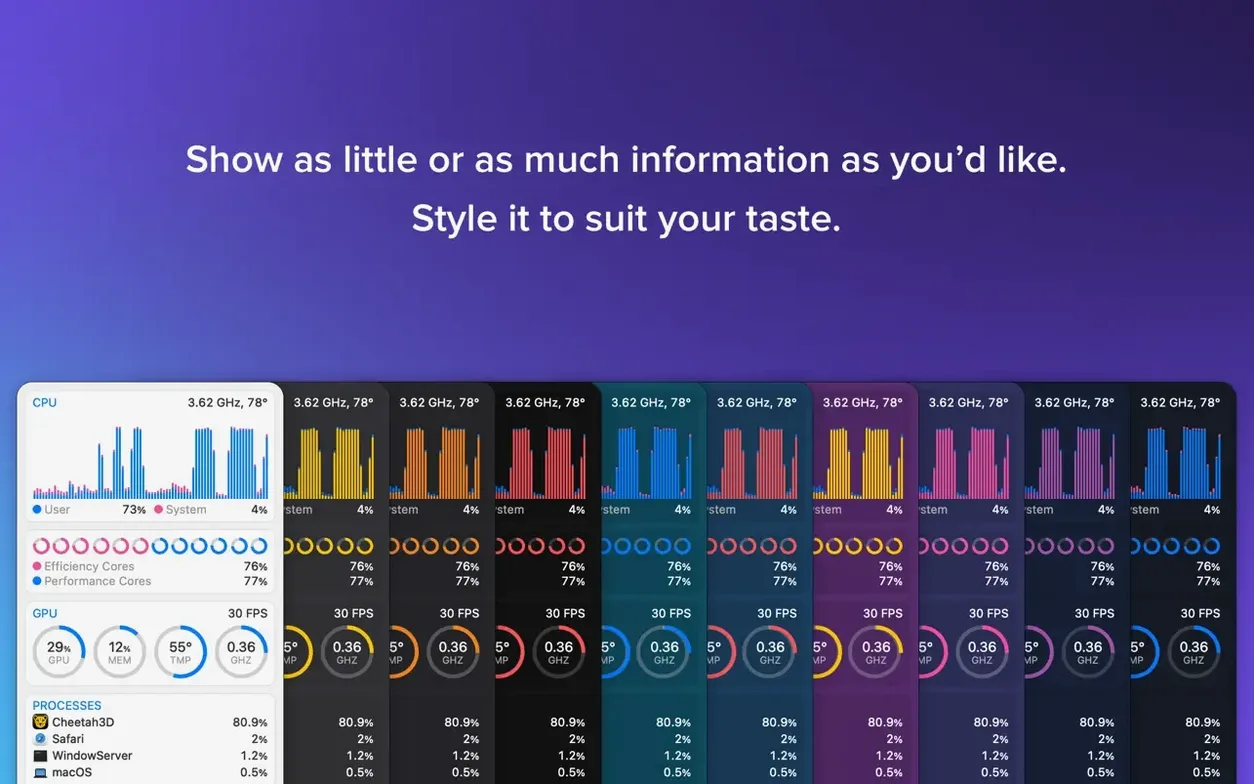
- Using Dark Mode, pie charts, line charts, and bandwidth graphs
Requires macOS 11 and a Helper for sensors
- Needs macOS 11 or newer; older systems are not supported
- The iStat Menus Helper is required for certain sensor data
- Astronomy forecasts are a recent addition to version 7.50
Astronomy forecasts arrive in the menu bar
The jump to 7.50 shipped one headline feature — a new Astronomy item. It sits in the menu bar alongside the usual CPU and network graphs. Tap it and you get forecasts for seeing, transparency, and cloud cover. For anyone who stargazes or shoots astrophotography, that saves opening a separate weather app or browser tab.
Day-to-day, the rest of the app works as it did. The astronomy data pulls from the same weather provider the widget already used, so you do not need extra accounts or API keys. If you already had the weather dropdown configured, the new observing conditions appear automatically after the update. No extra tick boxes to hunt down.
How iStat Menus fits with other apps and macOS
iStat Menus does not lock you out of Apple's own tools — it layers on top. Activity Monitor still opens when you need process-level detail. But iStat Menus gives you the headline numbers without switching windows. Many users keep both: Activity Monitor for deep dives, iStat Menus for at-a-glance checks.
Third-party tools slot in around it, too. Bartender hides less-used menu bar items while iStat Menus keeps the stats you want visible. AlDente handles battery charge limits; iStat Menus shows charge rate and health. TG Pro manages fan curves in detail; iStat Menus displays temperatures and lets you set basic fan rules tied to battery state. The overlap is intentional — pick the tool for the depth you need.
macOS Shortcuts does not read iStat Menus sensors directly, but the menu bar dropdowns copy their numbers as text. Paste a CPU temperature into a note or a log without screenshotting anything.
Dashes instead of sensor readings after install
- Sensor readings show dashes. The iStat Menus Helper probably did not install or was blocked. Re-run the installer from the app's own menu and check Security & Privacy settings for a prompt about a system extension.
- Menu bar items disappear after a macOS update. System updates can reset menu bar spacing. Open iStat Menus, toggle the item off, then on. If space is tight, reorder less critical icons or use Bartender.
- Astronomy forecasts are blank. The weather provider needs your approximate location. Check the weather item settings — if Location Services is off for iStat Menus, the astronomy data cannot fetch coordinates.
- Fan speed rules do not stick. The rule triggers only on battery power. Plug in the charger and the rule releases. That is by design, not a bug. For full fan control regardless of power source, pair with a dedicated fan utility.
- Network bandwidth shows zero for a known active app. macOS network filters can block the helper's access to per-app stats. Check that the helper has Full Disk Access in Privacy settings if the issue persists across restarts.
- Disk activity graph flatlines. The helper needs permission to read I/O counters. A reboot after granting permissions usually clears it. If not, uninstall and reinstall the helper from the app's preferences.
If you grabbed an istat menus mac download from a source other than the developer, the helper might be missing entirely — some repackaged copies strip it. Missing sensors, missing weather, and no fan control are the telltale signs. Reinstalling a complete copy restores it.
- New Astronomy item added
- Forecasts for seeing, transparency, cloud cover, and other observing conditions now included
- macOS 11 or later
- Apple Silicon or Intel Mac
Questions the team asks
Yes. Version 7.50 supports both Apple Silicon and Intel processors.
You need macOS 11 (Big Sur) or later.
The helper enables temperature readings, fan speeds, and other low-level sensor data.




Comments 0
Sign in or create an account to add a comment.
No comments yet. They go up after moderation.