
Juicy: Battery Alerts & Health — Mac download
Download (20 MB) Earlier builds
Ticked
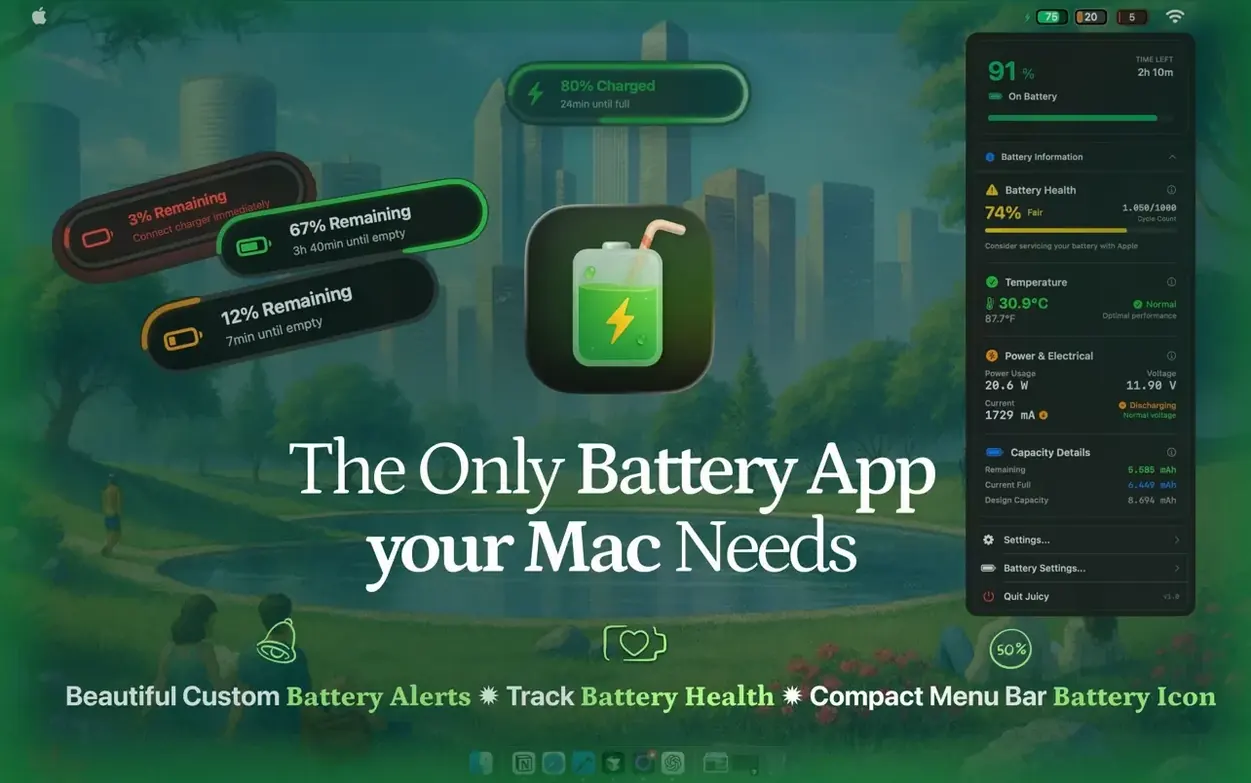
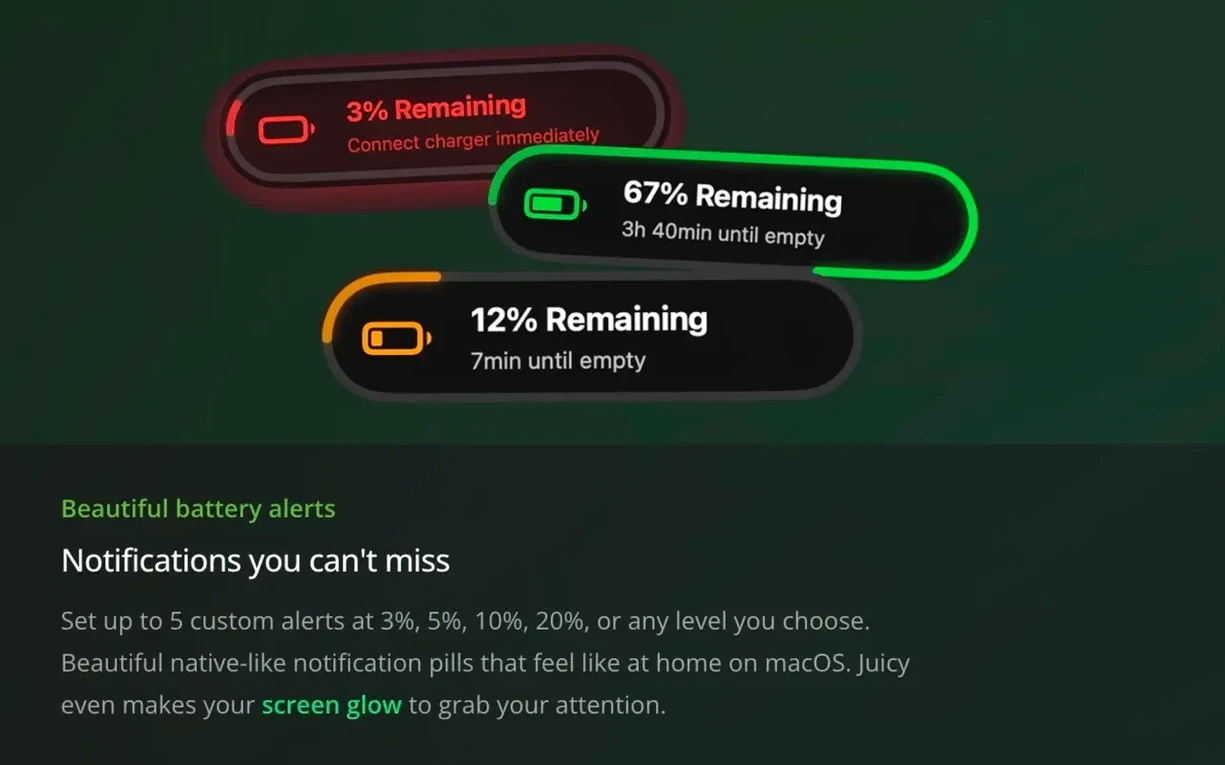

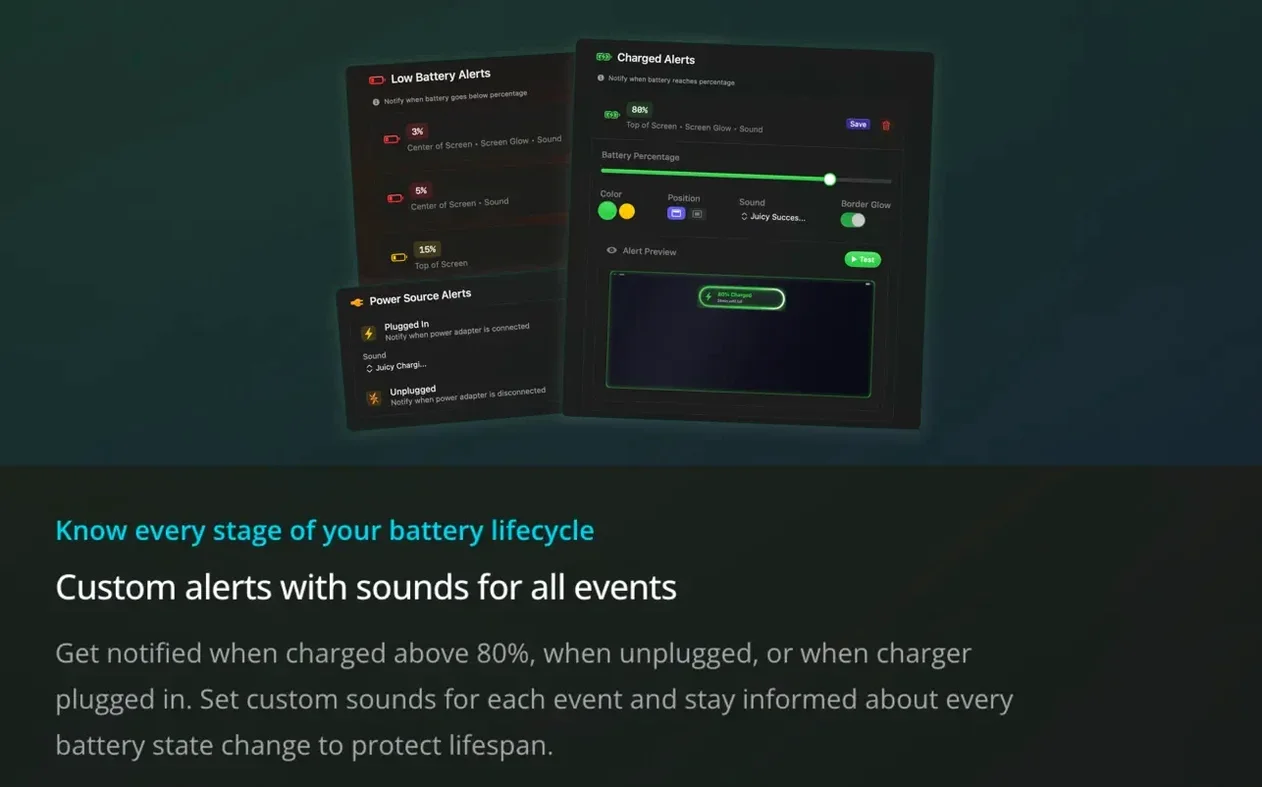
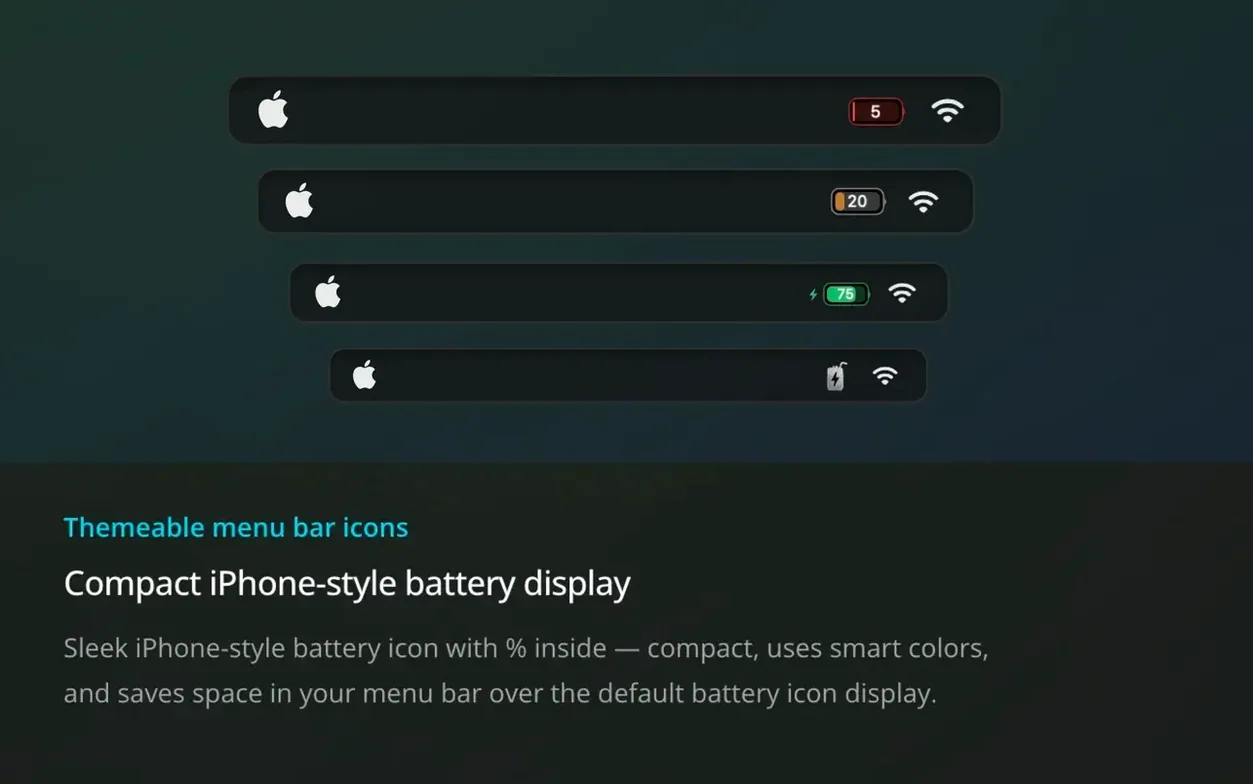
A battery that spends too long at 100% degrades faster. Most of us plug in and forget. Juicy steps in with alerts before that habit shortens the lifespan of a perfectly good battery.
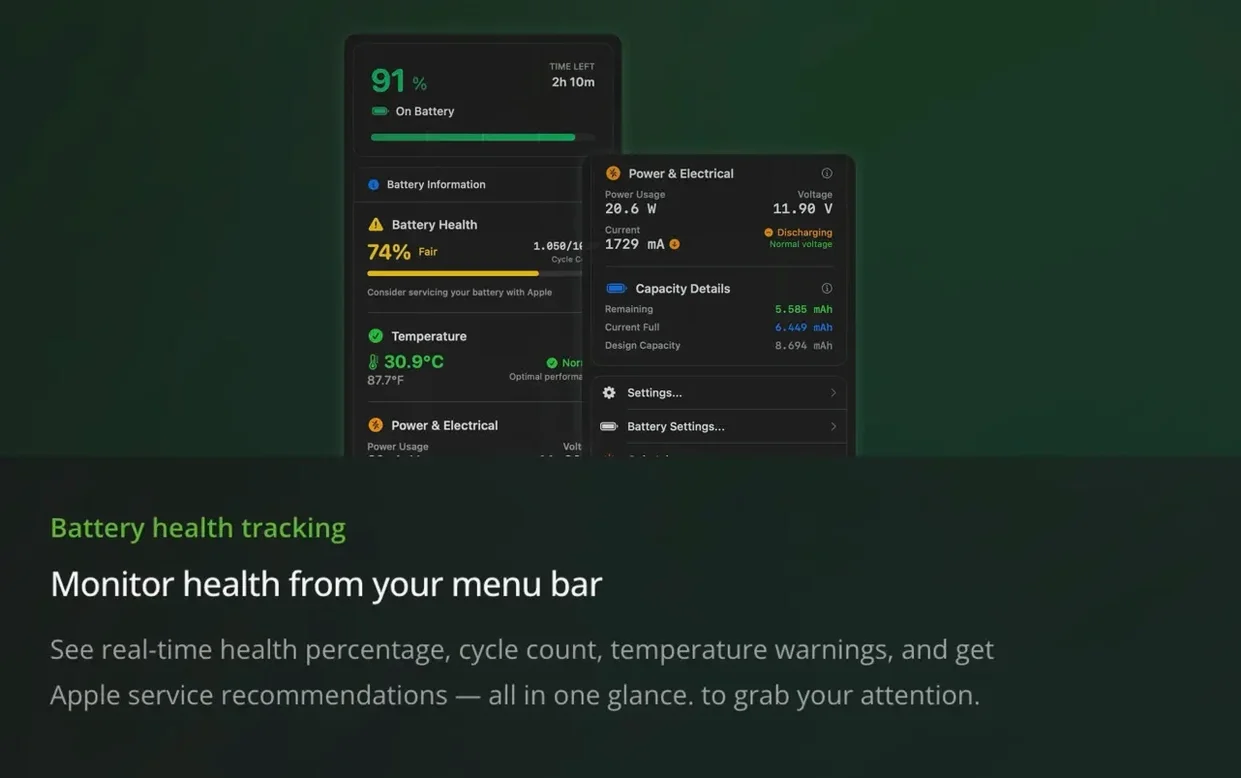
Version 1.5.6 keeps the core monitoring you expect — health percentage, cycle count, temperature, voltage, and capacity — all visible from a menu bar icon or desktop widget. What’s new is control. Charging limits with built-in heat protection arrived in 1.5, so the Mac stops charging before hitting the stress zone. Per-app energy insights now show which apps drain power the most, handy when you’re off the charger and need every watt.
Connected device monitoring remains a standout. AirPods, Magic Mouse, Keyboard, Trackpad, Beats kit — Juicy reads their battery levels too. Version 1.5 extended that to iPhone and iPad battery health display, turning the Mac into a single dashboard for every Apple device nearby.
Dark mode support with dynamic battery icons, voltage warnings, and Apple service recommendations round out the tool. It runs on both Apple Silicon and Intel Macs, macOS 15.6 required. English interface only.
MacBook desk anchors who rarely unplug
Three groups stand out.
MacBook owners who rarely unplug. If a laptop lives on a desk charger, the battery sits at full charge for weeks. Juicy’s high-battery alerts and charging limits (with heat protection) stop the slow damage that habit causes. Set a cap, get a prompt, unplug.
Freelancers and remote workers moving between sites. Changing power sources throughout the day — café, co‑work, home office — means disconnection notices and custom alert profiles for each setting are genuinely useful. One profile for the morning café dash, another for evening desk work.
Anyone with a desk full of Apple devices. The connected‑device battery view pulls AirPods, Magic Mouse, Keyboard, Trackpad, Beats, iPhone, and iPad levels into one place. No checking Bluetooth settings on three gadgets.
Morning menu bar check, widget at 31°C
Morning. You open the MacBook and glance at the menu bar. The battery icon reads 92%. Juicy’s widget on the desktop shows capacity at 97% of design, cycle count 214, temperature 31°C — normal.
You plug in at the desk. A quiet notification confirms power connected. After an hour the charge hits 80% and a gentle alert reminds you the limit is set. You unplug, battery stress avoided.
Mid‑afternoon, a per‑app energy insight catches your eye: a video call app is drawing 18 watts. You close it, switch to audio only, and watch the power draw drop to 7 watts. The Mac runs cooler for the rest of the day.
Evening. You open Juicy’s connected‑device panel. AirPods at 12% — time for the case. Magic Trackpad at 34% — fine. iPhone battery health at 89% — noted. Everything in one glance, no hunting through menus.
- Charging limits with heat protection — stop charging before 100% to extend battery lifespan.
- Per-app energy insights — see which apps pull the most power.
- iPhone and iPad battery health display added to connected device monitoring.
- macOS 15.6 or later
- Apple Silicon and Intel Macs
Questions the team asks
Yes, version 1.5 added iPhone and iPad battery health display alongside existing support for AirPods, Magic Mouse, Keyboard, Trackpad, and Beats devices.
Charging limits stop the Mac battery from reaching 100% to reduce wear, with heat protection built in to pause charging if temperatures climb too high.









Comments 0
Sign in or create an account to add a comment.
No comments yet. They go up after moderation.