
MacDroid Pro — Mac download
Download (28 MB) Earlier builds
Ticked
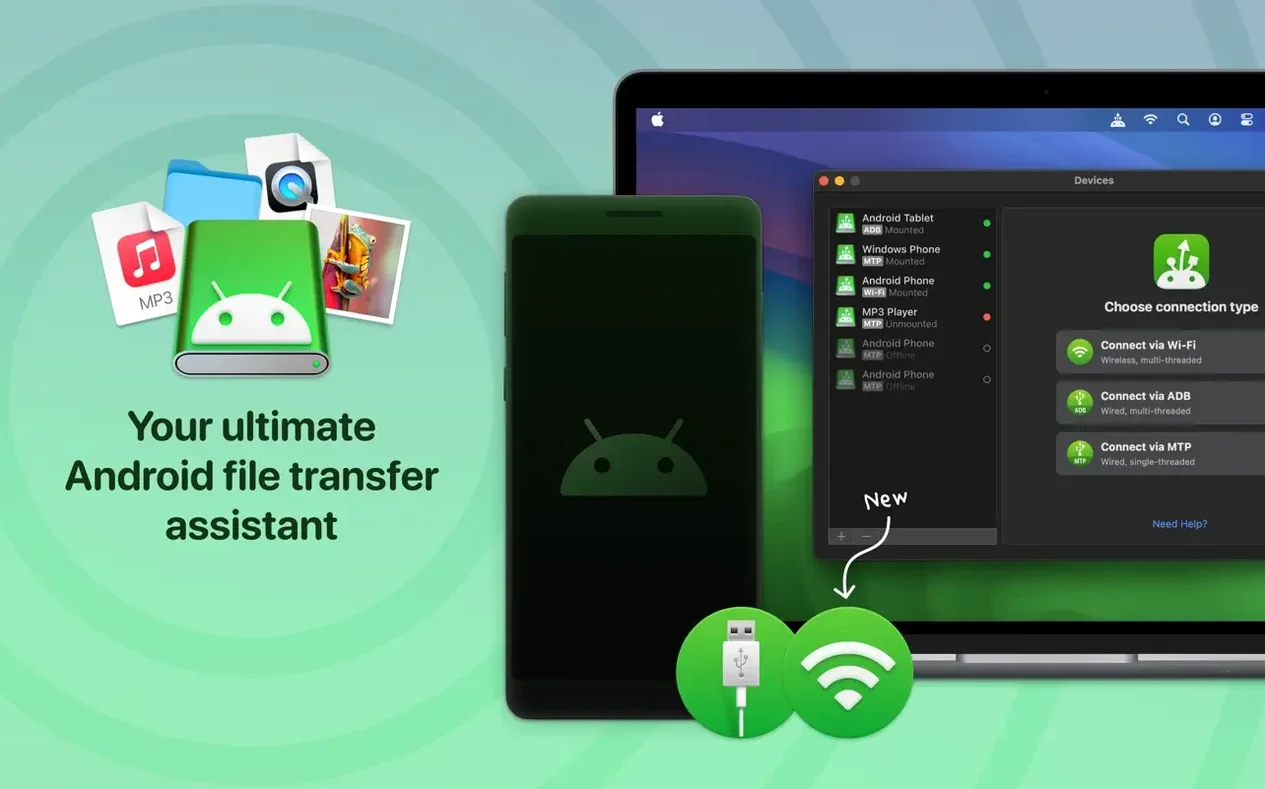
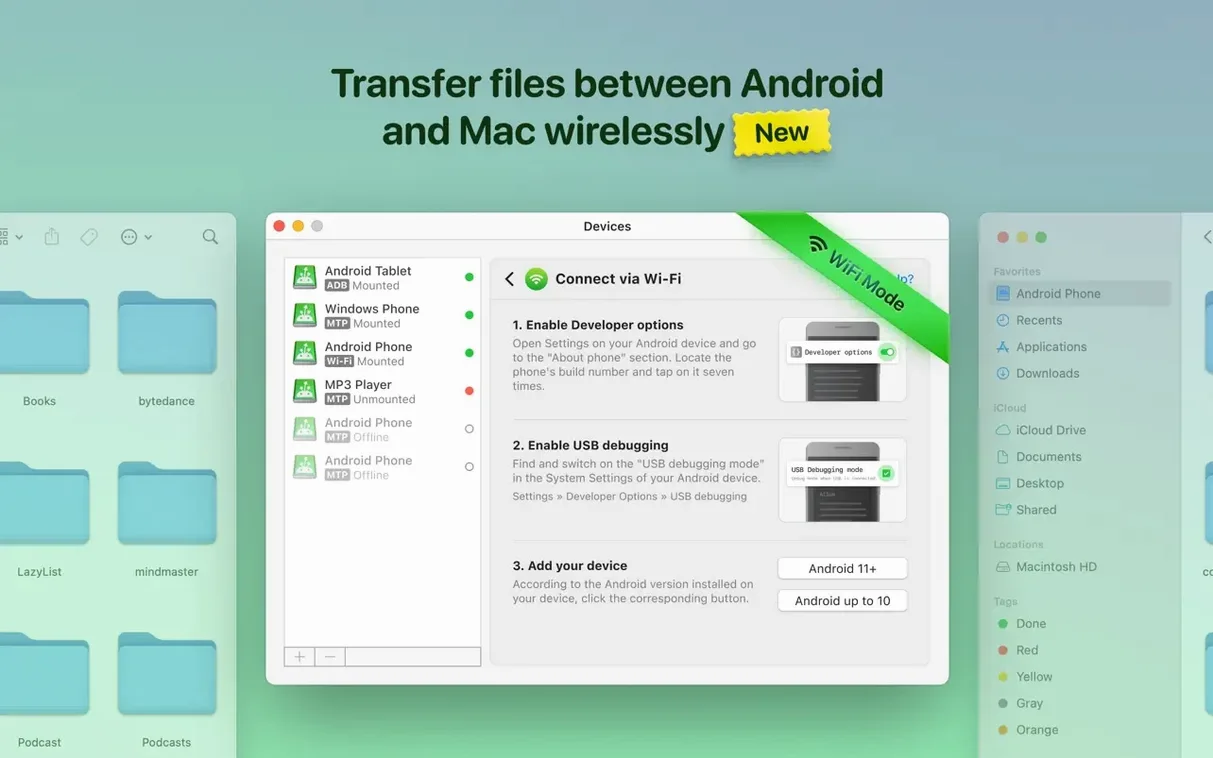
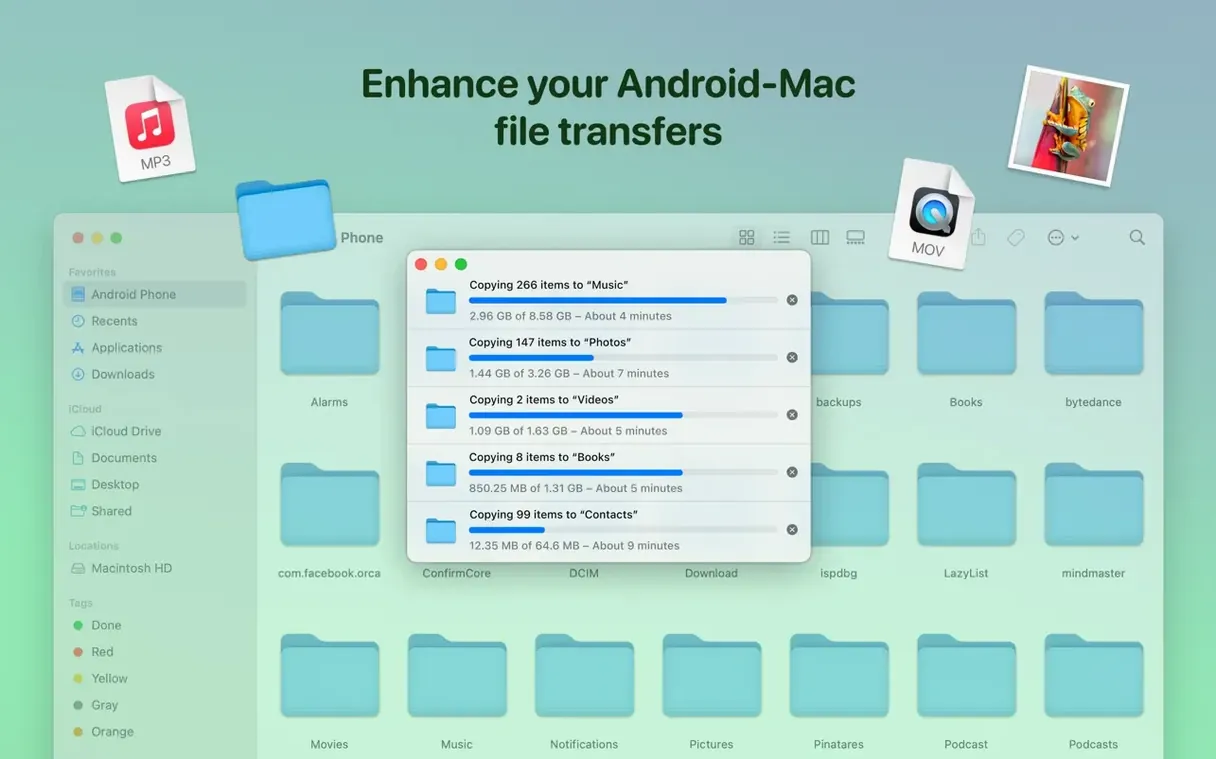
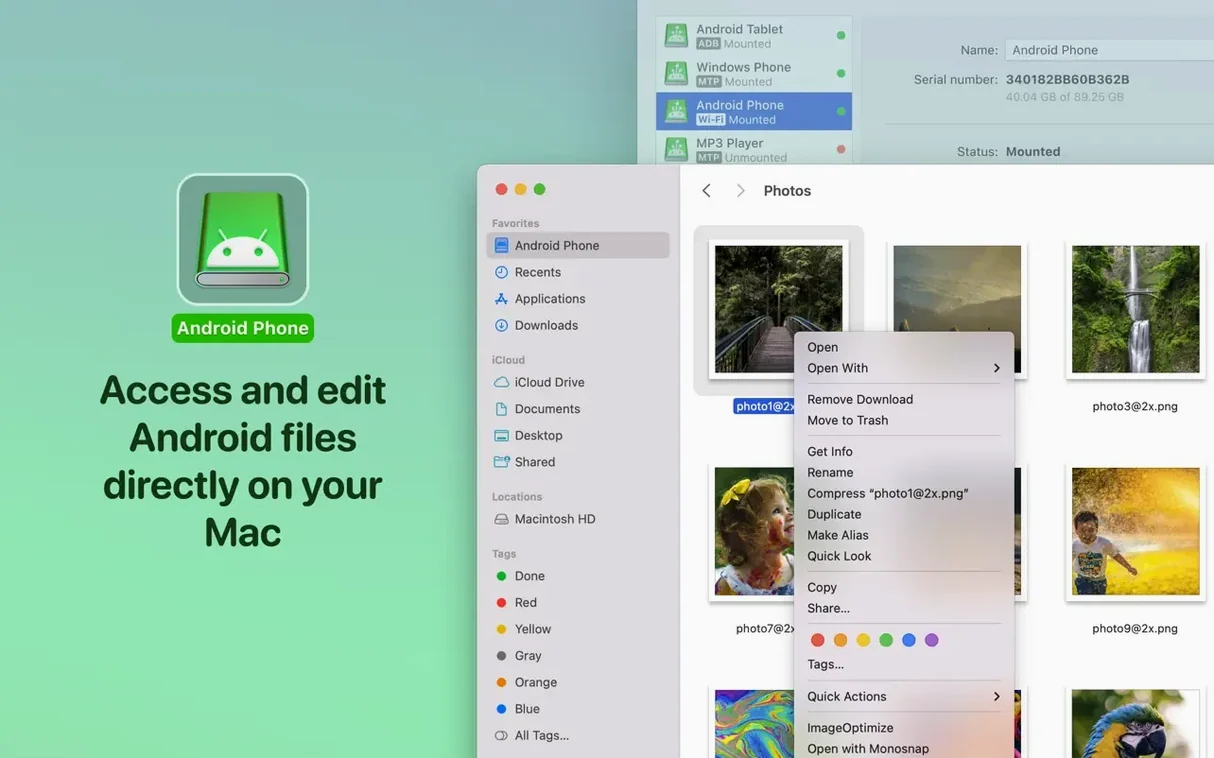
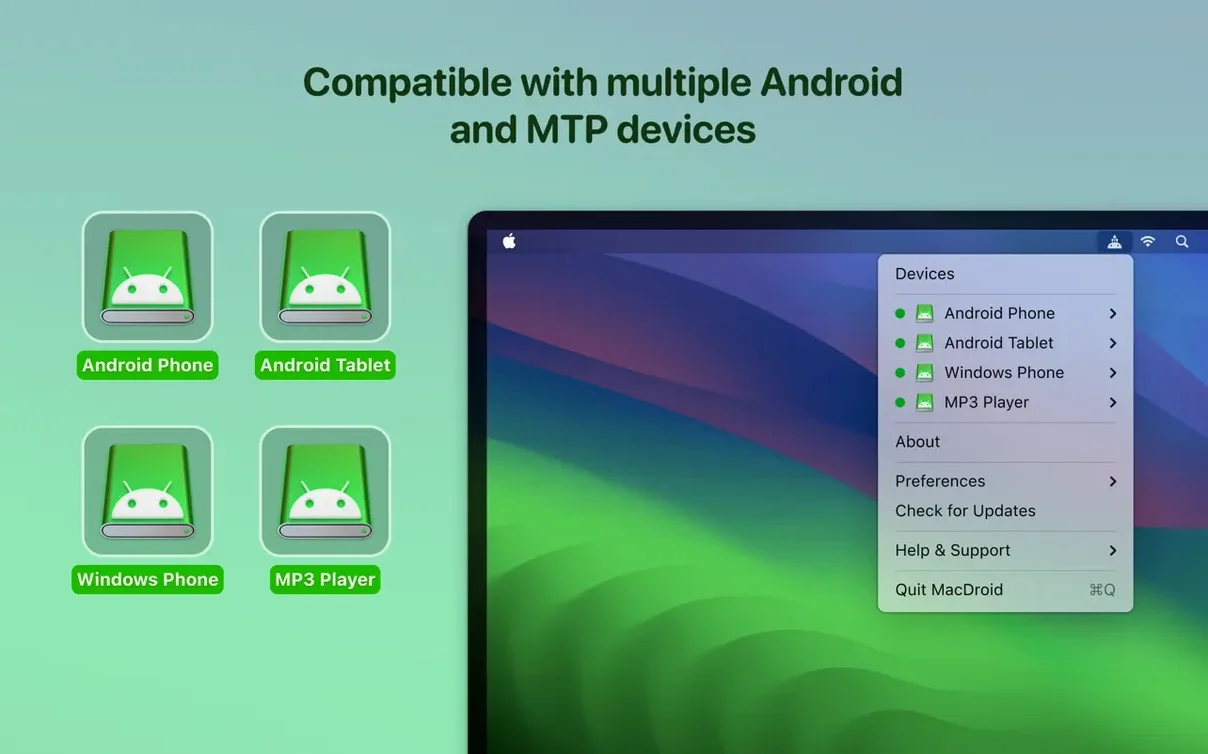
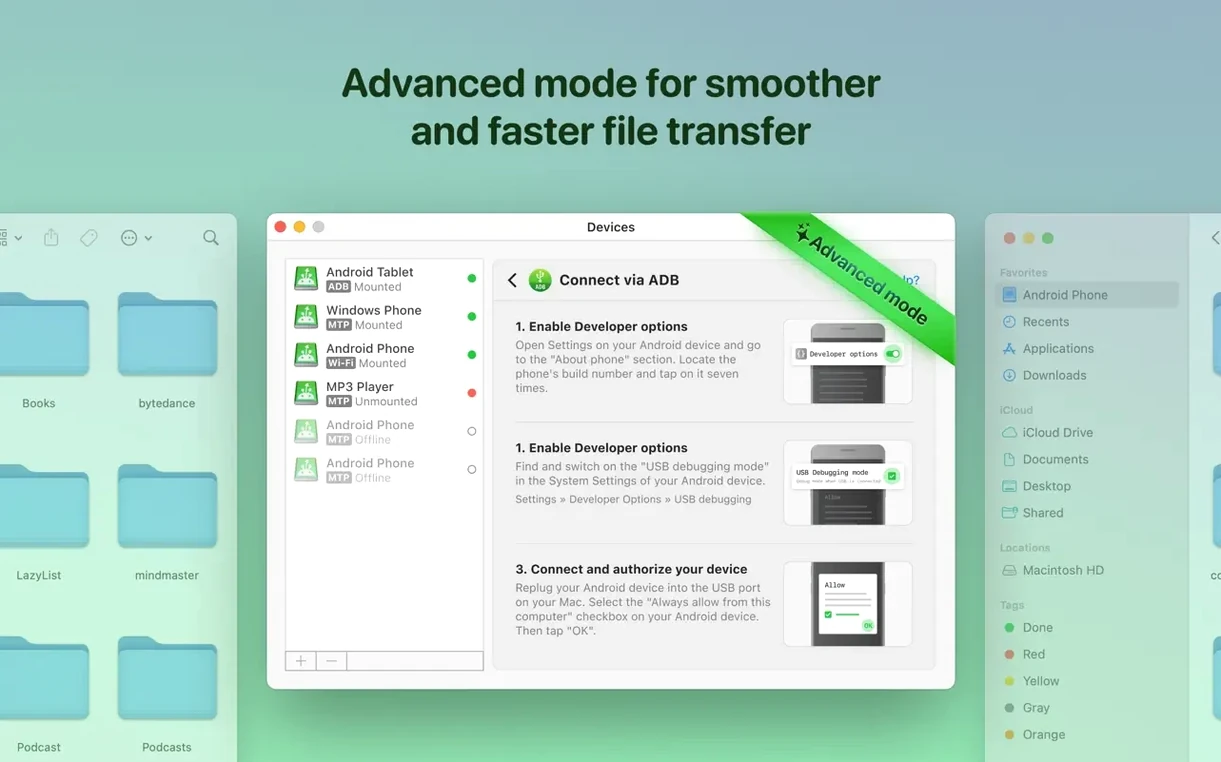
MacDroid Pro connects to both internal and external Android storage. You mount the device as a standard Mac disk drive, then edit files in place — no copying to the computer first.
Mounts Android as a local Mac volume
Connect an Android device by USB, and MacDroid Pro makes it appear as a local volume. You can open folders, rename documents, or move whole directories between Mac and Android. Editing happens directly on the phone or tablet; you never duplicate a file just to change it. The app handles MTP connections and has supported this workflow since the earliest versions, with version 2.10.1206 bringing faster file and folder listings.
Bypass cloud uploads for photo and media transfers
Anyone who regularly shifts batches of photos, project folders, or media between the two ecosystems will find the disk-mount model faster than cloud uploads. It helps if you prefer a wired connection and want Android storage to sit in Finder like any external drive. The tool needs macOS 11.5 or later and works on both Intel and Apple Silicon Macs.
USB mode still set to Charging
Most early frustration comes from three oversights. Fix these first.
- Leaving the default USB mode set to Charging. The Mac sees nothing. On the Android device, swipe down the notification shade and tap the USB options entry. Select File Transfer or MTP before launching MacDroid. Every missed connection I have debugged started here.
- Unplugging without ejecting. Treat the mounted Android drive like any external disk. Right-click the volume on the desktop or in a Finder sidebar and choose Eject. Yanking the cable mid-transfer corrupts file listings next time you connect.
- Expecting Wi‑Fi to match USB speeds. The wireless mode works for quick grabs — a handful of photos, a PDF — but large folders belong on a cable. Beginners often queue a 20 GB video folder over Wi‑Fi and then wonder why the estimate says forty minutes.
First-day checklist
A few deliberate moves in the first hour prevent half the support threads I see.
- Test both connection modes immediately. Plug in via USB first, mount the device, transfer a small file, eject. Then enable Wi‑Fi mode in the app and repeat. Knowing which mode suits your desk setup saves time later.
- Map the storage labels. MacDroid shows Internal storage and, if your device has it, External storage (SD card). Open each once, note the volume names, and rename them in Finder if you keep mixing them up.
- Set a default folder pair. Pick one folder on the Mac and one on the Android device that will act as your main drop points. Bookmark both in Finder. On day two, muscle memory kicks in.
- Check the ADB fallback. If MTP mode stutters with a particular phone, switch to ADB mode from the menu bar icon. The connection takes a few seconds longer to establish, but it often stabilises finicky device combos.
- Do a full-disk listing test. Browse to the deepest folder you have — a WhatsApp media directory, a buried downloads cache — and let the listing load. Version 2.10.1206 cut these load times noticeably, but you want to know the worst-case wait for your own device.
How MacDroid compares
MacDroid vs Android File Transfer
Google's own Android File Transfer utility does one job: basic MTP browsing. It lacks disk mounting, cannot edit files in place, and falls over on folders with more than a few hundred items. MacDroid Pro adds ADB and Wi‑Fi modes, mounts internal and external storage as volumes, and lets you work directly on the device. If you only copy a single photo twice a year, Android File Transfer may be enough. For anything resembling a regular workflow, the disk-mount model wins.
MacDroid vs OpenMTP
OpenMTP is a capable free option with a two-panel layout and decent transfer speeds. Where MacDroid pulls ahead is in-place editing and Finder integration. OpenMTP copies files to a temp location when you open them; MacDroid reads and writes directly on the Android device. For quick edits to a document without version confusion, the direct-access approach keeps things cleaner.
MacDroid vs Commander One + MTP plugin
Commander One with its MTP plugin offers a dual-pane file manager experience and packs features like FTP connections and cloud mounts. The trade-off is complexity — you are running a full two-panel commander. MacDroid strips the task down to one thing: treat Android storage like a Mac disk. If you already live in a dual-pane manager, Commander One fits. If you want Android volumes in Finder without extra interface, MacDroid stays out of the way.
Some people searching for a macdroid for mac free download end up trying the stripped-back free version first, then move to the full feature set later. Others hit dead ends with a macdroid torrent or a macdroid crack that breaks on the first macOS update, then come looking for a build that actually handles MTP and ADB reliably. A macdroid cracked build floating around forums often misses the recent listing-speed improvements from 2.10.1206. The macdroid pro feature set — wireless mode, in-place editing, external SD card support — is what most users actually need day to day.
- Added Traditional Chinese localisation.
- Improved connection and operation with devices via MTP.
- Faster loading of file and folder listings.
- macOS 11.5 or later
- Works on Intel and Apple Silicon Macs
- Android device with USB connection
Questions the team asks
Yes. MacDroid Pro mounts the device as a disk, so you open and edit files directly on the Android storage.
It does. The app provides access to both internal memory and external Android storage.
It uses MTP and ADB over USB. Version 2.10.1206 improved connection and operation for both methods.







Comments 0
Sign in or create an account to add a comment.
No comments yet. They go up after moderation.