

MAMP PRO — Mac download
Ticked
You open a client's WordPress site locally. It needs PHP 8.2, MySQL 8.0, and its own hostname — not a subfolder that breaks permalinks. Ten minutes later you're editing the theme files, no conflicts with the other five projects on your machine.
One project, one host
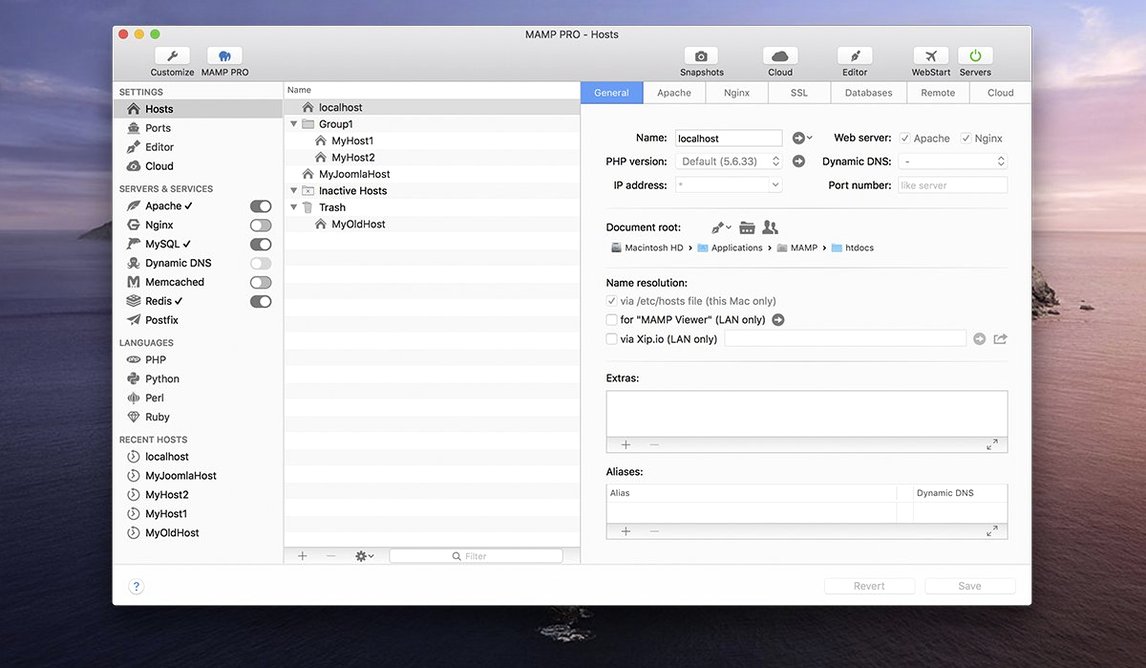
MAMP PRO creates a separate host for every web project. Each host gets its own Apache or Nginx setup, its own MySQL version — 5.7 or 8.0 — and extras like Redis or Memcached if the project calls for them. Drag hosts into order in the list and the server reads them top to bottom. The host create dialog is trimmed down so you're not wading through fields you never touch.
WordPress, in and out
Import a live WordPress site from a server, work on it locally, then publish it back when you're done. No manual database search‑and‑replace or config‑file edits. The built‑in stack handles it, and the redesigned toolbar puts the controls on one row.
Apache or Nginx starts in under two seconds on Apple Silicon
Apache or Nginx starts quickly — typically under two seconds on an M1 or M2 Mac. MySQL 8.0 takes a beat longer on first launch, but once running it stays responsive even with four or five hosts active. RAM use sits around 400–600 MB for a typical WordPress stack; add Redis and Memcached and you're still under a gigabyte on idle. CPU spikes only during imports or when a misconfigured script loops, and the activity monitor in the toolbar helps you spot the culprit host fast.
Switching PHP versions per host is instant. No restart, no shared config drift. PHP 8.2 runs for one project while its neighbour chugs along on 7.4, and neither notices. That isolation keeps old client sites testable without destabilising your current work.
Set a default host template with your preferred stack
New installs benefit from a few deliberate moves. Here is a checklist I use for every fresh MAMP PRO setup.
- Set a default host template. Pick your most common stack — say Nginx, PHP 8.2, MySQL 8.0 — and save it. New hosts then inherit sensible defaults instead of the factory settings.
- Map the local domain suffix. Change the generic
.localto something project‑specific like.clientor.dev. It stops collisions with Bonjour and makes hostnames readable in the toolbar list. - Place the document root where you work. Point it to a folder inside your active projects directory, not the default MAMP location. Backups and git repos stay cleaner.
- Install extra PHP versions early. The improved PHP installer in 6.9 handles dependencies better, but downloading 7.3 through 8.3 takes a few minutes. Do it once before a deadline pushes you.
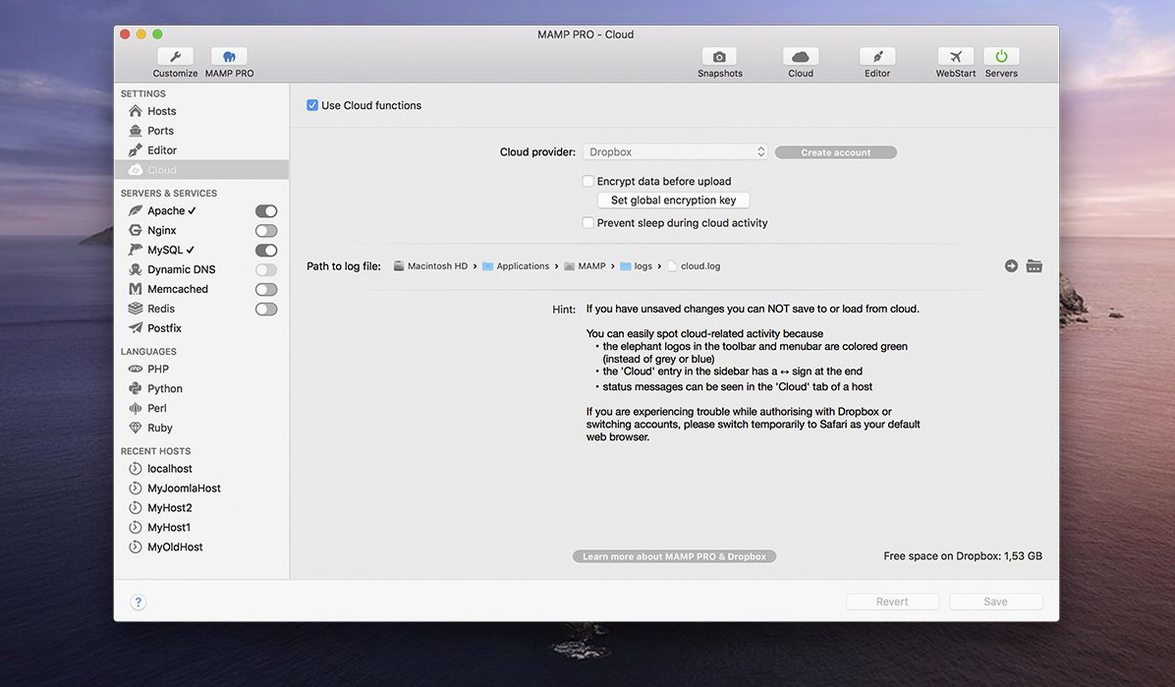
- Check the Cloud feature connectivity. If you plan to publish or import WordPress sites between machines, test a small dummy host first. Network hiccups are easier to debug when nothing is on fire.
Predictable friction points and their fixes
Most friction points are predictable. Here are the ones I see repeatedly and the fix for each.
Host-specific server config crashes
Version 6.9 patched a crash when editing per‑host configurations, but if you upgrade from an older build, a corrupted template can linger. Delete the host's httpd.conf or nginx.conf inside the MAMP PRO data folder and let the app regenerate it from the default template. Takes thirty seconds.
MySQL won't start after a macOS update
Sometimes the data directory permissions shift. Open Terminal, cd into the MAMP database folder, and run sudo chown -R $(whoami) mysql56 or the equivalent for your version. Restart the server and MySQL comes back without a rebuild.
phpMyAdmin alias not resolving
The 6.9 release improved opening phpMyAdmin 5 via alias, but lingering browser cache can still show a 404. Clear the host's browser history for that local domain or open the alias URL in a private window. If the alias file itself is missing, re‑save the host settings — MAMP PRO rewrites the alias on save.
Port conflicts with other local tools
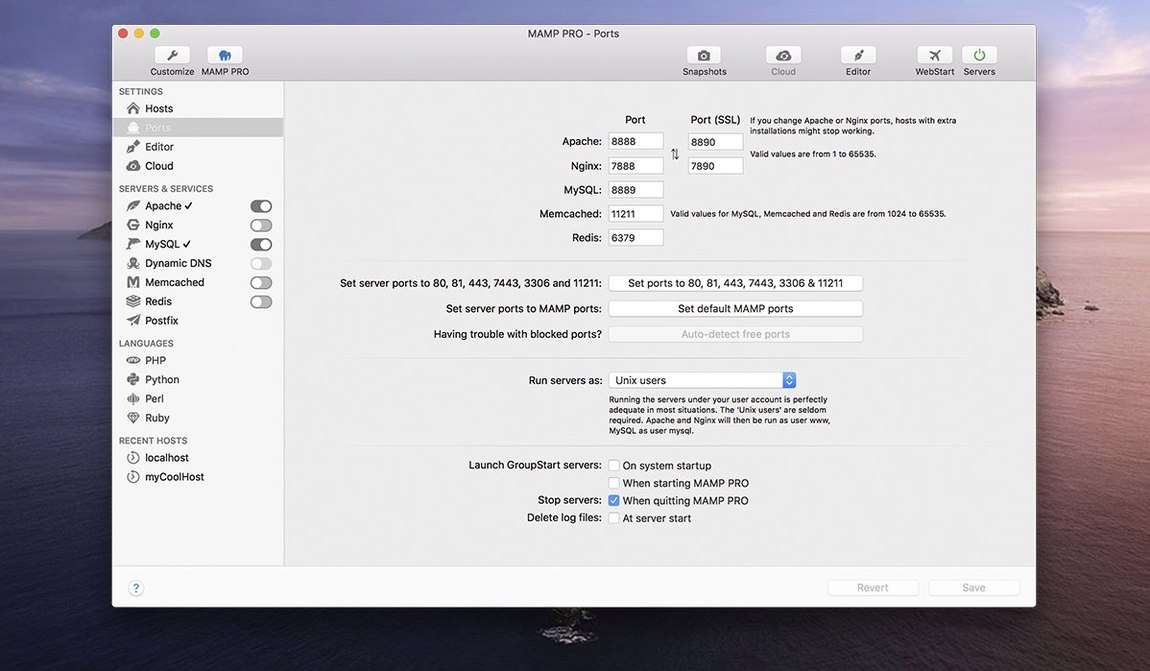
Docker, Homebrew services, or another MAMP instance can grab port 80 or 3306. Change the ports in the network tab, then update any bookmarks or wp‑config files. MAMP PRO warns you on startup if a port is in use, but the warning is easy to dismiss too fast — read it before you click through.
Some people grab mamp pro mac torrent releases to test before committing, and those builds occasionally ship with an older MAMP core. If your host list refuses to populate or the toolbar buttons are greyed out, a clean removal of the previous version's preference files usually clears it. The same applies to mamp pro crack mac setups that leave behind mismatched library versions. A quick sweep of ~/Library/Application Support/appsolute and a restart gets the interface back to normal.
If you import a site and the media library shows broken images, the import skipped serialised data. Run the built‑in search‑and‑replace tool — it is under the host extras — and target the old domain. Two passes, one for HTTP and one for HTTPS, and the thumbnails reappear.
- Host‑specific server config edits no longer crash the program.
- MAMP Cloud network issues are fixed.
- PHP version installation is smoother.
- Opening phpMyAdmin 5 via alias works now.
- macOS 10.12 or later
- Intel and Apple Silicon Macs
- ARM Macs require macOS 11.0 or later








Comments 0
Sign in or create an account to add a comment.
No comments yet. They go up after moderation.