

MacFamilyTree — Mac download
Download (135 MB) Earlier builds
Ticked
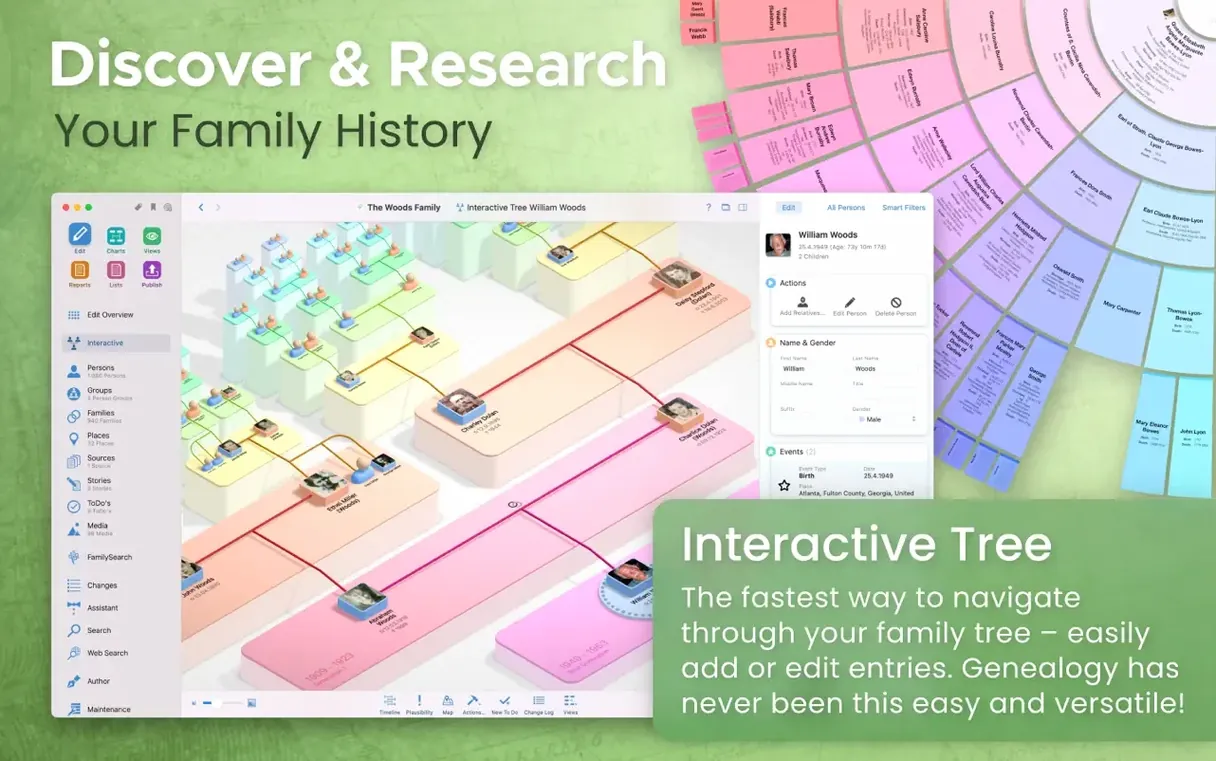
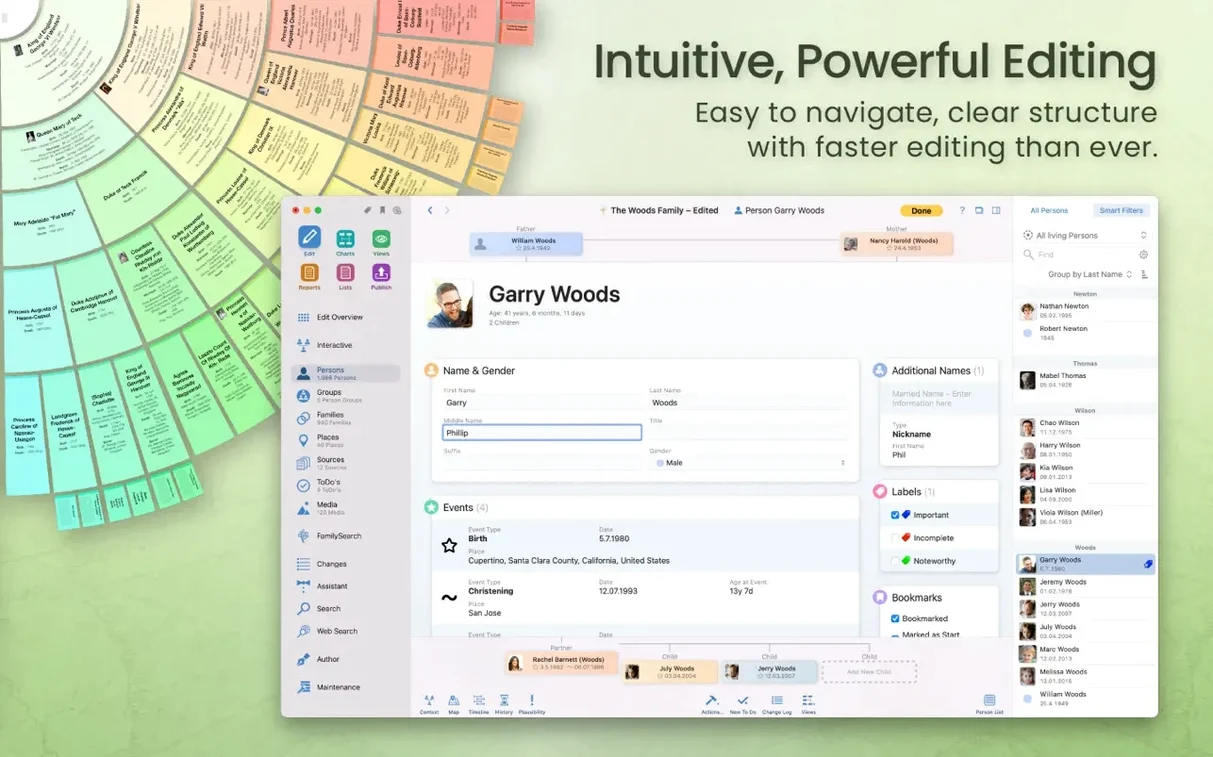
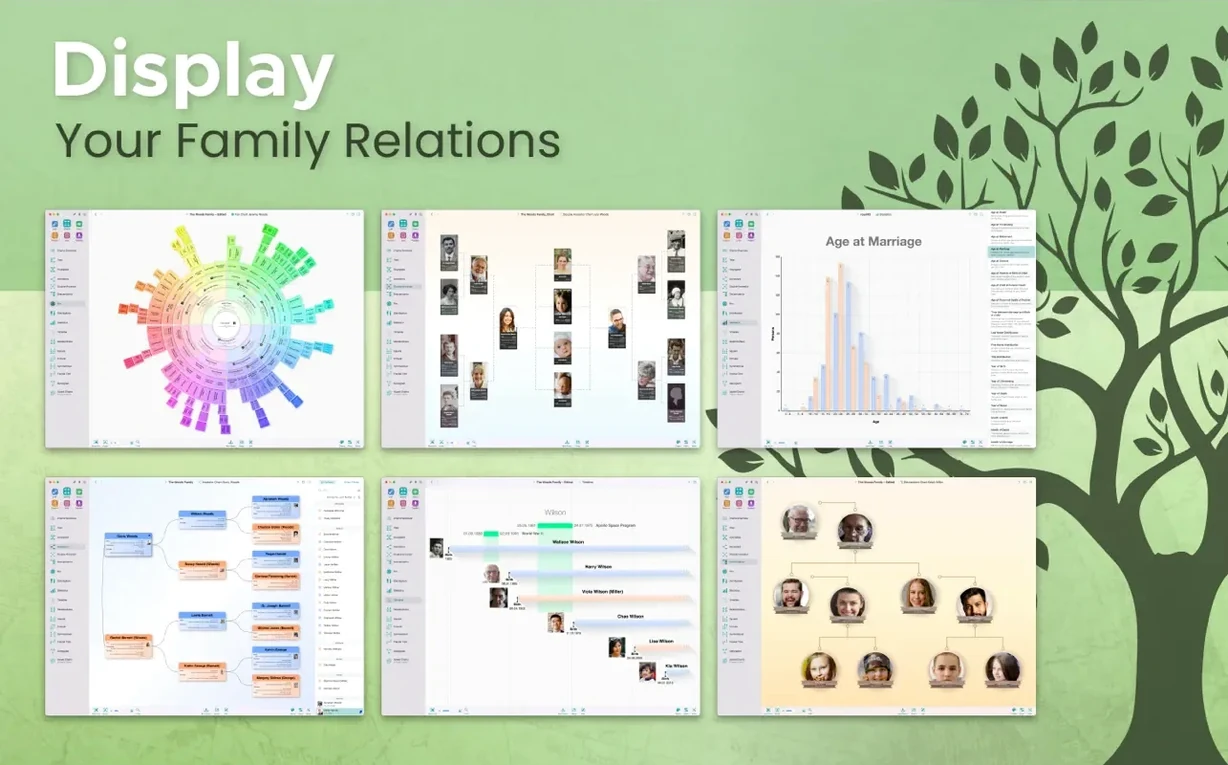
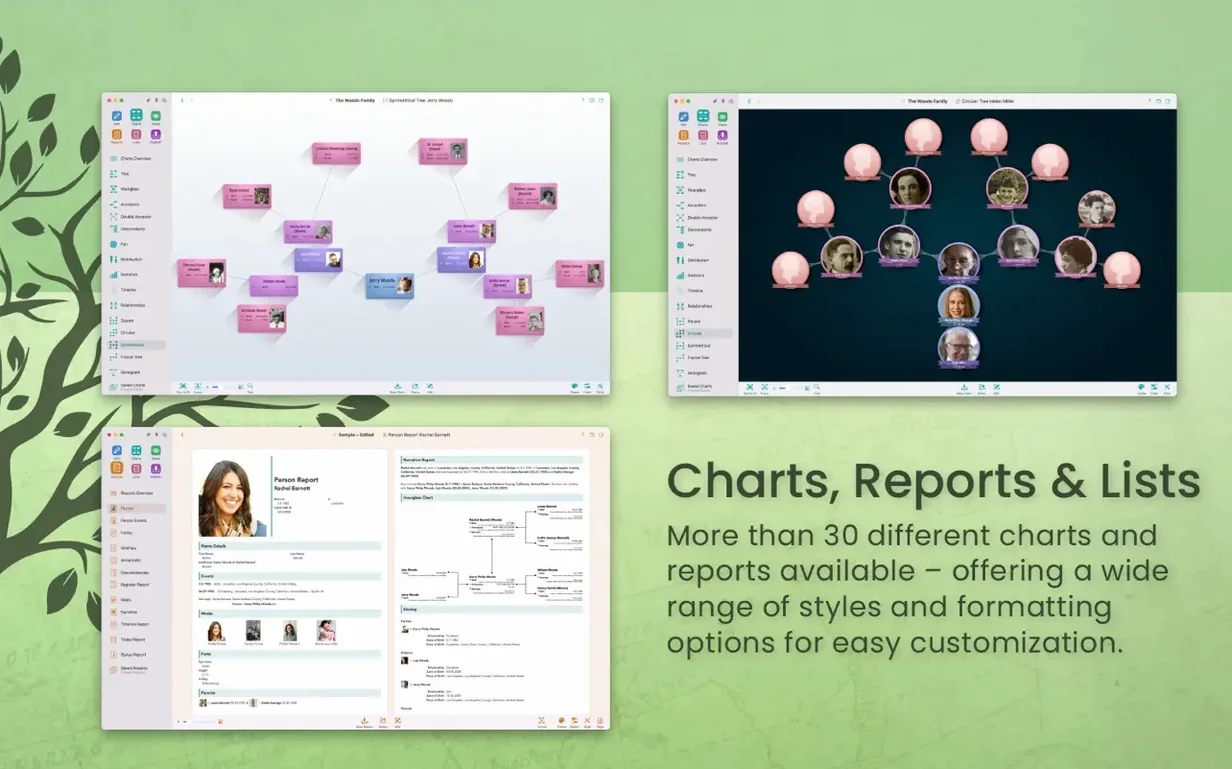
You have a folder of old census scans and a half-finished chart from a relative. Opening them in MacFamilyTree is the logical next step. It turns scattered names into a connected tree with places, dates and relationships.
| Quick facts | |
|---|---|
| Current version | 11.3.2 |
| Developer | Synium Software GmbH |
| macOS | 12 Monterey or later |
| Architecture | Apple Silicon, Intel 64-bit |
People searching for a macfamilytree torrent usually want to know three things before they commit. Does it run on their Mac? How does sync work? And what happens with the data they already have? The app needs Monterey or later and runs natively on Apple Silicon. Syncing between Mac and the companion MobileFamilyTree app uses iCloud. Your existing GEDCOM files import directly, and you can search FamilySearch records from inside the app. Local storage is the default, with an option for encrypted iCloud storage if you prefer.
Several thousand people without chart stutter
On an Apple Silicon Mac, the tree view stays responsive even with several thousand people. Scrolling through the interactive chart does not stutter, and switching between report types takes a second or two. Exporting a large GEDCOM file gives the spinning wheel briefly, then completes. Intel Macs work, but the difference is noticeable on complex 3D views.
Memory use sits around 300–500 MB for a medium-sized tree. That is reasonable for an app that renders charts and holds session history. Background sync through iCloud does not interrupt editing, and the app has not crashed once during a full afternoon of data entry.
Where it slows down
- Opening a tree with many attached media files for the first time
- Generating large narrative reports
- Syncing a tree between devices after a long offline period
None of these are blockers. They are the normal cost of rich data.
Scenario: a local historian
A local historian researching village families keeps everything in MacFamilyTree. On Monday she imports a GEDCOM file from a colleague, checks for duplicate people, and merges the records. On Tuesday she adds scans of parish registers to twenty individuals, then marks five records as hidden before exporting a report for a genealogy society. On Wednesday she opens CloudTree Sync on her iPhone before visiting an archive. New finds go straight into MobileFamilyTree, and the Mac picks them up when she gets home.
The value is not one feature. It is the whole loop: capture, verify, link, share. The app keeps the steps short, and the checklist stays visible.
- Updated for macOS Sonoma compatibility
- macOS 12 or later
- Apple Silicon or Intel 64-bit
Questions the team asks
The developer states it requires macOS 12 Monterey or later, and it is optimised for both Apple Silicon and Intel 64-bit Macs.
Yes. The app supports GEDCOM import and export, so you can bring in data from other genealogy software.
It syncs with the MobileFamilyTree companion app. The developer states that syncing between devices requires an iCloud account.









Comments 0
Sign in or create an account to add a comment.
No comments yet. They go up after moderation.